

Balancing channels in a mix is one of the most important skills in music production, and it's also one of the easiest things to overcomplicate. Producers often jump straight into EQ, compression, saturation, stereo tools, and effects, hoping those moves will make the mix sound professional. But if the channel balance is off, all of that processing is working on top of a weak foundation.
A great mix usually starts with simple level decisions. If the vocal is too quiet, the message gets lost. If the drums are too loud, they can dominate the whole track. If the bass is overpowering, the mix can feel heavy and blurry. If the music elements sit too far forward, they can crowd the lead parts and make everything feel confused.
That is exactly why Mix Balance in REFERENCE 3 is so useful. It helps you compare your mix to a reference track and suggests gain adjustments for your vocals, drums, music, and bass. Instead of trying to work out every balance decision purely by instinct, you get fast, practical guidance that points you in the right direction.
In this blog, we’ll look at how to balance channels in a mix using Mix Balance in REFERENCE 3, why this matters so much, and how to use it to make faster, more confident decisions.
 Why Channel Balance Matters So Much
When a mix feels wrong, the problem is often not very complicated. It is usually that one or two key parts are simply too loud or too quiet compared to everything else.
If the vocals sit too low, the track can feel distant and weak. If the drums are too far forward, the mix can feel aggressive and tiring. If the bass is too strong, it can pull attention away from the groove and blur the low end. If the musical backing is too loud, it can bury the emotional focus of the song.
This is why balance comes before fine detail. Before you worry about shaping tone, controlling dynamics, or adding more excitement, you need to make sure the important channels are sitting in the right relationship to one another.
A well balanced mix feels clearer, more emotional, and easier to listen to. It also makes every later decision easier, because you're building on something solid instead of constantly fixing problems created by poor level choices.

What Mix Balance In REFERENCE 3 Actually Does
Mix Balance in REFERENCE 3 suggests gain adjustments for your vocals, drums, music, and bass so you can better match the balance of your mix to a chosen reference track.
This is powerful because those four groups cover the big balance decisions that shape how a mix feels. In many cases, if those four areas are sitting correctly, the mix already feels dramatically more professional.
Instead of staring at a session full of dozens or even hundreds of channels and wondering what to do next, Mix Balance simplifies the problem. It helps you focus on the broad strokes first. That is often where the biggest wins are.
It is not there to replace your judgement. It is there to guide it. You still decide what feels right for the song, but now you have a clear visual suggestion based on the relationship between your mix and a great reference.

Your Ears Adapt Quickly
The hard part about mix balance is that your ears adapt very quickly. After listening to the same loop for ten minutes, a vocal that was obviously too loud can start to feel normal. A bass that is taking over the mix can start to feel exciting. A drum balance that is too heavy can start to feel powerful just because you have heard it enough times.
That is why comparing to a great reference matters so much. It gives you perspective.
Mix Balance makes that perspective far more actionable. Instead of just feeling that something is off, you can see whether REFERENCE 3 thinks your vocals want to come up, your drums want to come down, your bass is too dominant, or your music elements are sitting too far back.
That can save a huge amount of time, especially when you are deep into a mix and your objectivity has started to slip.
How To Use Mix Balance In REFERENCE 3
Here is a simple way to use Mix Balance when you are working on a track.
1. Choose A Reference That Truly Matches Your Goal
Start by choosing a reference track that is genuinely similar to the result you want. That means similar genre, similar arrangement, similar energy, and similar emotional intent.
If your track is sparse and intimate, do not compare it to something huge and dense. If your production is bass-heavy and club-focused, do not compare it to something warm and laid-back. Mix Balance is most useful when the reference is genuinely relevant.

2. Level Match Before You Judge Anything
This is essential. Louder almost always feels better at first, so if your reference is noticeably louder than your mix, it can trick you into making poor decisions.
REFERENCE 3’s Level Match makes the comparison fair, which means Mix Balance is helping you respond to the real balance differences, not just loudness bias.

3. Check What Mix Balance Is Telling You
Now look at the four categories: vocals, drums, music, and bass.
If Mix Balance suggests boosting vocals, that may mean your lead is not carrying enough weight. If it suggests reducing drums, your rhythm section may be pushing too far forward. If bass wants to come down, your low end may be dominating the whole presentation. If music wants to come up, your supporting instruments may not be doing enough to create excitement and width.
This gives you a fast overview of where the biggest imbalances are likely to be.

4. Make Broad Fader Moves First
Do not immediately start reaching for detailed processing. Start with the obvious move. If vocals want to come up, turn them up. If bass wants to come down, pull it back. If drums are overcooking the mix, ease them down slightly.
Often, those simple fader changes are enough to make the mix feel dramatically better.
5. Recheck After Each Move
After adjusting the balance, check Mix Balance again. You will often find that one good move changes the whole relationship of the mix. For example, bringing the vocal up can make the music feel less crowded. Pulling the bass back can make the drums feel punchier. Lowering the drums slightly can make the whole track feel wider and more open.
This back and forth process helps you converge on a stronger mix much faster.
How To Balance Drums Using Mix Balance
Drums often set the energy of a track, but they can also overpower it very easily.
If Mix Balance suggests your drums are too loud, the mix may feel like it is all attack and no emotion. The snare might be too dominant, the hi-hats may be pulling focus, or the kick might be making the whole track feel smaller by taking up too much space.
If Mix Balance suggests your drums want to come up, the mix may be lacking drive and confidence. The groove might not be pushing the song properly.
This is where Mix Balance is so helpful. It gives you a quick answer to a question that can otherwise take a lot of time to work out: are the drums really sitting where they should?
Once you have the broad drum level in the right place, you can make finer decisions inside your drum bus or individual drum channels if needed.

How To Balance Bass Using Mix Balance
Bass is one of the hardest things to judge consistently, because low frequencies are so affected by room acoustics, speaker limitations, and playback volume.
That is why bass is one of the most valuable Mix Balance categories.
If your bass is too loud, the mix can feel cloudy, overbearing, or slow. It can also make your kick feel weaker, because the low end becomes one big lump instead of a controlled foundation.
If your bass is too quiet, the mix can feel thin, small, and emotionally underpowered.
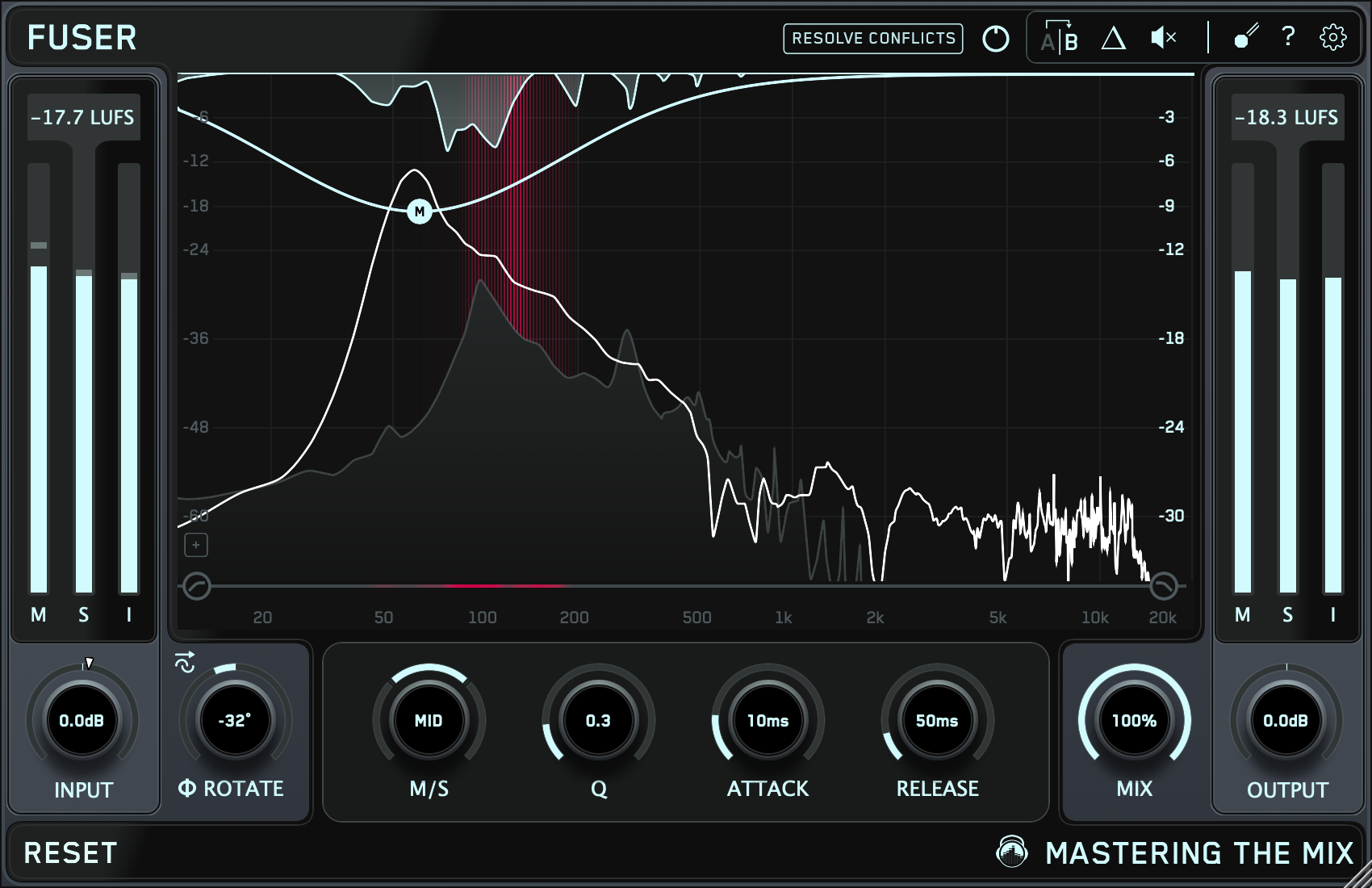
By showing whether the bass wants to come up or down relative to the reference, Mix Balance helps you get into a much better ballpark quickly. Then, if needed, you can use tools like FUSER to deal with masking between the kick and bass, or refine the tone with EQ once the level relationship is working.

How To Balance Vocals Using Mix Balance
In many genres, the vocal is the emotional centre of the track. If that relationship is wrong, the whole mix can feel off no matter how polished everything else is.
If Mix Balance suggests your vocals need to come up, your lead may not be carrying enough authority. The words may be clear, but the vocal may not feel emotionally present.
If Mix Balance suggests your vocals need to come down, they may be sitting on top of the mix rather than inside it.
This is especially useful because vocal problems are often misdiagnosed. Producers sometimes think the vocal needs more EQ, more compression, or more saturation, when the real problem is simply that the level relationship is wrong.
Getting the vocal into the right place first often solves far more than expected.

How To Balance Instruments Using Mix Balance
The music category in Mix Balance is extremely useful because it covers the broader body of the production, guitars, synths, keys, pads, samples, and other musical layers.
These parts are often where clutter builds up. If the music category is too loud, the mix can feel crowded and emotionally unfocused. If it is too quiet, the song can feel empty and unsupported.
This makes Mix Balance a great way to judge whether the supporting material is doing its job properly. Is it lifting the record, or getting in the way? Is it creating excitement, or just filling space?
Again, this does not mean every individual part needs to be adjusted the same way. It simply tells you that the overall relationship of the musical backing to the rest of the mix may need attention.

What Makes Mix Balance So Powerful
The real strength of Mix Balance is not that it makes decisions for you. It is that it points you toward the decisions most worth making.
That matters because one of the biggest problems in mixing is wasted effort. Producers spend ages tweaking plugin settings when the real issue is that the drums are 2 dB too loud, the bass is swallowing the low end, or the vocal is tucked too far back.
Mix Balance helps you identify those broad problems earlier. That means less wandering, fewer unnecessary plugin moves, and a much clearer path to a better mix.
It is also a brilliant learning tool. The more you use it, the more you start to internalise what strong channel balance actually looks and feels like across different genres and production styles.
Conclusion
Balancing channels in a mix is one of the most important parts of getting a professional sound. If the balance is wrong, everything else becomes harder. If the balance is right, the rest of the mix usually comes together much faster.
REFERENCE 3’s Mix Balance feature gives you a smarter way to approach that process. By suggesting gain adjustments for your vocals, drums, music, and bass based on a chosen reference track, it helps you make faster, clearer, and more confident decisions.
So before you disappear into detailed processing, start with the foundation. Compare your mix to a great reference, use Mix Balance to see where the big relationships are off, and get your channels sitting right first. That alone can transform your mix.