


Free Trial
Download the fully functional trials of our plugins to help you get better sounding mixes FREE for 15 days.
Plugins for Music Producers
Getting Started With Mastering The Mix Plugins
This page will give you a quick overview of how to get the most value from our plugins. Click an image below to jump to that product.
Prefer Video? ▶️ Watch Our Welcome Video


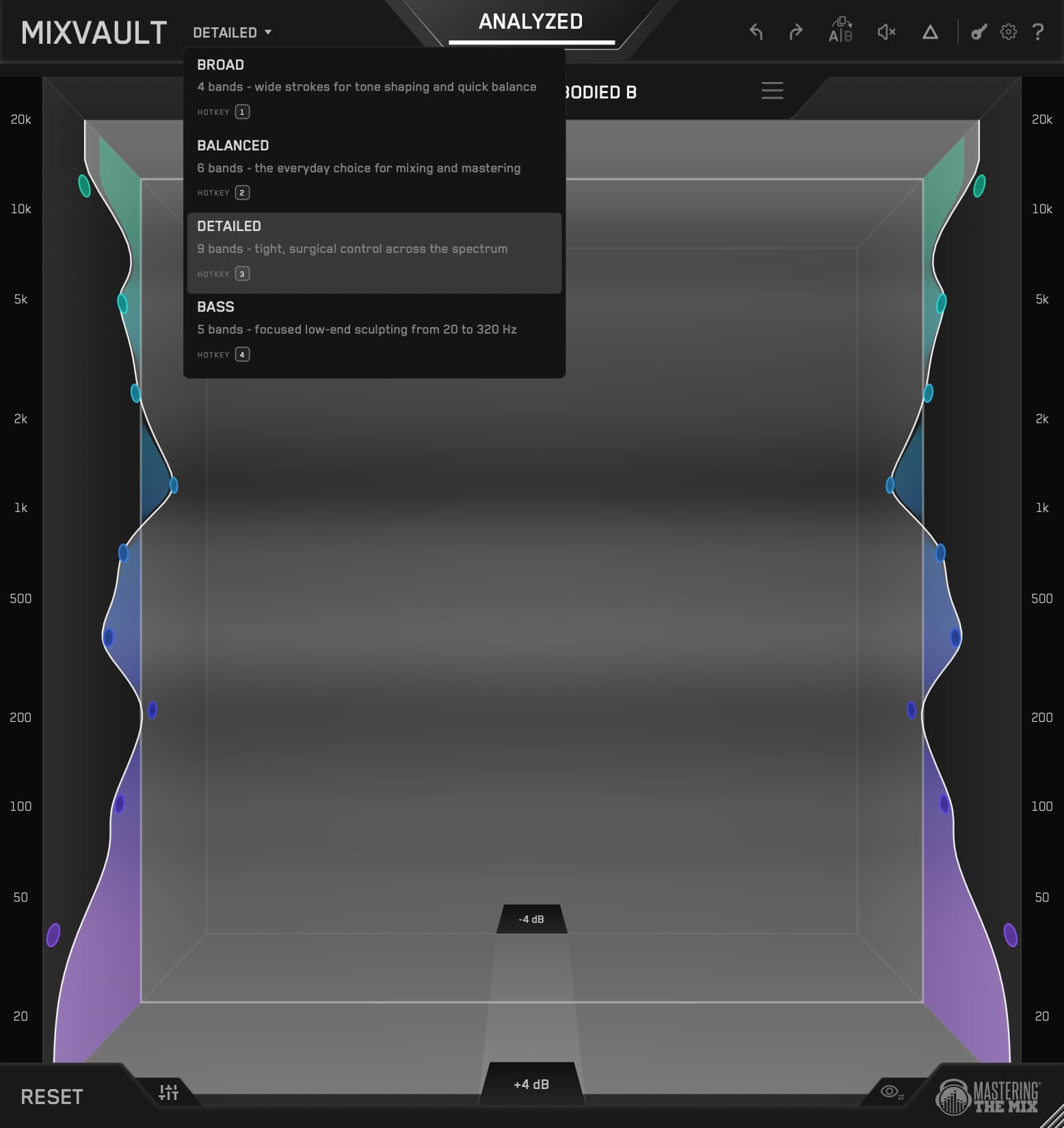
MIXVAULT
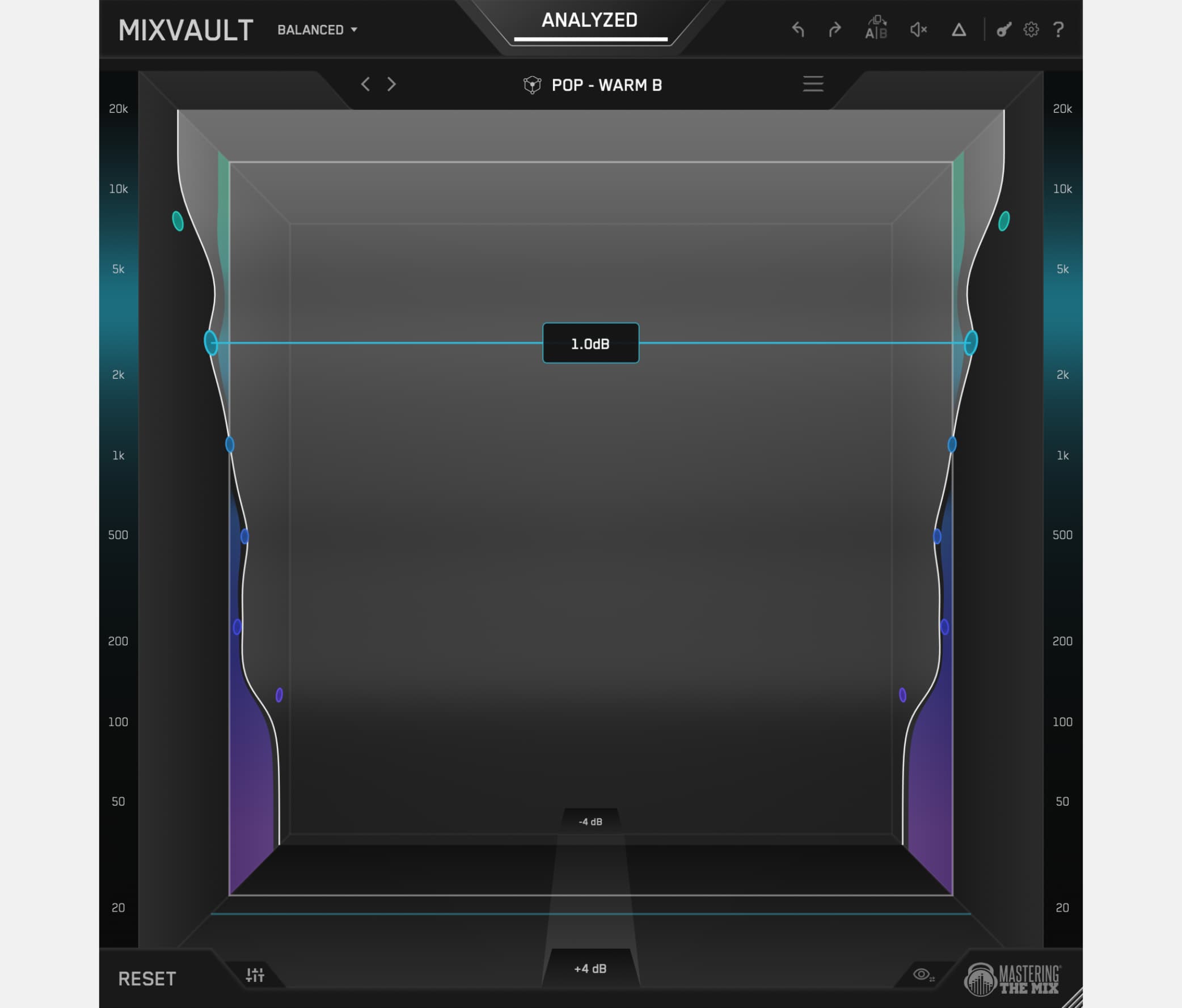
A New Immersive EQ Experience
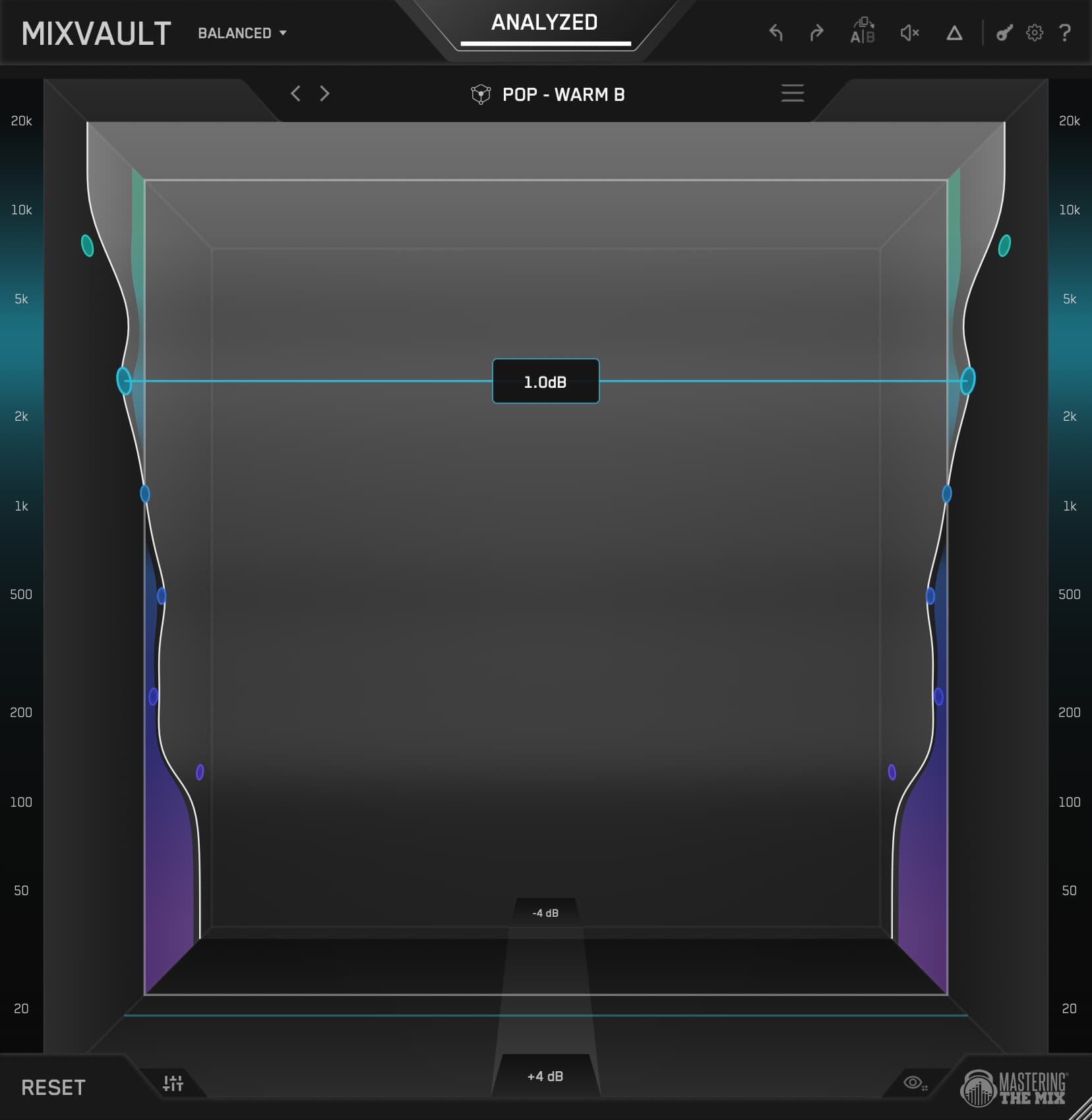
🌎 Overview: Use MIXVAULT to analyse your audio, find the right tonal balance for your track, and shape it in an immersive 3D EQ that keeps every move honest with real-time level-matching.
⚠️ Problem Solved: EQs with graphs and numbers put your eyes in charge of decisions your ears should be making. MIXVAULT drops you inside your sound, pulling frequencies forward and pushing them back, so you mix on instinct and every move is level-matched to keep you honest.
✅ Quick Start:
- Load MIXVAULT on your mix, bus, or individual channel.
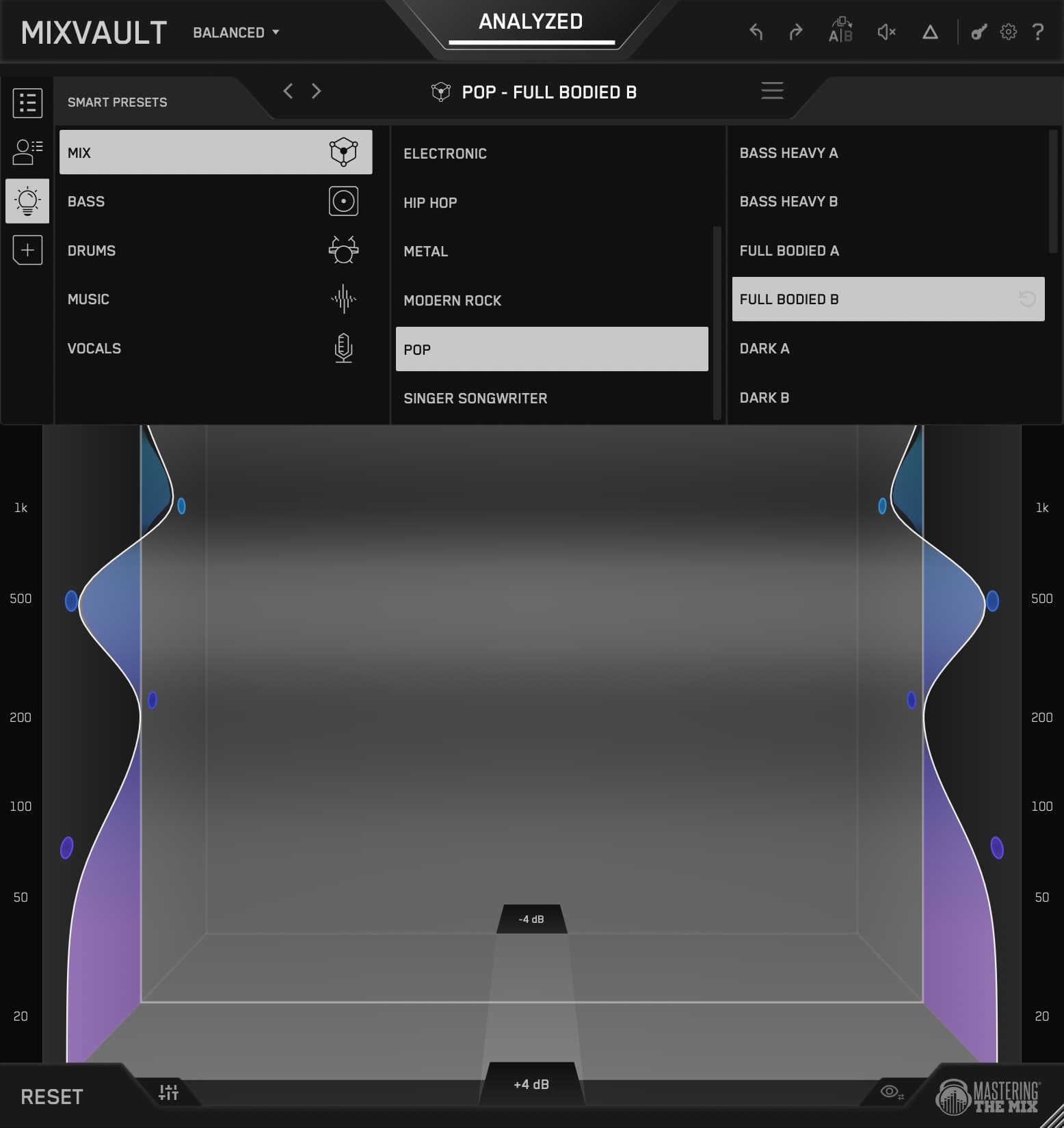
- Choose the most relevant source type (mix, vocals, bass, drums, or music) and analyse your audio.
- Use the suggested tonal balance as your starting point, then shape your sound by moving frequency bands forward and back.
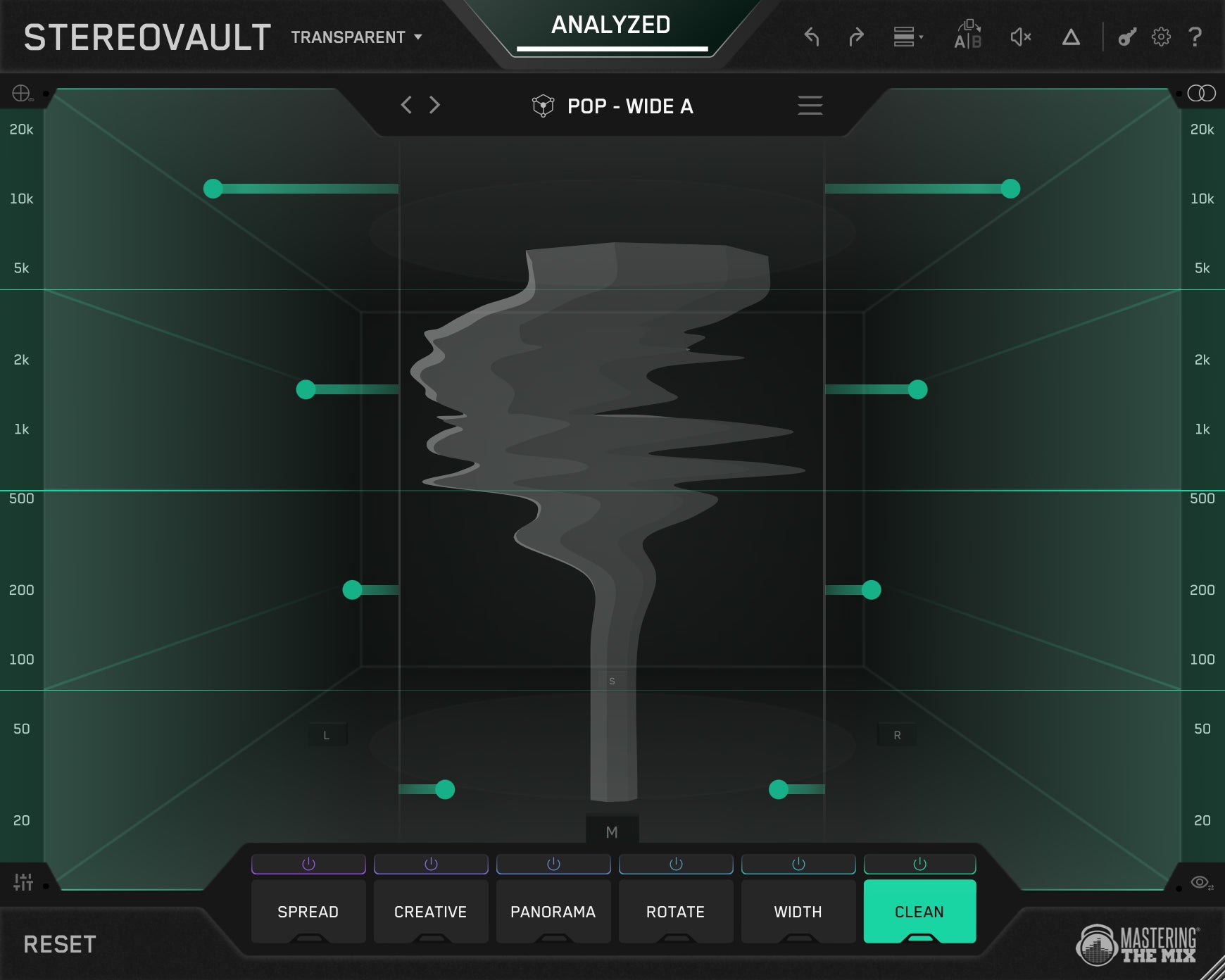
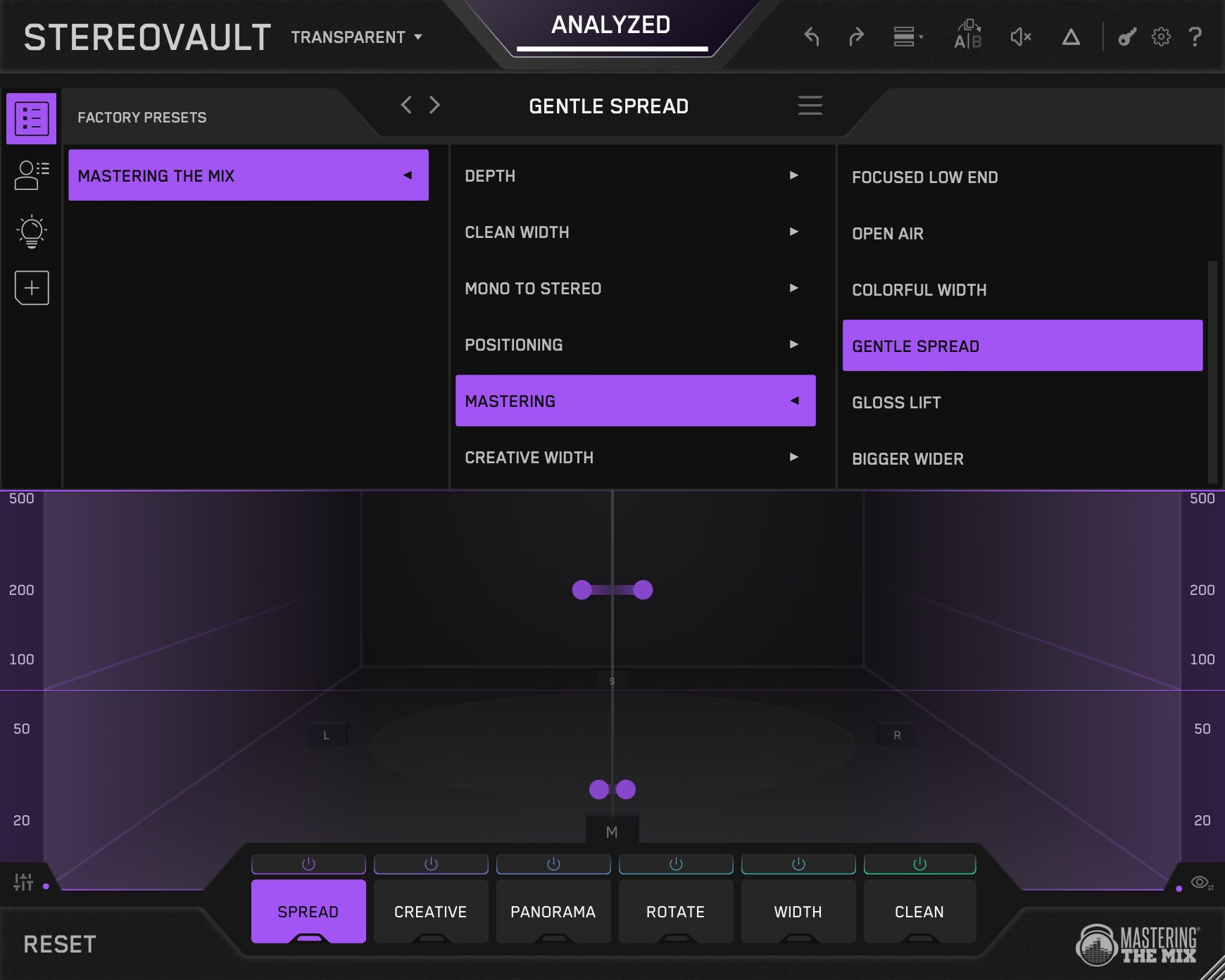
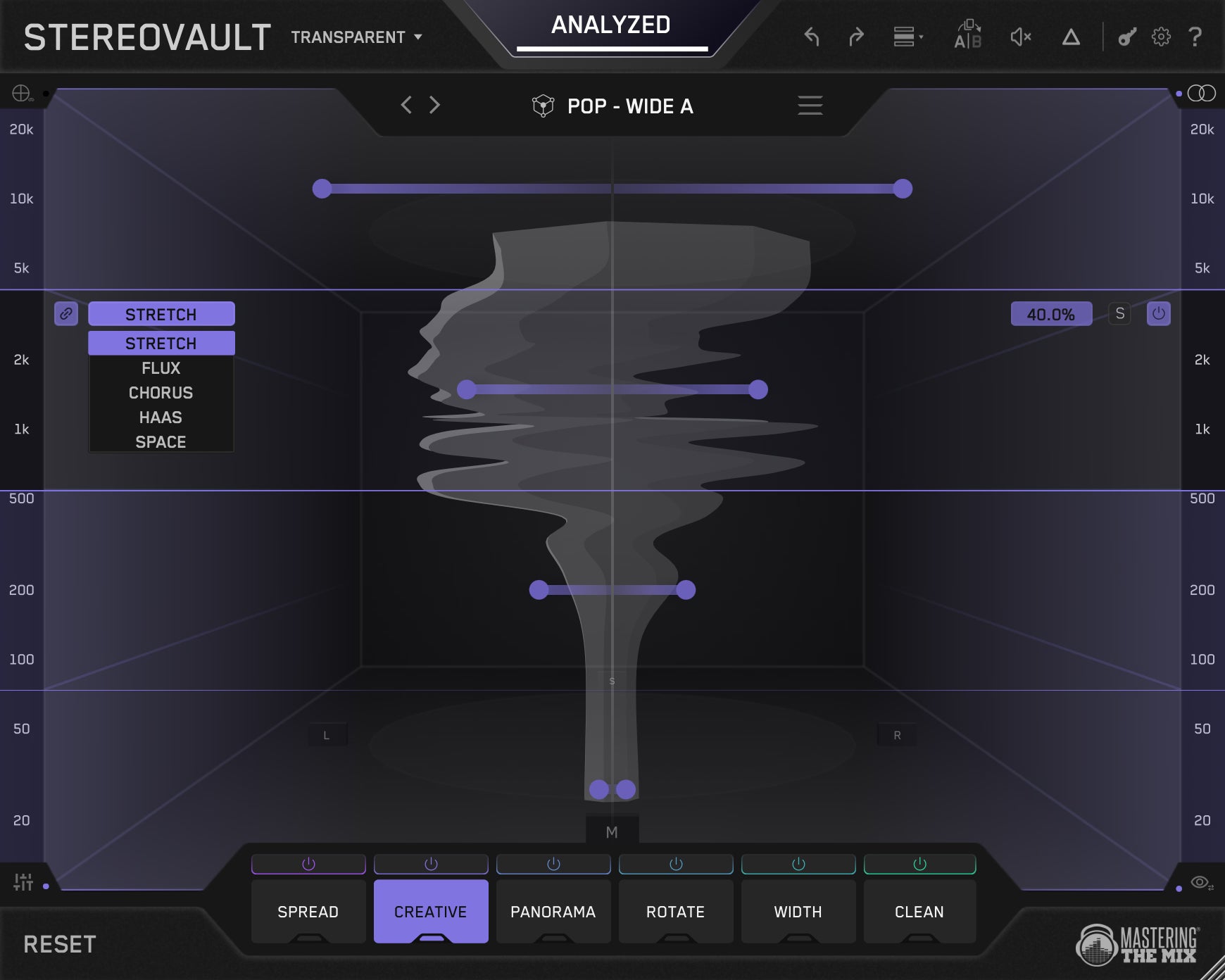
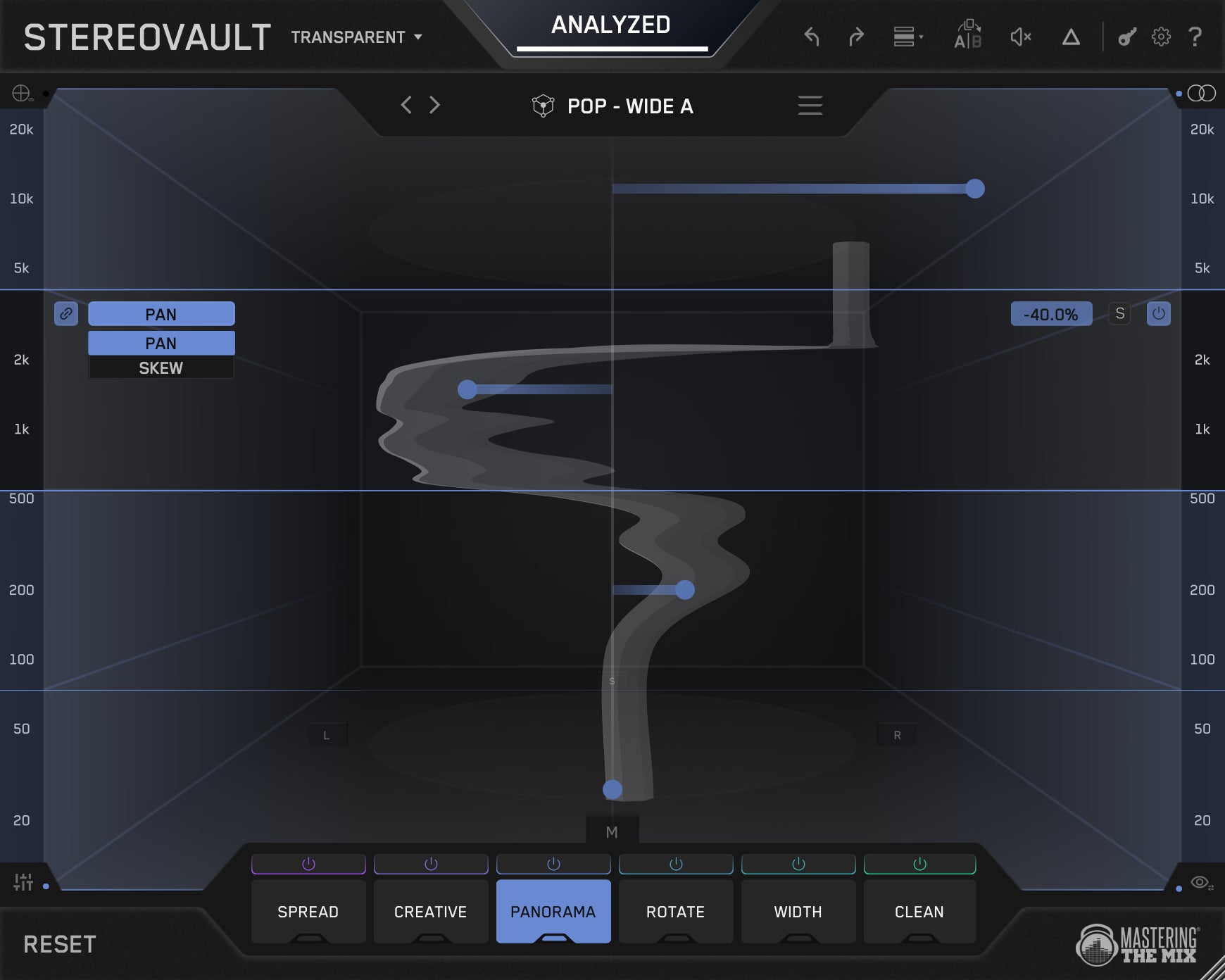
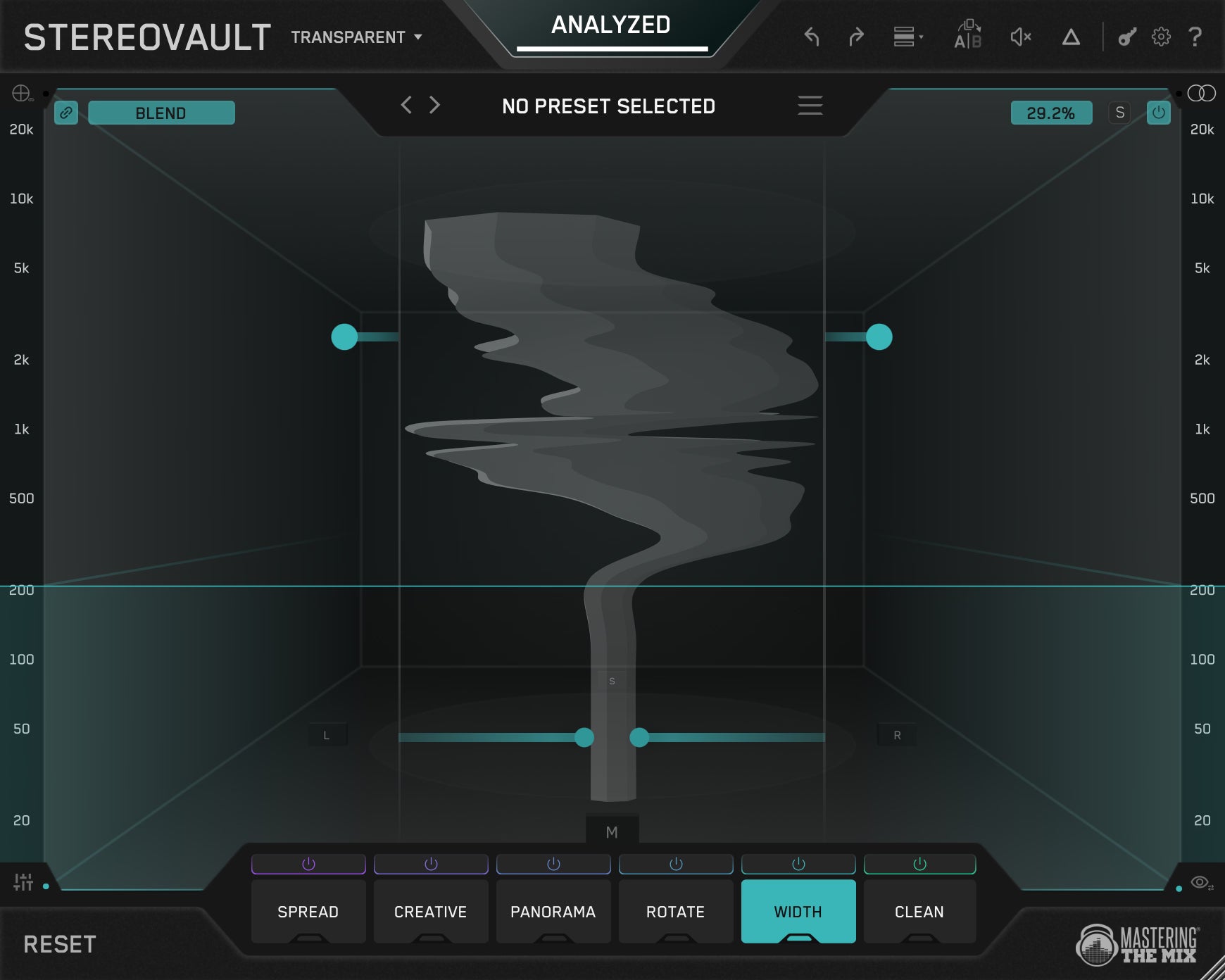
STEREOVAULT
Get The Right Stereo Width
🌎 Overview: Use STEREOVAULT to analyse your audio, find the right stereo width for your track, and shape it with powerful width, placement, depth, and clean-up tools.
⚠️ Problem Solved: Stereo widening can make a mix feel bigger, but it can also weaken the low end, blur the centre, and create translation problems. STEREOVAULT helps you make smarter stereo decisions that feel wider, cleaner, deeper, and more focused.
✅ Quick Start:
1. Load STEREOVAULT on your mix, bus, or individual channel.
2. Choose the most relevant source type and analyse your audio.
3. Use the suggested width as your starting point, then shape the stereo field with Spread, Creative, Panorama, Width, Rotate, and Clean.
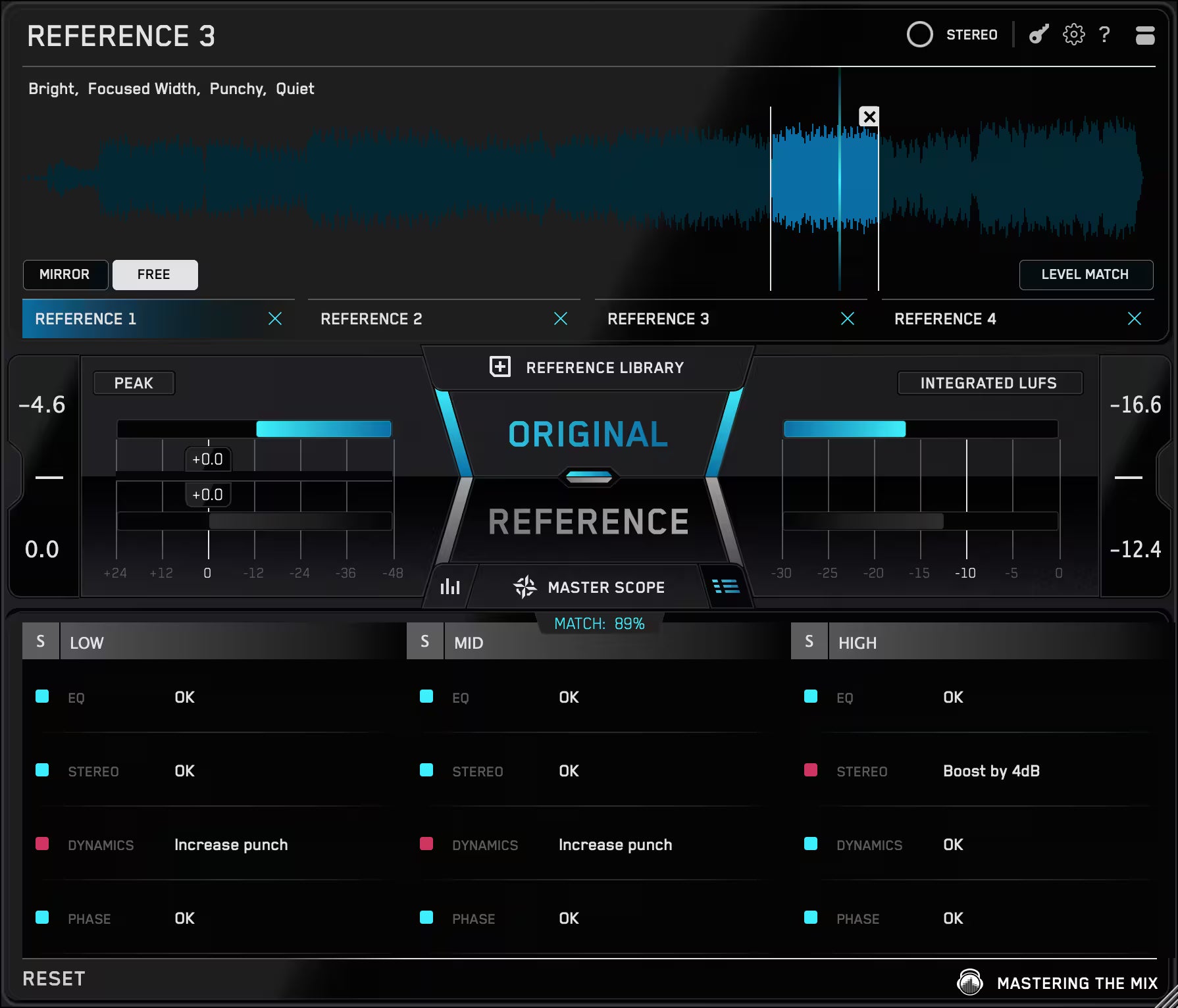
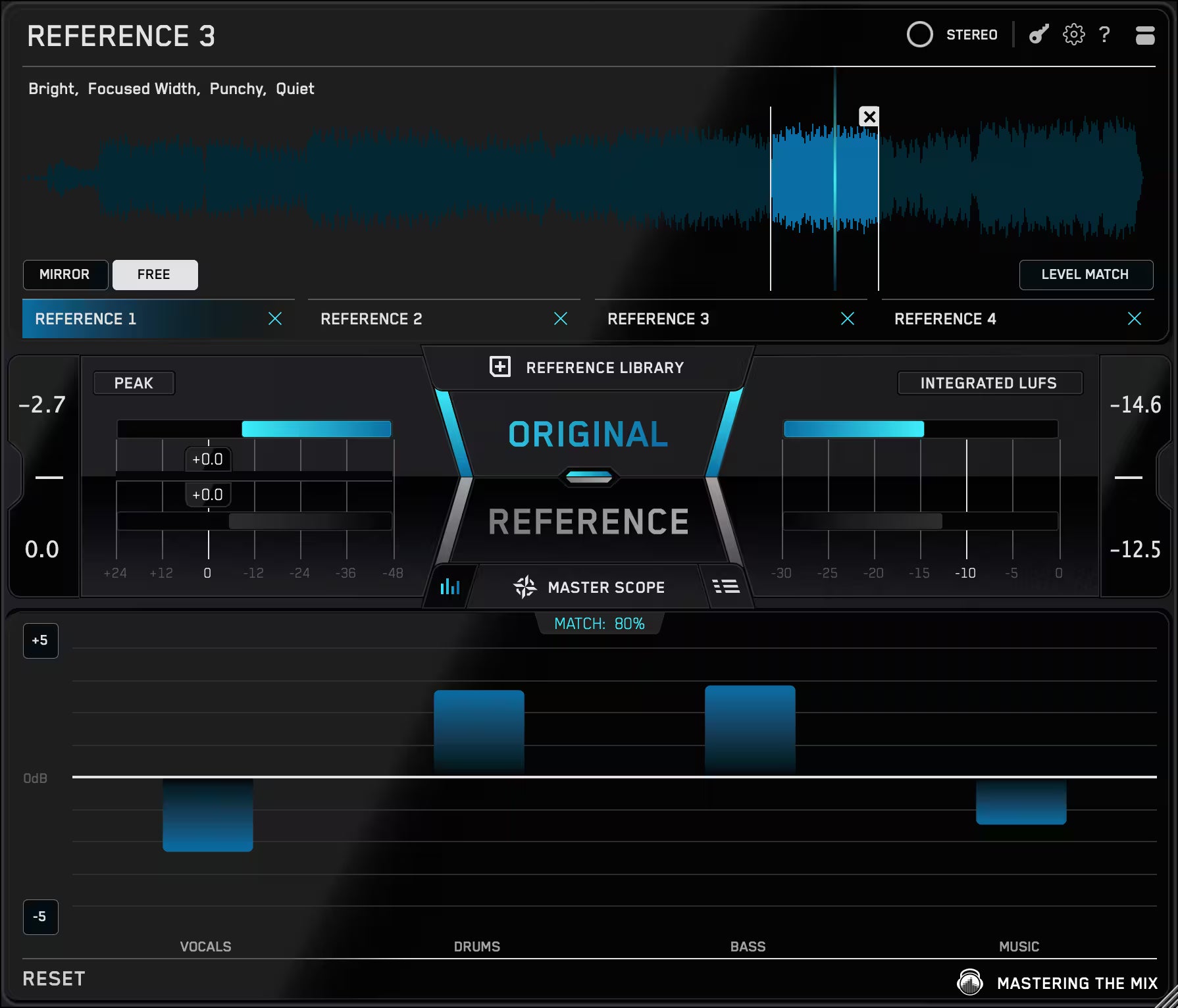
REFERENCE 3
Match The Sound Of Your Favorite Tracks
🌎 Overview: Use REFERENCE to instantly compare your mix to your favorite tracks and understand exactly what needs improvement.
⚠️ Problem Solved: Without clear reference points, it’s easy to misjudge balance, tone, or loudness. REFERENCE helps you bridge the gap between your mix and commercially released music.
✅ Quick Start:
- Load REFERENCE as the final plugin on your master channel.
- Drag and drop your favorite songs into the plugin.
- Jump between your original and reference tracks, starting with the chorus.

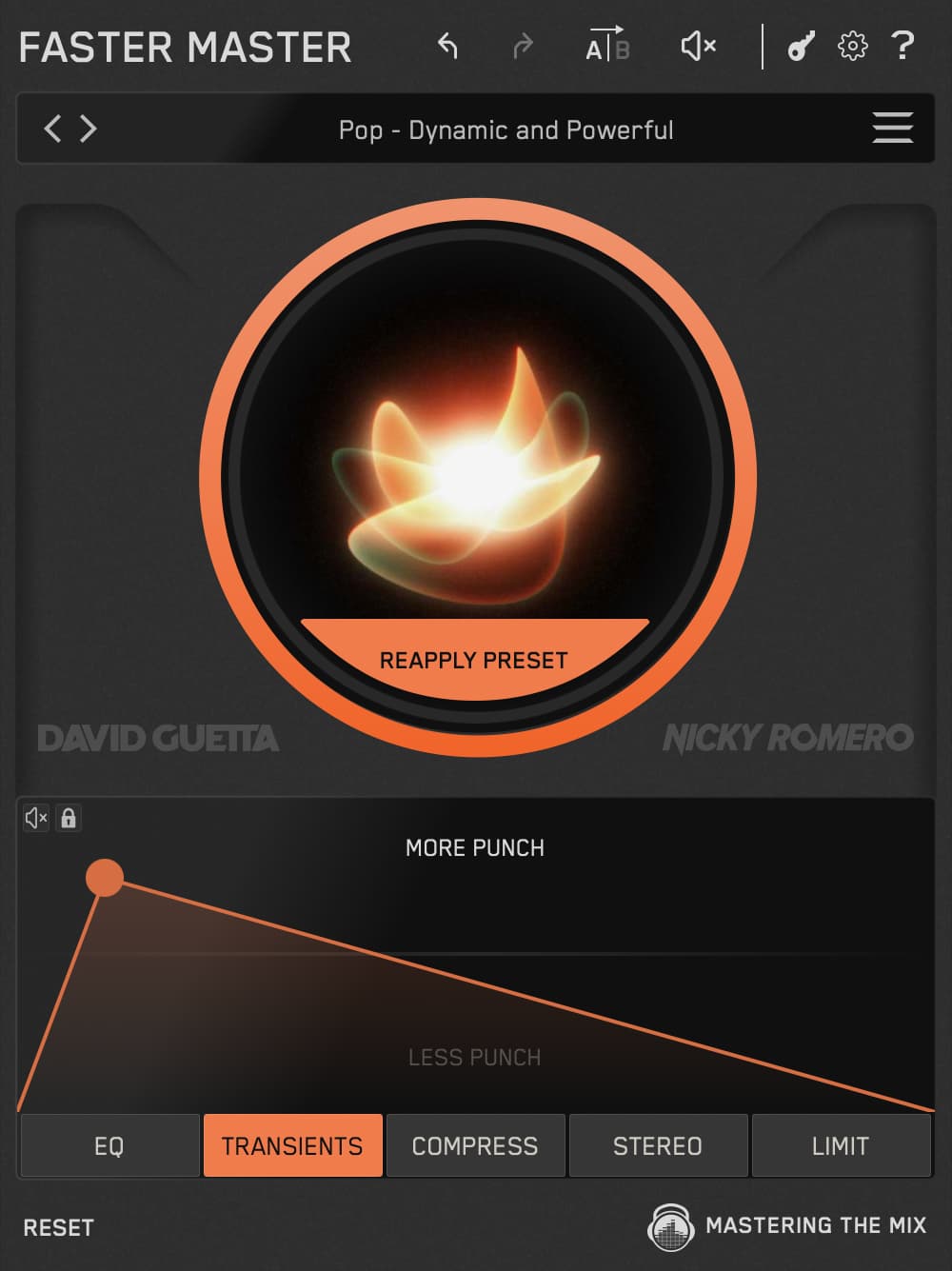
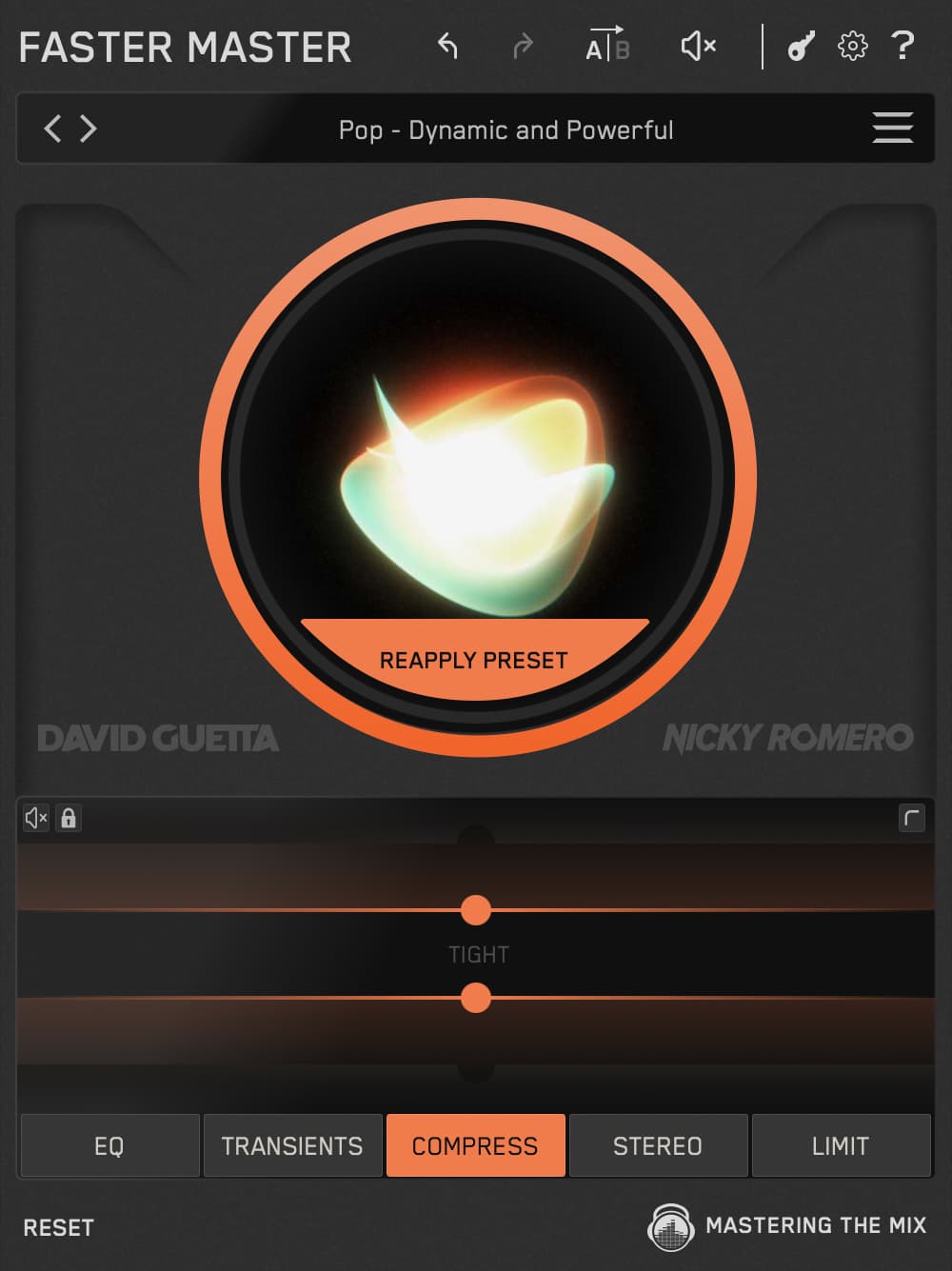
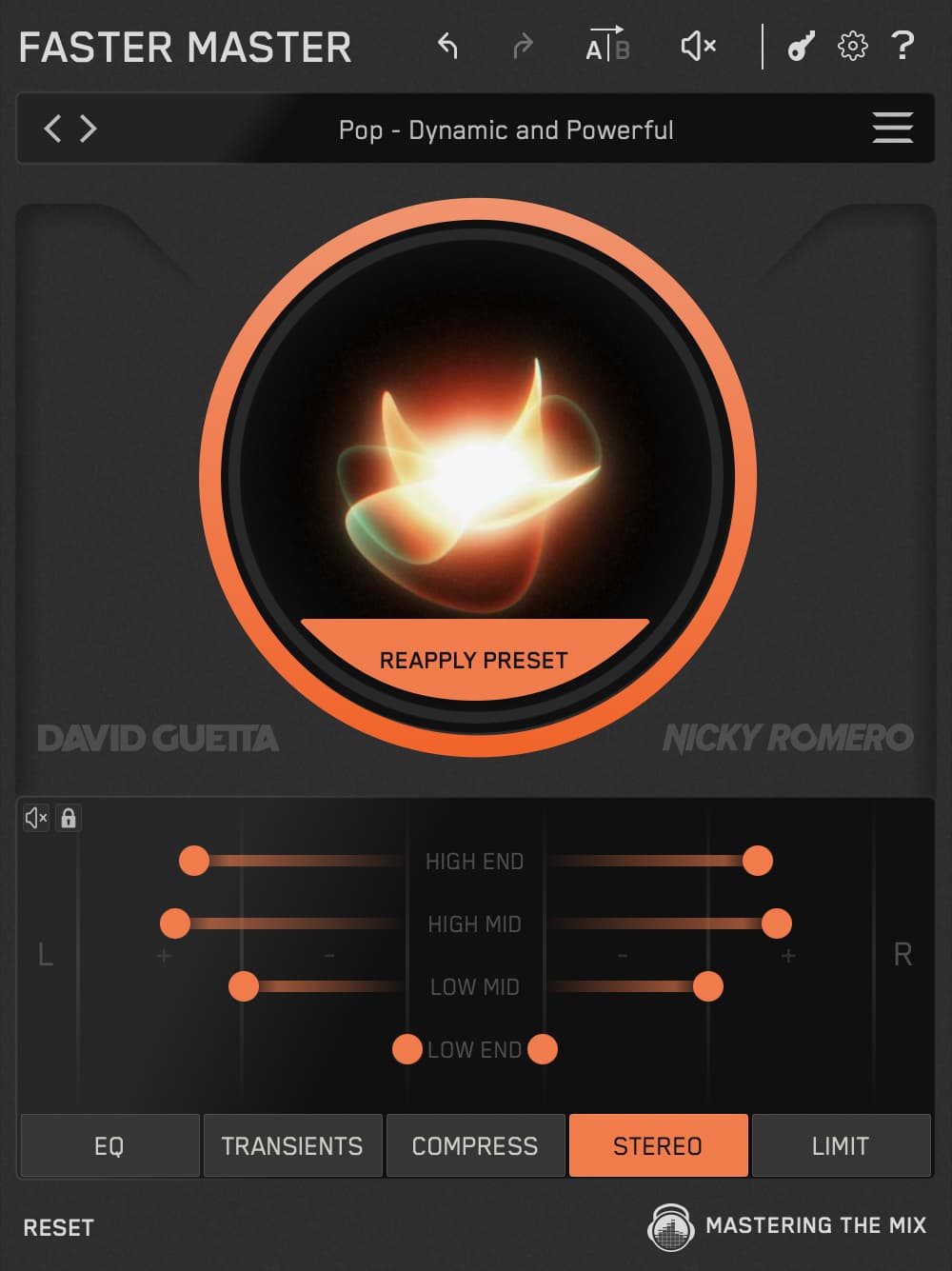
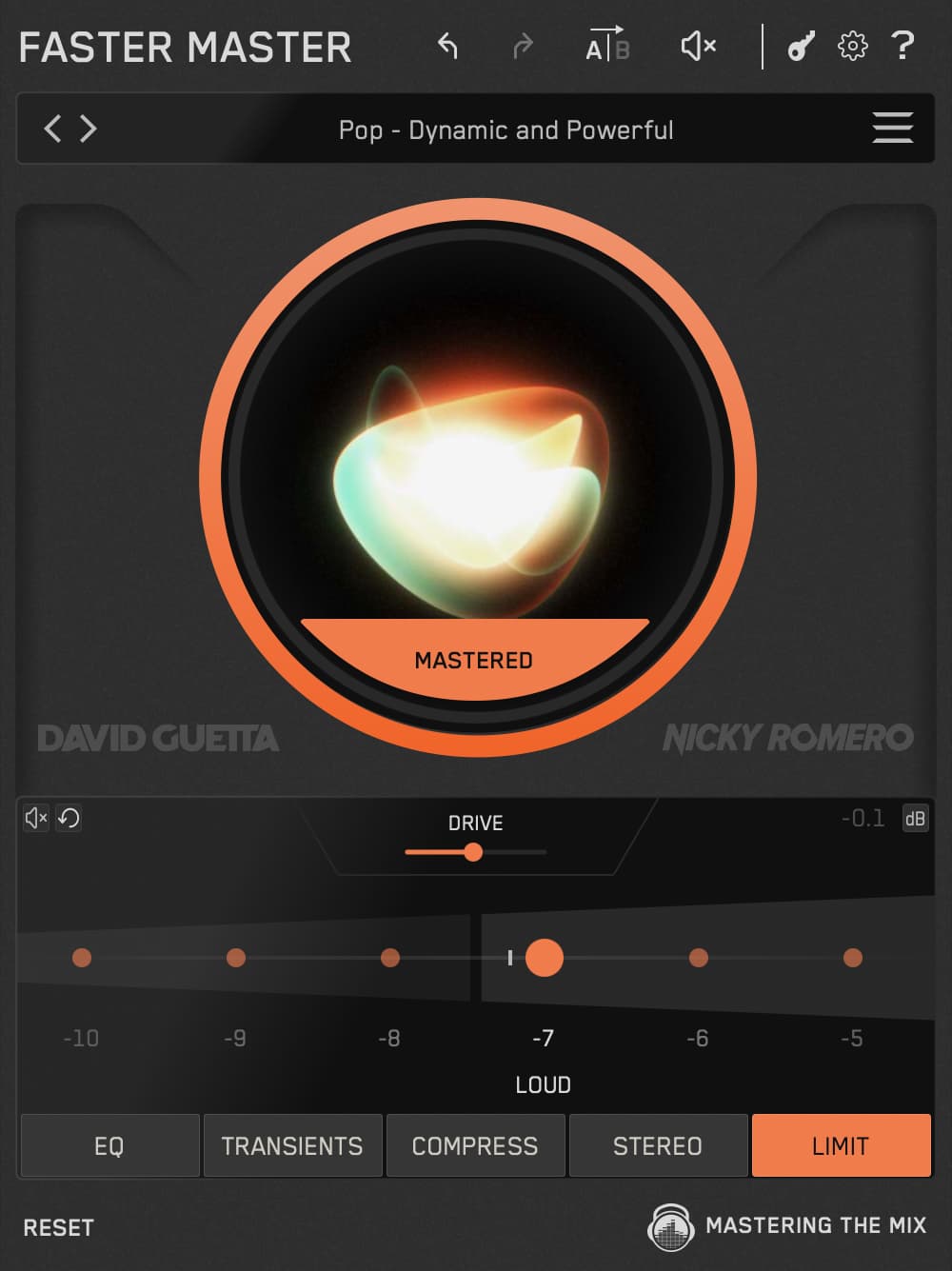
FASTER MASTER
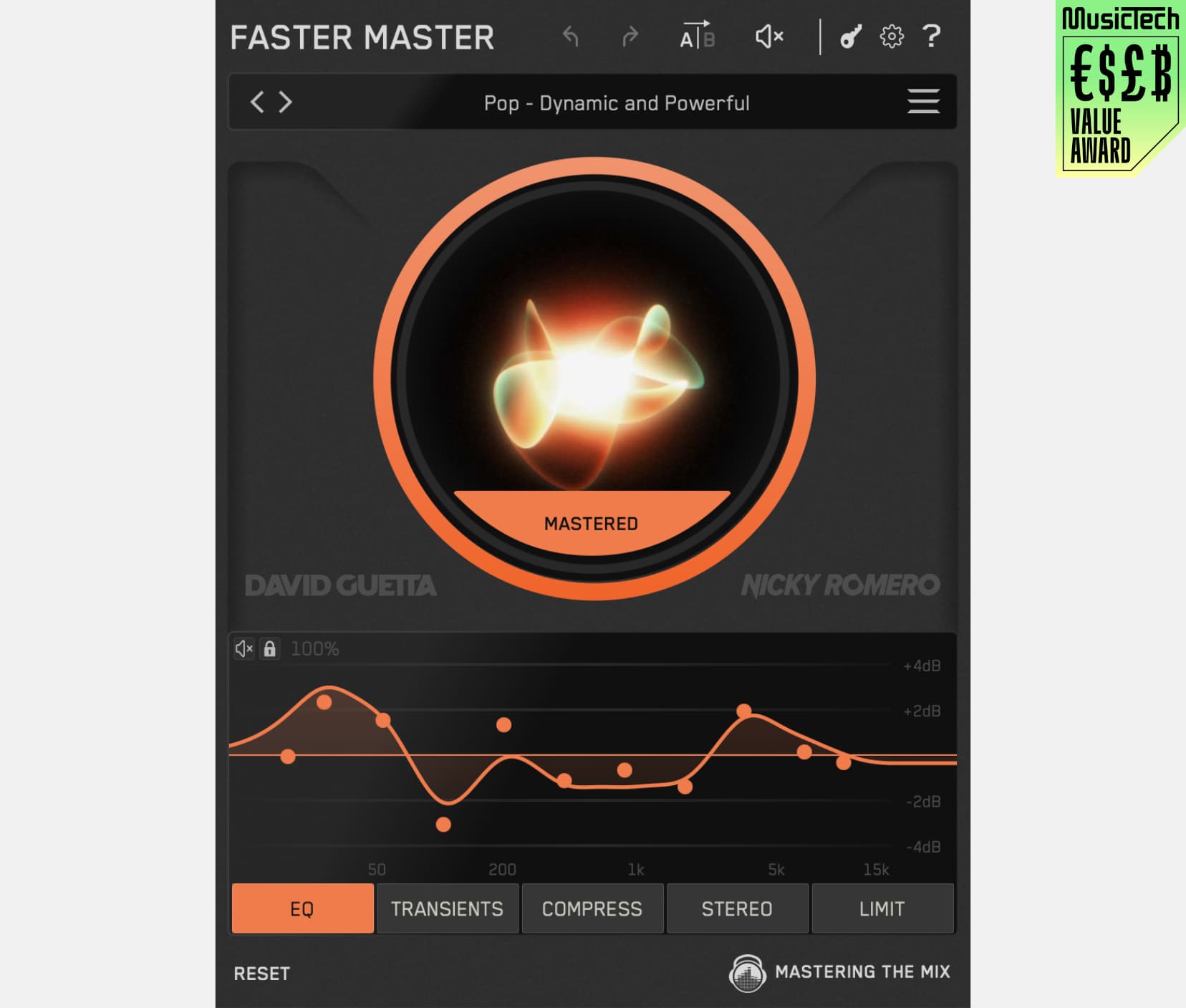
Pro-sounding masters in a few clicks
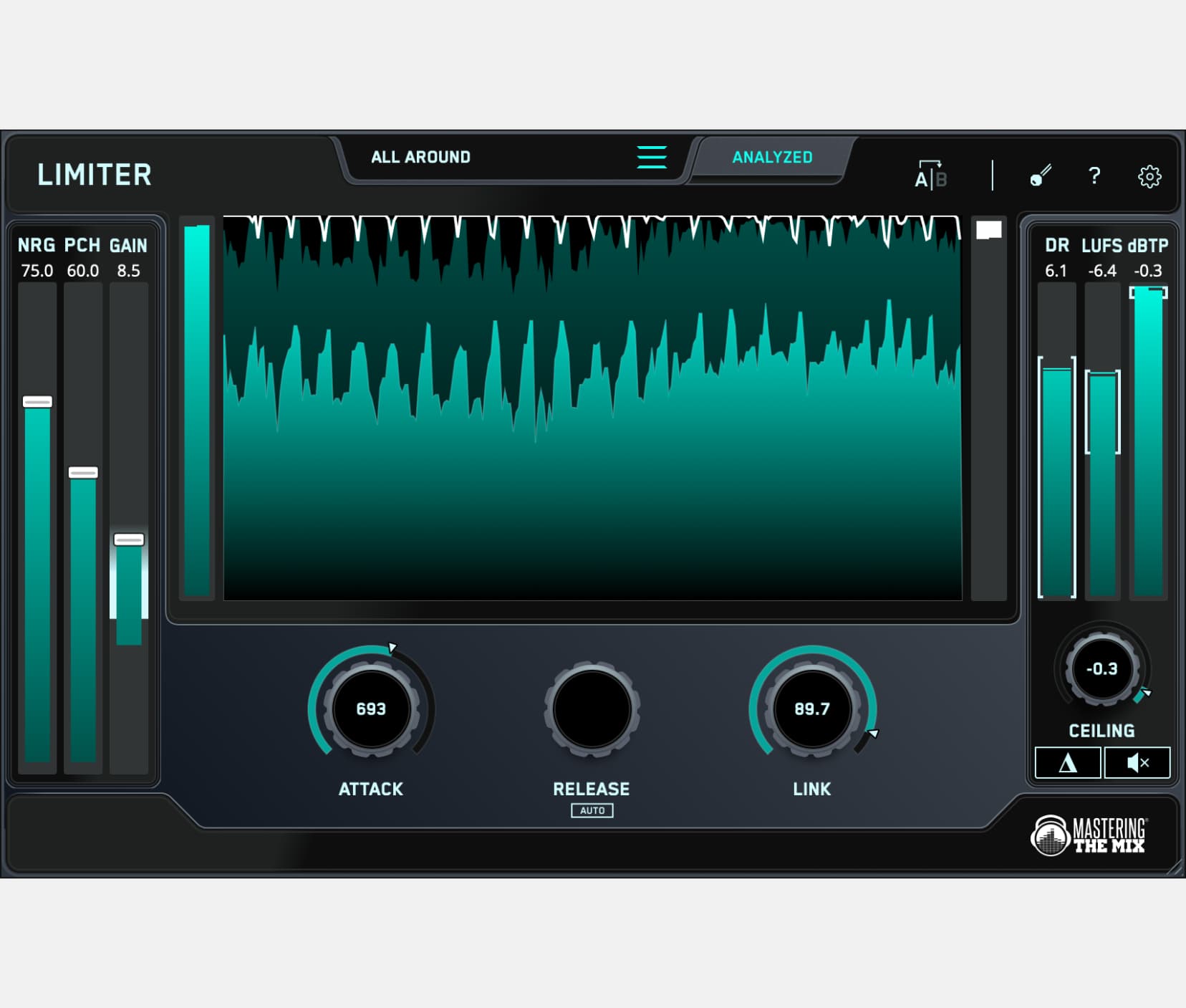
🌎 Overview: FASTER MASTER gives you professional masters in seconds.
⚠️ Problem Solved: Mastering is often complicated, slow, and inconsistent. FASTER MASTER delivers instant, release-ready results with smart presets, optimized EQ, compression, and limiting.
✅ Quick Start:
- Load FASTER MASTER as the final plugin, play your track’s loudest section, then click Analyze.
- Choose from 10 smart presets, fine-tune EQ, transients, compression, stereo width, and limiting with intuitive controls.
- Every adjustment you make is loudness-matched for fair comparisons.

FUSER
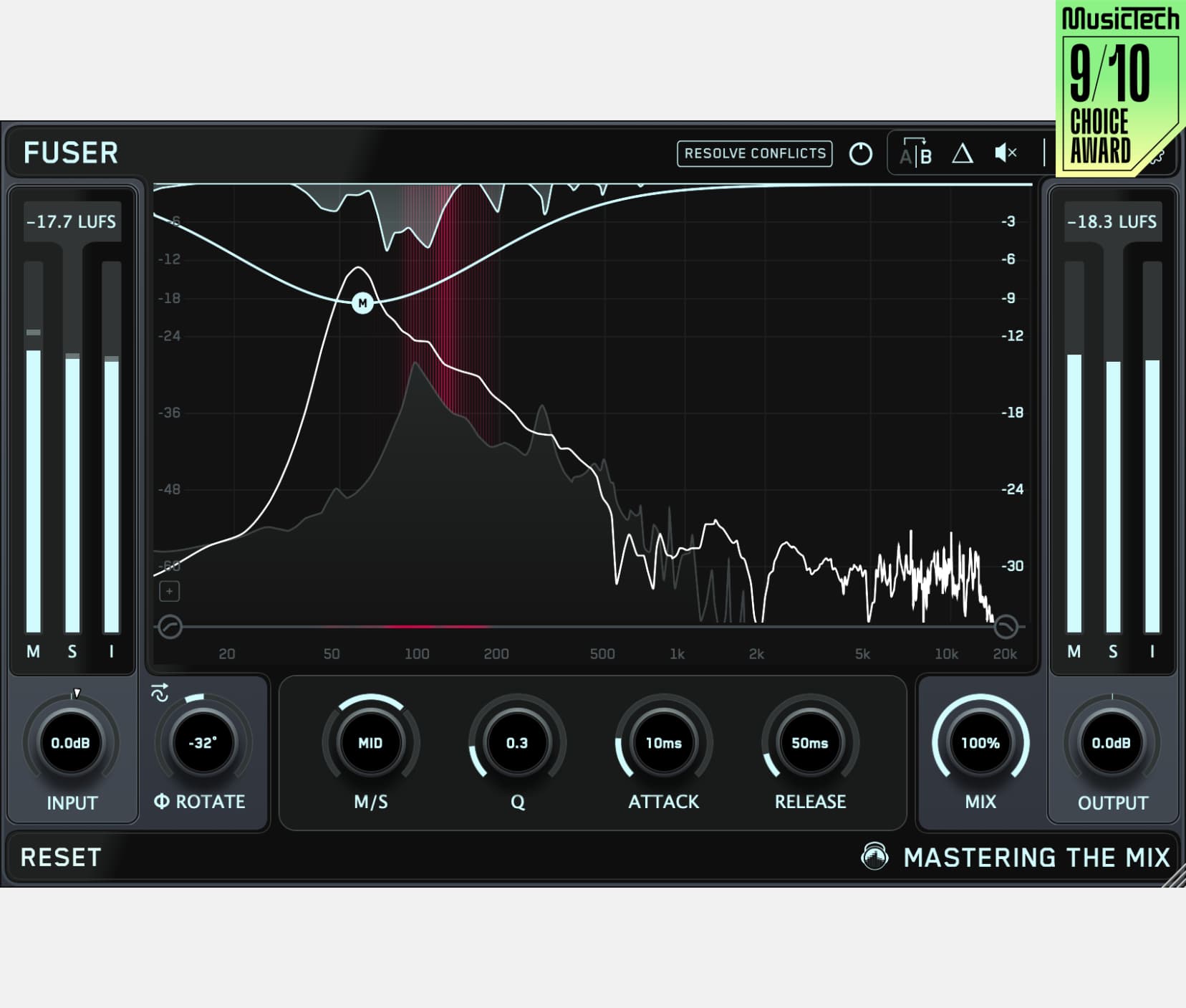
Fix Clashing Frequencies
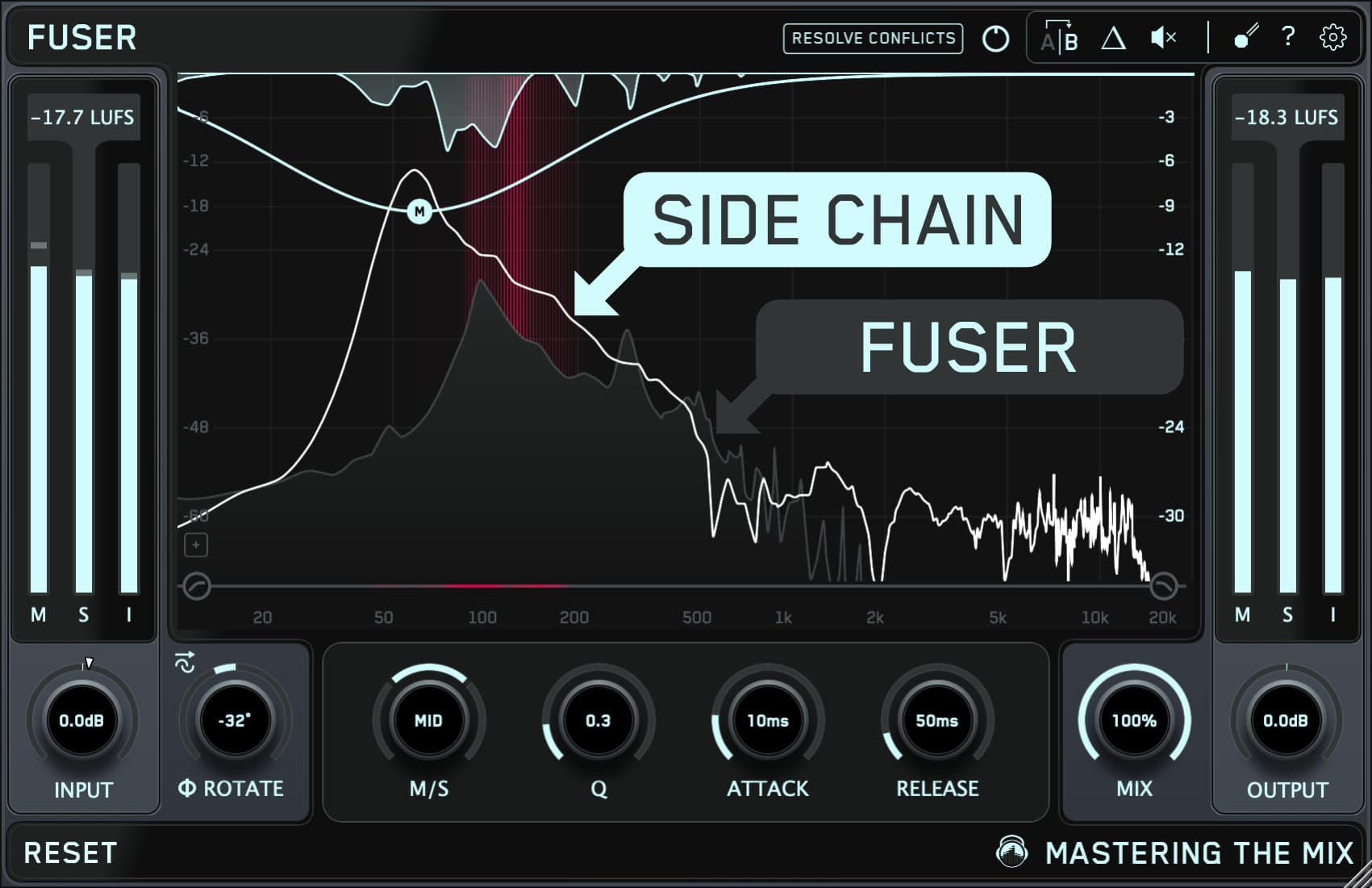
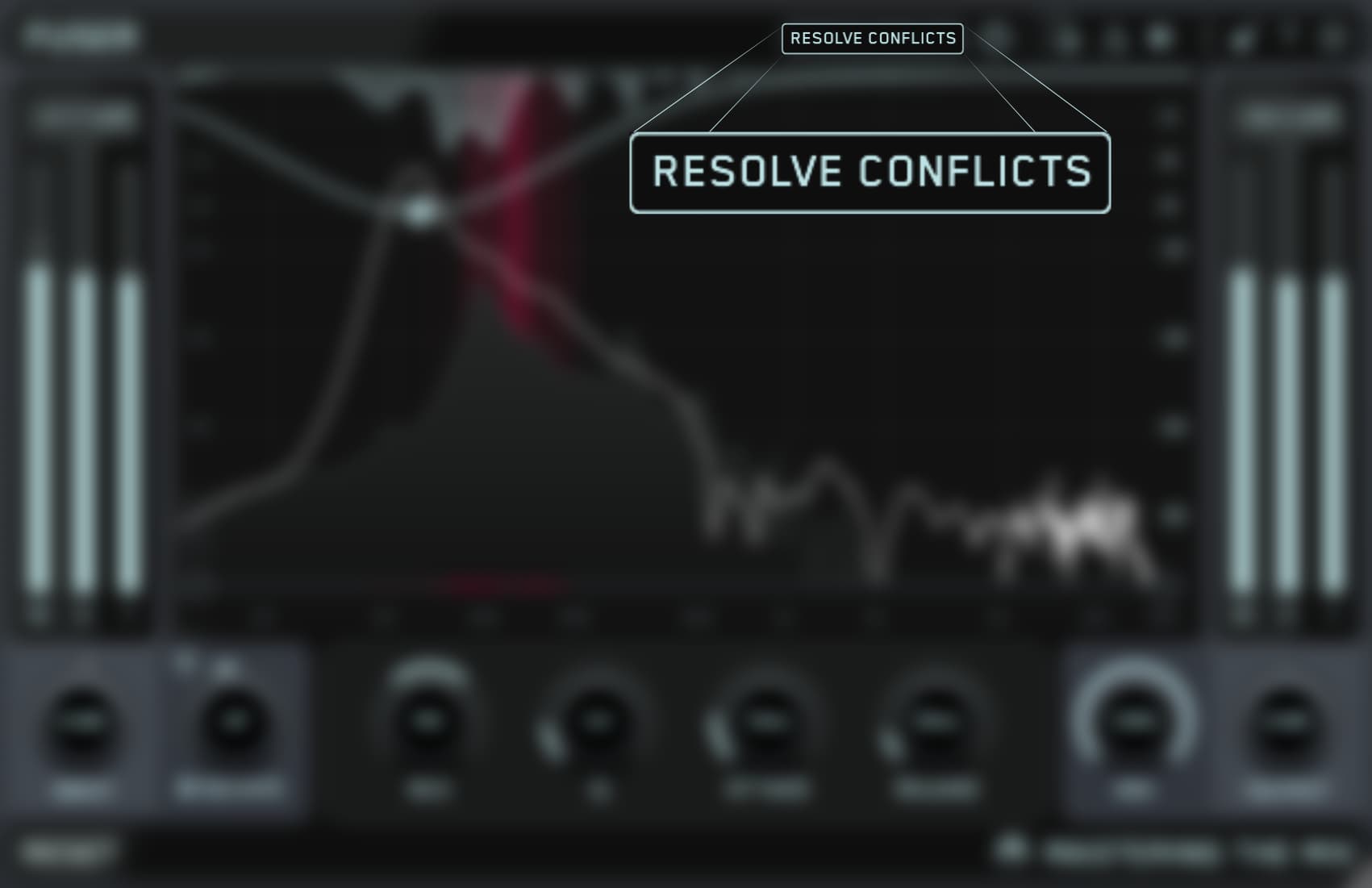
🌎 Overview: FUSER resolves conflicting channels in your mix.
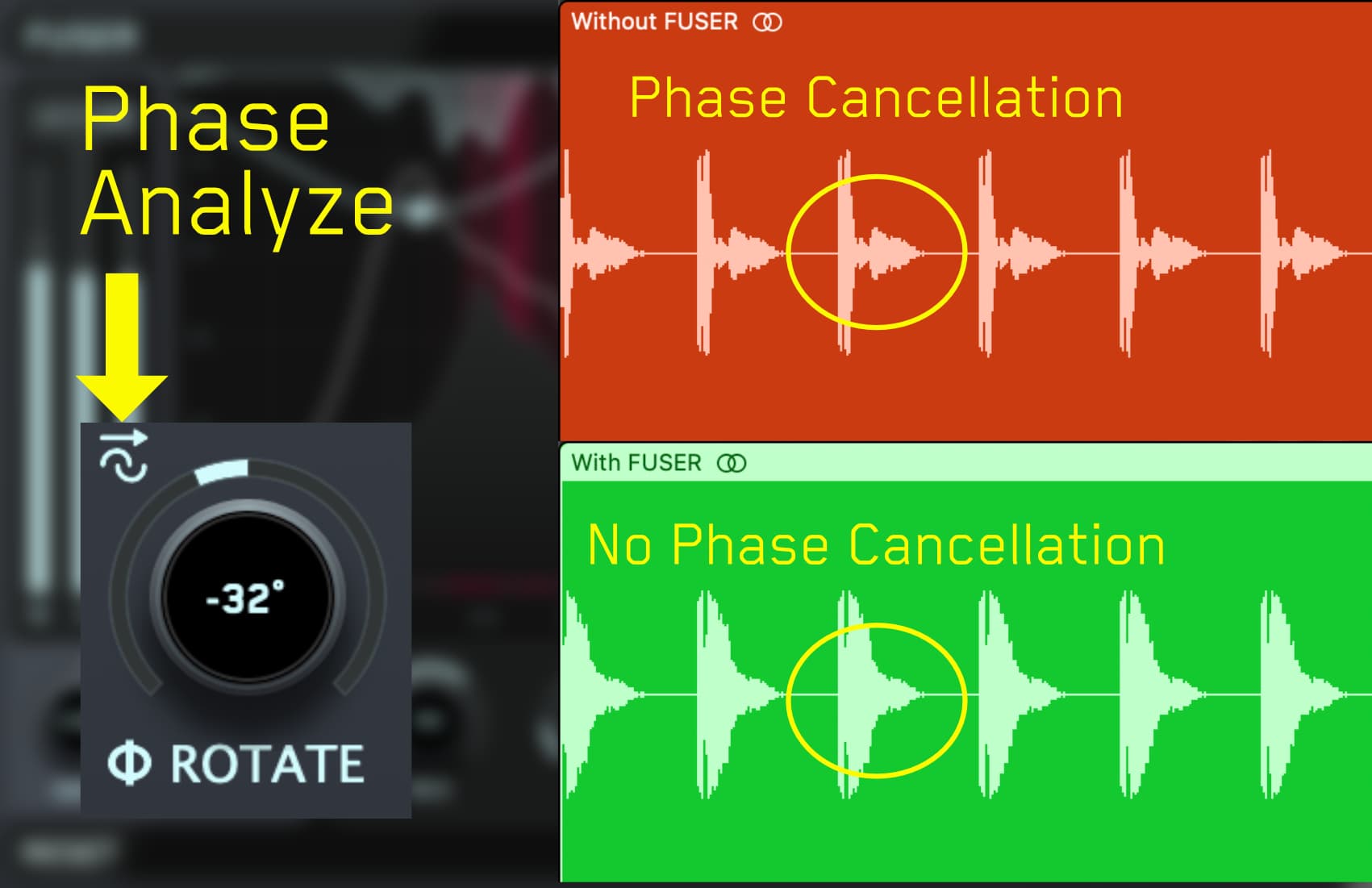
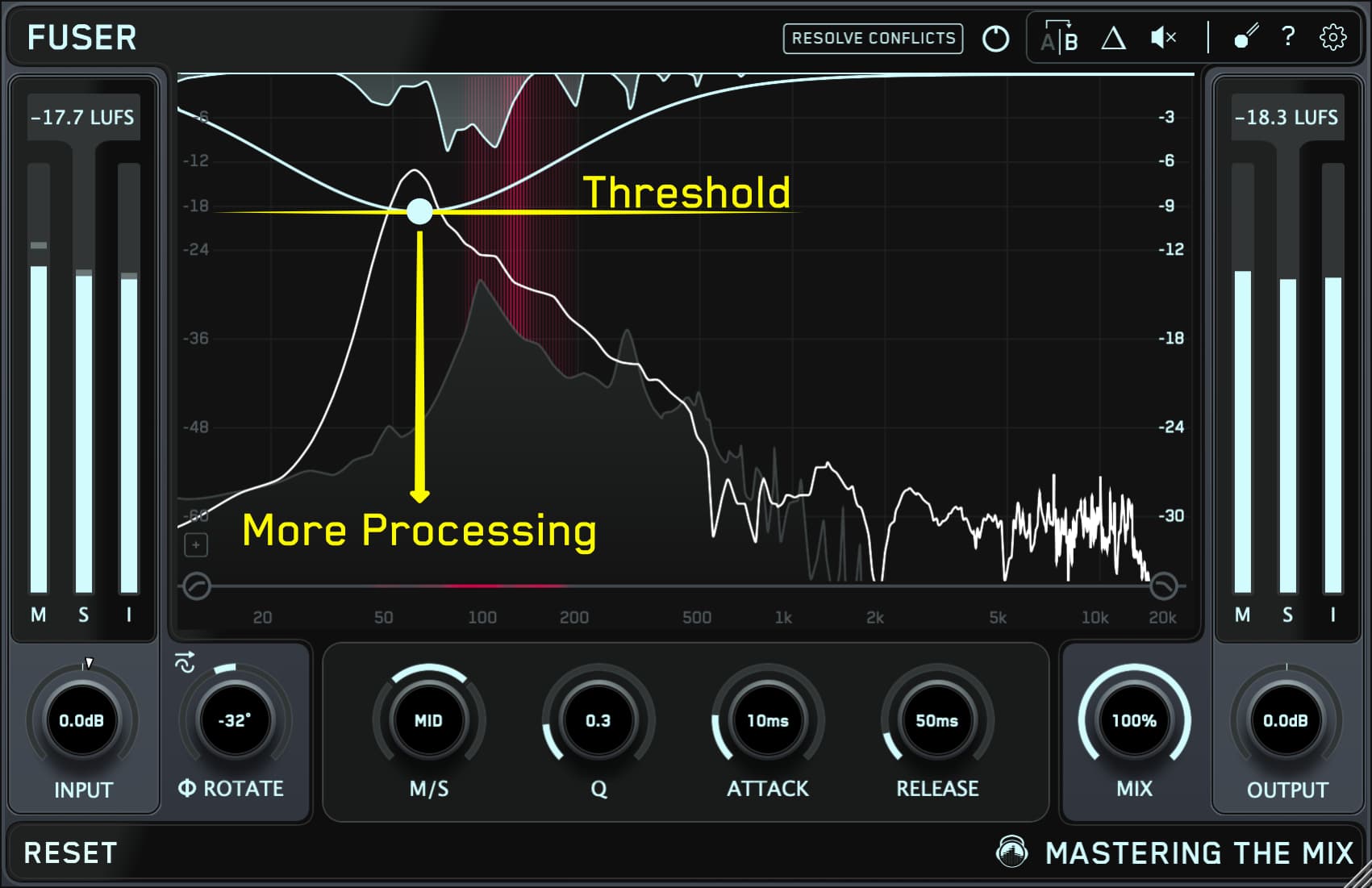
⚠️ Problem Solved: When channels fight for space, your mix loses punch and balance. FUSER fixes masking issues with smart volume control, dynamic EQ, and phase optimization.
✅ Quick Start:
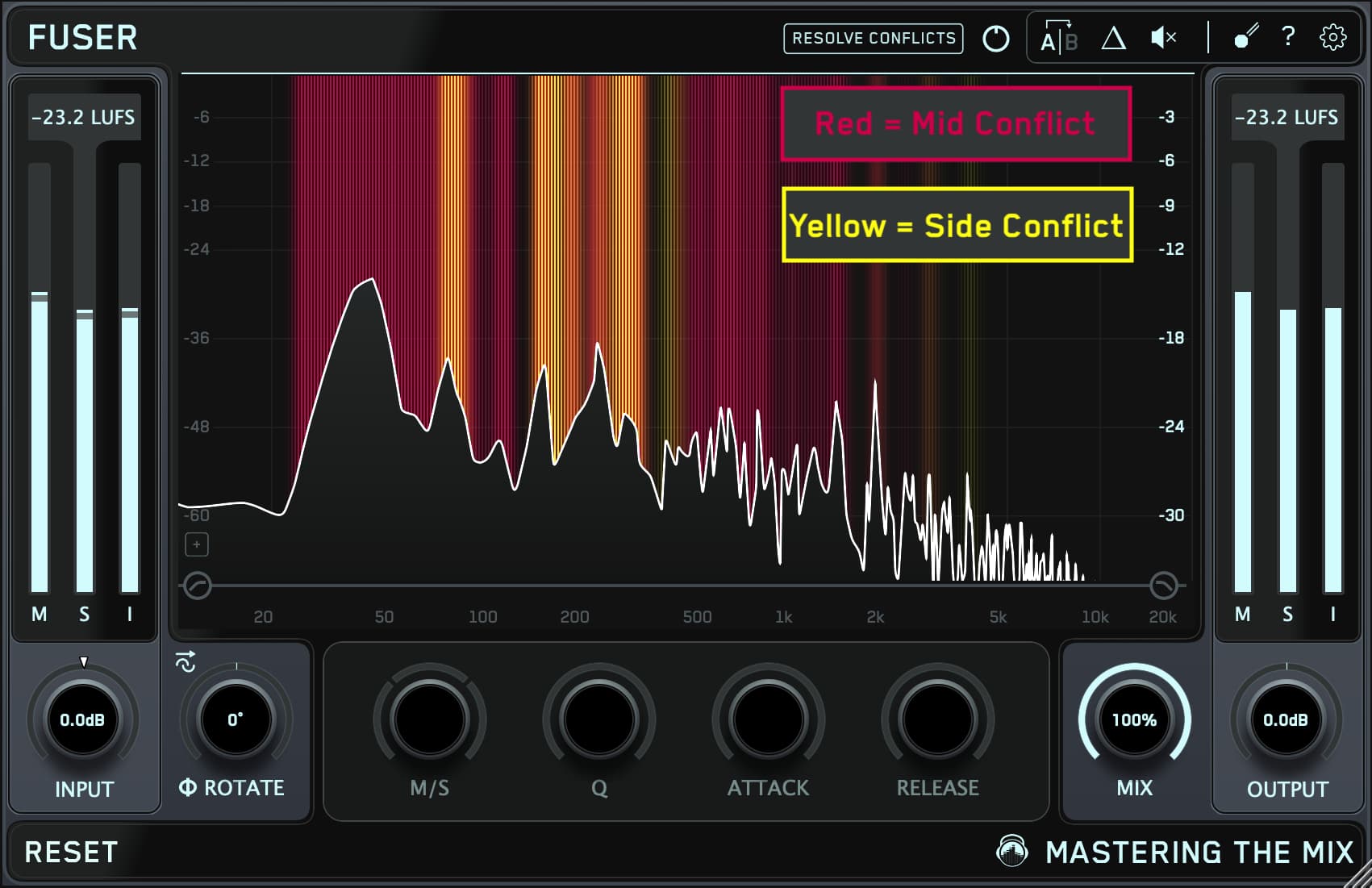
- Identify conflicting channels.
- Add FUSER as the final plugin on the submissive channel.
- Set the sidechain to the dominant channel (e.g., kick or vocals).
- Click "Resolve Conflicts" or double-click the UI for dynamic reduction.
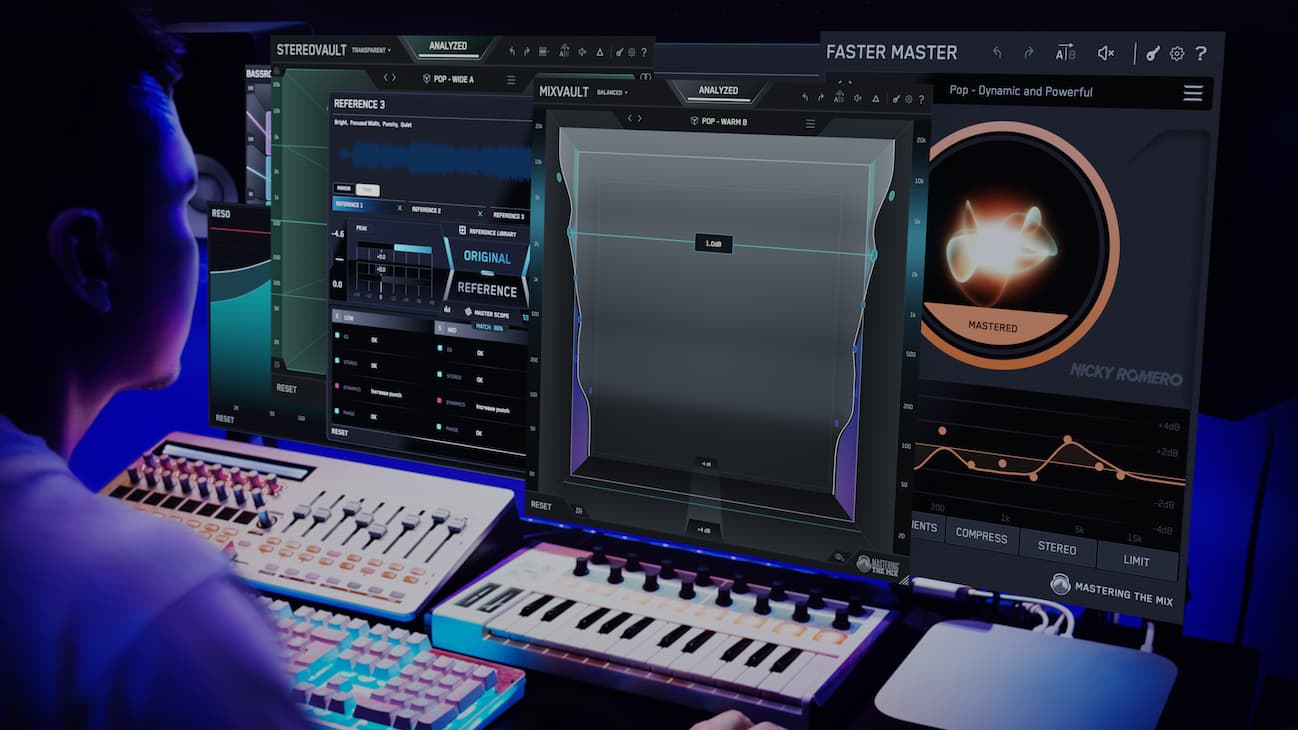

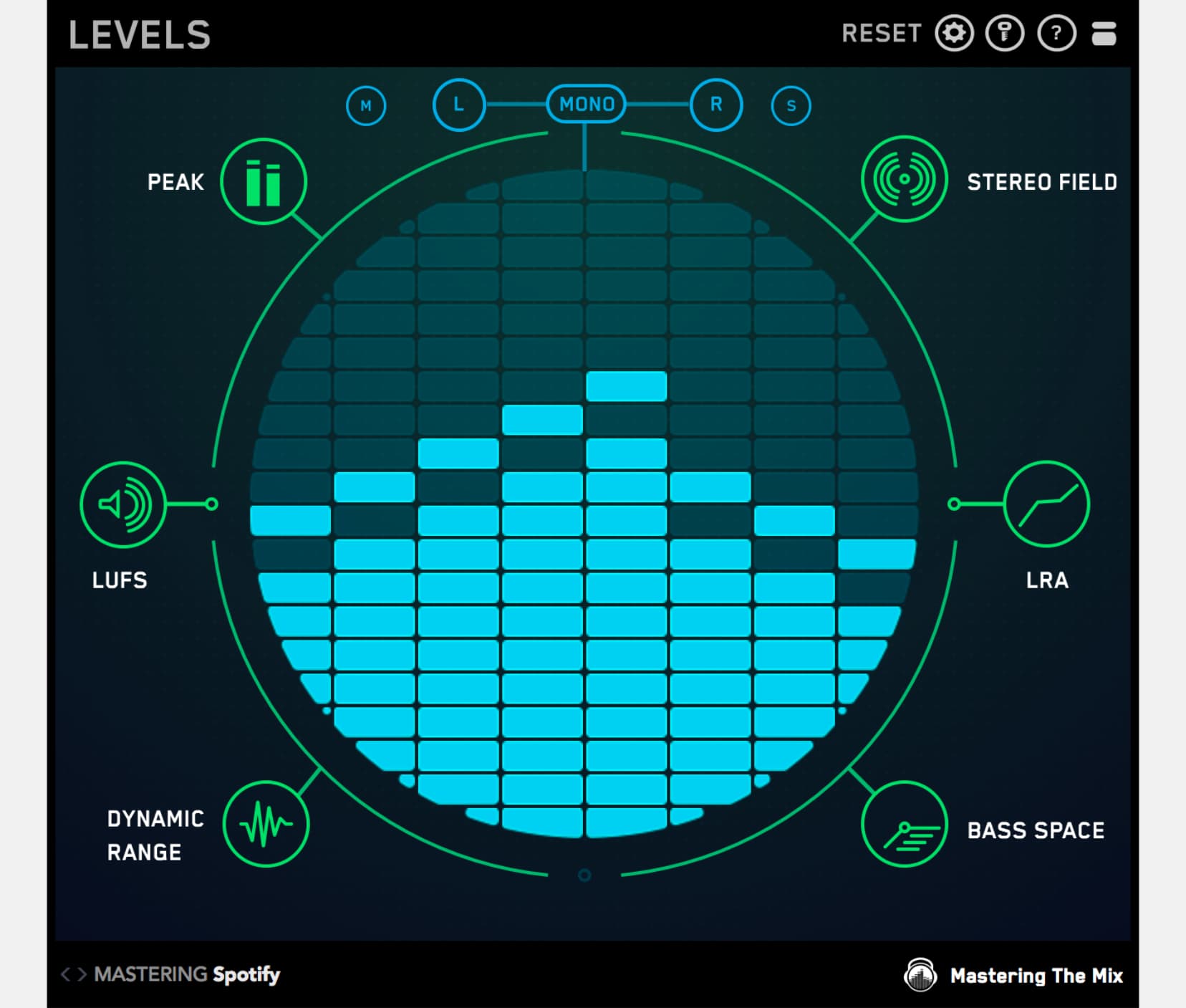
This bundle contains all 11 Mastering The Mix plugins. They analyze your audio and guide you to make the best decisions for your music. You’ll solve the hardest problems you face in the studio and create better-sounding music when you use our plugins
RESO
Fix Harsh Resonances
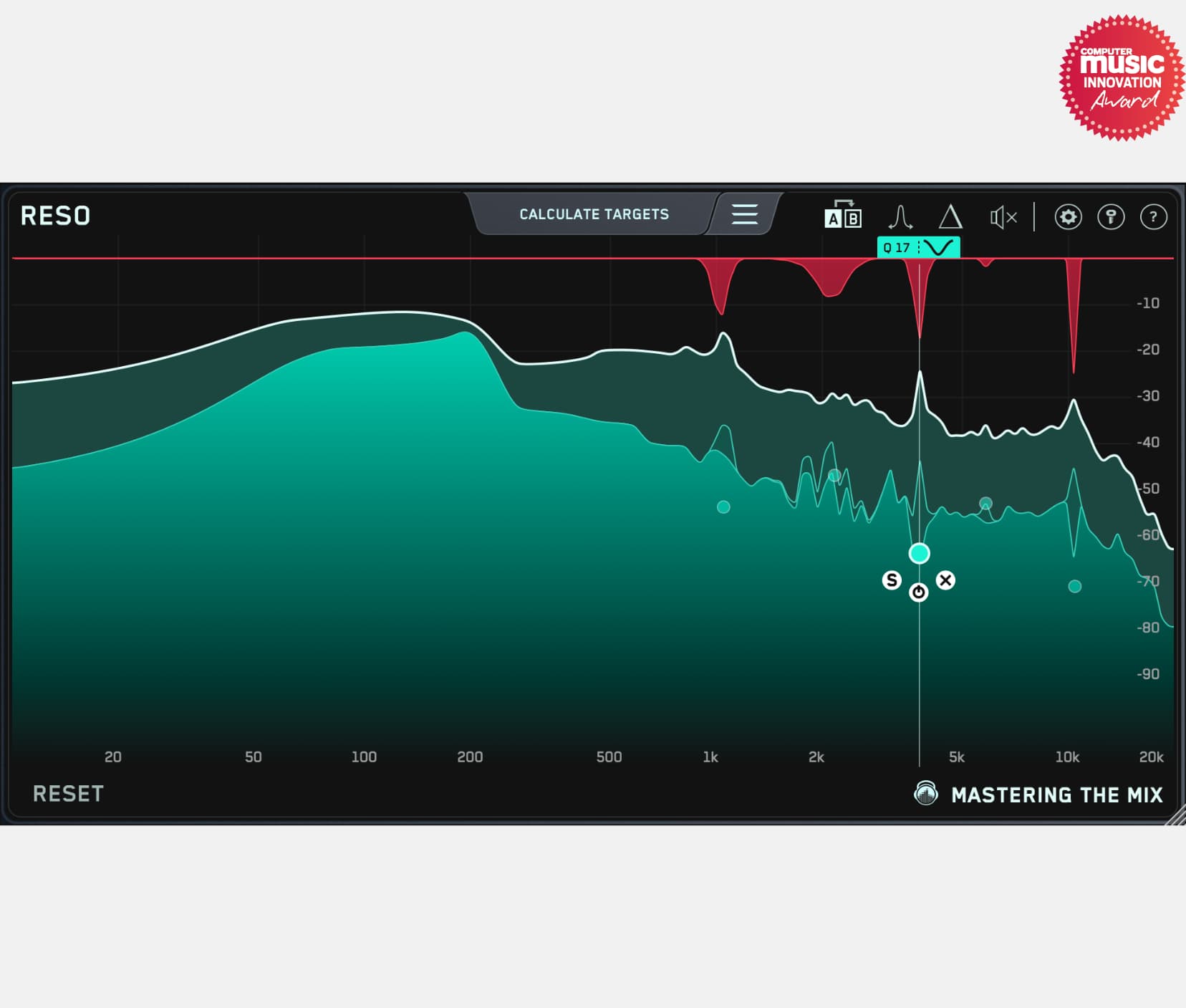
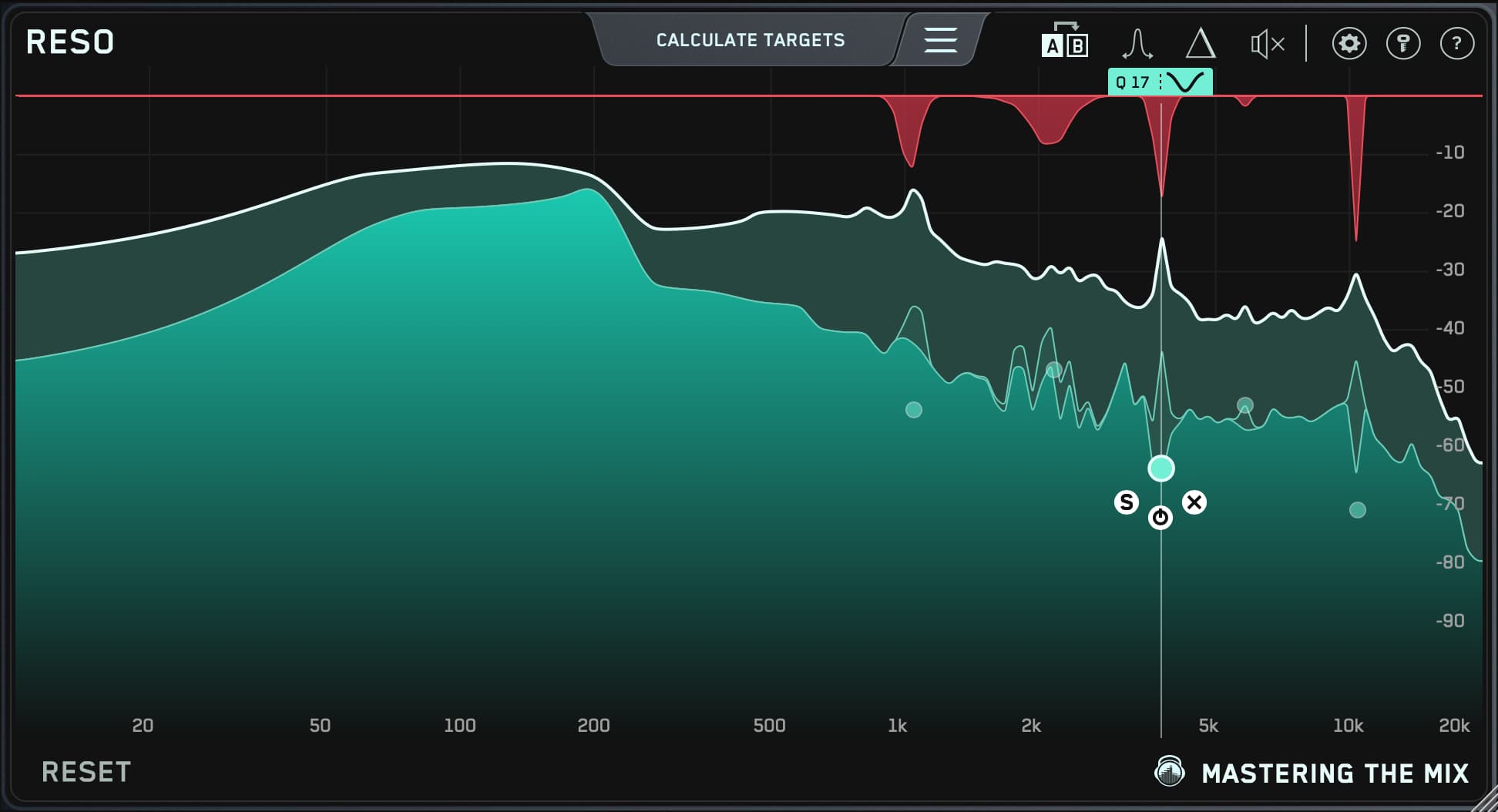
🌎 Overview: Identify and resolve resonances in your audio.
⚠️ Problem Solved: Eliminate harsh and unpleasant resonances for a balanced sound.
✅ Quick Start:
- Load RESO on any channel.
- Use the display, frequency sweep, and ‘calculate targets’ features to find resonances.
- Double-click within the main window to create a node and position it for resonance suppression. Adjust the Q to your preference.
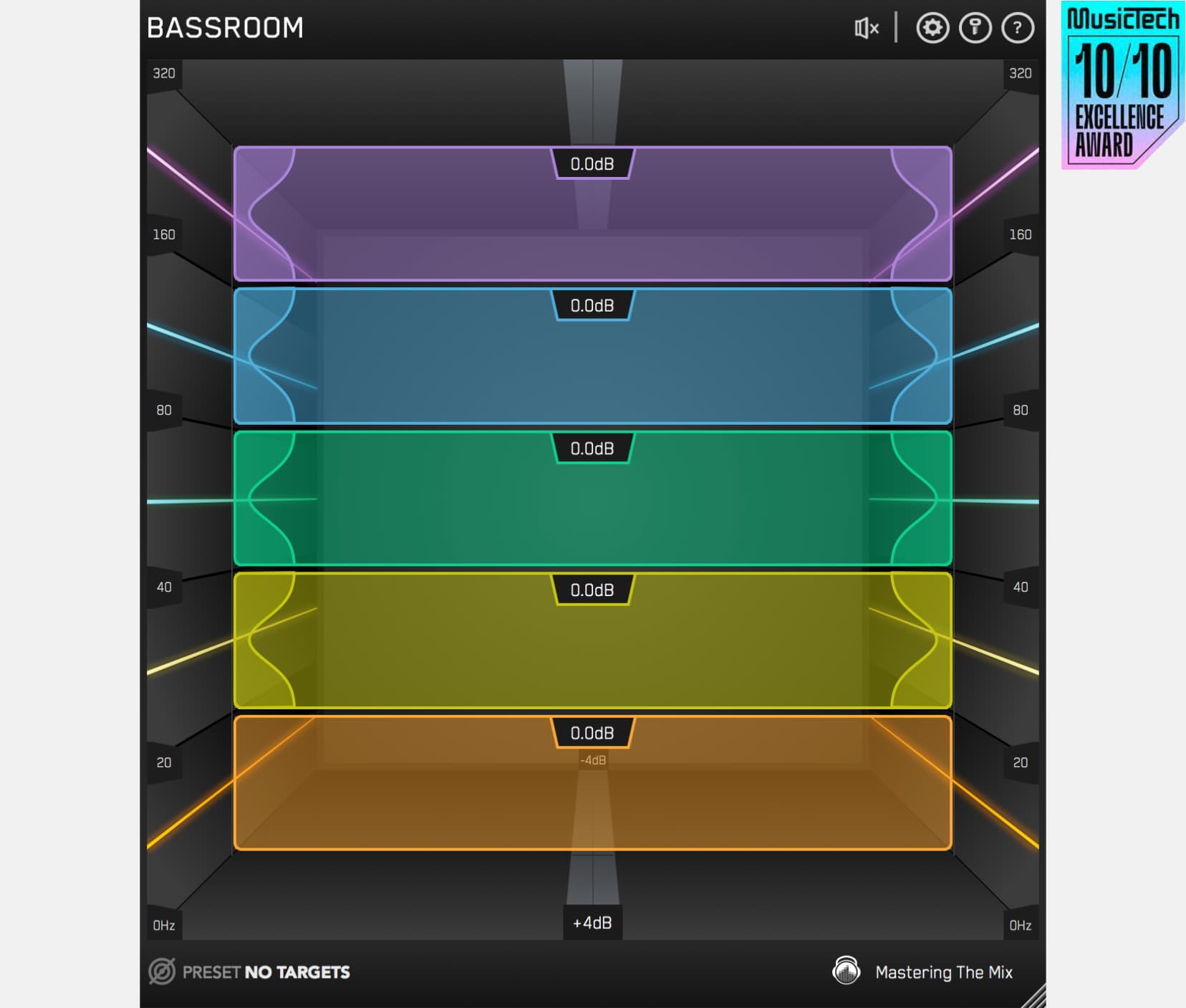
BASSROOM
Fix Your Low End
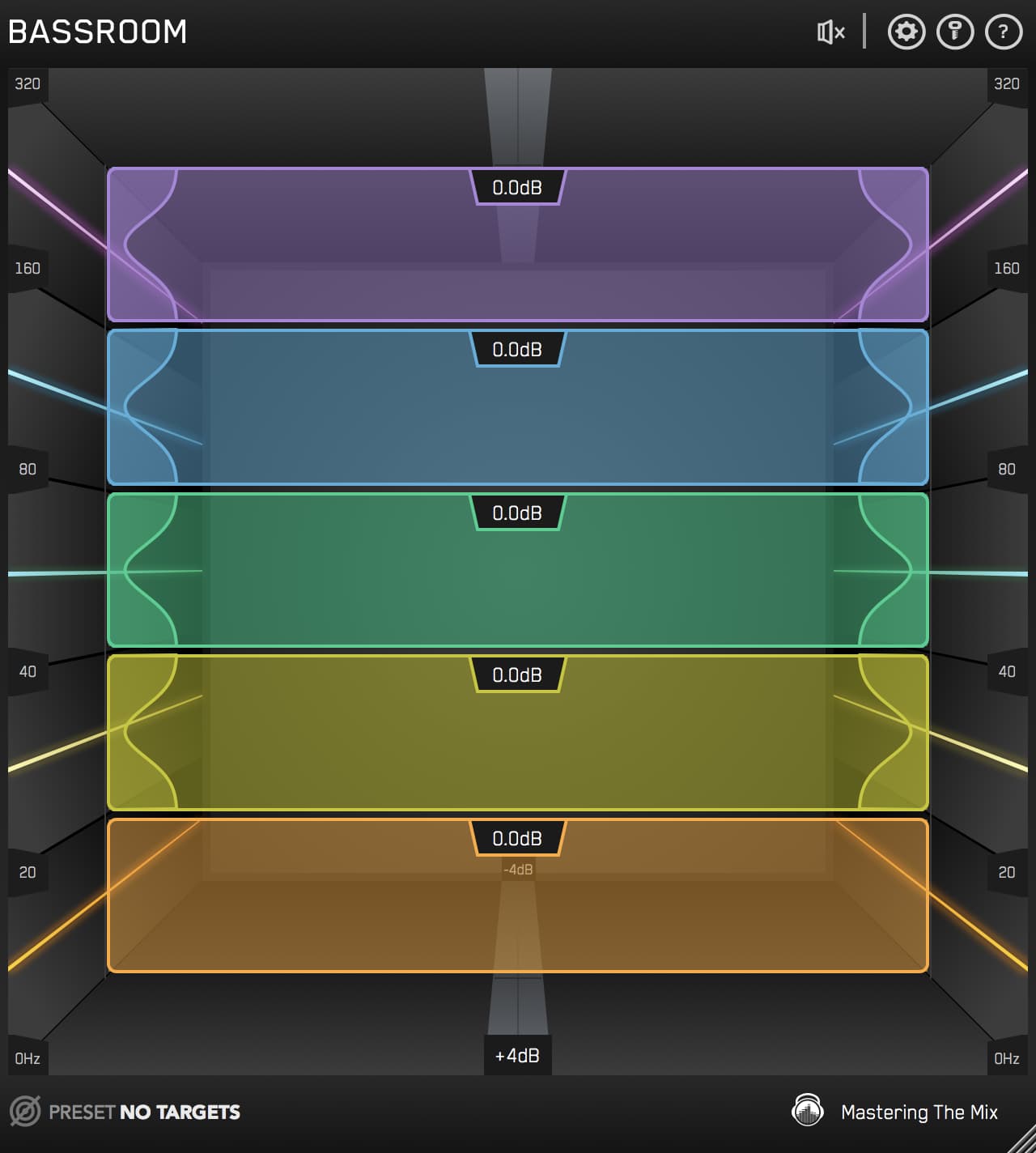
🌎 Overview: When your low-end is muddy or weak, your entire mix suffers. BASSROOM shows you exactly how to shape it — for bass that hits hard, sounds clear, and translates across every system.
⚠️ Problem Solved: Low-end is one of the hardest areas to get right, especially in untreated rooms. BASSROOM gives you clear, genre-specific EQ targets to achieve powerful, balanced bass on any system.
✅ Quick Start:
- Load BASSROOM on your master channel before your limiter.
- Select a preset or import a reference track.
- Match bands to EQ target suggestions, then tweak as needed.
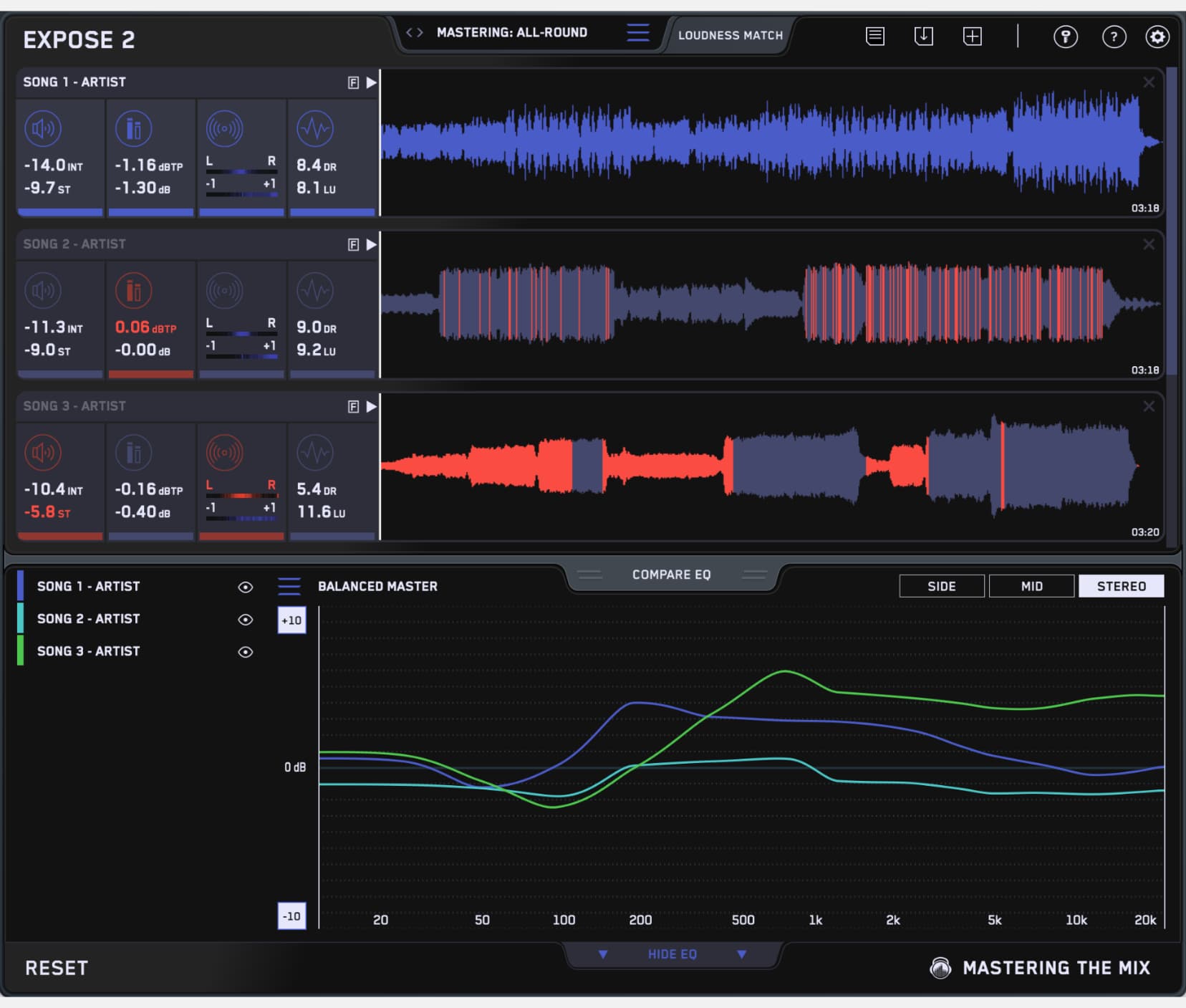
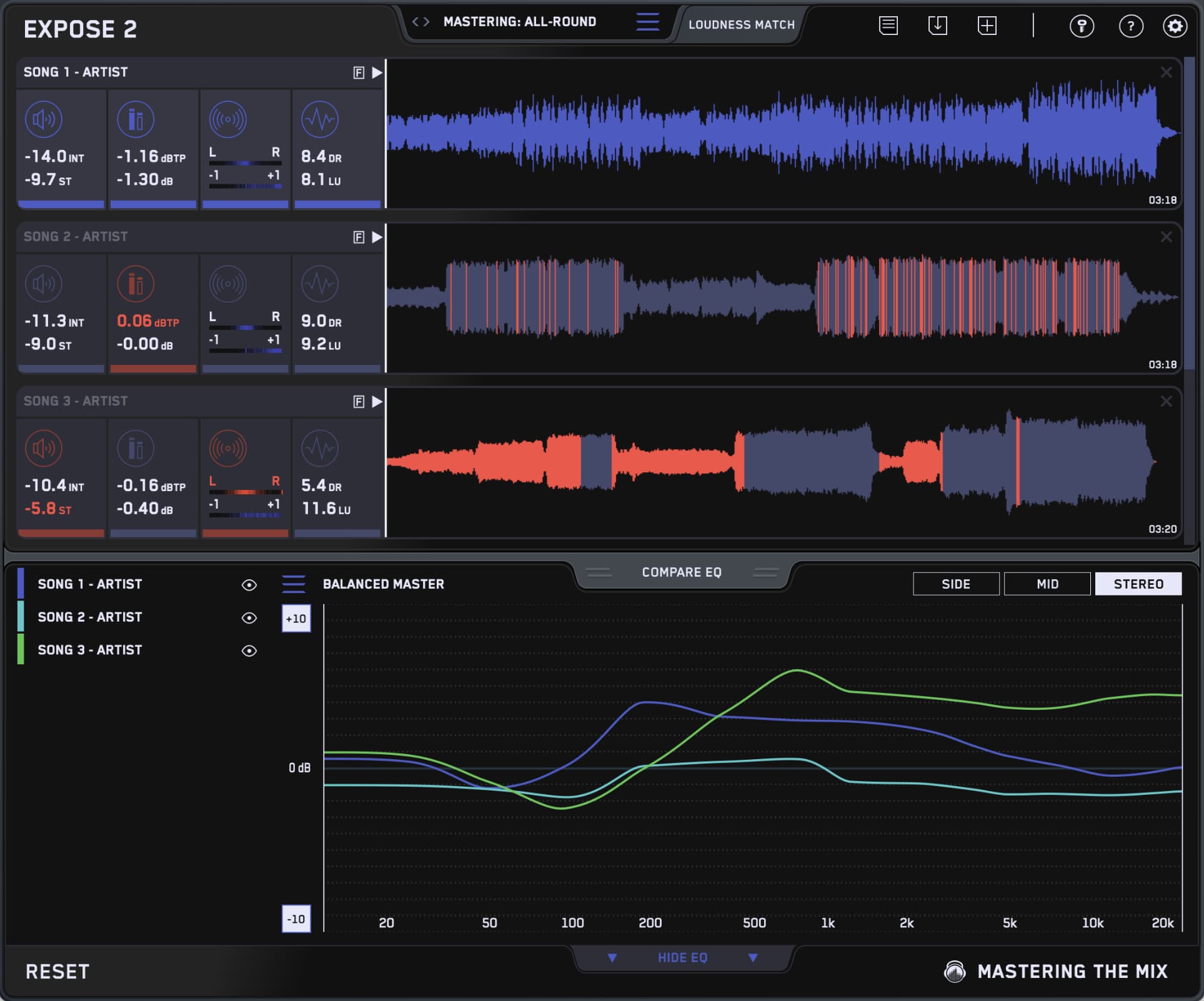
EXPOSE 2
Instantly Spot Mix Issues Before Release
🌎 Overview: Too many tracks get released with preventable issues — harsh EQ, clipping, over-compression, and phase problems. EXPOSE 2 is a standalone application that helps you catch these problems before release, with clear, visual feedback that lets you fix them fast and release with confidence.
⚠️ Problem Solved: Tracks often fail to translate due to technical flaws like poor EQ balance, true peak clipping, over-compression, and stereo or phase issues. EXPOSE 2 highlights them all in seconds.
✅ Quick Start:
- Open EXPOSE and drag your music into it.
- Select the preset based on your distribution method.
- Review the analysis feedback to optimize your music.