
MIXVAULT | Fast, Smart, Honest EQ
MIXVAULT analyzes your audio, helps you find a great tonal balance, then lets you shape it by feel, with every move level matched. Pull a frequency closer to bring it forward, push it away to pull it back, and build mixes that sound clearer, fuller, and more balanced, without any transient or phase smearing.


30 Day Money Back Guarantee
Pro Reviews

Music Radar
The No. 1 Website for Musicians.
MIXVAULT brings a whole new simplified attitude to EQing. Operation is extremely simple. The ability to grab parameters instead of scrolling through endless menus of numbers is a gamechanger. A tactile, hands-on approach that keeps you in your creative headspace

Jeremy Reeves
2x Grammy Winner. Wrote 'Finesse' and 'That's What I like' Bruno Mars.
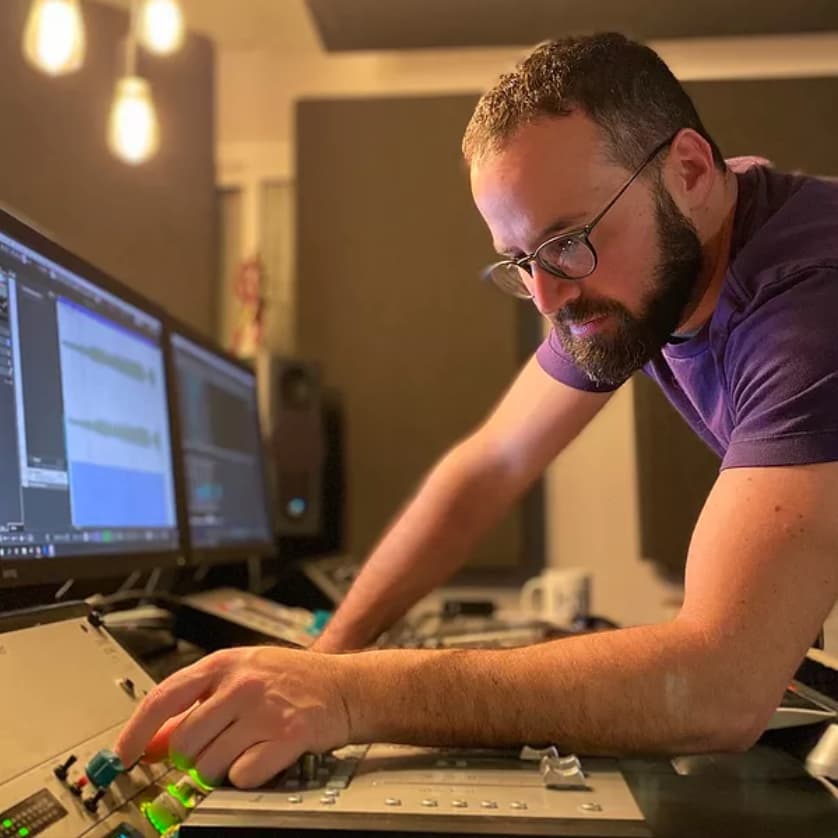
I love MIXVAULT! I started using it on my master bus to put an overall EQ on the mix and man…. This thing is sick! I love how easy it is to visualize what the eq is doing. Combining the visual and audio aspects to dial it in is the way to go... I’m being serious lol… I love this plugin!
Jordan Shultz
Ed Sheeran, Kygo, One Republic
MIXVAULT has quickly become one of my favorite EQs. It’s incredibly effortless to use, and the way it shapes the sound feels so natural on virtually any source.

We Rave You
Best Electronic Dance Music Magazine
MIXVAULT is a great tool for hearing different tonal variations of your sound, which becomes even more powerful when used on buses or in mastering.

Shiba San
Beatport Chart Topping DJ
Every now and then, a plugin comes along that makes you wonder how you ever worked without it. MIXVAULT is one of those rare tools. After one session, it becomes a permanent part of my mixing and mastering workflow. Absolute fire. 🔥
Hear The Difference
Toggle between bypass and processing to hear MIXVAULT in action. Every example is level matched, so you're hearing the tonal change and nothing else.

Pop Mix

Hip Hop Mix

Rock Mix

Use On Channels Or Full Mix
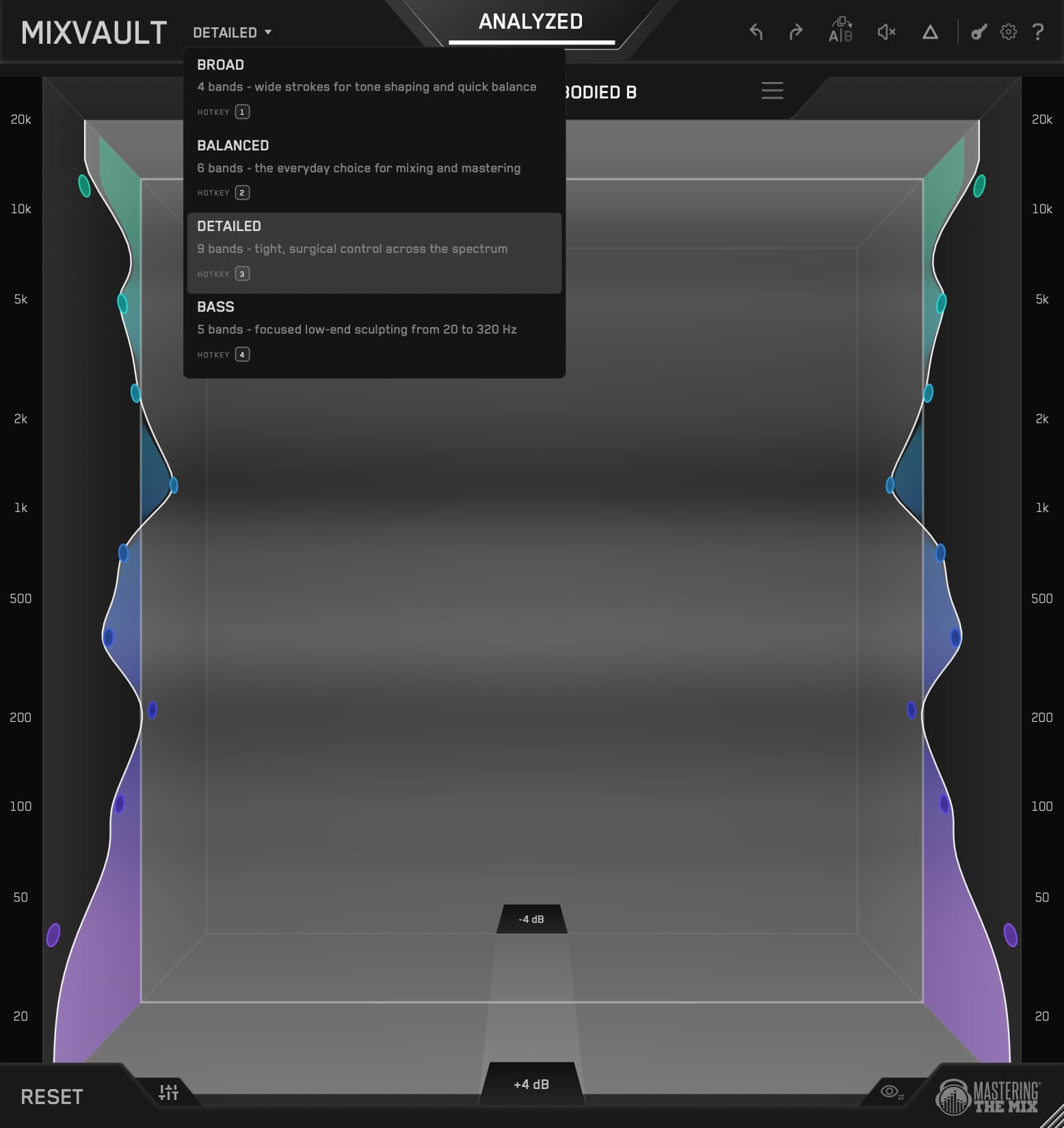
MIXVAULT works on individual tracks, busses, and the master. Four Resolution options set how many bands you get, from wide and sweeping to tight and surgical, so the same EQ handles a quick vocal tilt and a careful mastering move without ever changing how it sounds.
Shape By Feel
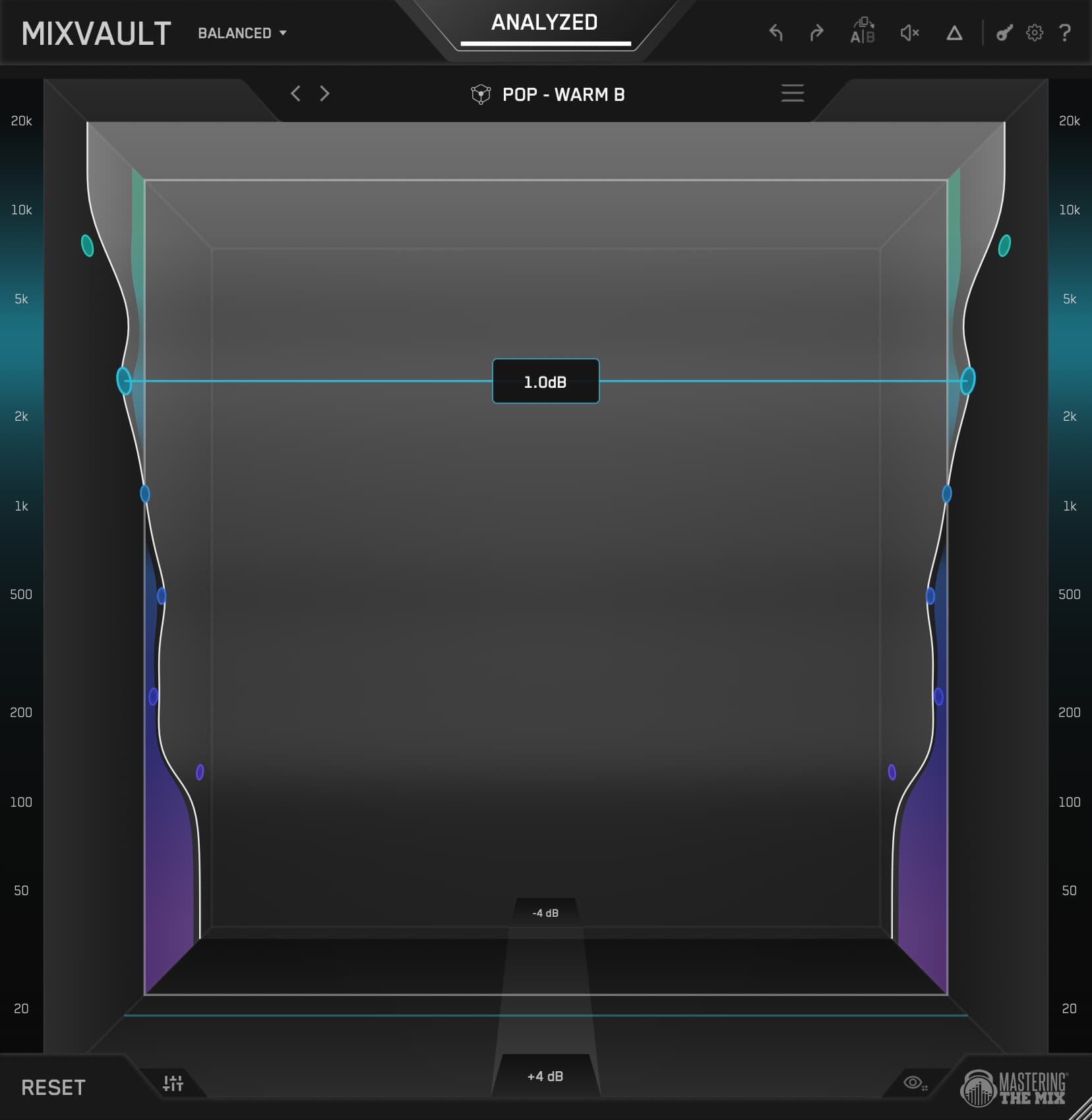
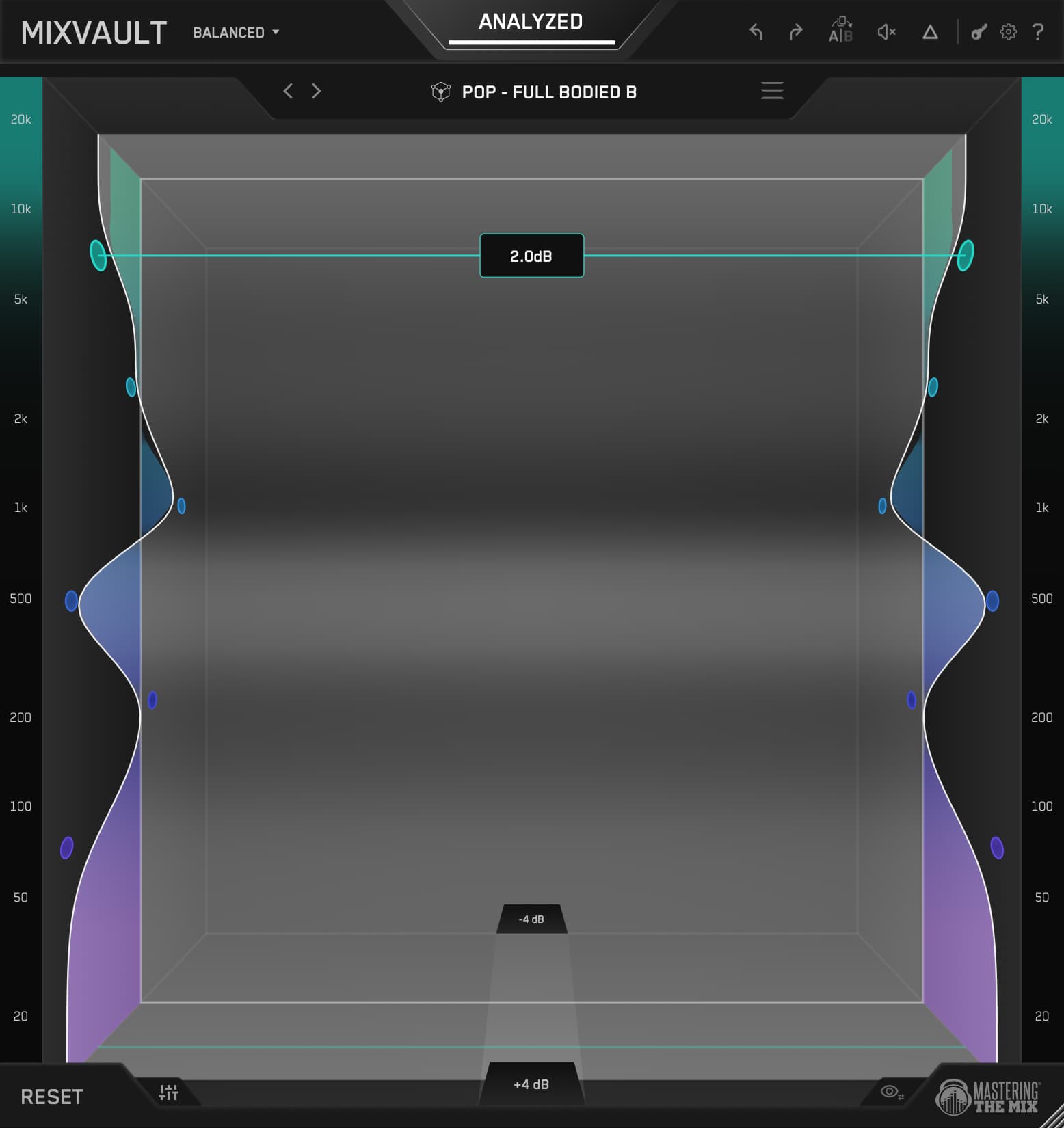
The visual is something you can reach out and grab. Pull a frequency towards you to make it louder, push it away to make it quieter, and the whole room expands and contracts as you work. Scroll to adjust the Q. You don't just hear your changes, you watch your sound take shape. It's the first EQ that feels less like a tool and more like an instrument.
Smart Presets
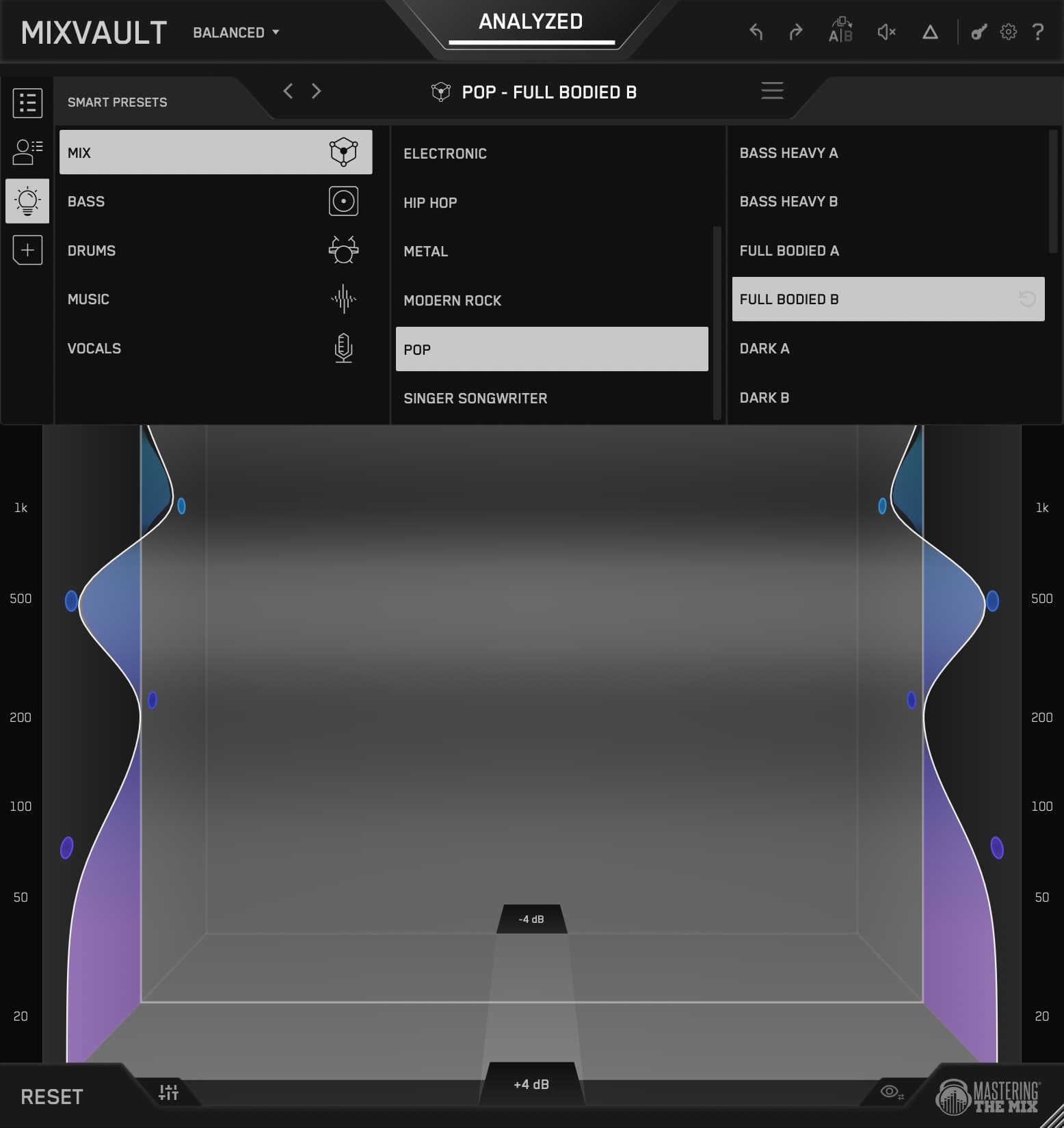
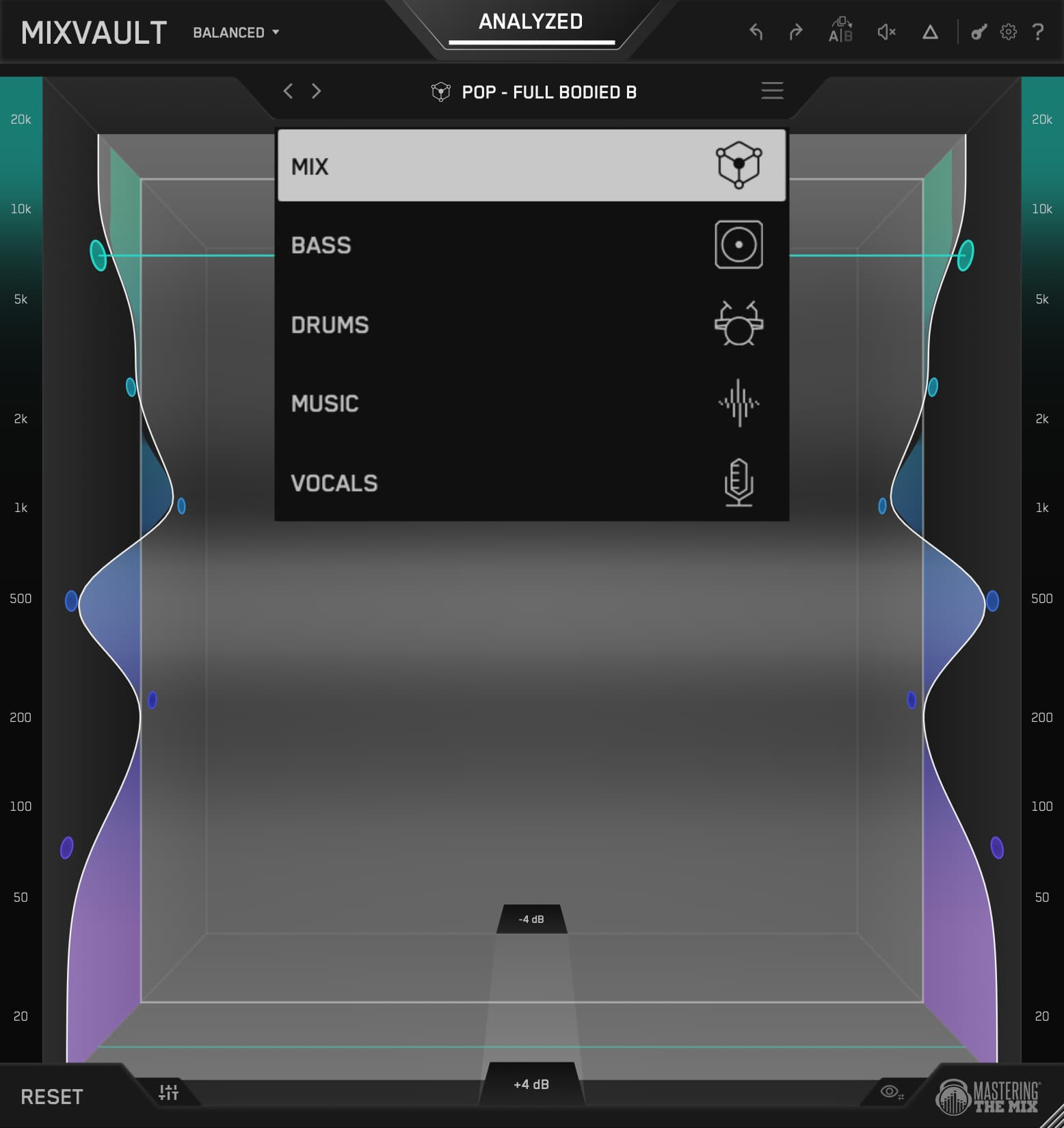
Hit Analyze, pick your source (mix, vocals, bass, drums, or music) and genre, and MIXVAULT builds a preset from your actual audio, not a stored curve. Step through the arrows to explore alternatives, each labelled by character from bass heavy and dark through to bright and piercing. You'll usually know within four or five clicks.
Level Matched
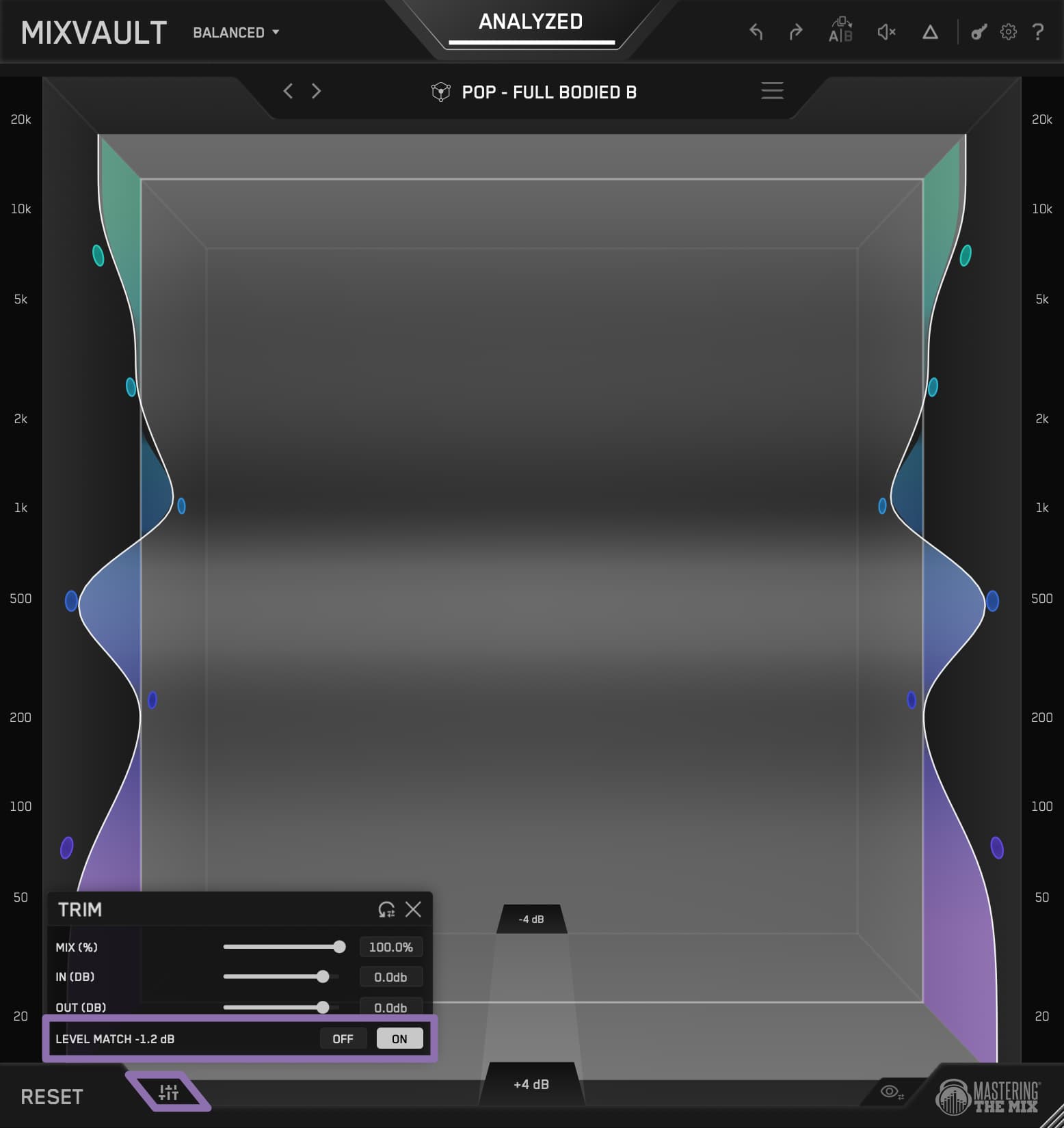
Humans hear louder as better, so any EQ move that nudges the level fools you into thinking you improved the sound. MIXVAULT level matches every move in real time. Audition presets, bypass to compare, push a band, and you're always hearing the true tonal change and nothing else.
Broad, Balanced, Detailed
Broad gives you 4 wide bands for sweeping tonal moves. Balanced gives you 6 for general mastering, the one you'll reach for most. Detailed gives you 9 tighter bands when there's a specific problem area to target. Switch at any time and MIXVAULT carries your tonal intent across rather than starting over.
Bass
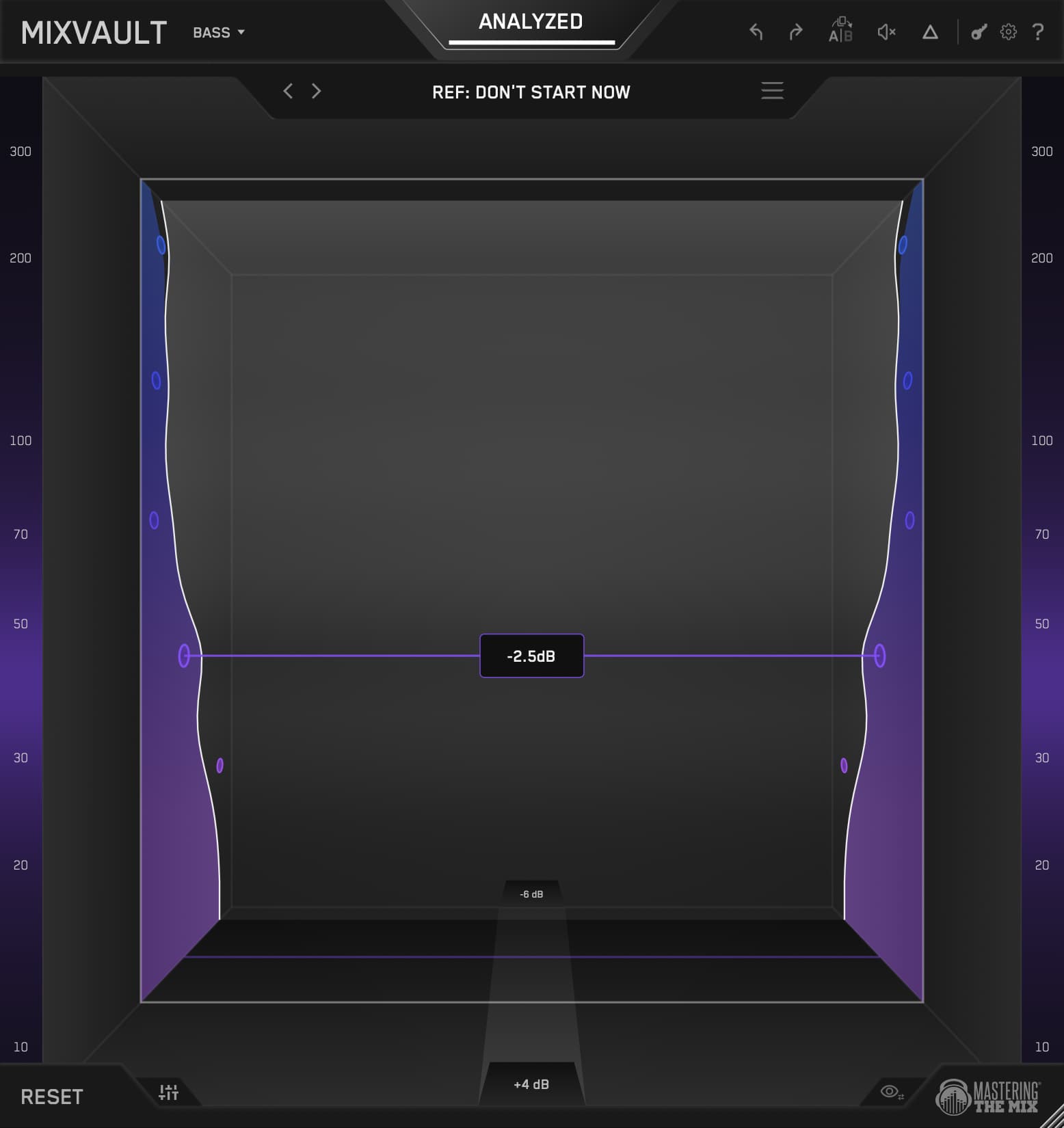
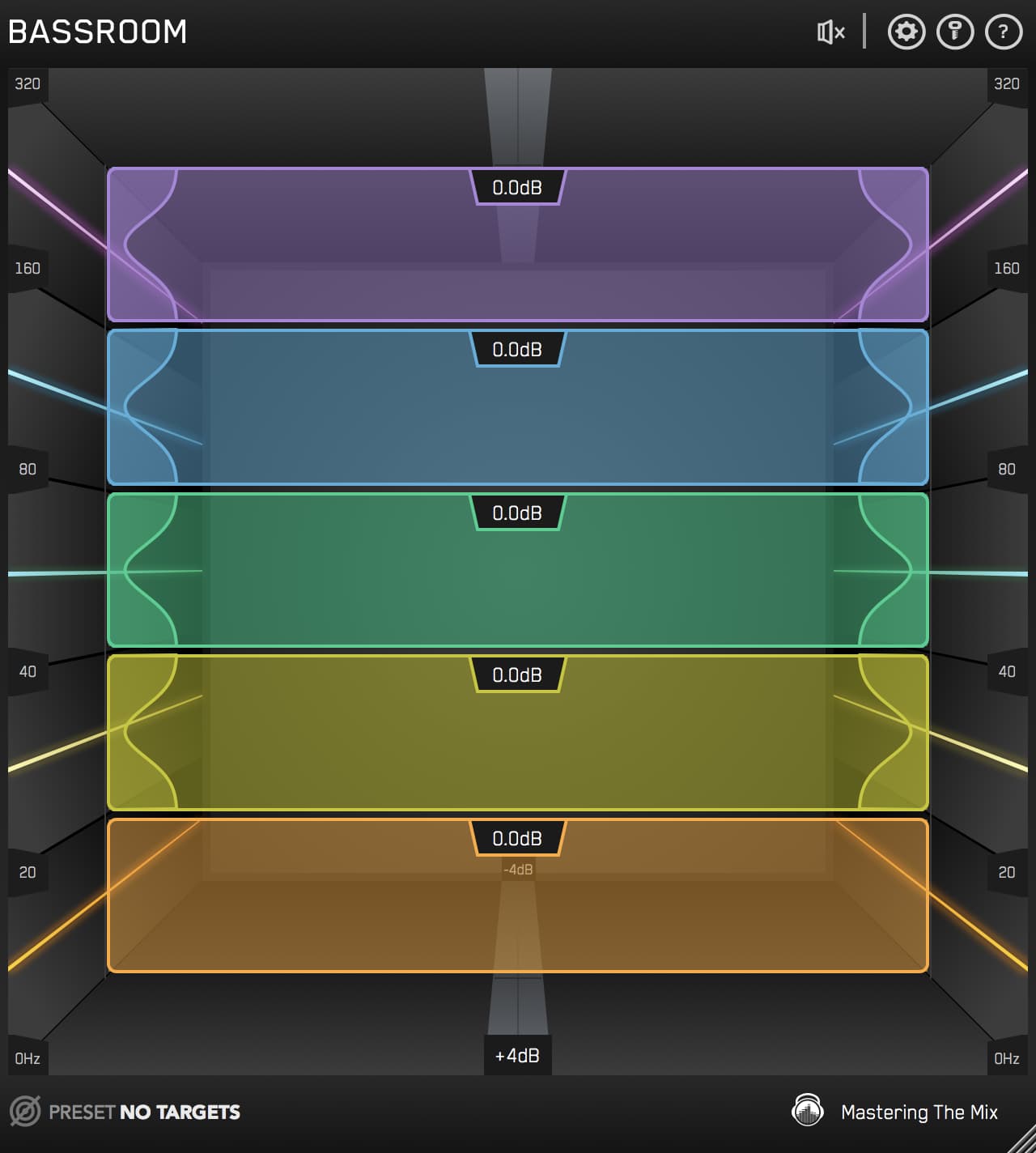
Five bands focused from 20 to 320 Hz, for dialling in bass and sub with everything else out of the way. It runs an improved version of the filter we built for BASSROOM, with minimal phase and transient distortion. Push 240 Hz up 6dB and the weight goes up while the kick still hits like a kick.
Fast, and Transparent
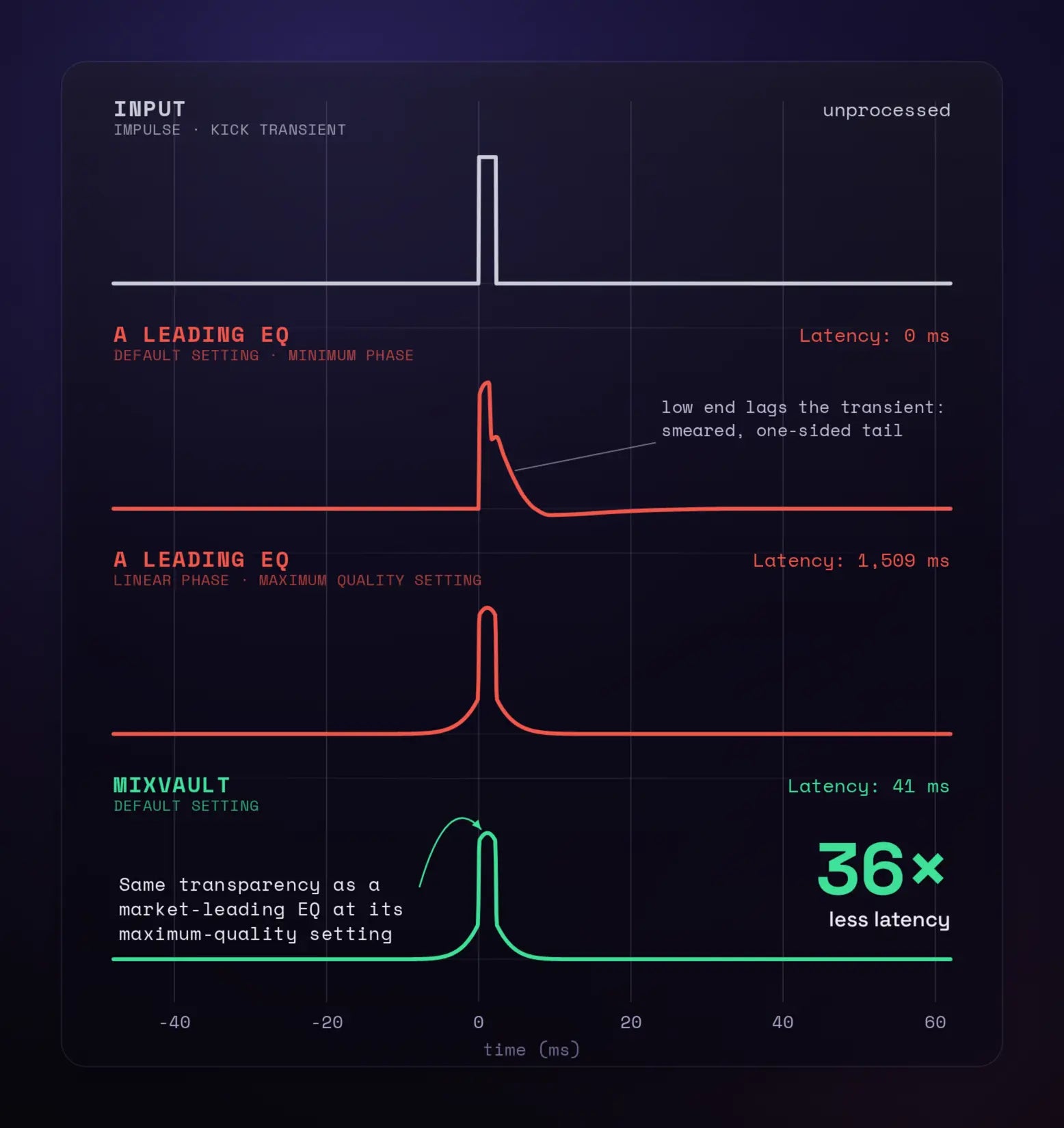
MIXVAULT default filters delivers the exact frequency response of a market-leading linear-phase EQ, at its maximum setting - with 36x less latency.
Reference Tracks
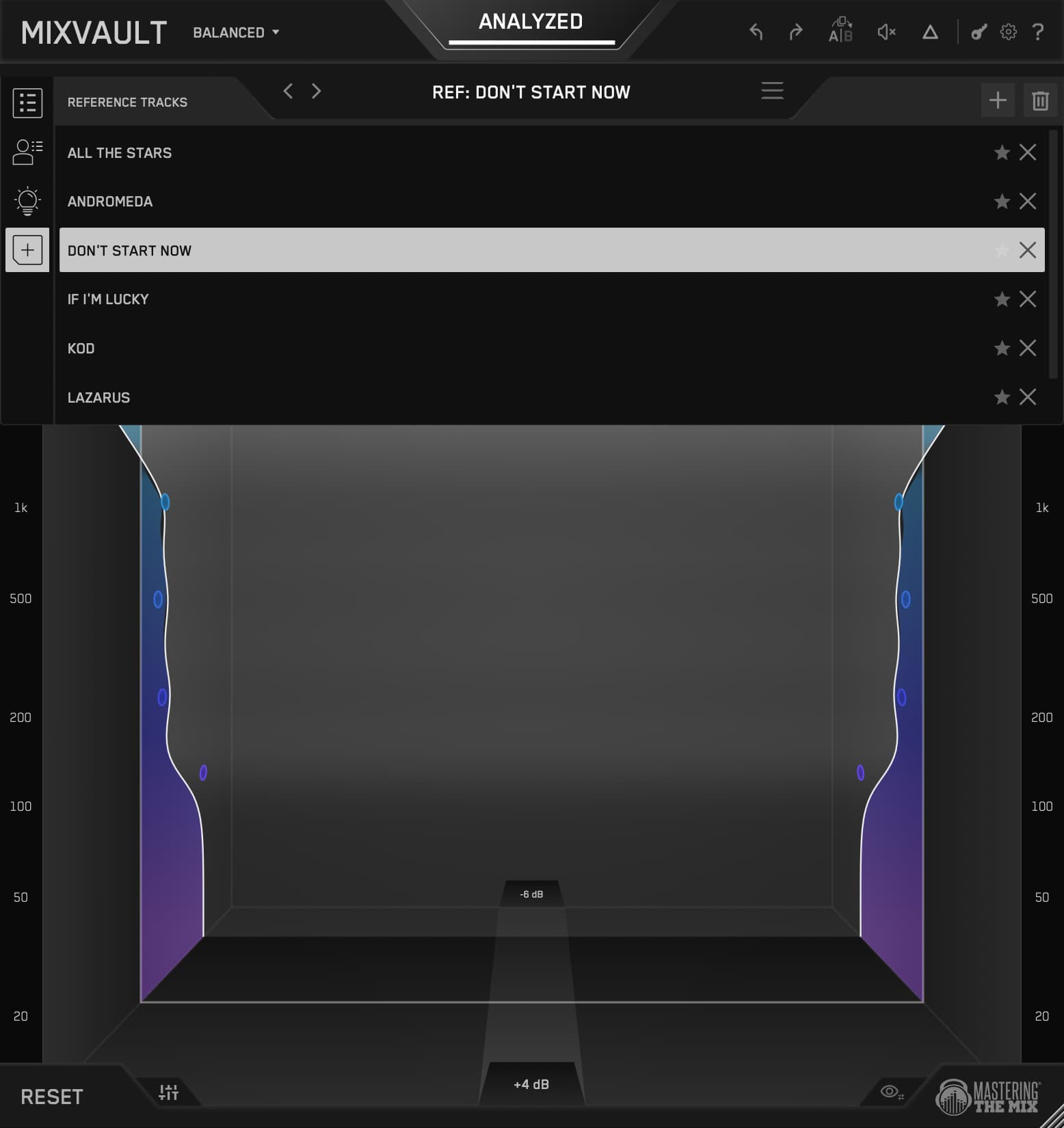
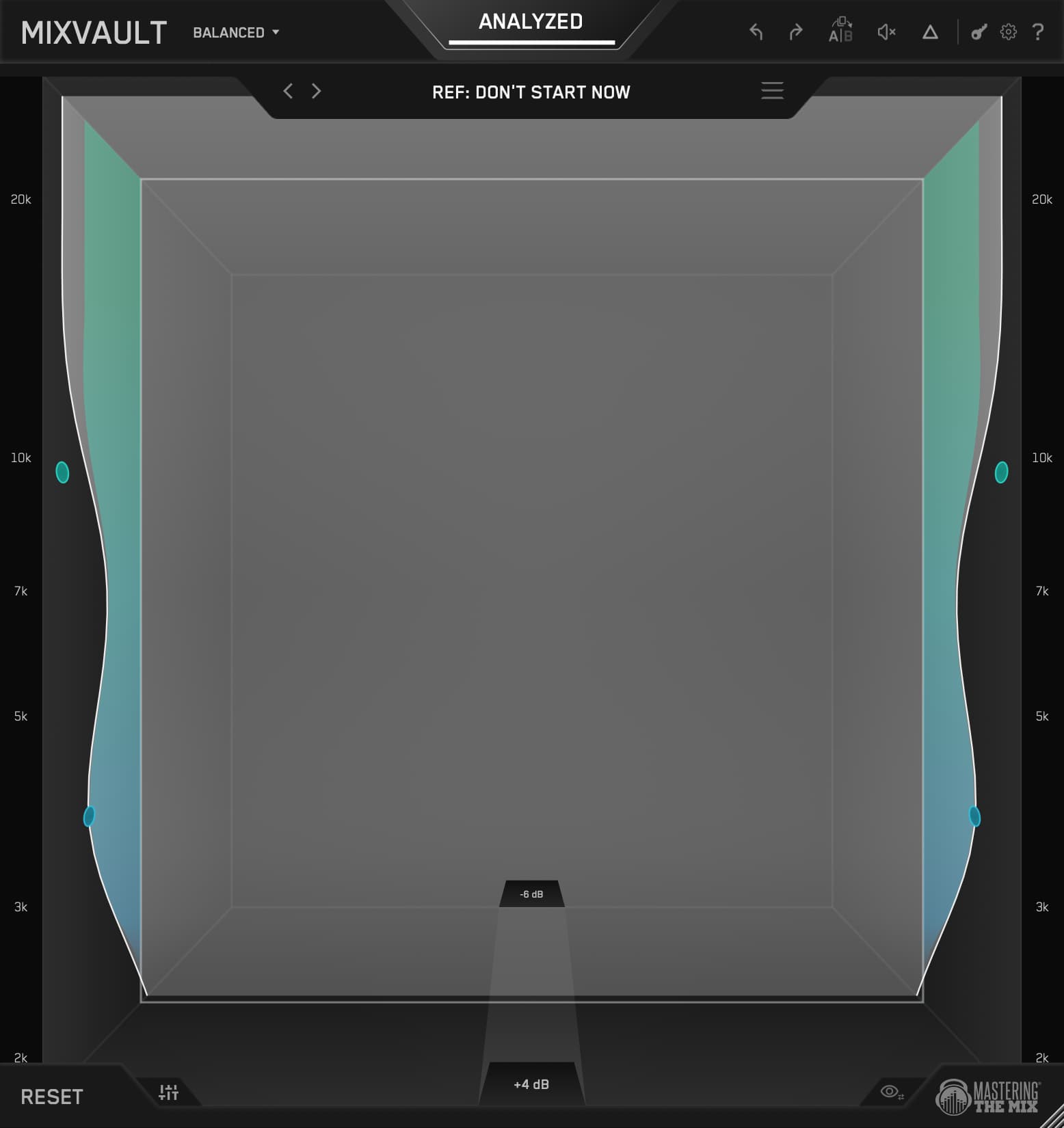
Your ears adjust to whatever you've been listening to, which is why a mix can sound perfect after an hour and wrong the next morning. Import a professional release you trust, analyze, and MIXVAULT shows you the moves that get your track into the same pocket. Perfectly level matched, so you're hearing tone and not just a louder record.
See Every Change
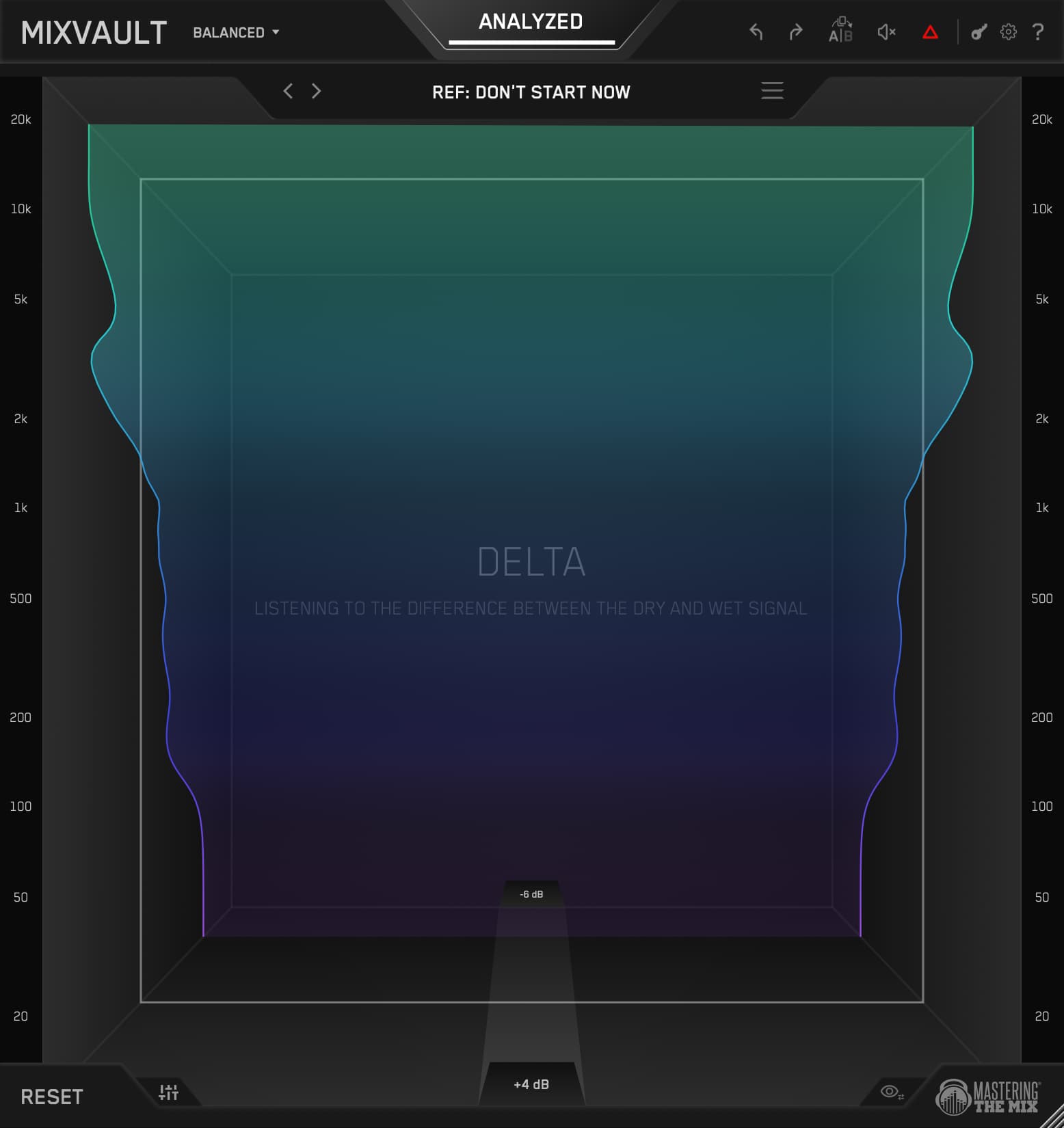
As your audio plays, a live delta visual paints onto the sides of the room, so you can see exactly how your EQ is shaping the signal while you work. Hit D to hear it too, soloing the difference between dry and wet so you know precisely what you're adding and taking away.
So Much Control
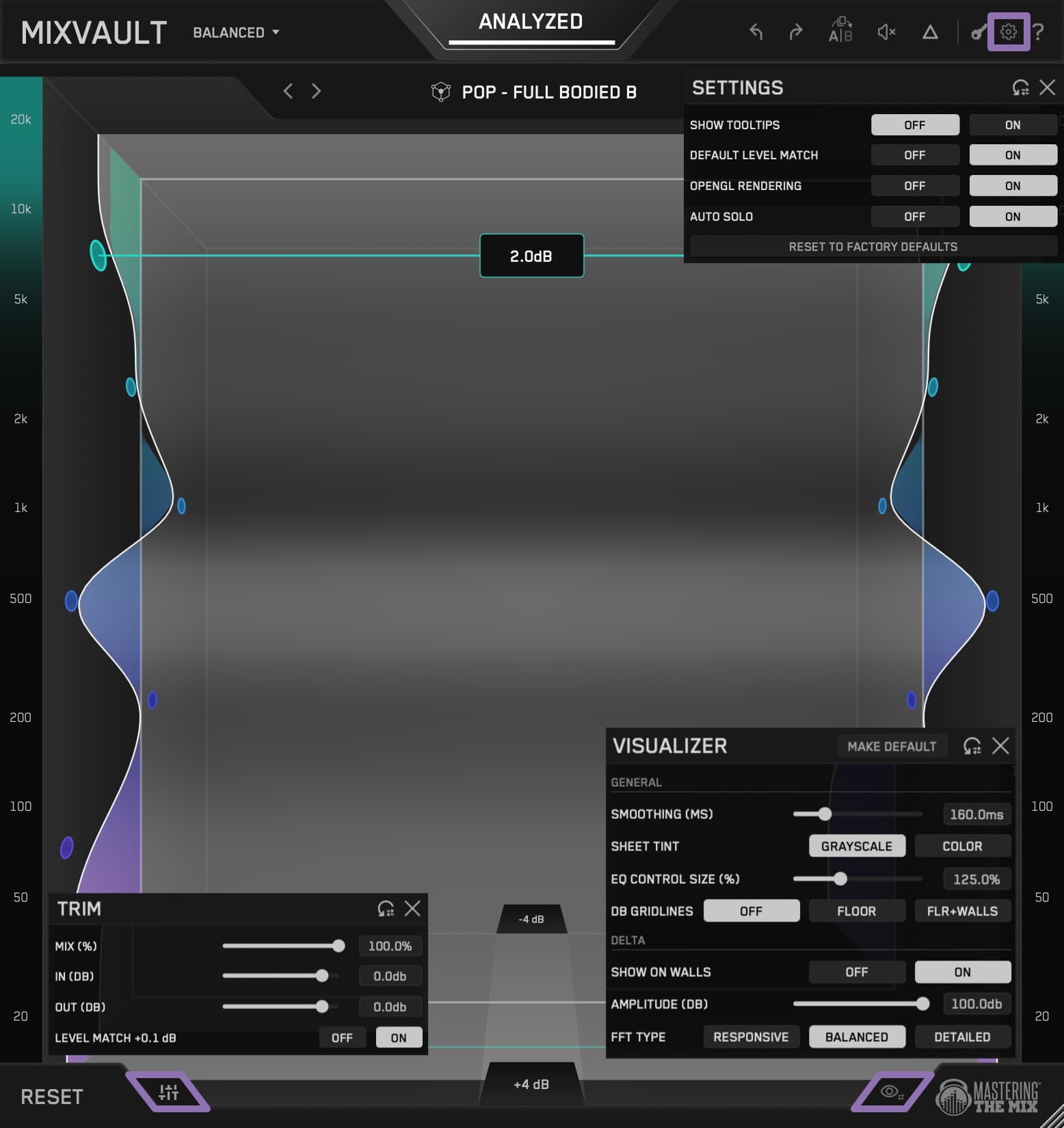
Trim handles input, output, and dry/wet mix. A|B holds two independent states so you can compare a heavier approach against a lighter one. Delta, Undo, Redo, and global bypass are a keystroke away. The Visualizer settings let you tune the room to your taste.
Zoom In
The Hz strips run down both walls of the room. Scroll over a strip to zoom in on the part of the spectrum you care about, or back out for the full picture. Hold Shift while you drag for fine gain, or double-click any dB readout to type an exact value.
Use On Channels Or Full Mix
MIXVAULT works on individual tracks, busses, and the master. Four Resolution options set how many bands you get, from wide and sweeping to tight and surgical, so the same EQ handles a quick vocal tilt and a careful mastering move without ever changing how it sounds.
Shape By Feel
The visual is something you can reach out and grab. Pull a frequency towards you to make it louder, push it away to make it quieter, and the whole room expands and contracts as you work. Scroll to adjust the Q. You don't just hear your changes, you watch your sound take shape. It's the first EQ that feels less like a tool and more like an instrument.
Smart Presets
Hit Analyze, pick your source (mix, vocals, bass, drums, or music) and genre, and MIXVAULT builds a preset from your actual audio, not a stored curve. Step through the arrows to explore alternatives, each labelled by character from bass heavy and dark through to bright and piercing. You'll usually know within four or five clicks.
Level Matched
Humans hear louder as better, so any EQ move that nudges the level fools you into thinking you improved the sound. MIXVAULT level matches every move in real time. Audition presets, bypass to compare, push a band, and you're always hearing the true tonal change and nothing else.
Broad, Balanced, Detailed
Broad gives you 4 wide bands for sweeping tonal moves. Balanced gives you 6 for general mastering, the one you'll reach for most. Detailed gives you 9 tighter bands when there's a specific problem area to target. Switch at any time and MIXVAULT carries your tonal intent across rather than starting over.
Bass
Five bands focused from 20 to 320 Hz, for dialling in bass and sub with everything else out of the way. It runs an improved version of the filter we built for BASSROOM, with minimal phase and transient distortion. Push 240 Hz up 6dB and the weight goes up while the kick still hits like a kick.
Fast, and Transparent
MIXVAULT default filters delivers the exact frequency response of a market-leading linear-phase EQ, at its maximum setting - with 36x less latency.
Reference Tracks
Your ears adjust to whatever you've been listening to, which is why a mix can sound perfect after an hour and wrong the next morning. Import a professional release you trust, analyze, and MIXVAULT shows you the moves that get your track into the same pocket. Perfectly level matched, so you're hearing tone and not just a louder record.
See Every Change
As your audio plays, a live delta visual paints onto the sides of the room, so you can see exactly how your EQ is shaping the signal while you work. Hit D to hear it too, soloing the difference between dry and wet so you know precisely what you're adding and taking away.
So Much Control
Trim handles input, output, and dry/wet mix. A|B holds two independent states so you can compare a heavier approach against a lighter one. Delta, Undo, Redo, and global bypass are a keystroke away. The Visualizer settings let you tune the room to your taste.
Zoom In
The Hz strips run down both walls of the room. Scroll over a strip to zoom in on the part of the spectrum you care about, or back out for the full picture. Hold Shift while you drag for fine gain, or double-click any dB readout to type an exact value.




MIXVAULT is included in
All Plugins
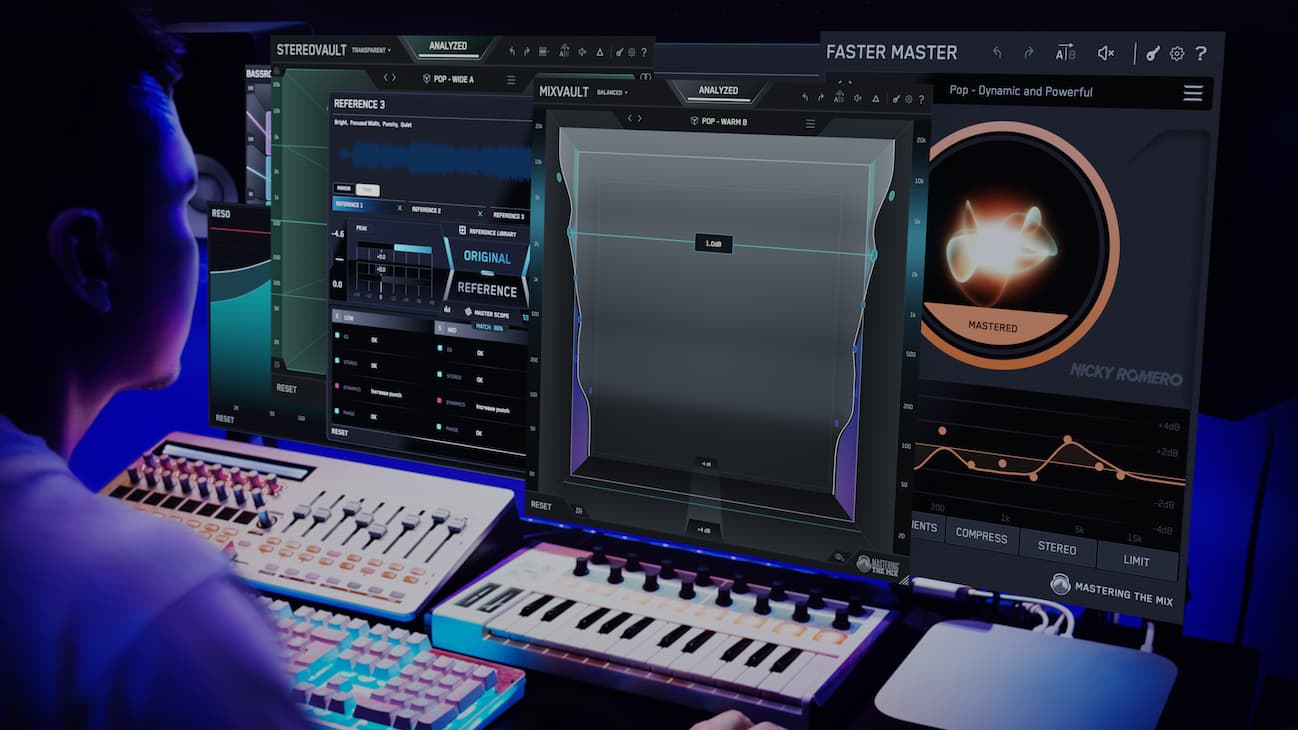
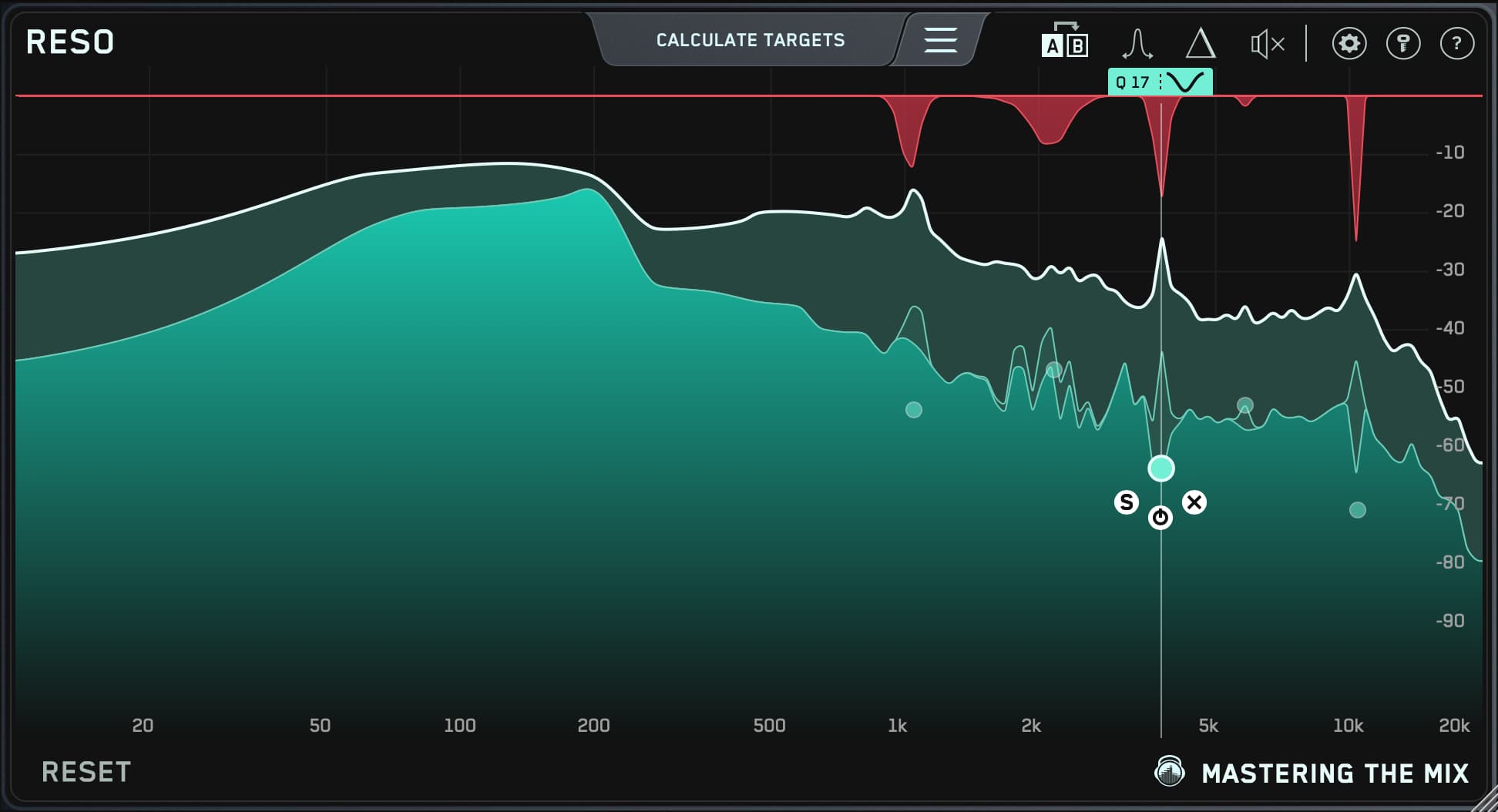
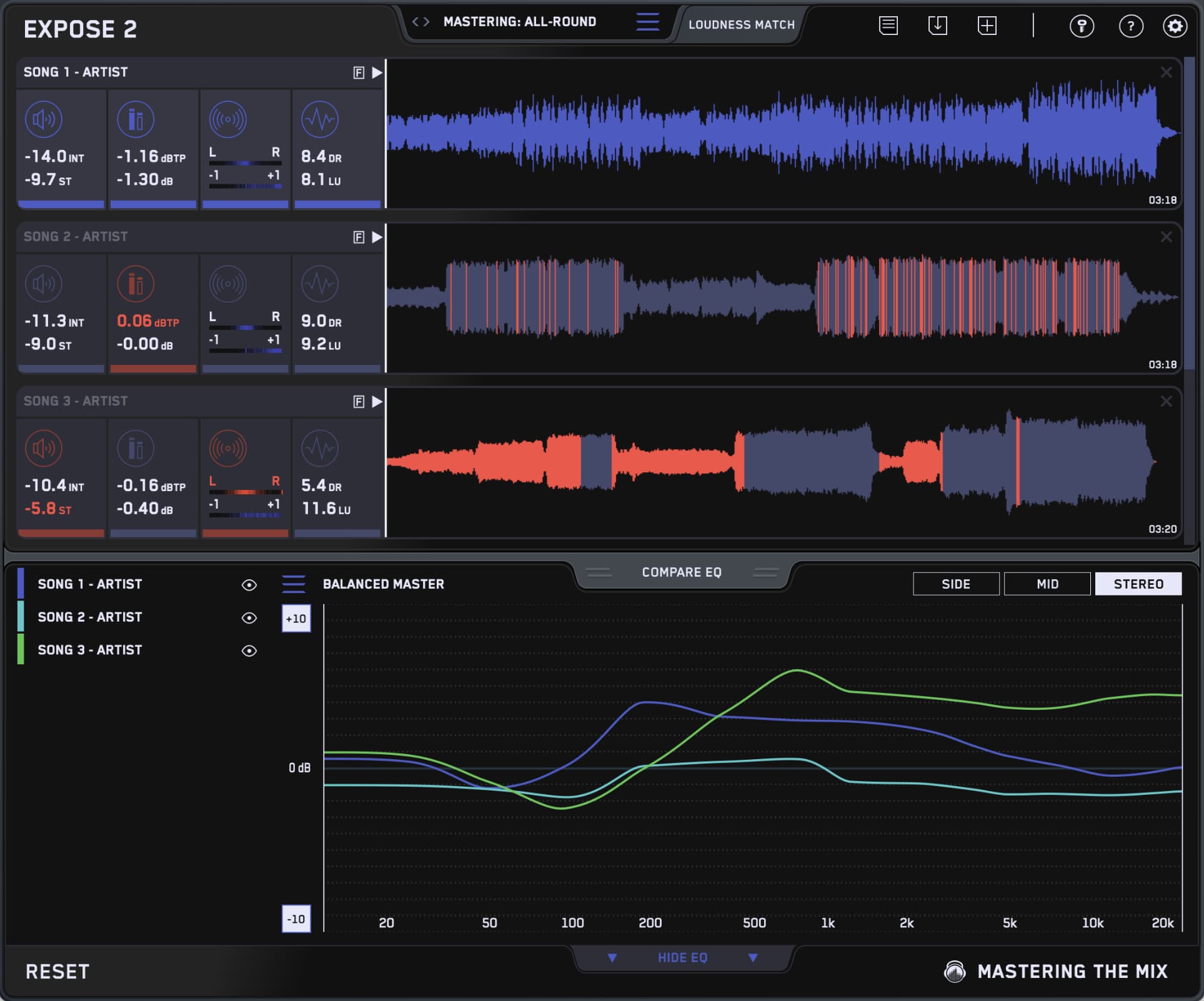
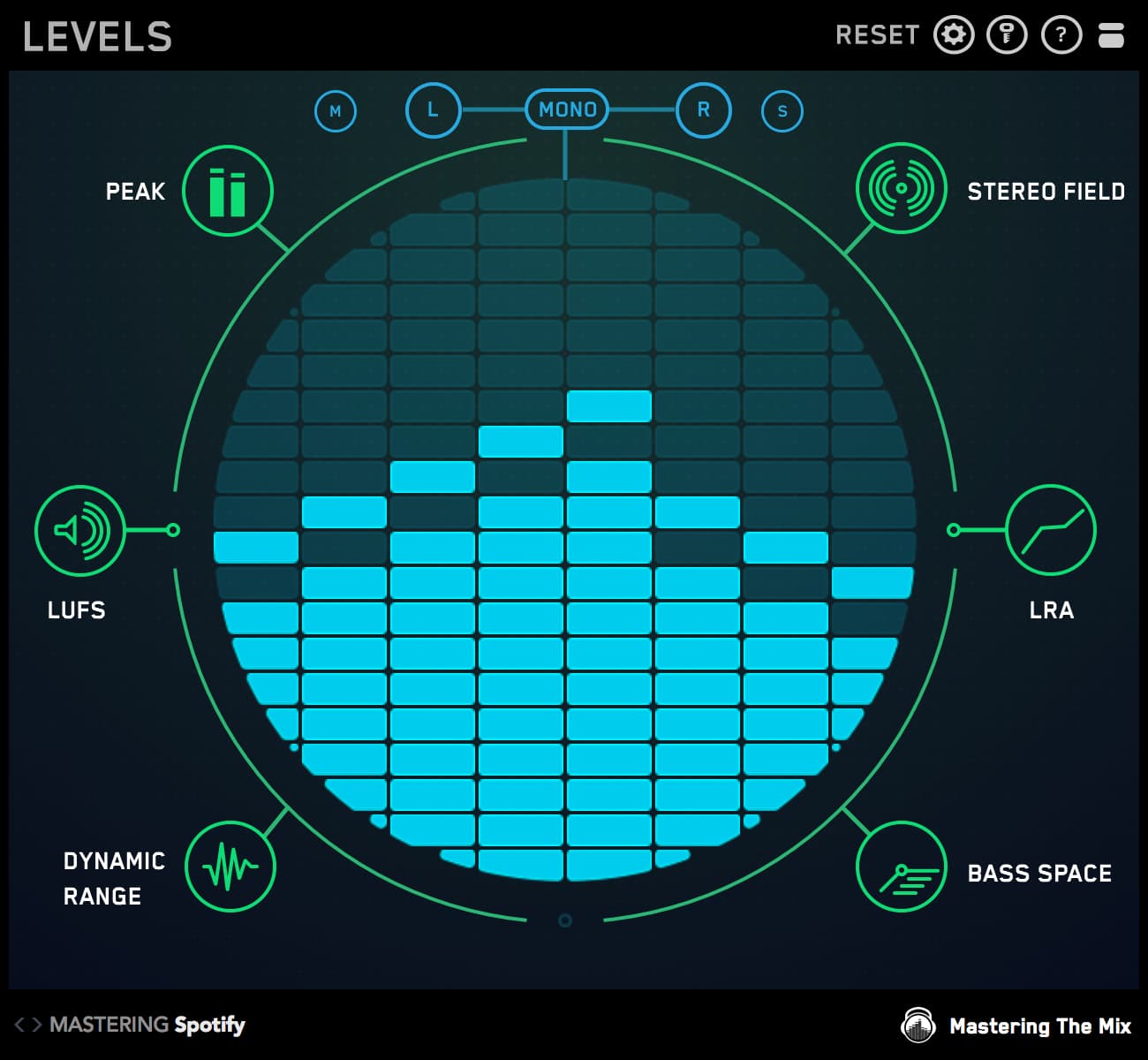
This bundle contains all 11 Mastering The Mix plugins. They analyze your audio and guide you to make the best decisions for your music. You’ll solve the hardest problems you face in the studio and create better-sounding music when you use our plugins

Mac System Requirements
OS X 10.15 or higher. 64-bit AU, VST 3 or AAX host.
Apple Silicon Native.
Windows System Requirements
Windows 10 or higher. 64-bit VST 3 or 64-bit AAX host.
Mac System Requirements
OS X 10.15 or higher. 64-bit AU, VST 3 or AAX host.
Apple Silicon Native.
Windows System Requirements
Windows 10 or higher. 64-bit VST 3 or 64-bit AAX host.