

CARBON Q | Connected EQ For Your Whole Mix
Getting a song to sound professional comes down to two things: how loud each part is, and how the EQ of each part fits together.
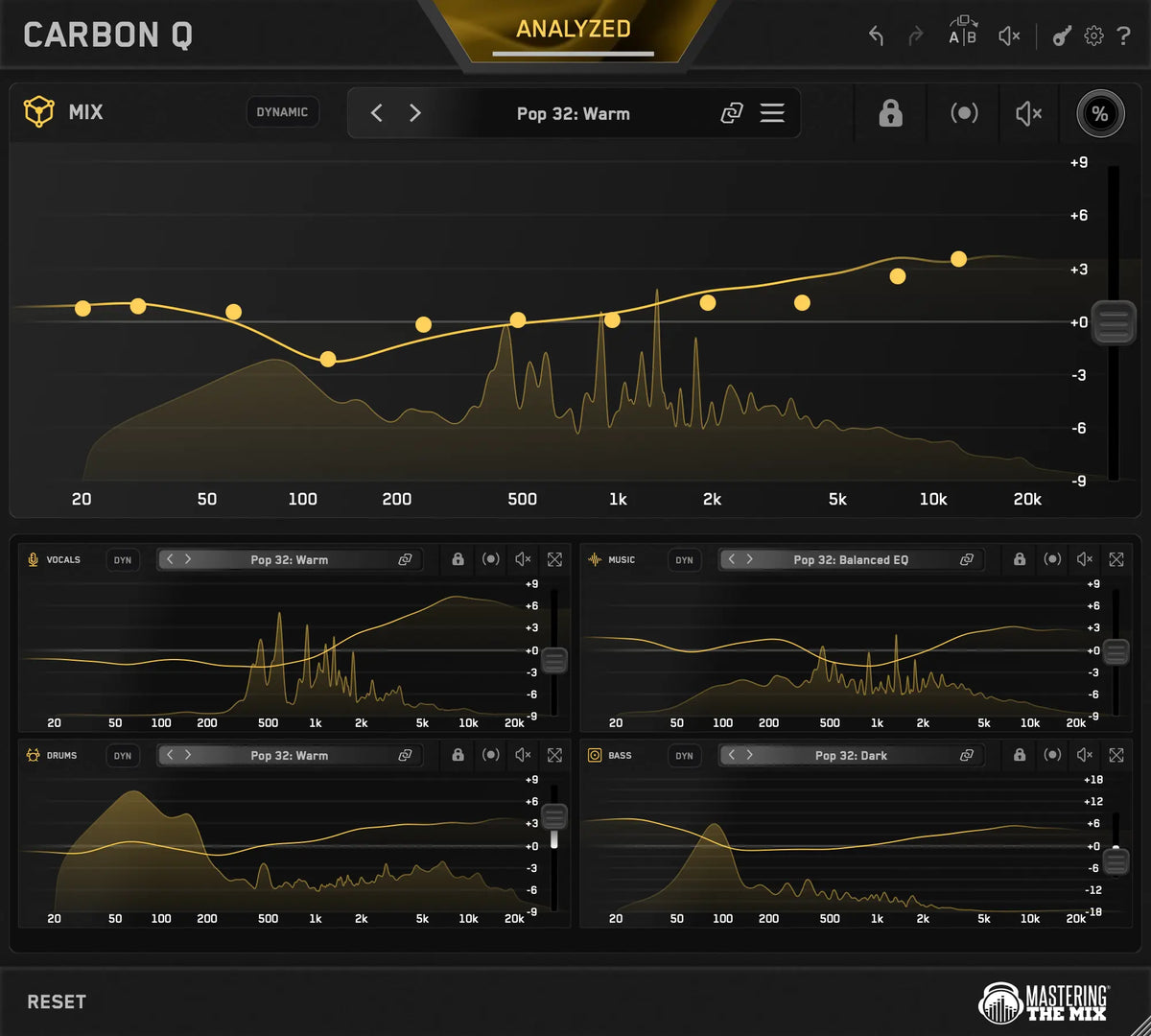
CARBON Q helps you get both right for your vocals, music, drums and bass, all from one window. Every channel is connected, so each one is set with the rest of the mix in mind.
30 Day Money Back Guarantee
Hear The Difference


Rock Mix


Pop Mix

Connected EQ
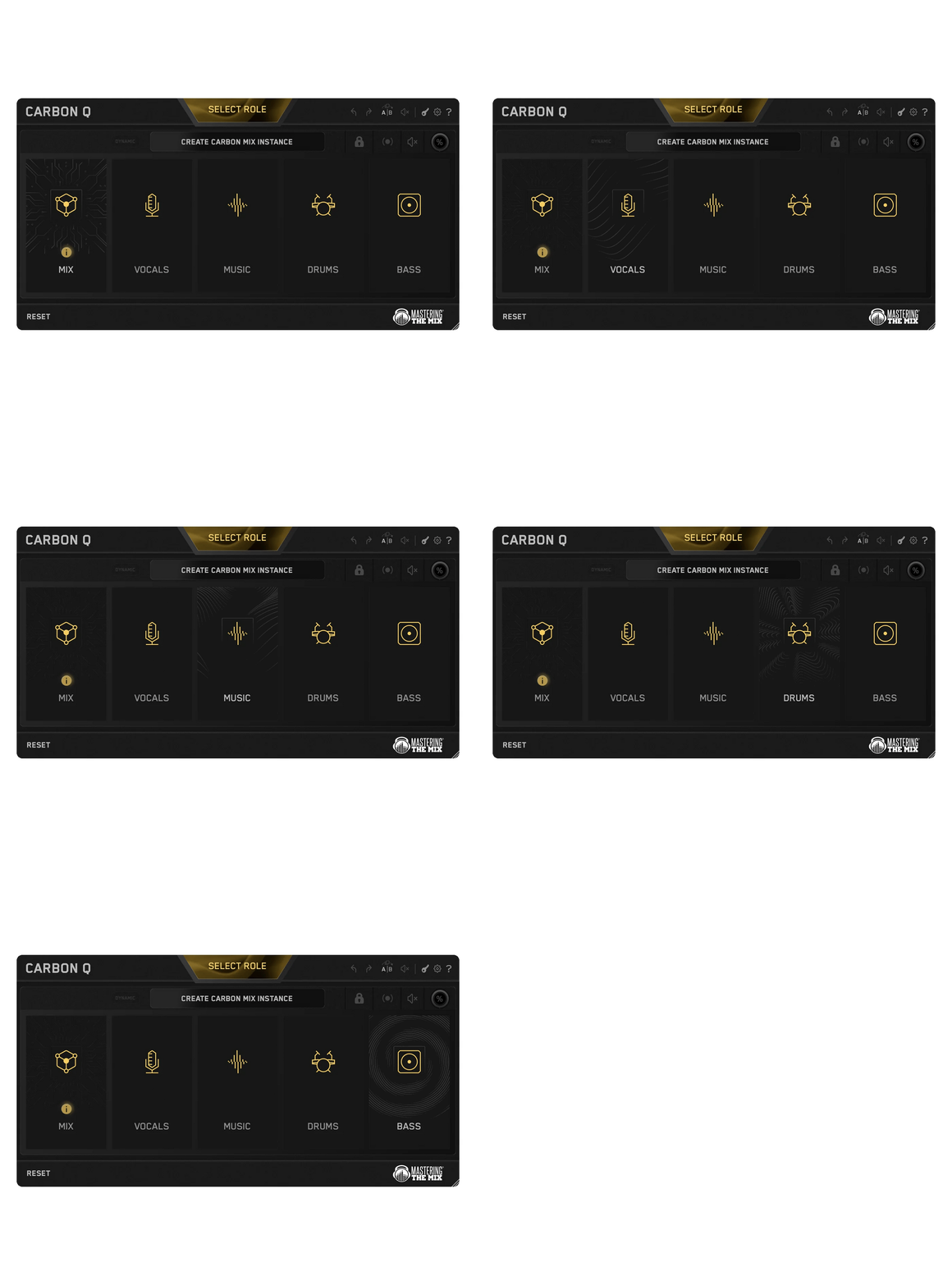
CARBON Q goes on your output, and on your vocals, music, drums and bass. They connect the moment they load. From any window you can control every channel's EQ, level and its preset.
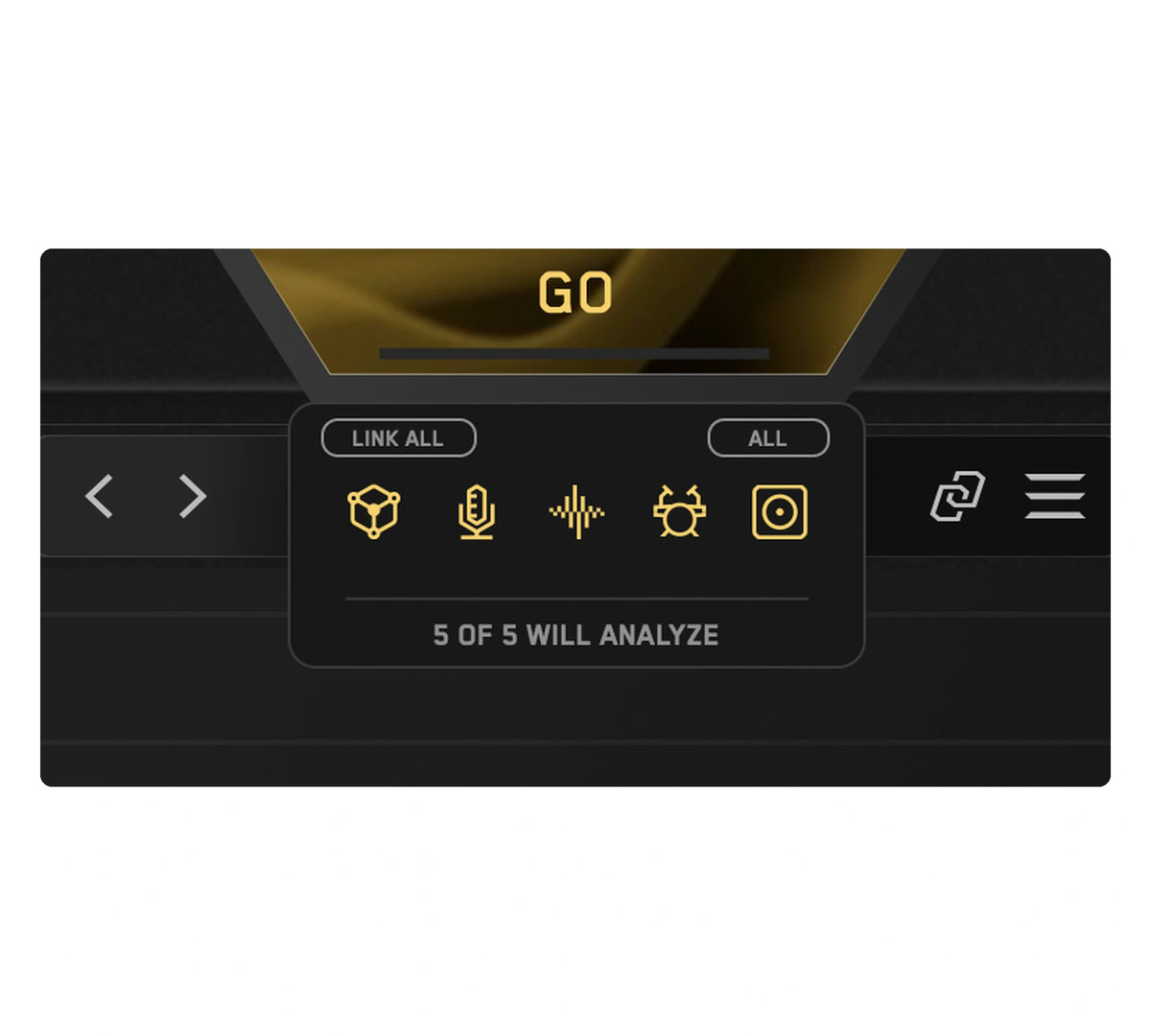
Analyze Everything
Loop the busiest part of your song and press ANALYZE. Press GO and CARBON Q analyzes your mix.
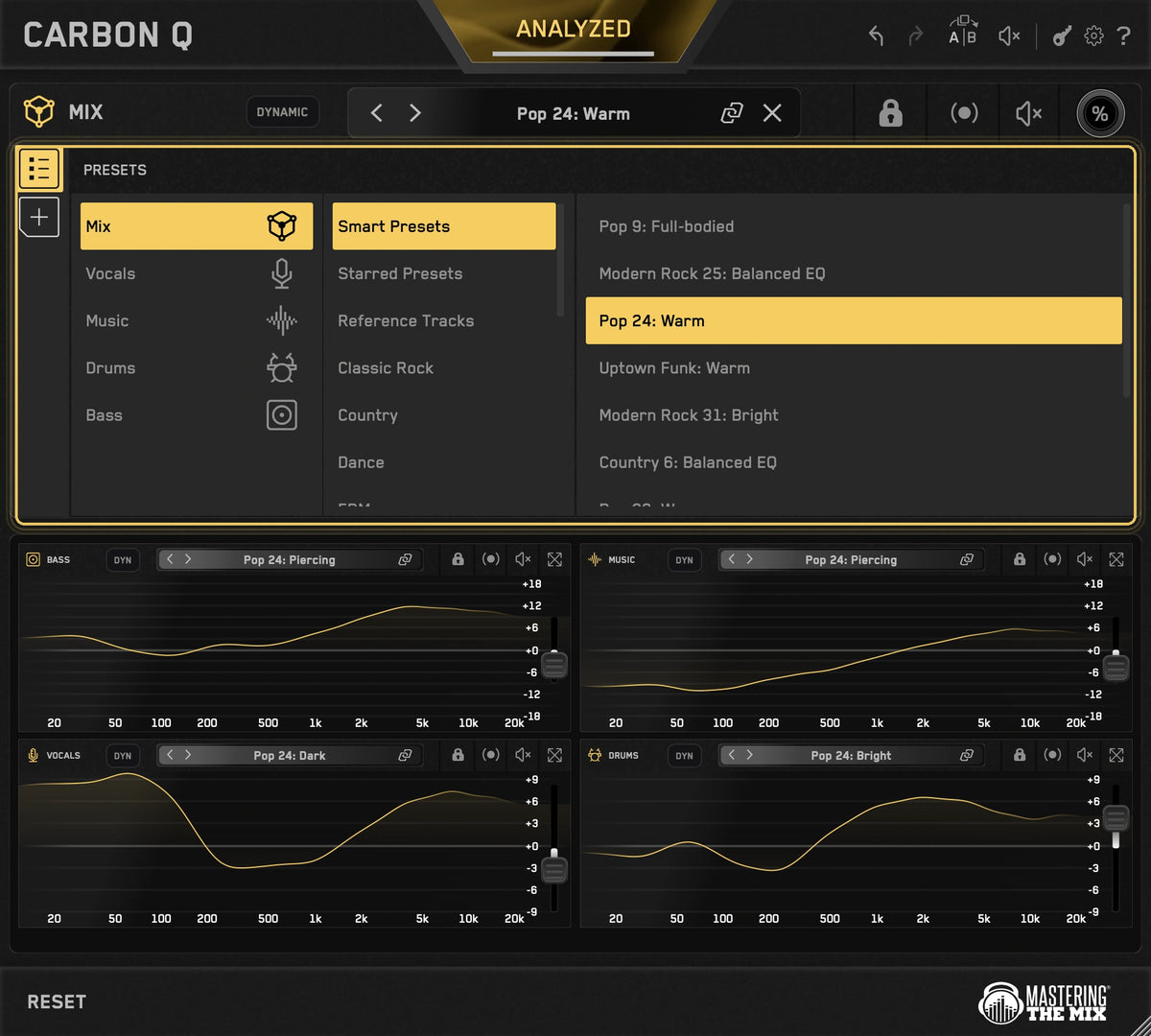
Smart Presets
CARBON Q compares your song against world class reference mixes and puts the ten closest matches at the top of the preset browser. Each one sets the tonal balance and the volume balance of every channel at the same time, taken from a mix that already works.
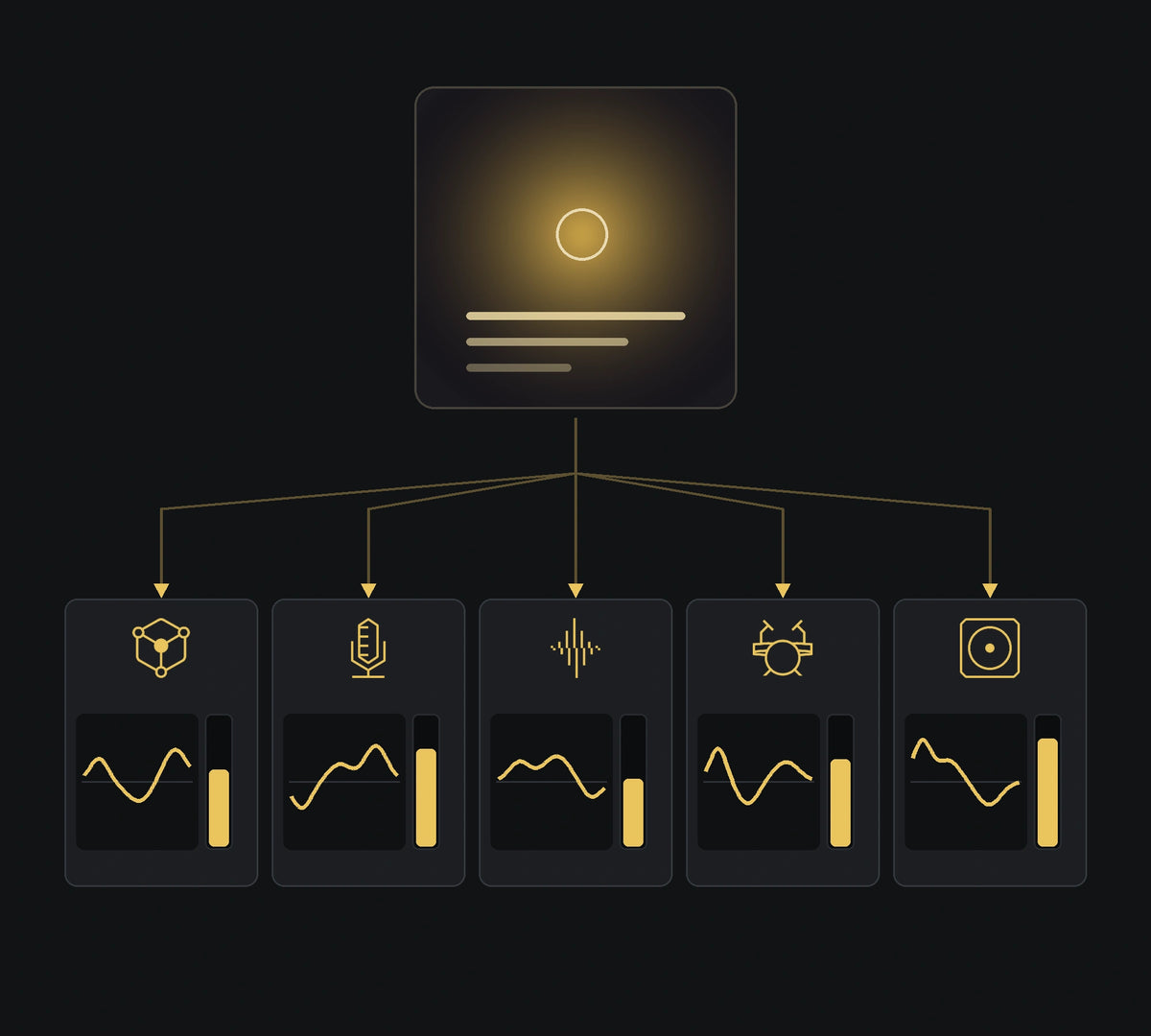
Turn Any Song Into A Preset
Drop a record you love into the reference tracks tab. CARBON Q separates it into vocals, music, drums and bass, measures the tonal balance of each part and how loud each one sits against the rest, then turns all of that into a preset.
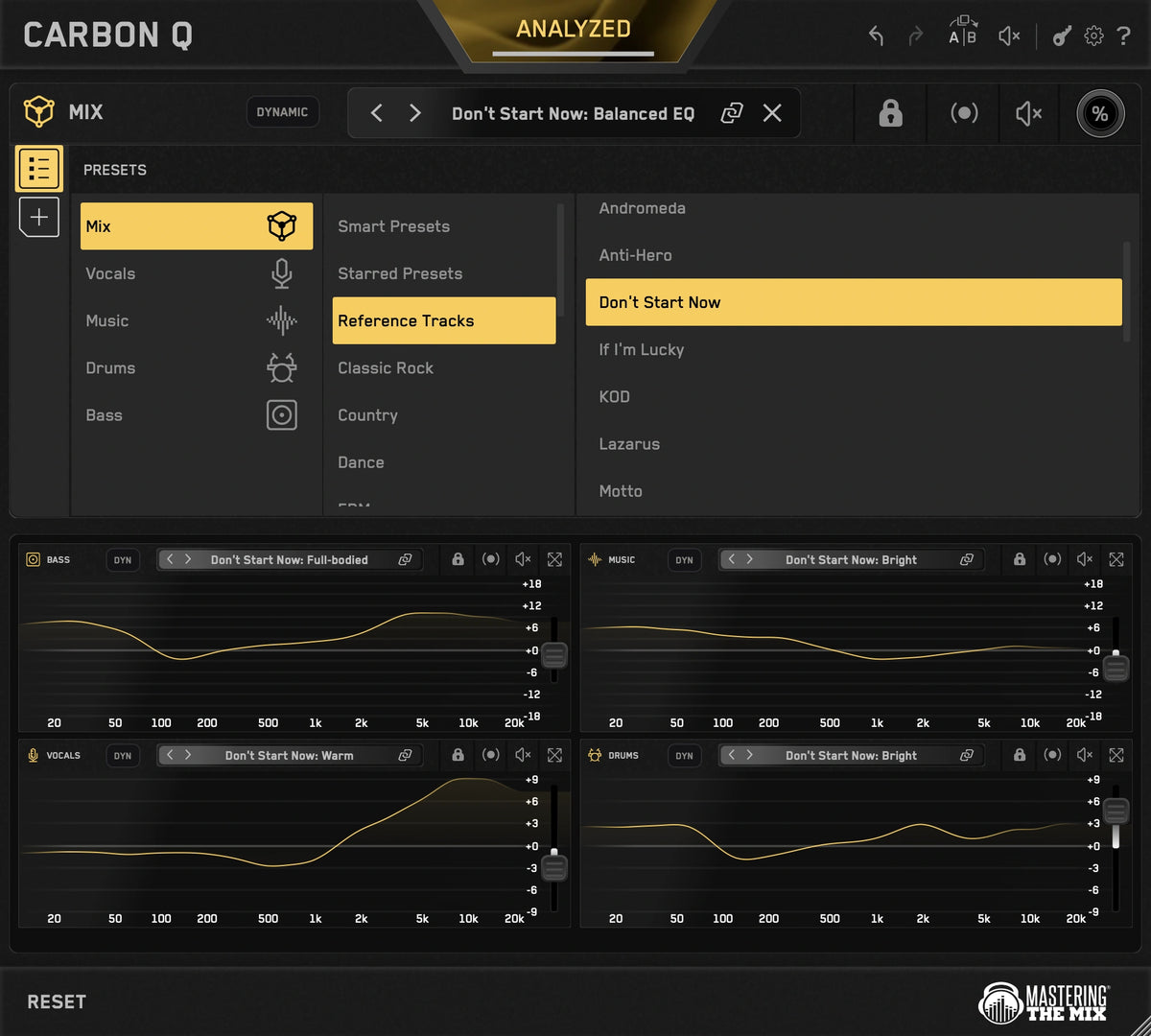
Full Flexibility
Select a reference and CARBON Q applies the EQ and volume changes to match its sonic blueprint. Or, unlink the agents to take just the vocal balance from one song and the drums from another.
Level Matched EQ
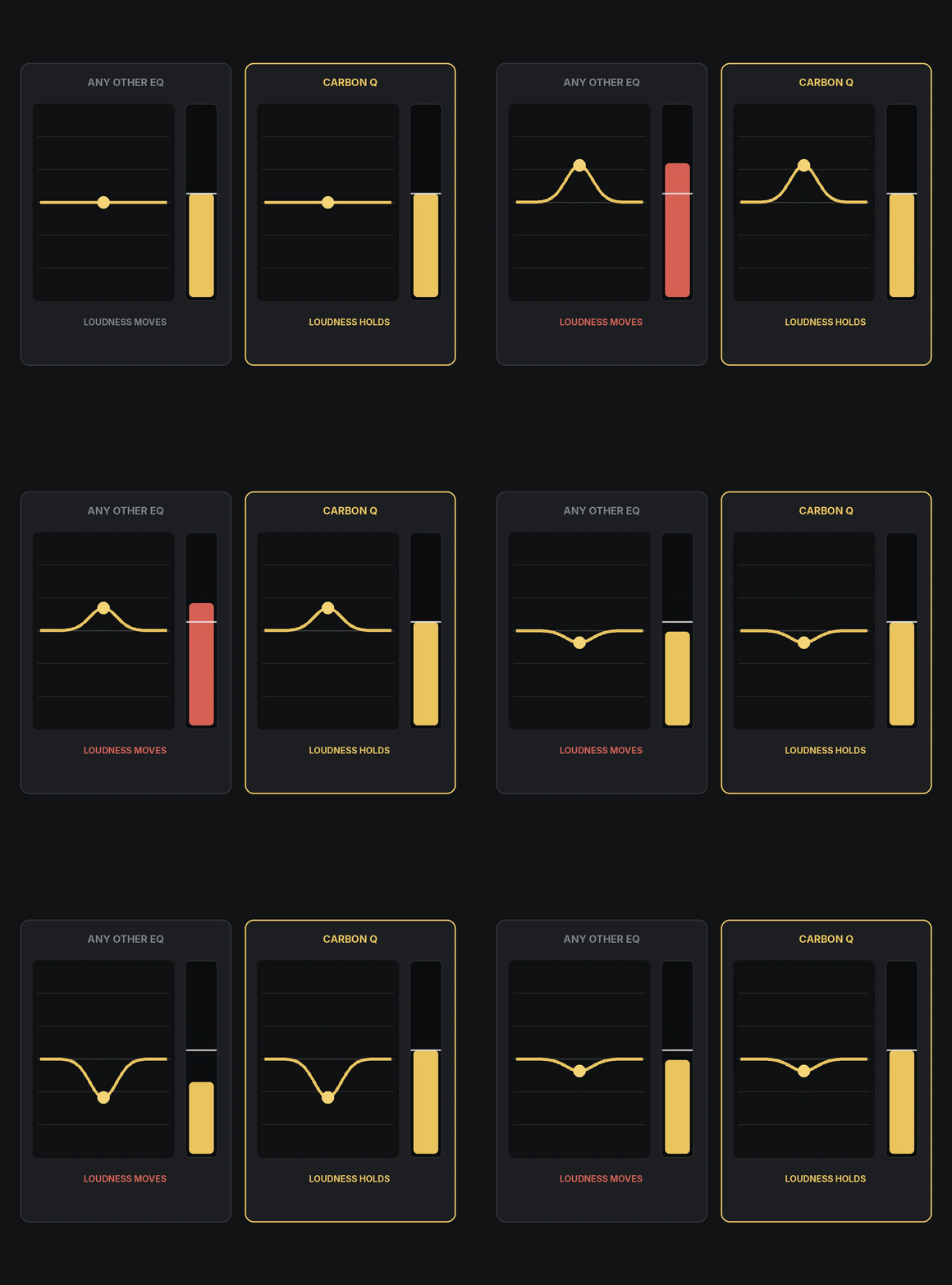
Louder always sounds better for a moment, which is how an EQ move can fool you. CARBON Q holds the output steady in real time while you work.
Mid Side - Easier Than Ever
Mid side mode gives you full control over the space and depth of your mix. Yellow is mid, blue is side, just click the other EQ line to switch instantly.
Dynamic Mode
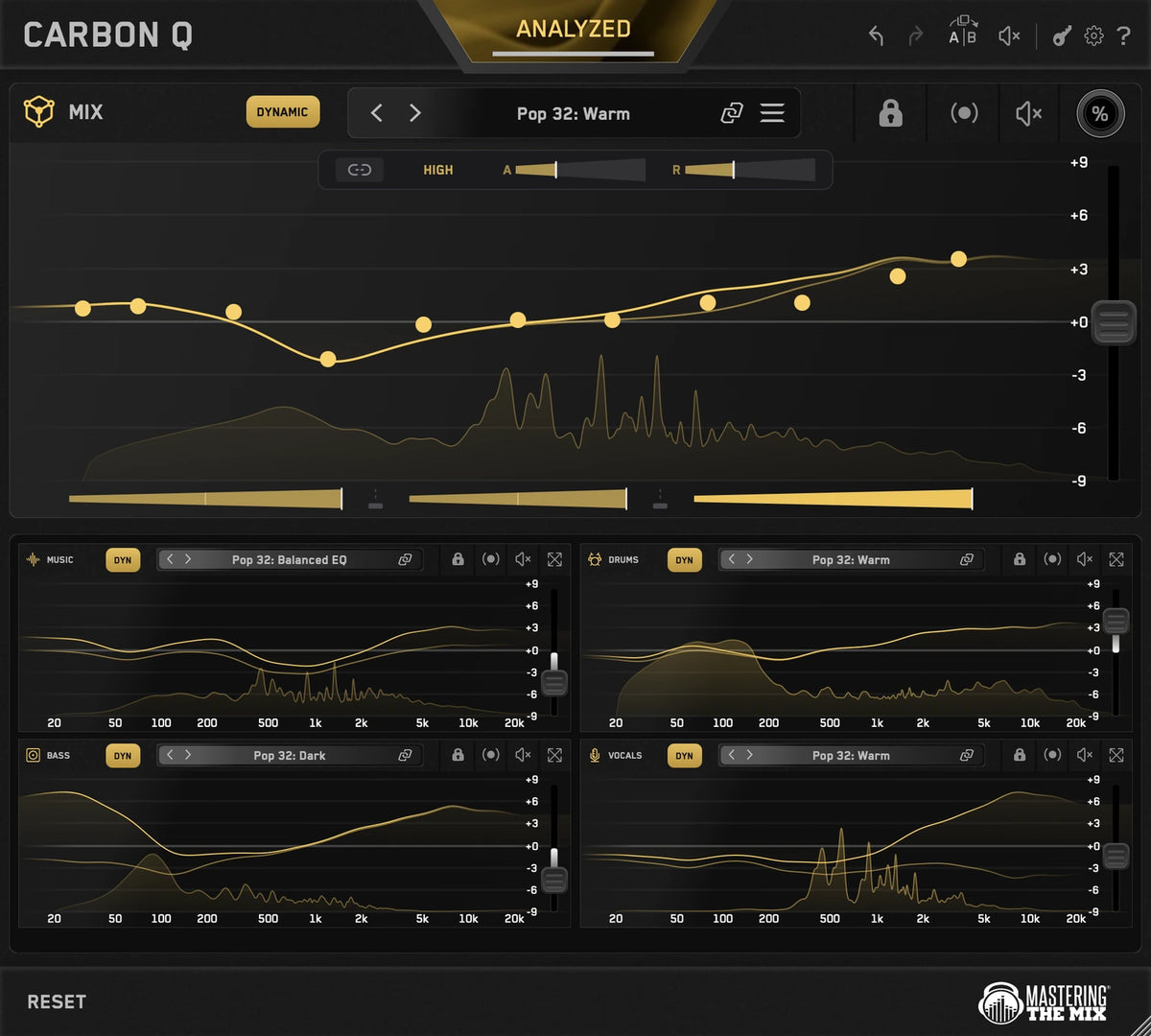
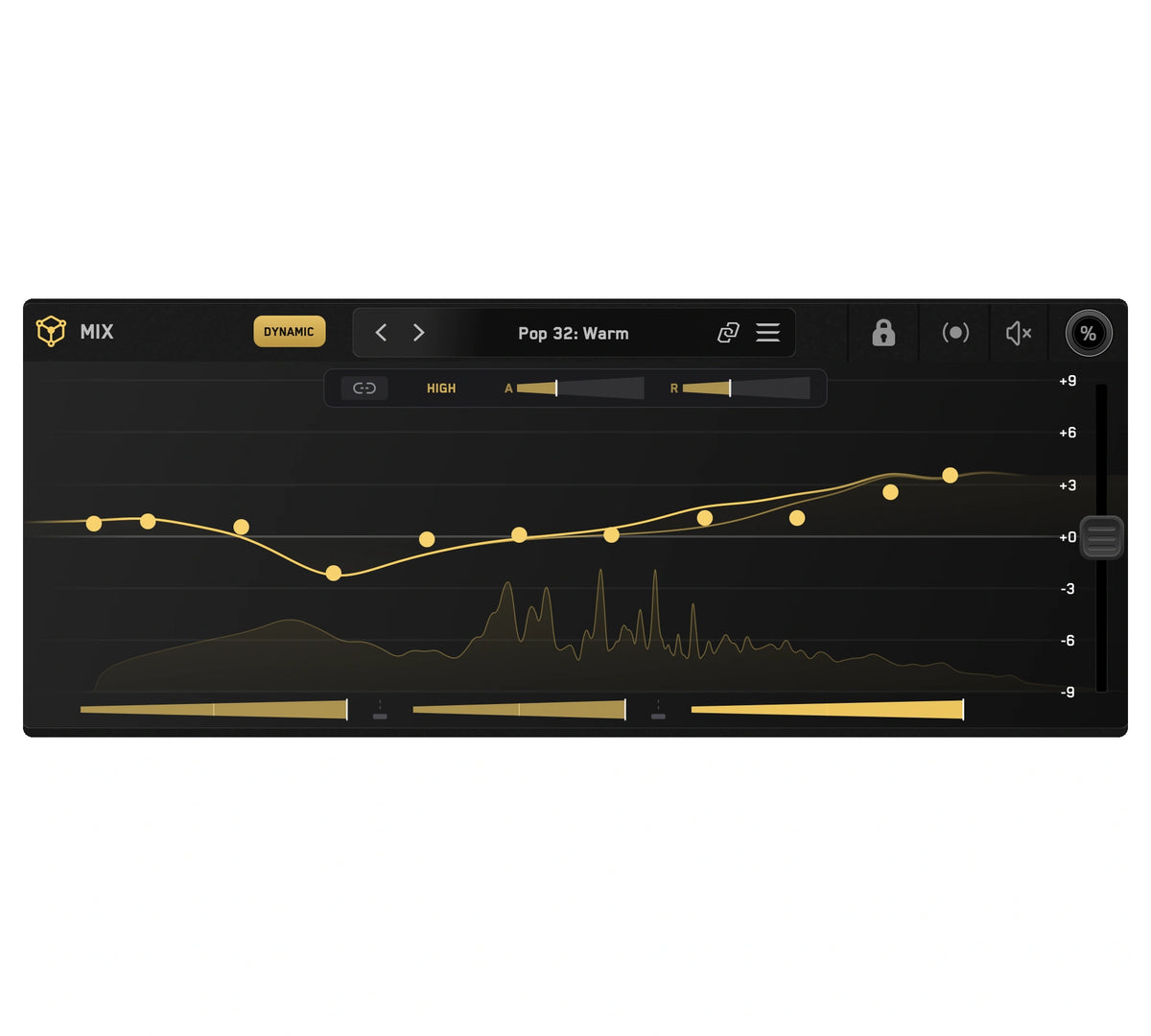
Dynamic Mode holds each channel to its tonal balance target by controlling peaks. Fully adjustable across every instance.
Fast, And Transparent
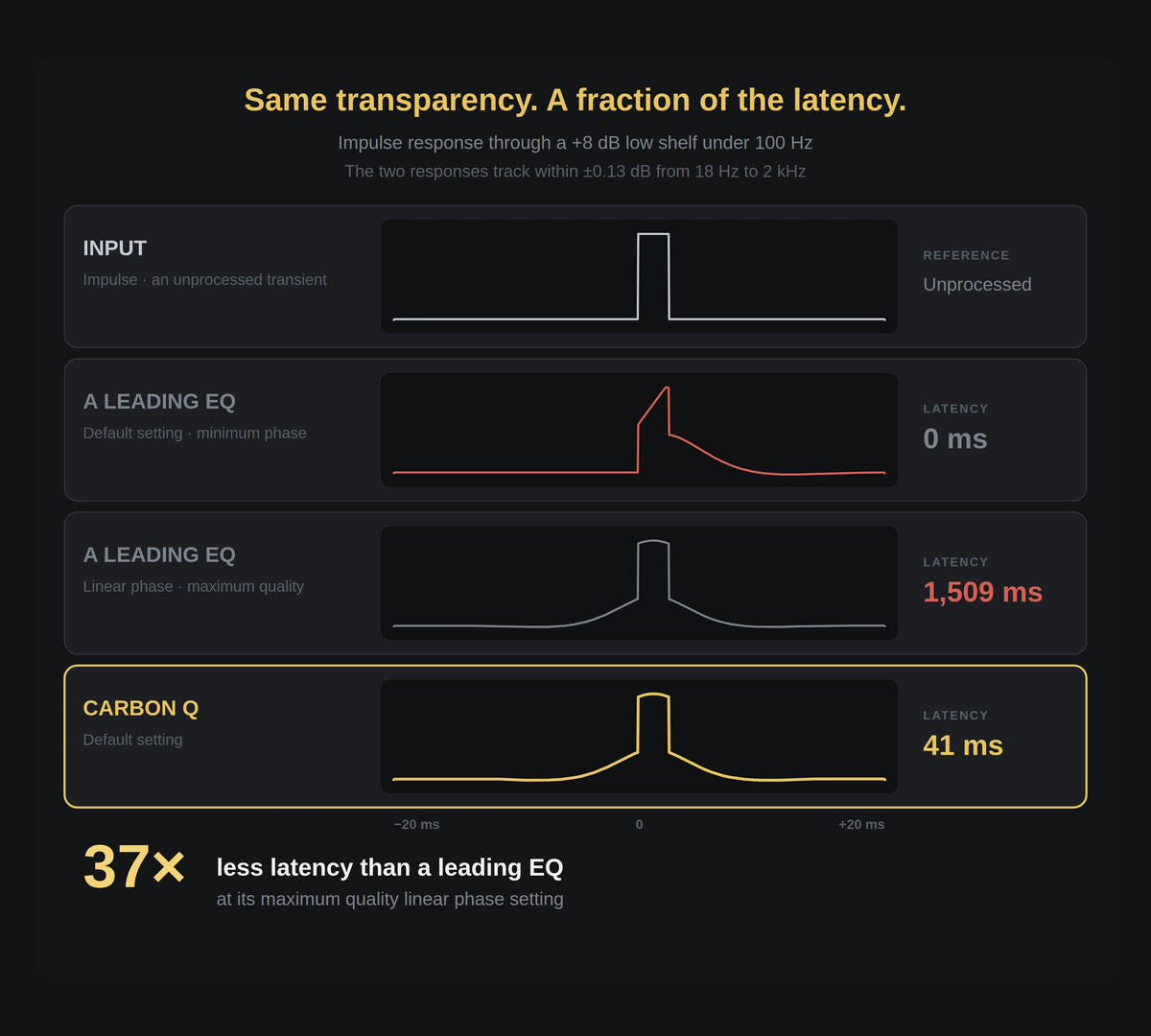
CARBON Q runs max quality linear phase filters. Measured against a leading linear phase EQ at its maximum resolution, the frequency response matches within 0.13 dB, at 41 ms of latency instead of 1,509 ms.
Connected EQ
CARBON Q goes on your output, and on your vocals, music, drums and bass. They connect the moment they load. From any window you can control every channel's EQ, level and its preset.
Analyze Everything
Loop the busiest part of your song and press ANALYZE. Press GO and CARBON Q analyzes your mix.
Smart Presets
CARBON Q compares your song against world class reference mixes and puts the ten closest matches at the top of the preset browser. Each one sets the tonal balance and the volume balance of every channel at the same time, taken from a mix that already works.
Turn Any Song Into A Preset
Drop a record you love into the reference tracks tab. CARBON Q separates it into vocals, music, drums and bass, measures the tonal balance of each part and how loud each one sits against the rest, then turns all of that into a preset.
Full Flexibility
Select a reference and CARBON Q applies the EQ and volume changes to match its sonic blueprint. Or, unlink the agents to take just the vocal balance from one song and the drums from another.
Level Matched EQ
Louder always sounds better for a moment, which is how an EQ move can fool you. CARBON Q holds the output steady in real time while you work.
Mid Side - Easier Than Ever
Mid side mode gives you full control over the space and depth of your mix. Yellow is mid, blue is side, just click the other EQ line to switch instantly.
Dynamic Mode
Dynamic Mode holds each channel to its tonal balance target by controlling peaks. Fully adjustable across every instance.
Fast, And Transparent
CARBON Q runs max quality linear phase filters. Measured against a leading linear phase EQ at its maximum resolution, the frequency response matches within 0.13 dB, at 41 ms of latency instead of 1,509 ms.


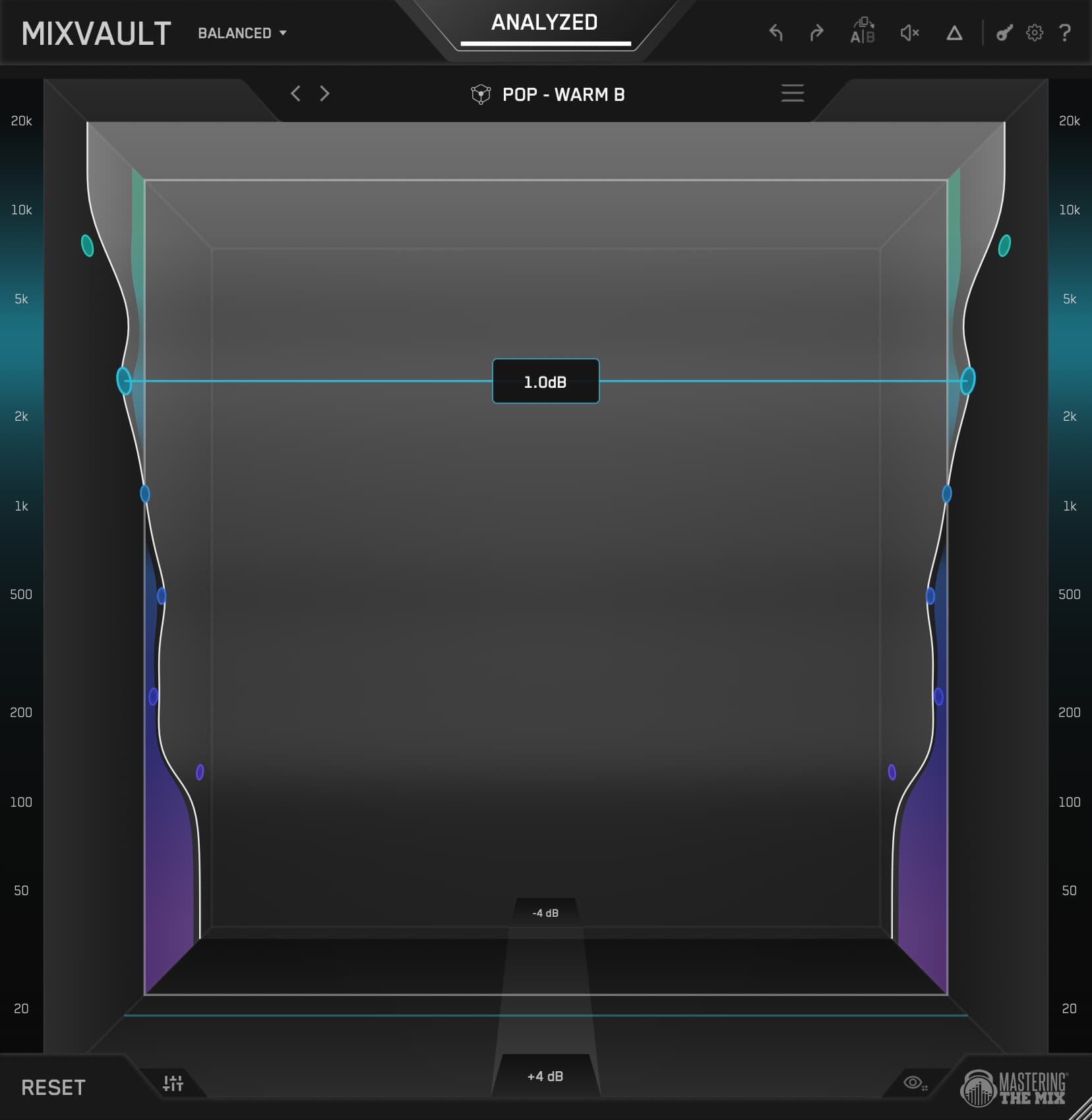
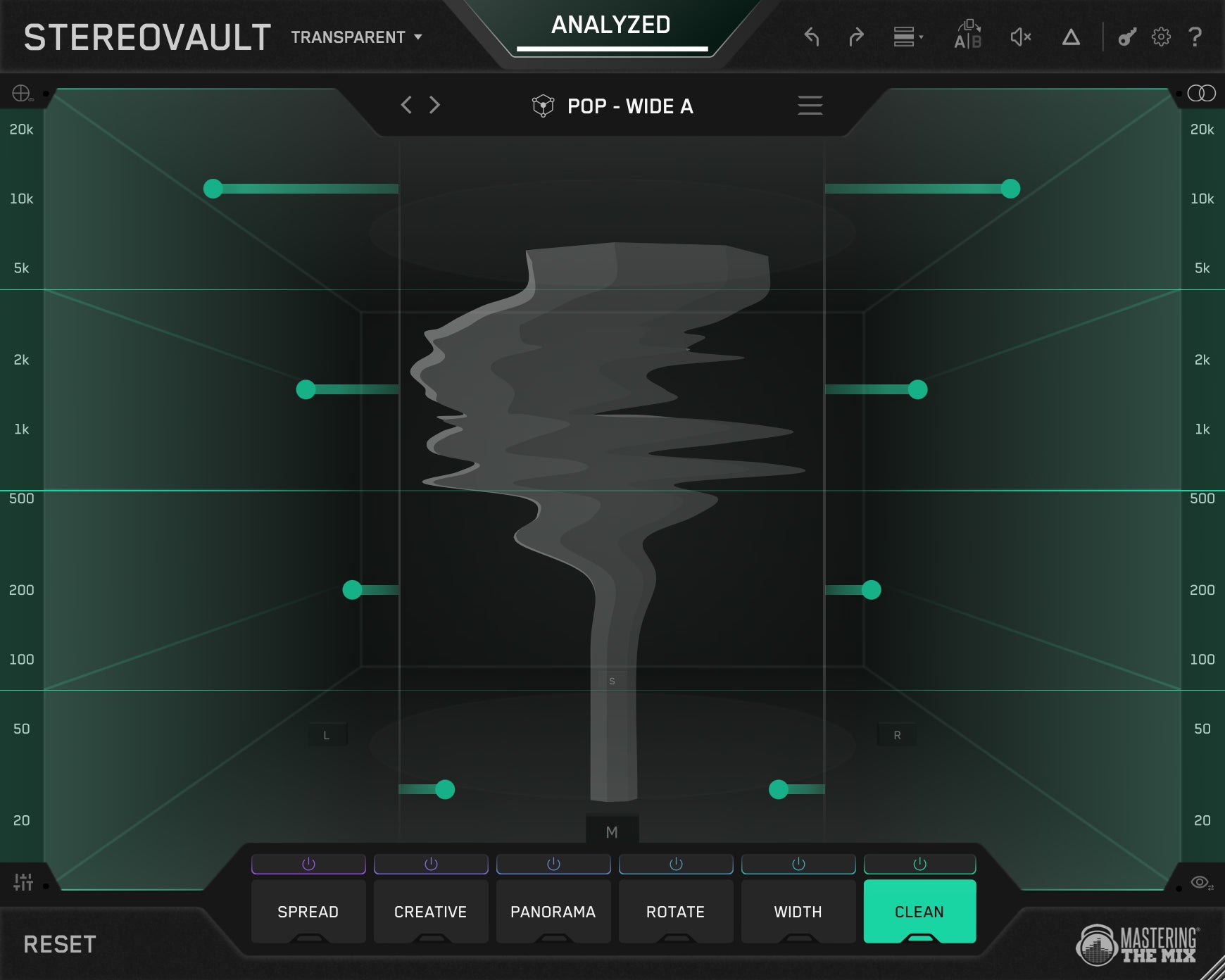

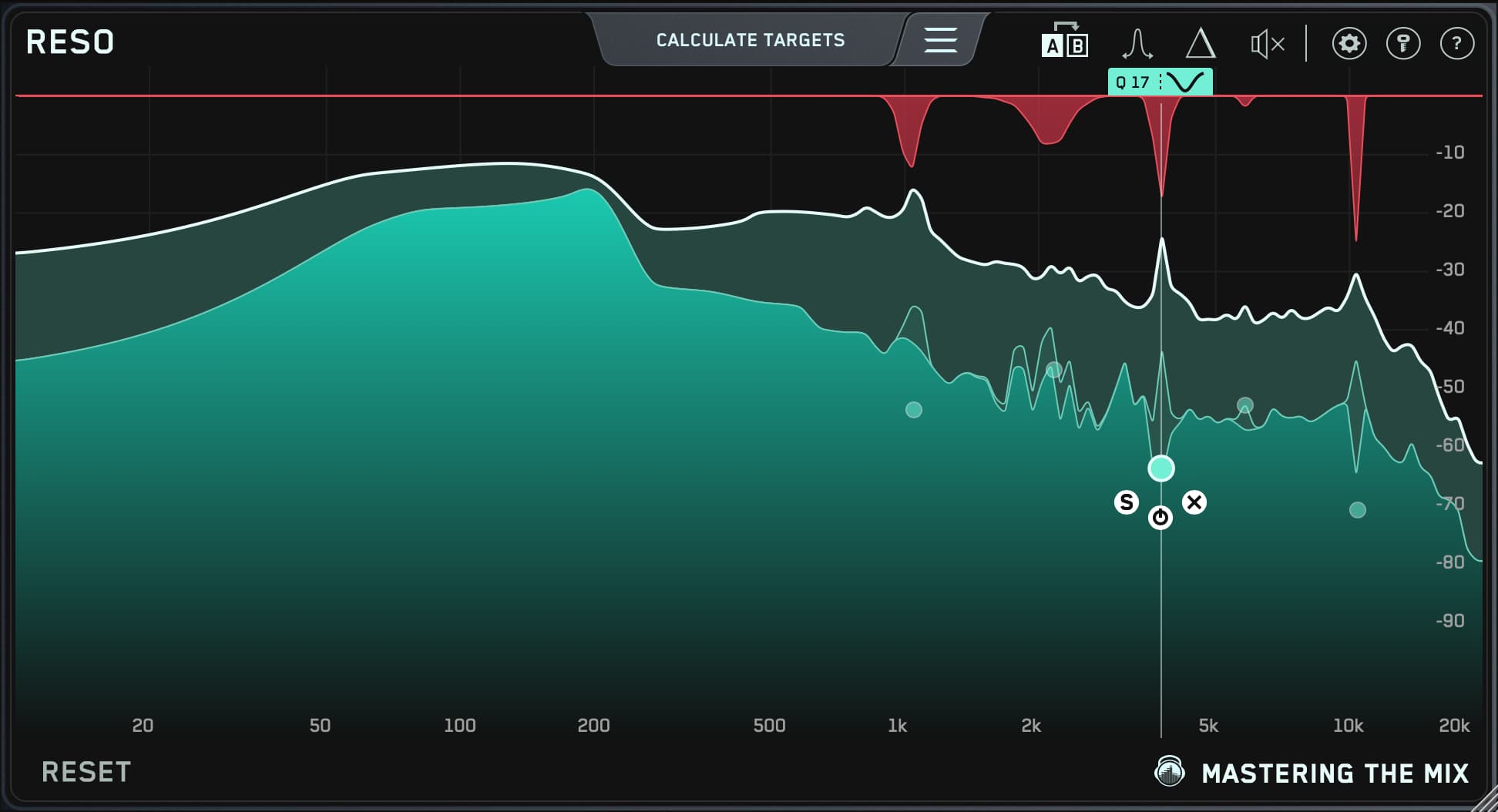

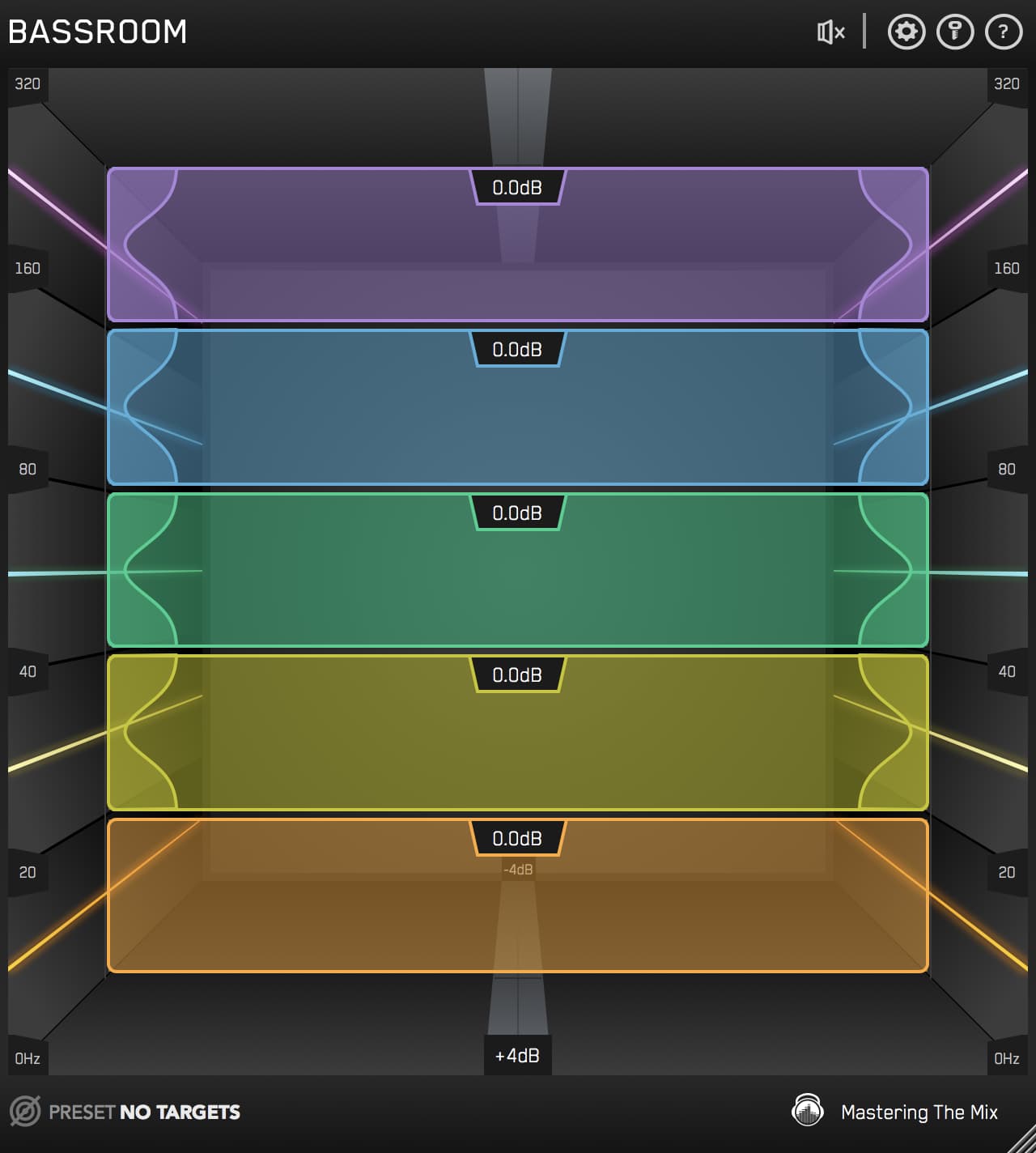
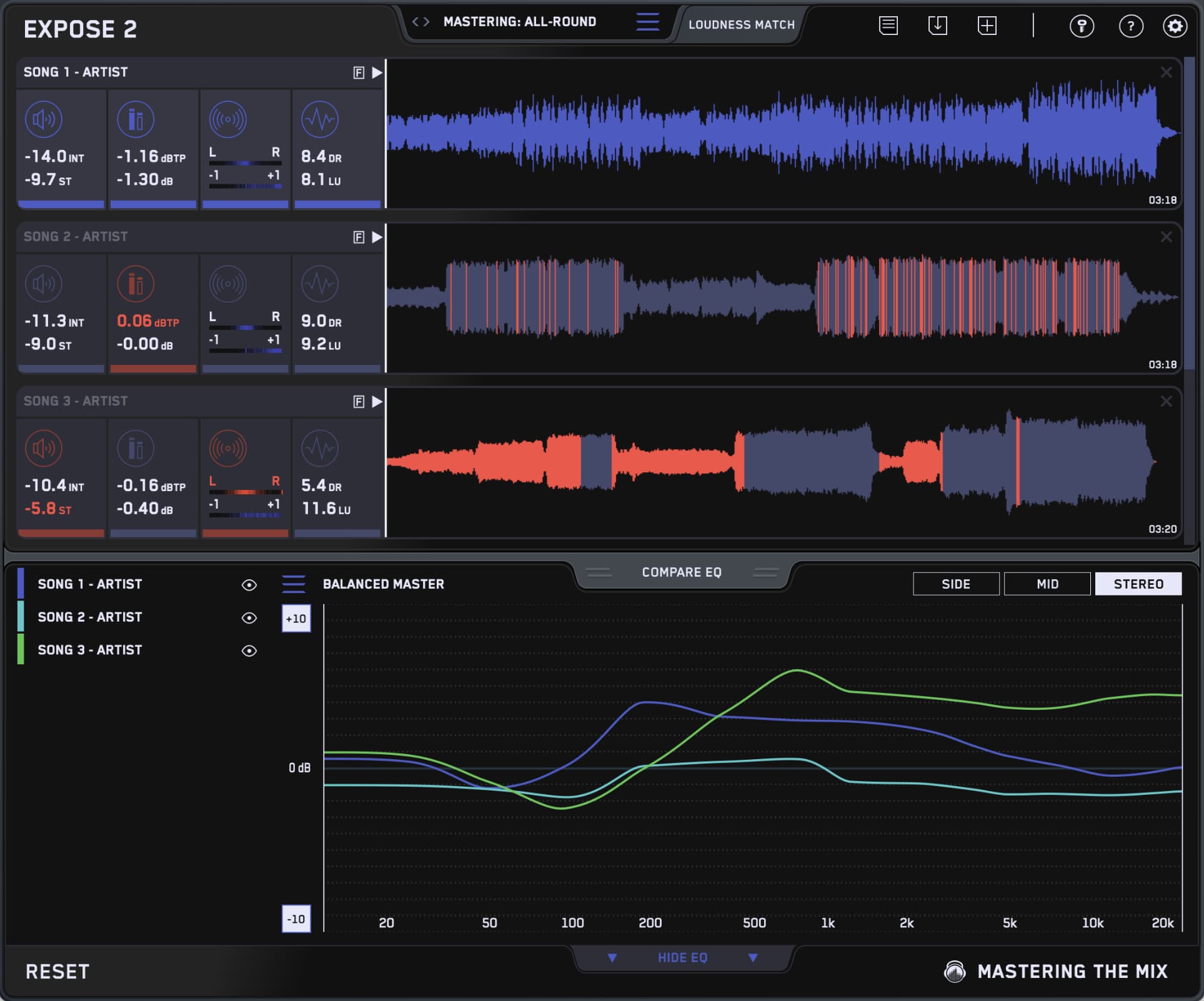
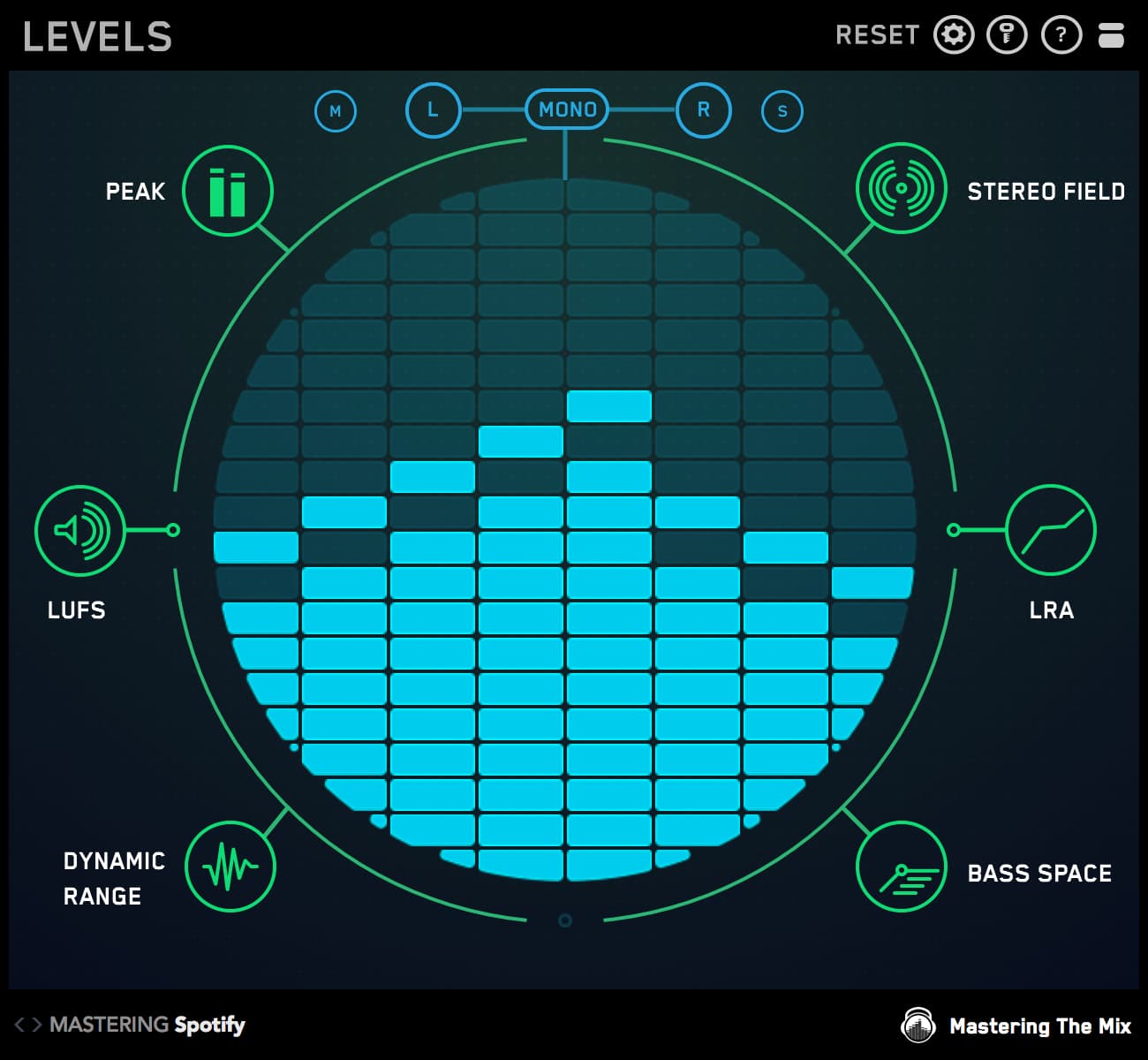
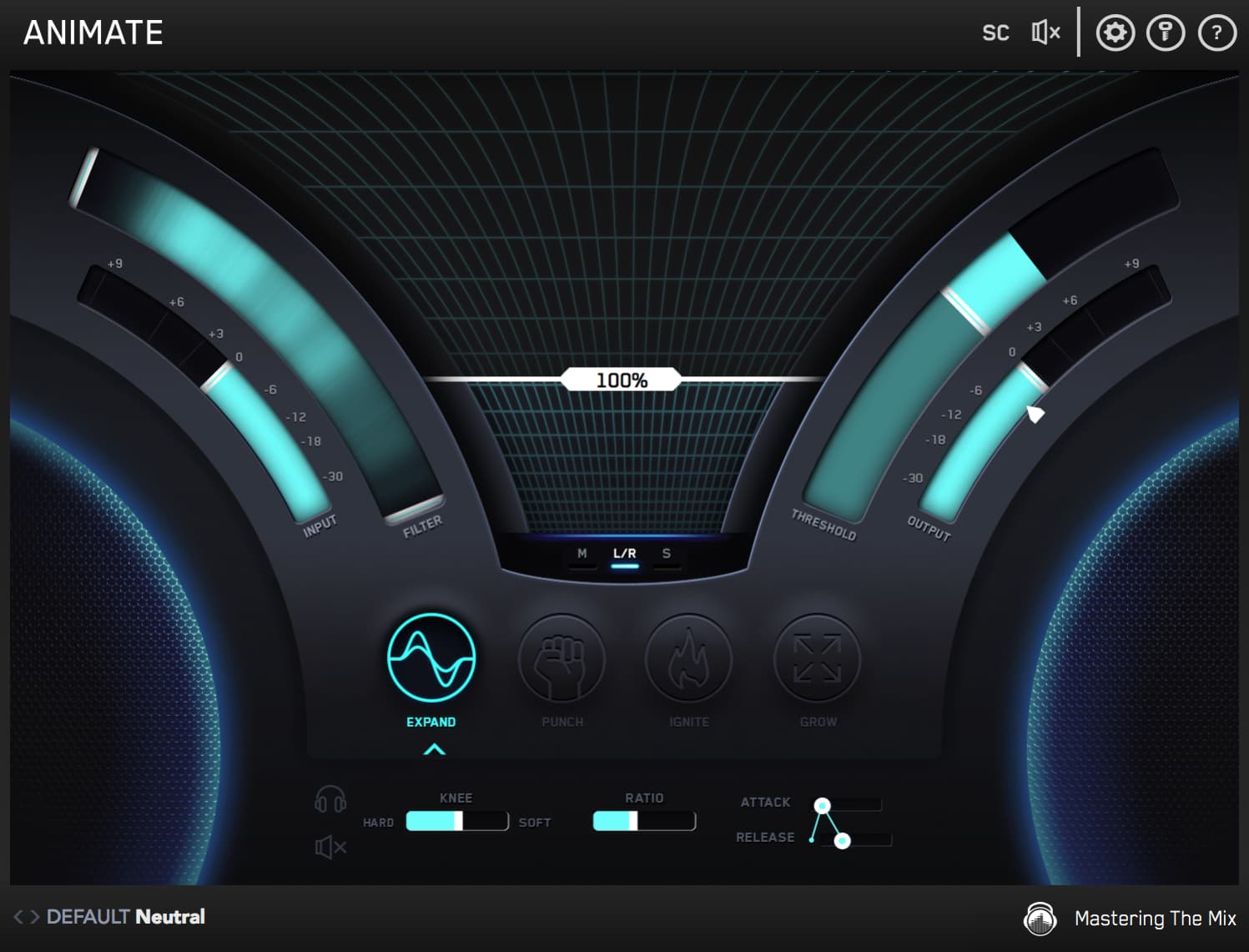
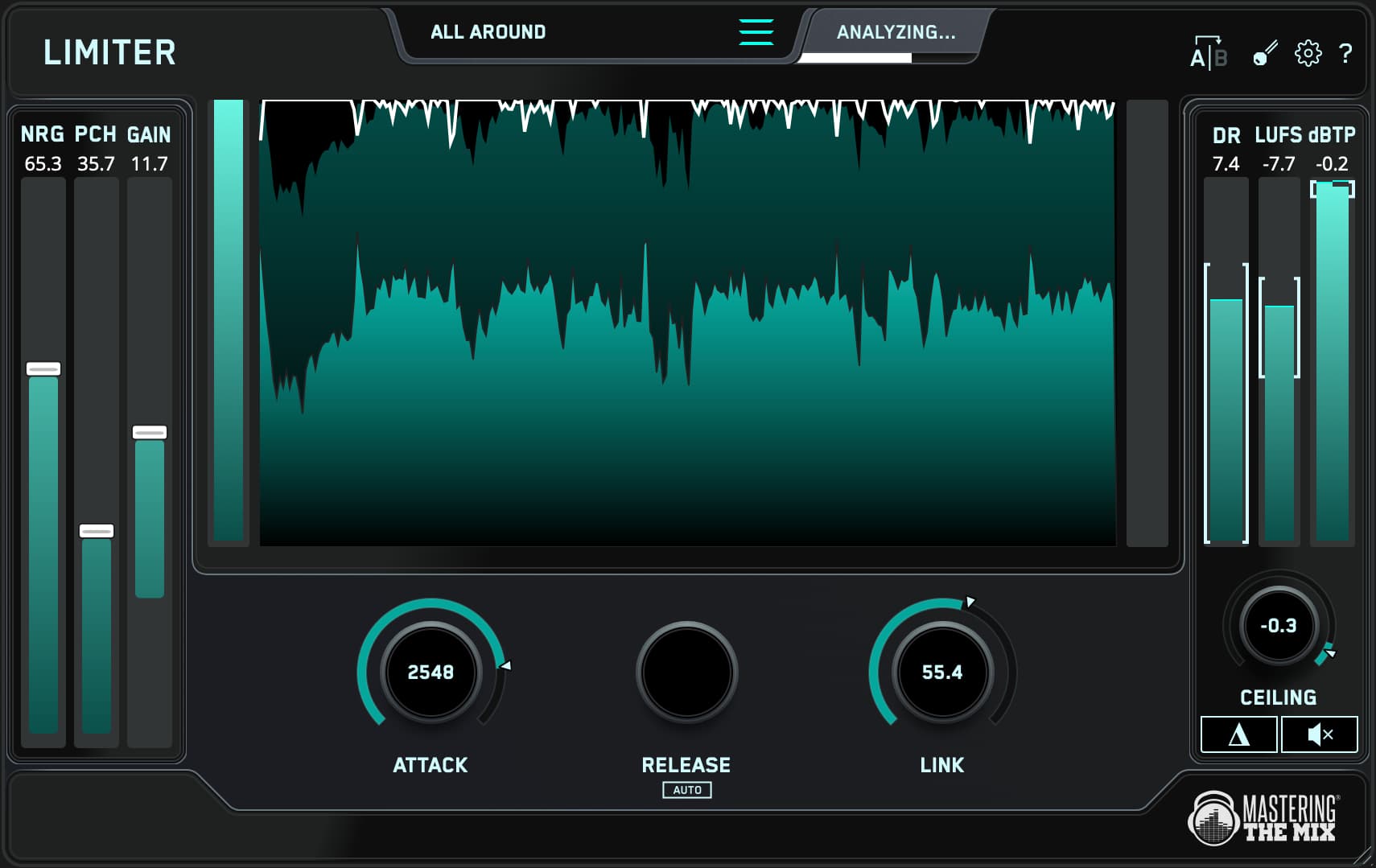
CARBON Q is included in
All Plugins
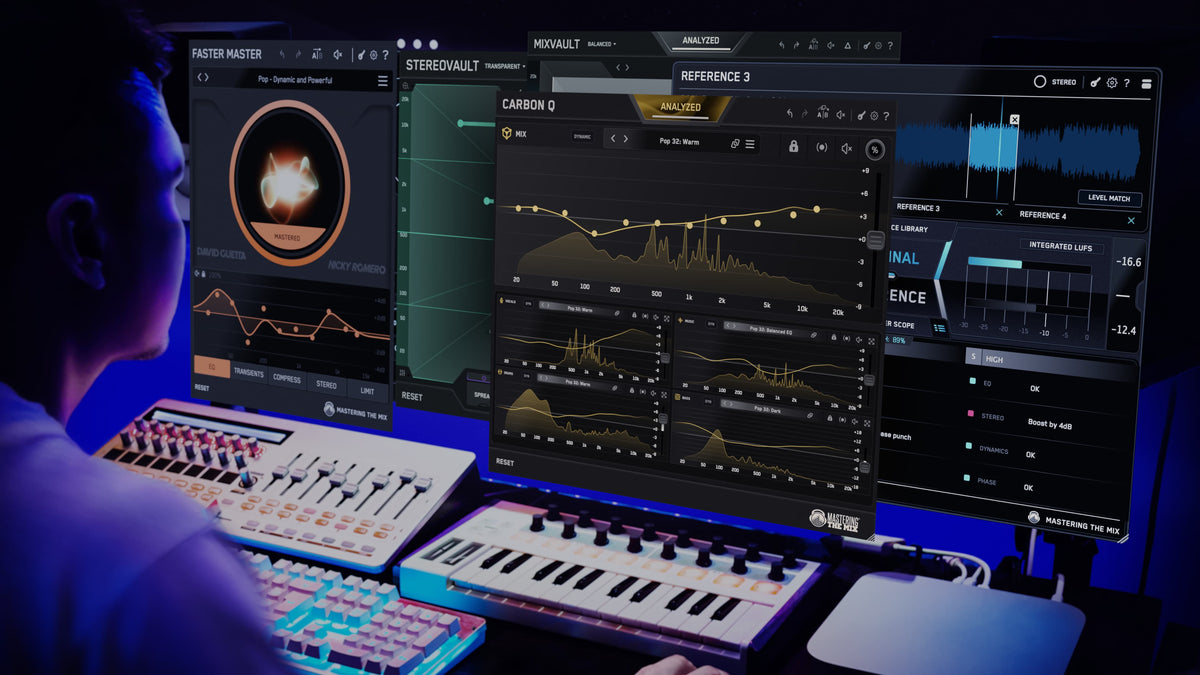
This bundle contains all 12 Mastering The Mix plugins. They analyze your audio and guide you to make the best decisions for your music. You’ll solve the hardest problems you face in the studio and create better-sounding music when you use our plugins

Mac System Requirements
OS X 10.15 or higher. 64-bit AU, VST 3 or AAX host.
Apple Silicon Native.
Windows System Requirements
Windows 10 or higher. 64-bit VST 3 or 64-bit AAX host.
Mac System Requirements
OS X 10.15 or higher. 64-bit AU, VST 3 or AAX host.
Apple Silicon Native.
Windows System Requirements
Windows 10 or higher. 64-bit VST 3 or 64-bit AAX host.