

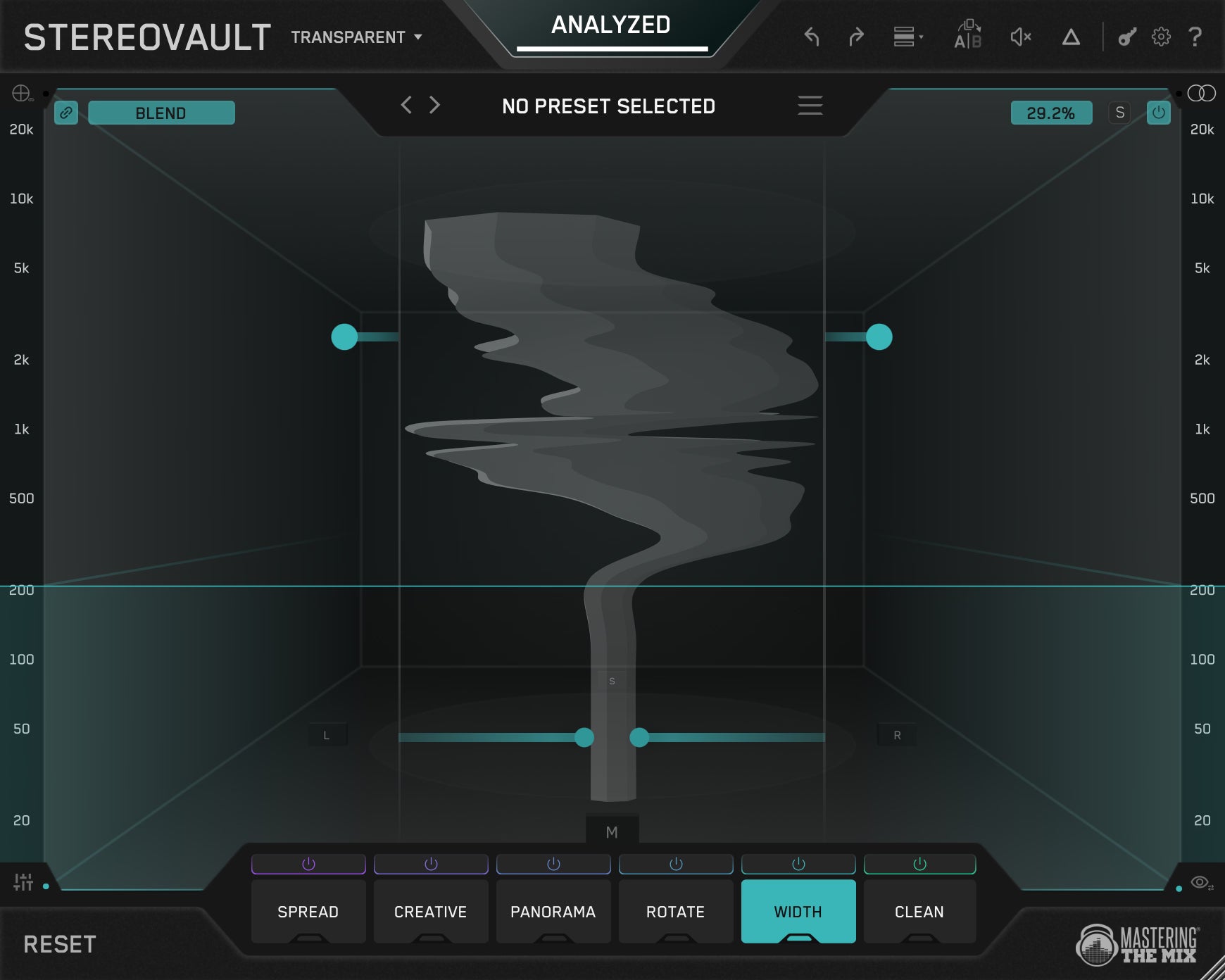
STEREOVAULT | Get The Right Stereo Width
STEREOVAULT analyzes your audio, helps you find a great stereo width, then gives you powerful tools to shape it however you want, with every move level matched. Create mixes that feel wider, cleaner, deeper, and more focused, without introducing the usual stereo problems.


30 Day Money Back Guarantee
Pro Reviews

Music Radar
The No. 1 Website for Musicians.
STEREOVAULT could easily become an indispensable plugin... it really does have something for everyone. Capable of taking mono signals and making them sound mightily wide and impressive, it could become one of the most beneficial elements of your mastering suite.

CID
Grammy Winning Chart Topper
STEREOVAULT is amazing, well done! From the second I opened it it just felt intuitive and helped get me to the results I want without overthinking. My new go-to imager and spreader.

We Rave You
Incredibly versatile and adaptable
STEREOVAULT has become my go-to stereo processing plugin.
Camelphat
Grammy-nominated, multi-platinum duo
STEREOVAULT is a great addition to our plugin arsenal, loving the mono bass to stereo really helps make the bass sit within a stereo mix and brings it to life instead of adding extra layers for stereo width…... amazing on busses an masters as well 10/10

John Nathaniel
OneRepublic, Akon, Shawn Mendes
Stereovault is an absolute beast of an imager! I can be really transparent and subtle with it or completely re-invent the stereophony of a sound!

David Kershenbaum
Duran Duran, Tracy Chapman, Joe Jackson, Bryan Adams, Supertramp and Tori Amos
STEREOVAULT outperforms every comparable tool in my arsenal. It's not subtle, it's transformative. Clean, intuitive, easy to use and remarkably effective on my mix’s sound stage.

DJ Zinc
Legendary DJ and producer
STEREOVAULT makes stuff sound balanced... Can be really wide but is always tidy. Very useful!
James Reynolds
23B Streams. Calvin Harris, BTS,
STEREOVAULT sounds incredible! All these algorithms are so useful. I'm using it on everything.
Hear The Difference
Toggle between bypass and processing to experience STEREOVAULT in action.
📱 Tip: rotate your phone horizontally — your speakers will be further apart, making the stereo difference much easier to hear.


Clean Full Mix


Width Vocal


Flux Bass


Pristine Drums

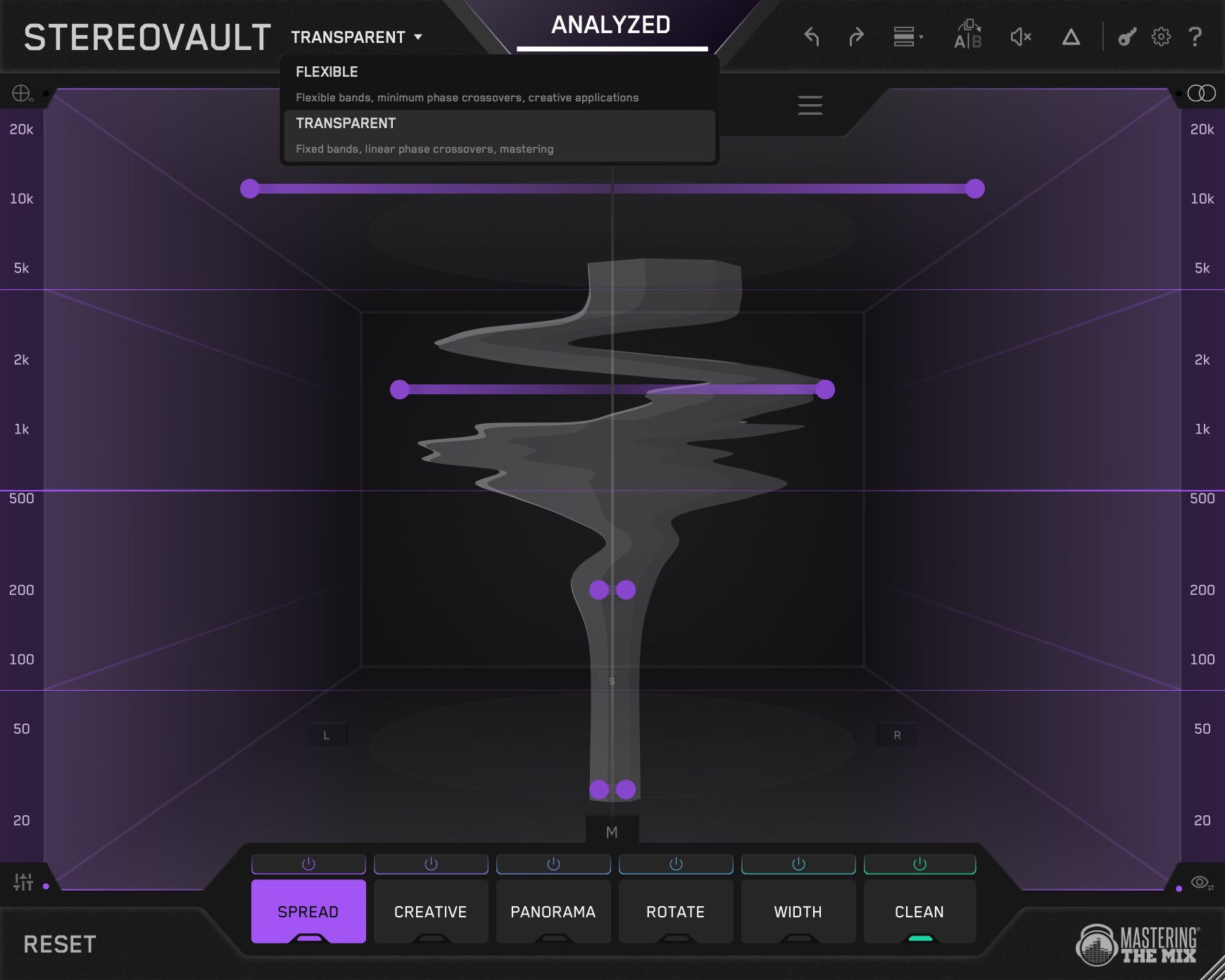
Use On Channels Or Full Mix
Transparent Mode shares one band layout across all tabs for the cleanest, most phase-stable processing, ideal for mastering.
Flexible Mode lets each tab have its own independent band layout, giving you more freedom for mixing and sound design.
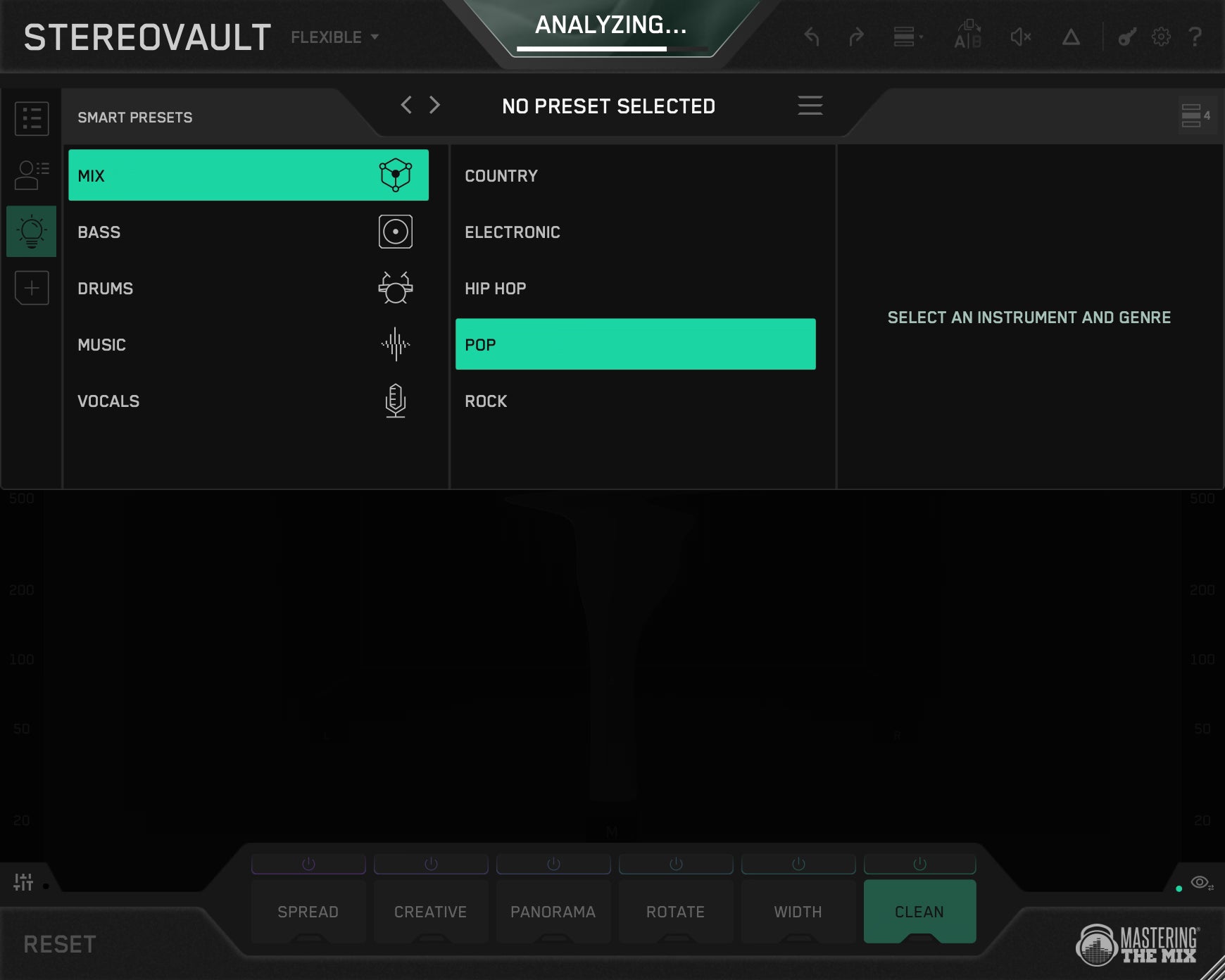
Smart Presets
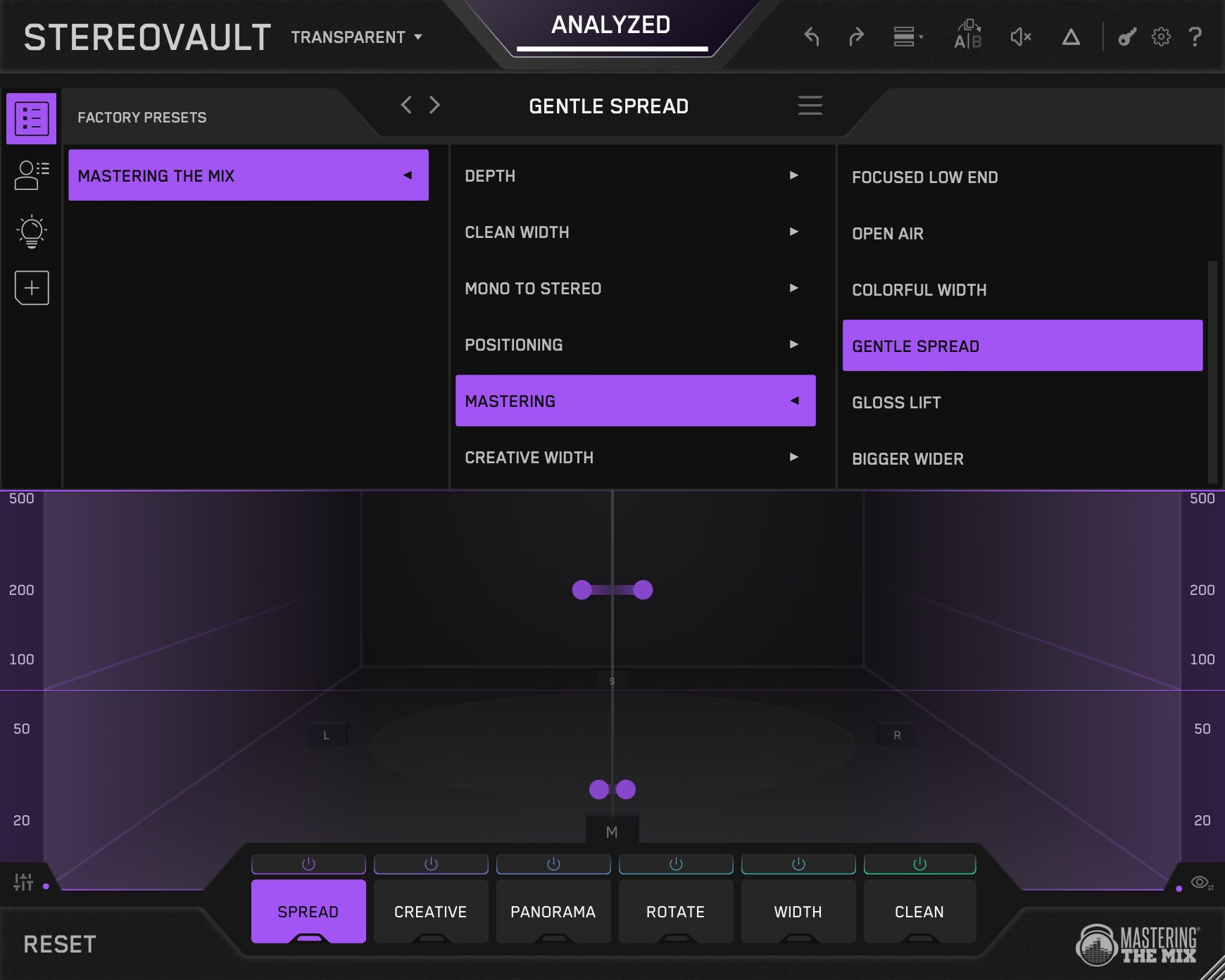
Hit Analyze and STEREOVAULT listens to your audio and suggests the most relevant preset for your material. Flick through options like Focused, Balanced, Wide, and Super Wide, all calibrated to what actually works in your specific context.
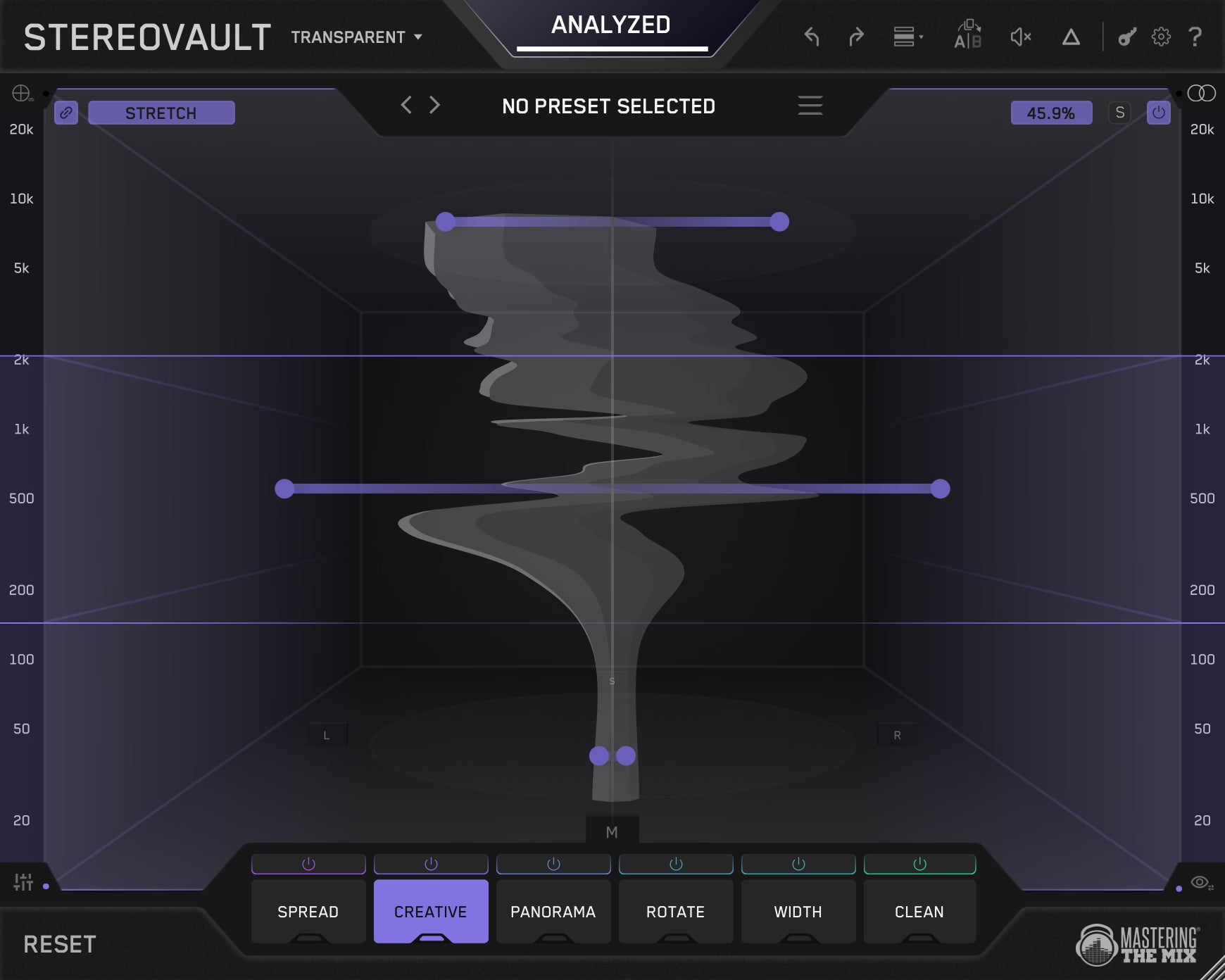
Level Matched
After analysis, every adjustment you make is automatically level matched, so you're always comparing tone and width, not volume. Bypass with confidence. What you hear is the processing, not a louder signal tricking your ears.
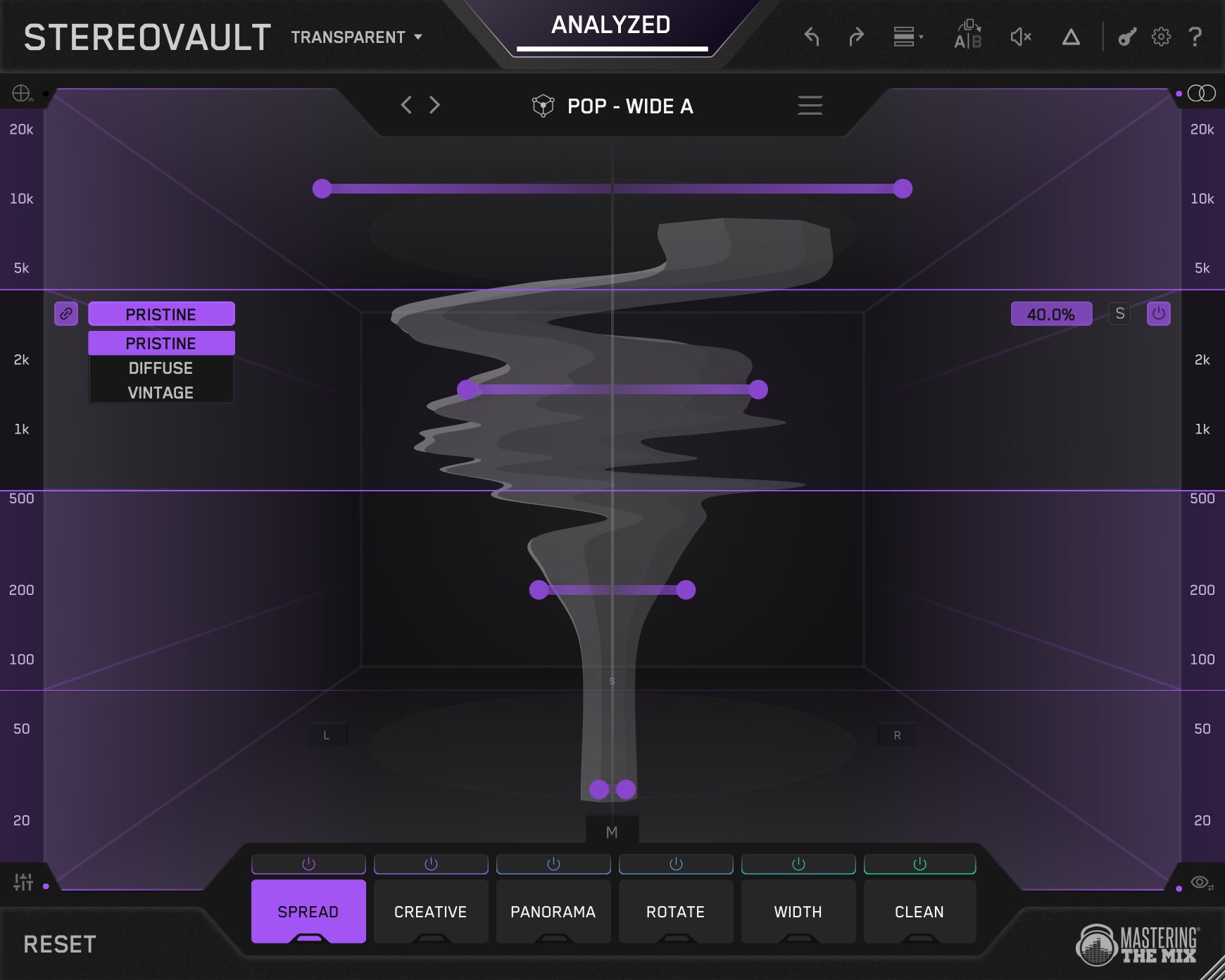
Spread
The cleanest way to widen your stereo image. Pristine uses Mid/Side processing for direct, predictable control. Diffuse applies Gerzon per-band diffusion for an ultra-transparent result. Vintage uses a classic frequency-splitting technique which is great for adding life to flat or mono-heavy sources.
Creative
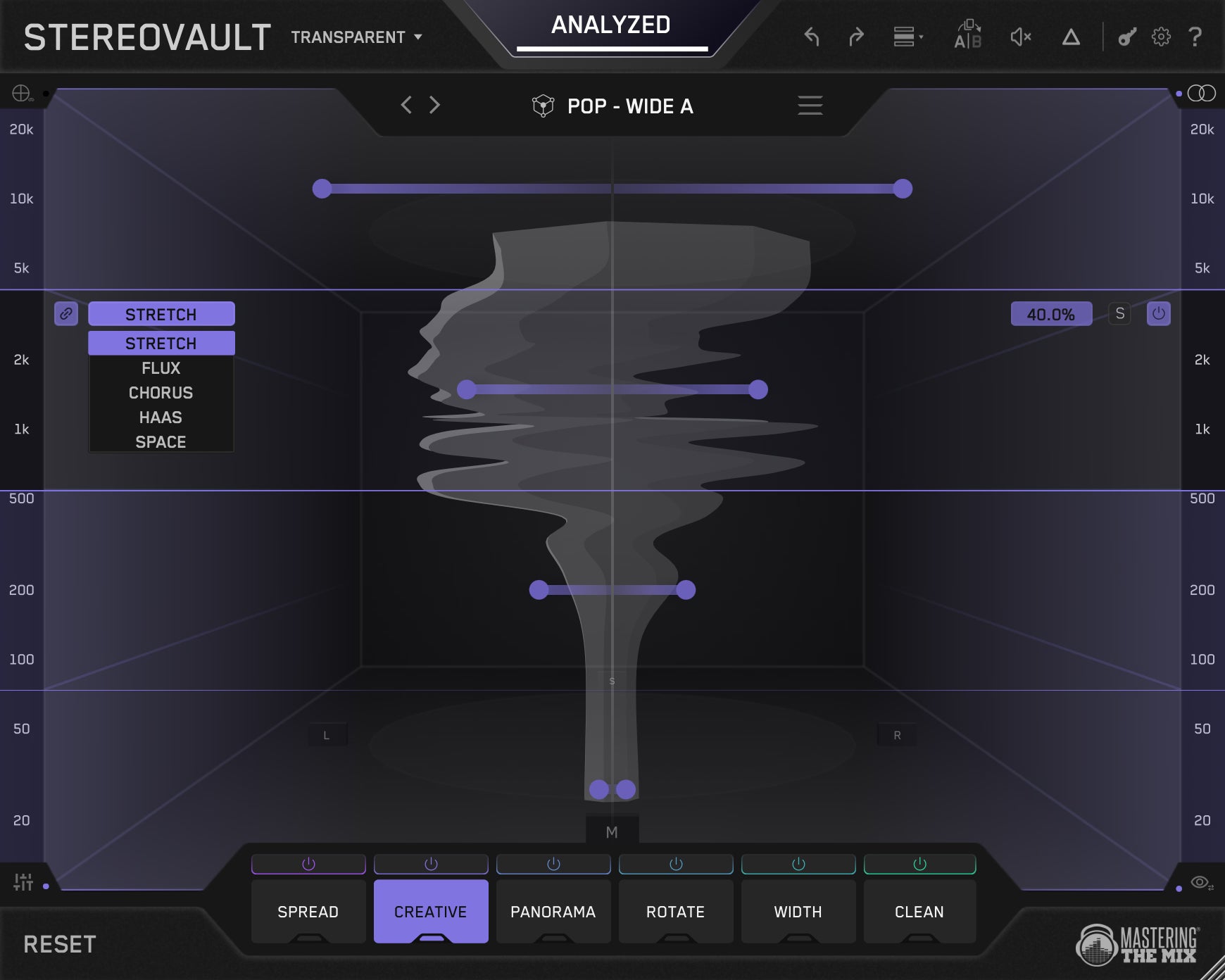
Bold, characterful width using spatial effects. Stretch creates shimmery width through comb filtering. Flux produces a slow, evolving drift perfect for pads. Chorus adds rich modulated movement. Haas gives a vivid sense of direction. Space wraps sounds in a tight diffused reverb for physical depth.
Panorama
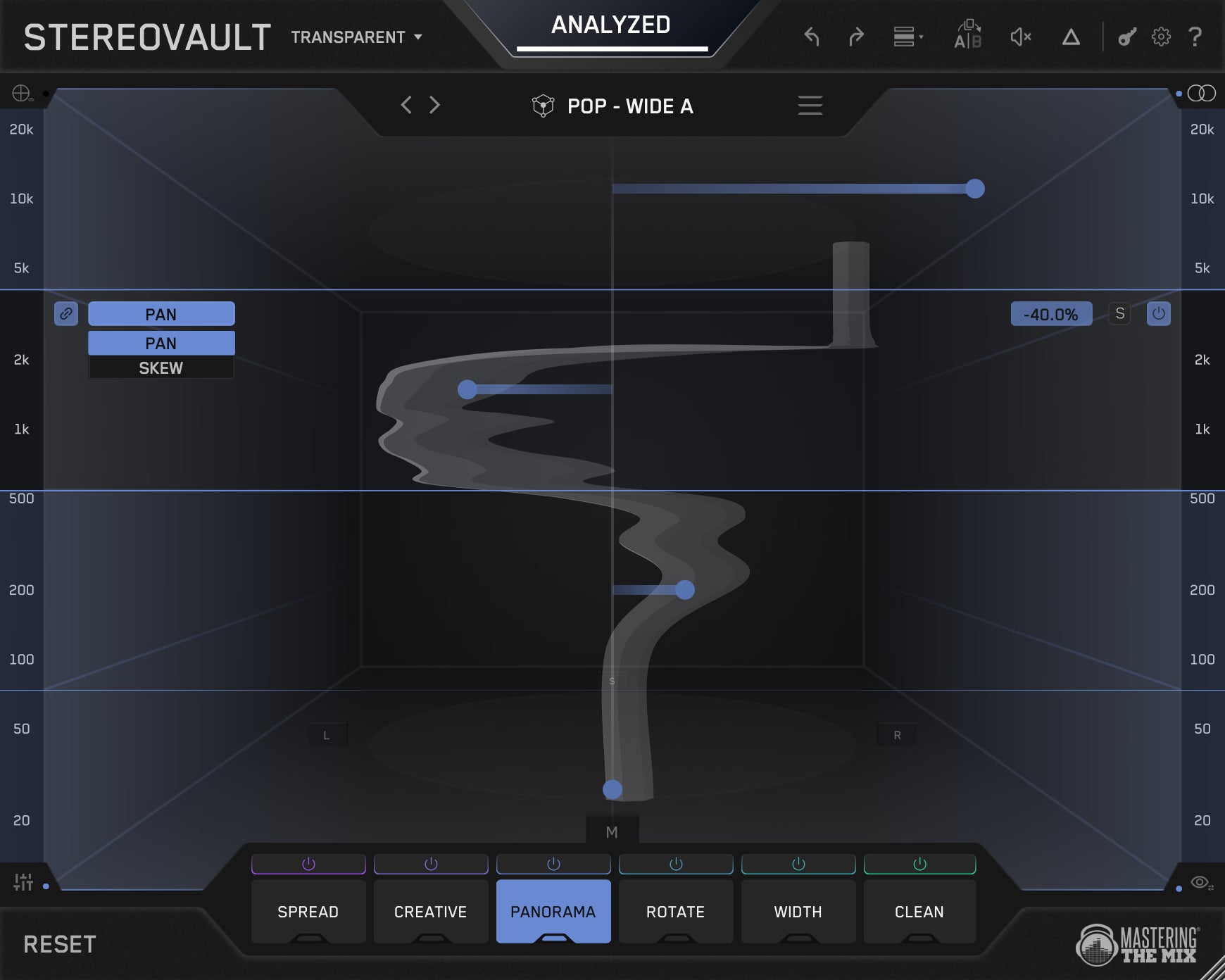
Pan and reposition audio across the stereo field on a per-band basis. Use Pan for standard left/right balance, or Skew to swap channel energy, ideal for correcting stereo imbalances without pulling your whole image off-centre.
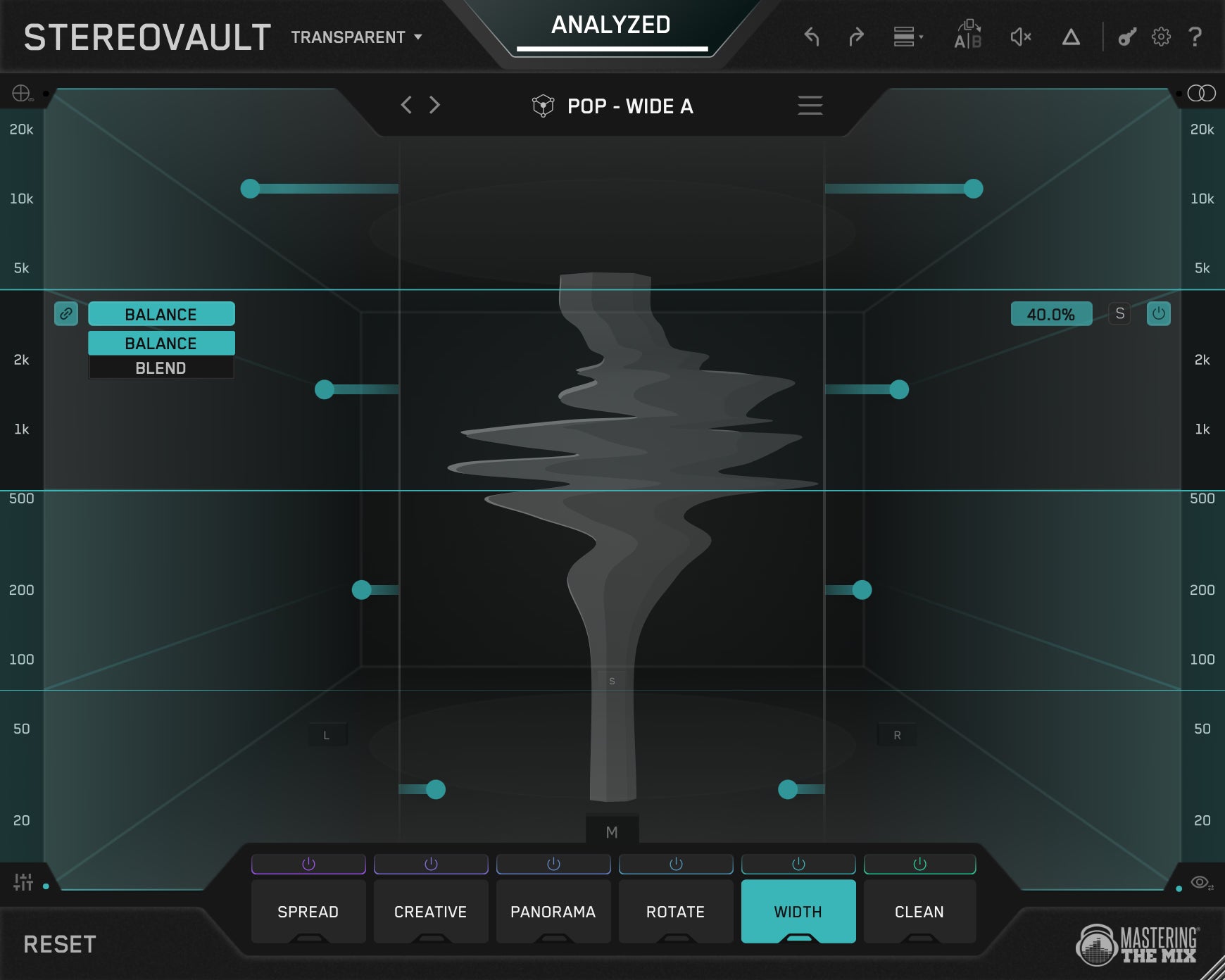
Width
Redistribute Mid and Side energy to push centre content outward or bring the sides back in. Blend swaps mid and side signal. Balance lets you turn down either channel independently, great for tightening wide low-end or opening up your highs.
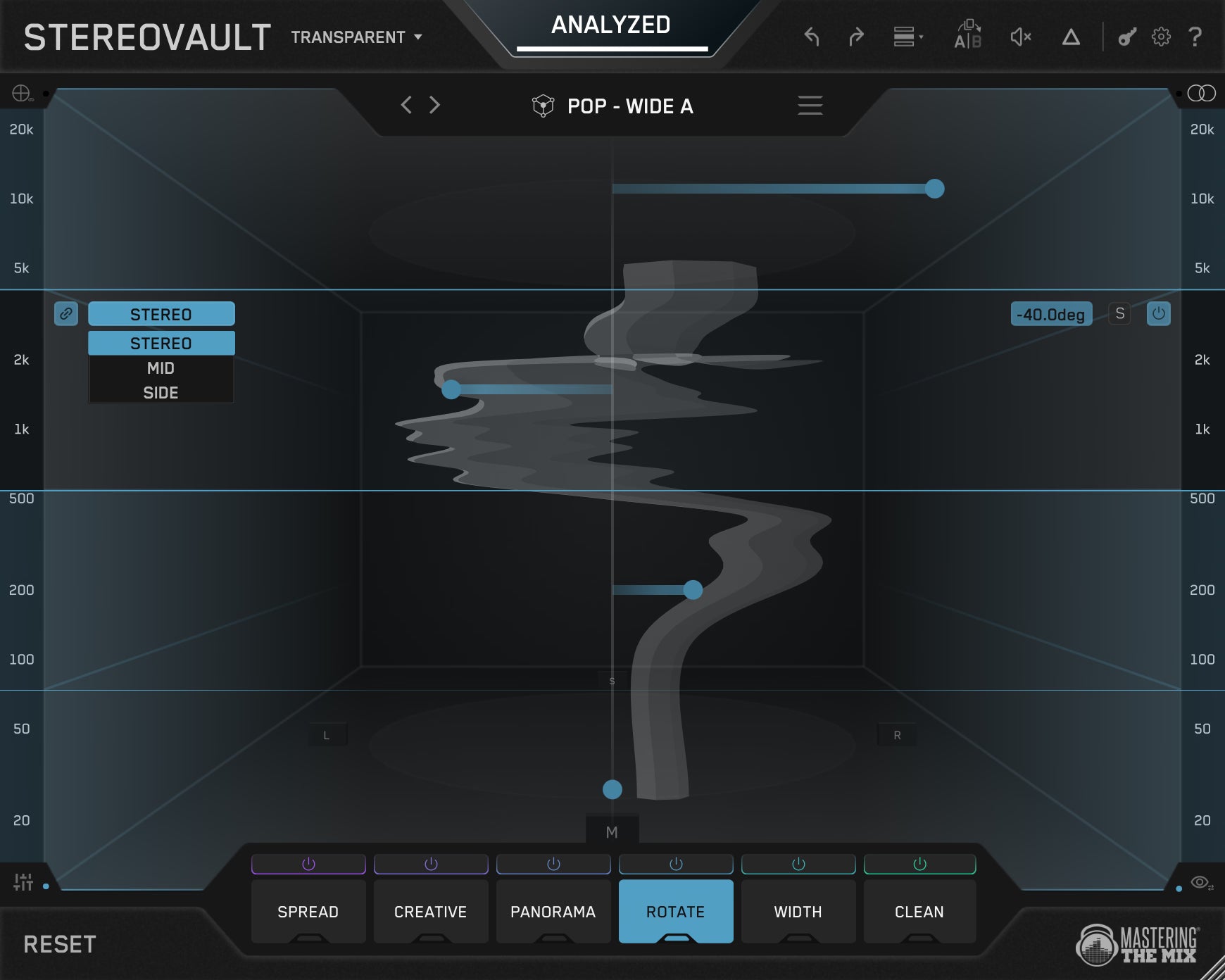
Rotate
Repositions the stereo image by rotating the signal rather than just adjusting level. Small amounts subtly tilt the image. Apply to the full Stereo signal or target the Mid and Side independently for precise spatial control.
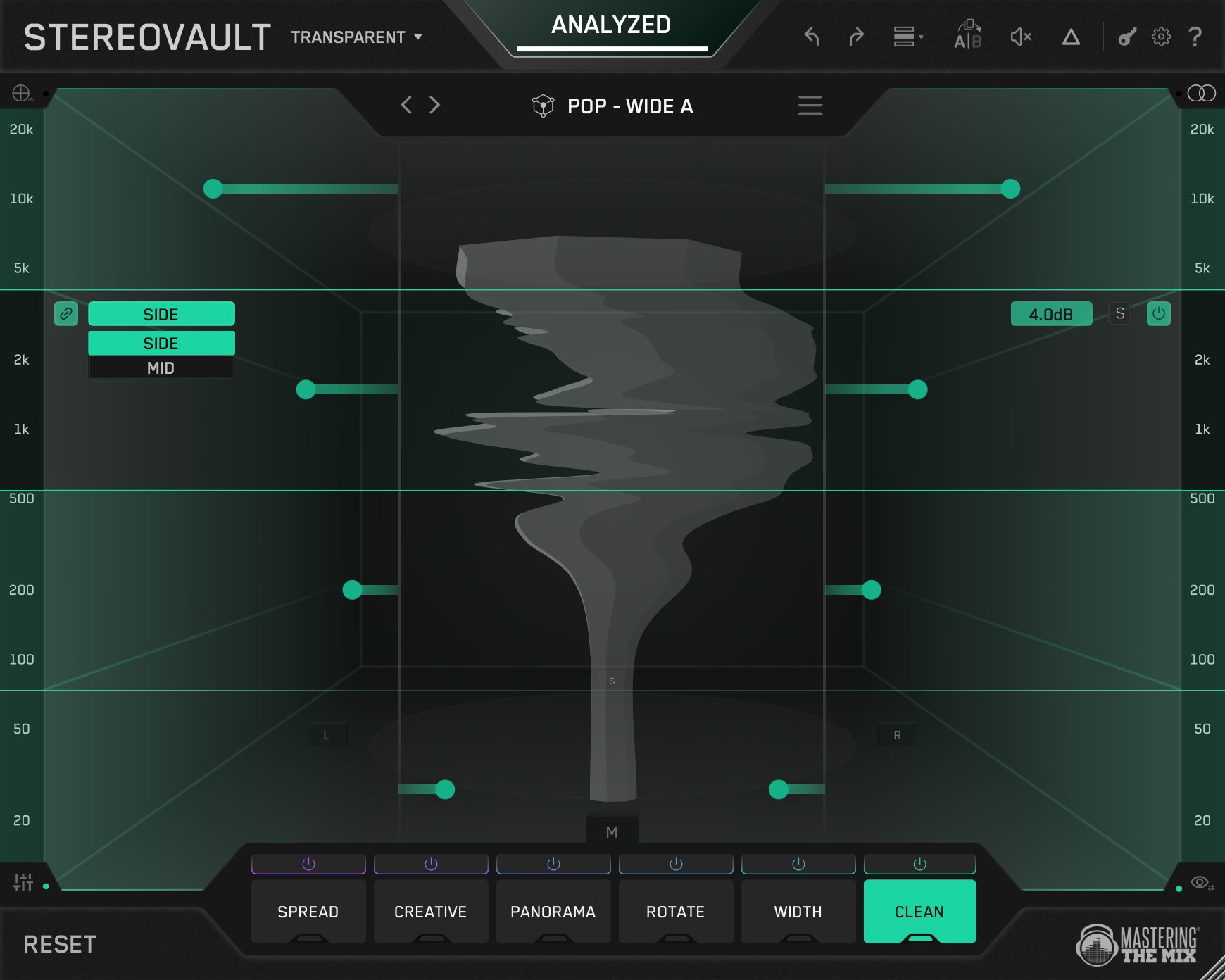
Clean
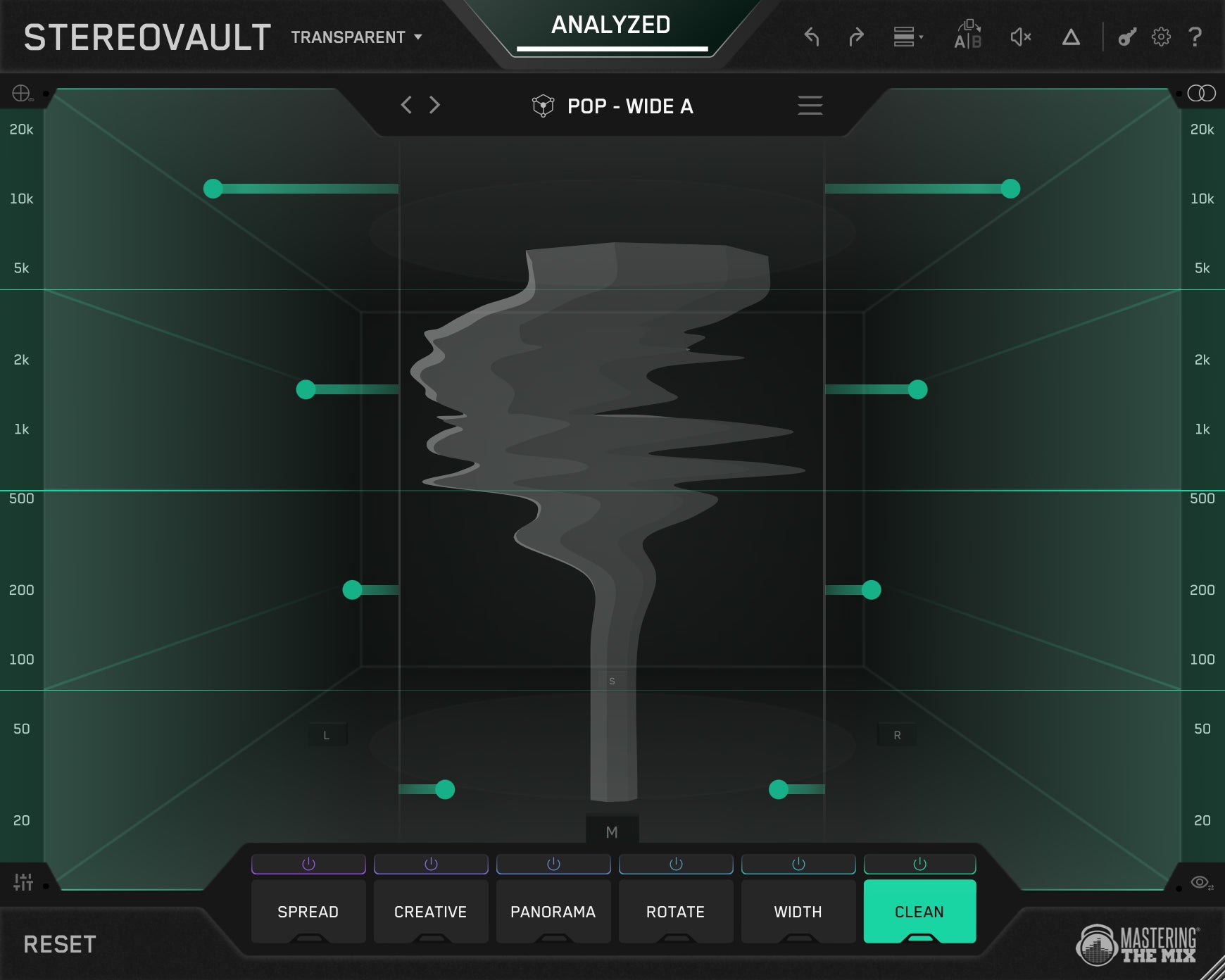
A transparent Mid or Side EQ for surgical width shaping. Side boosts or cuts the side signal in dB, widen or narrow with zero coloration. Mid adjusts centre-channel energy directly. The cleanest way to fix problem frequencies in your stereo field without touching anything else.
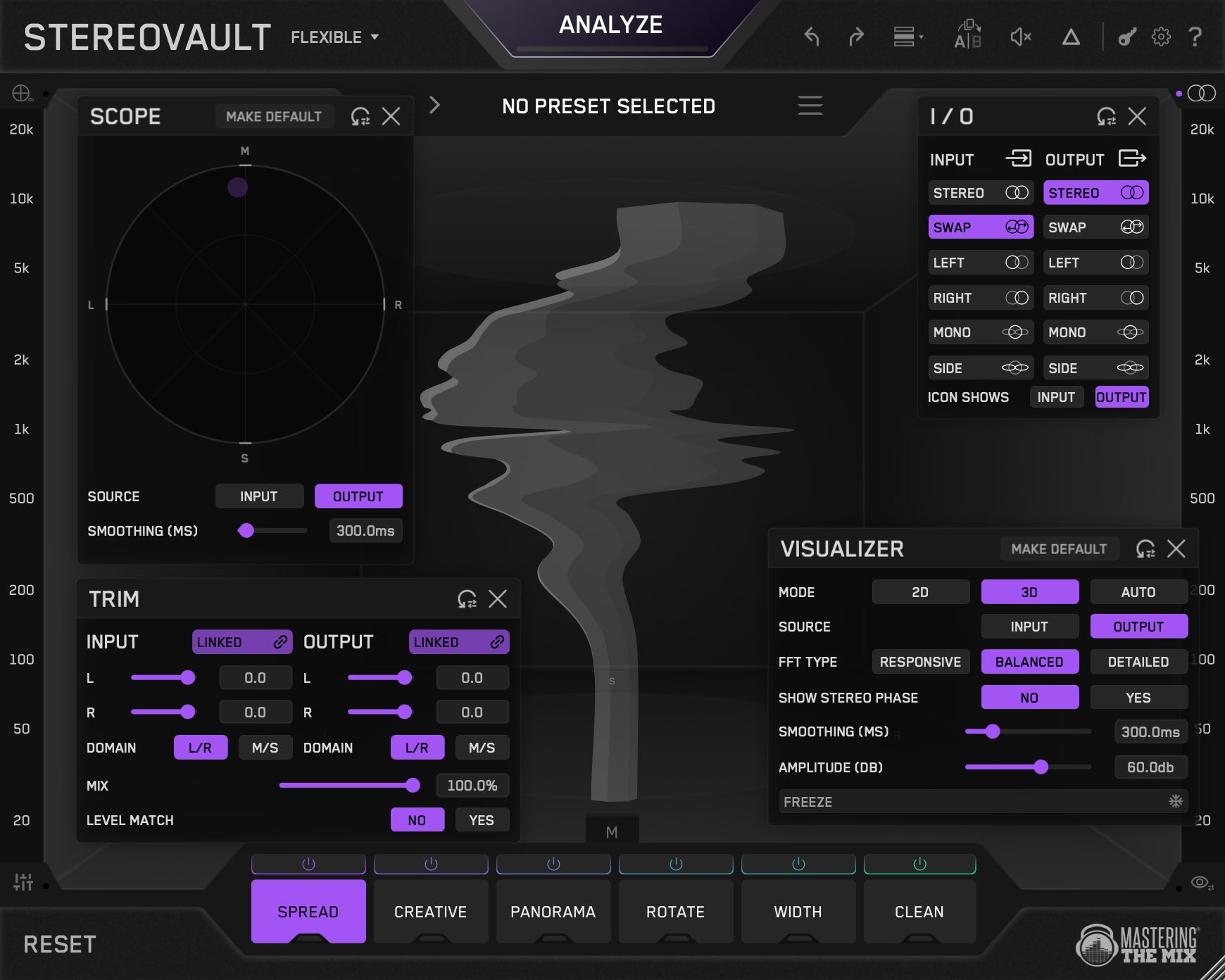
So Much Control
Four handy toolbar pop-ups without crowding the main interface. Scope monitors stereo correlation and catches phase cancellation in real time. Trim handles input and output gain in L/R or M/S domain. I/O controls signal routing for both input and output, including mono, swap, and side extraction. Visualizer configures the stereo display.
Use On Channels Or Full Mix
Transparent Mode shares one band layout across all tabs for the cleanest, most phase-stable processing, ideal for mastering.
Flexible Mode lets each tab have its own independent band layout, giving you more freedom for mixing and sound design.
Smart Presets
Hit Analyze and STEREOVAULT listens to your audio and suggests the most relevant preset for your material. Flick through options like Focused, Balanced, Wide, and Super Wide, all calibrated to what actually works in your specific context.
Level Matched
After analysis, every adjustment you make is automatically level matched, so you're always comparing tone and width, not volume. Bypass with confidence. What you hear is the processing, not a louder signal tricking your ears.
Spread
The cleanest way to widen your stereo image. Pristine uses Mid/Side processing for direct, predictable control. Diffuse applies Gerzon per-band diffusion for an ultra-transparent result. Vintage uses a classic frequency-splitting technique which is great for adding life to flat or mono-heavy sources.
Creative
Bold, characterful width using spatial effects. Stretch creates shimmery width through comb filtering. Flux produces a slow, evolving drift perfect for pads. Chorus adds rich modulated movement. Haas gives a vivid sense of direction. Space wraps sounds in a tight diffused reverb for physical depth.
Panorama
Pan and reposition audio across the stereo field on a per-band basis. Use Pan for standard left/right balance, or Skew to swap channel energy, ideal for correcting stereo imbalances without pulling your whole image off-centre.
Width
Redistribute Mid and Side energy to push centre content outward or bring the sides back in. Blend swaps mid and side signal. Balance lets you turn down either channel independently, great for tightening wide low-end or opening up your highs.
Rotate
Repositions the stereo image by rotating the signal rather than just adjusting level. Small amounts subtly tilt the image. Apply to the full Stereo signal or target the Mid and Side independently for precise spatial control.
Clean
A transparent Mid or Side EQ for surgical width shaping. Side boosts or cuts the side signal in dB, widen or narrow with zero coloration. Mid adjusts centre-channel energy directly. The cleanest way to fix problem frequencies in your stereo field without touching anything else.
So Much Control
Four handy toolbar pop-ups without crowding the main interface. Scope monitors stereo correlation and catches phase cancellation in real time. Trim handles input and output gain in L/R or M/S domain. I/O controls signal routing for both input and output, including mono, swap, and side extraction. Visualizer configures the stereo display.
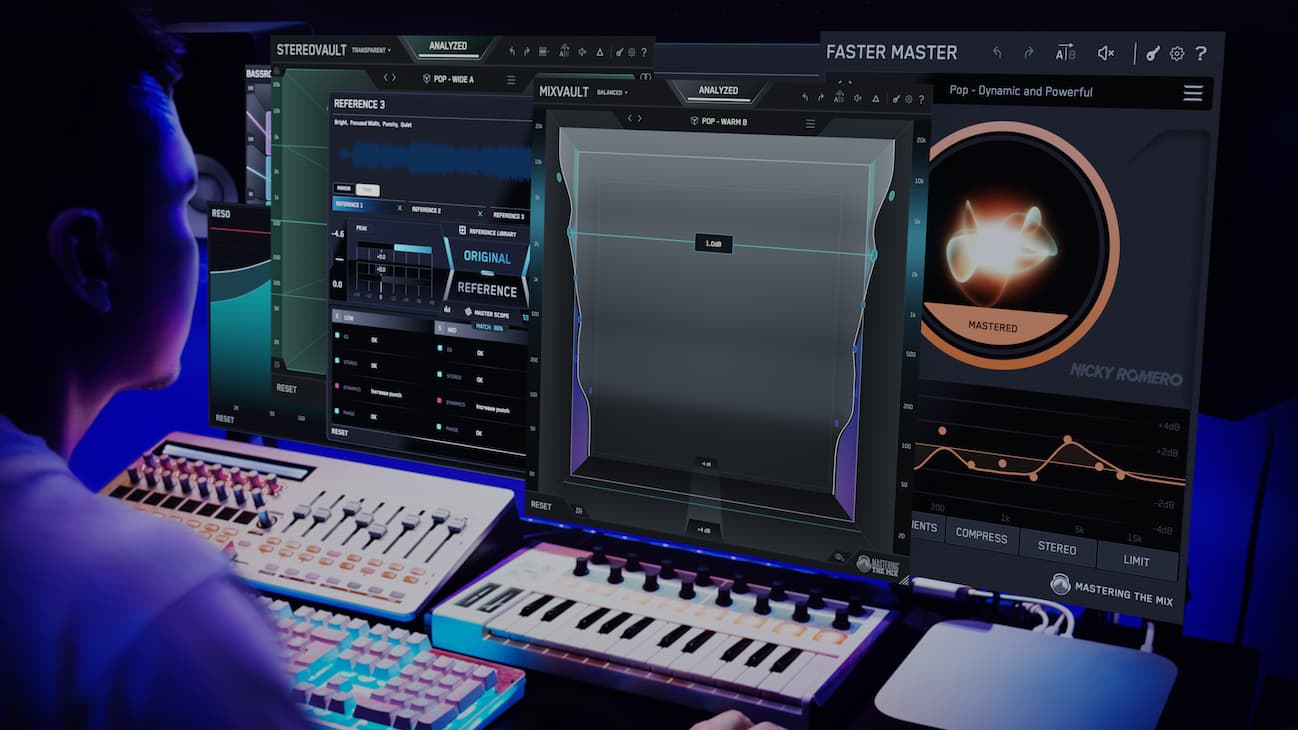



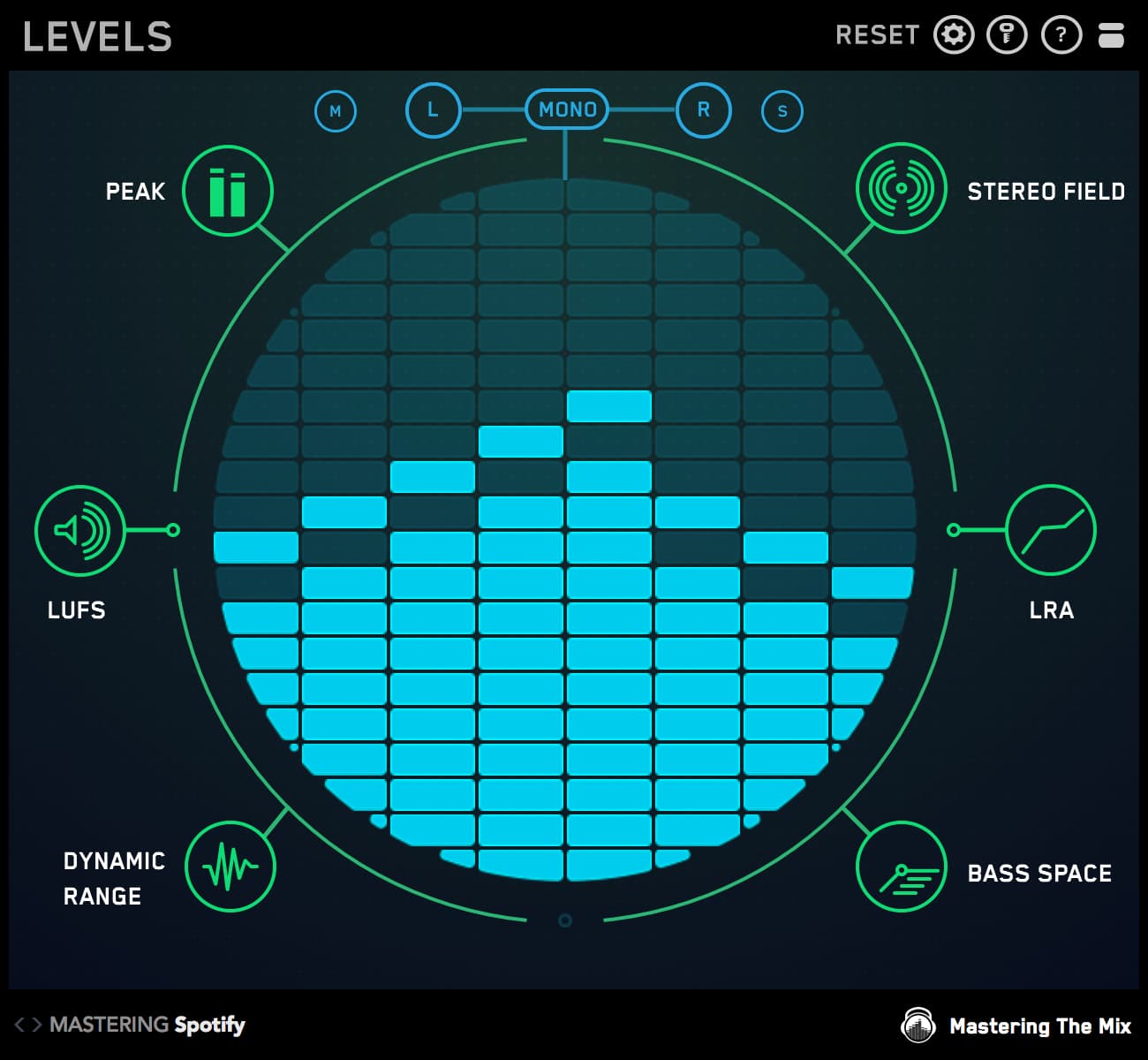
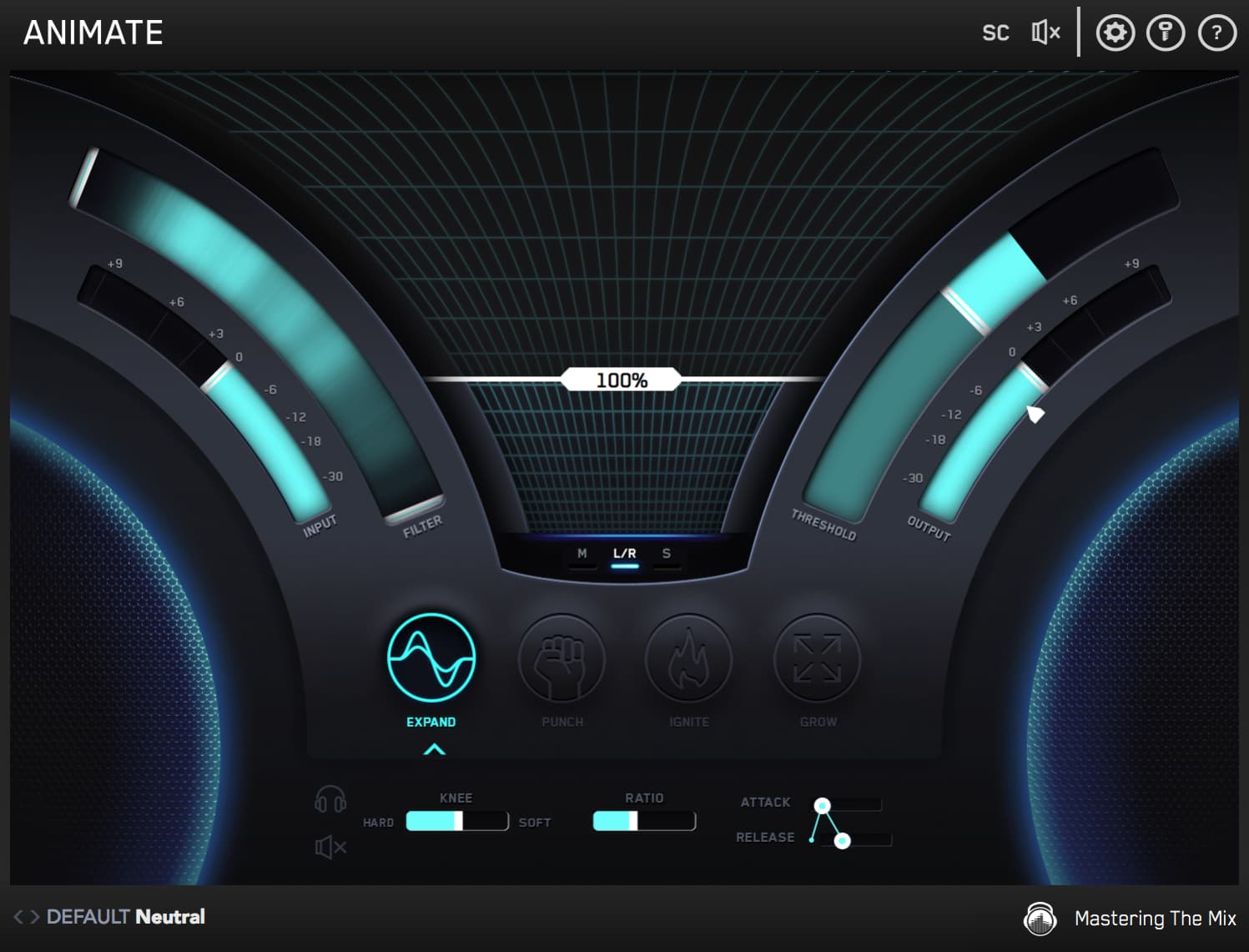
STEREOVAULT is included in
All Plugins
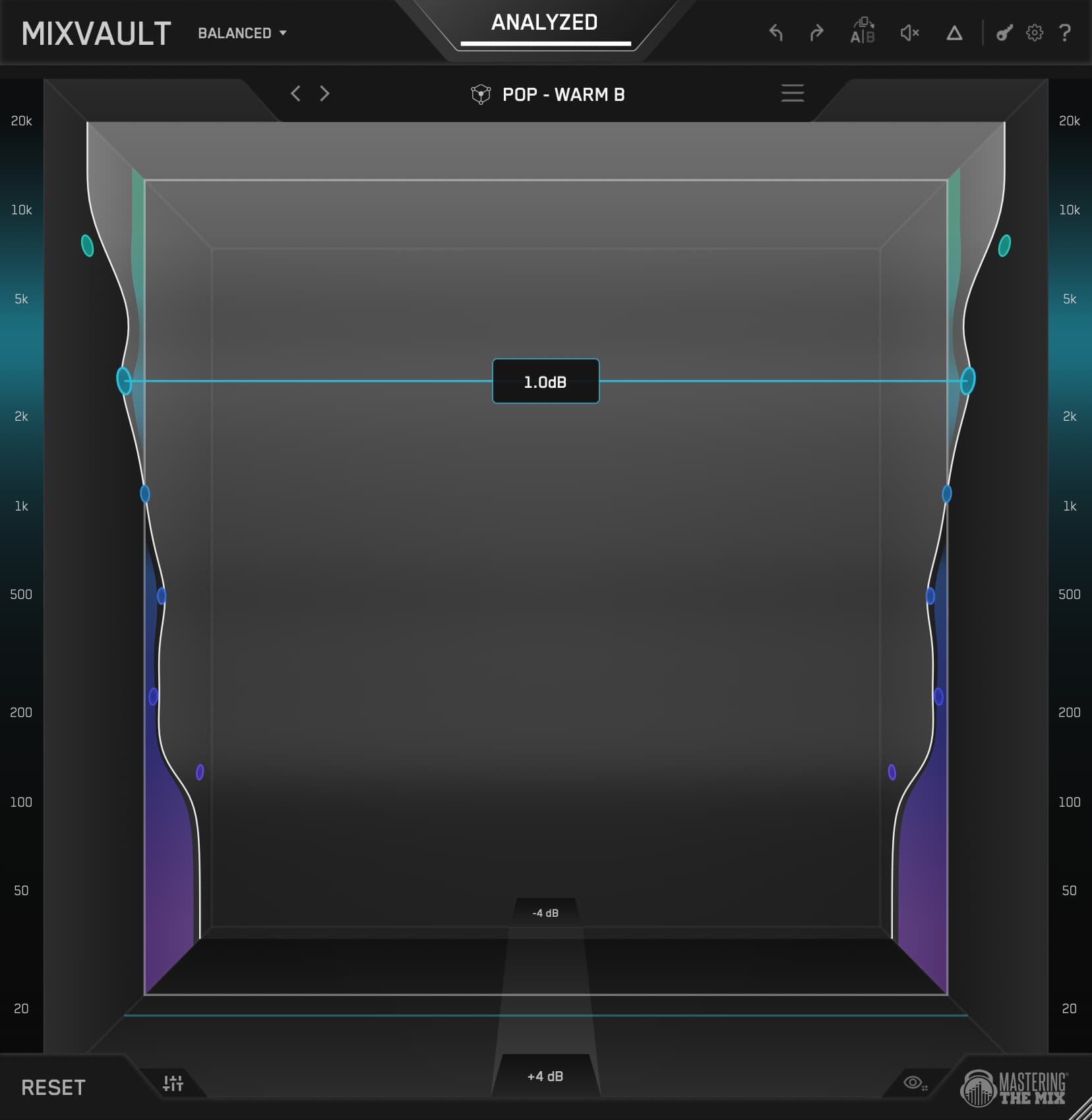
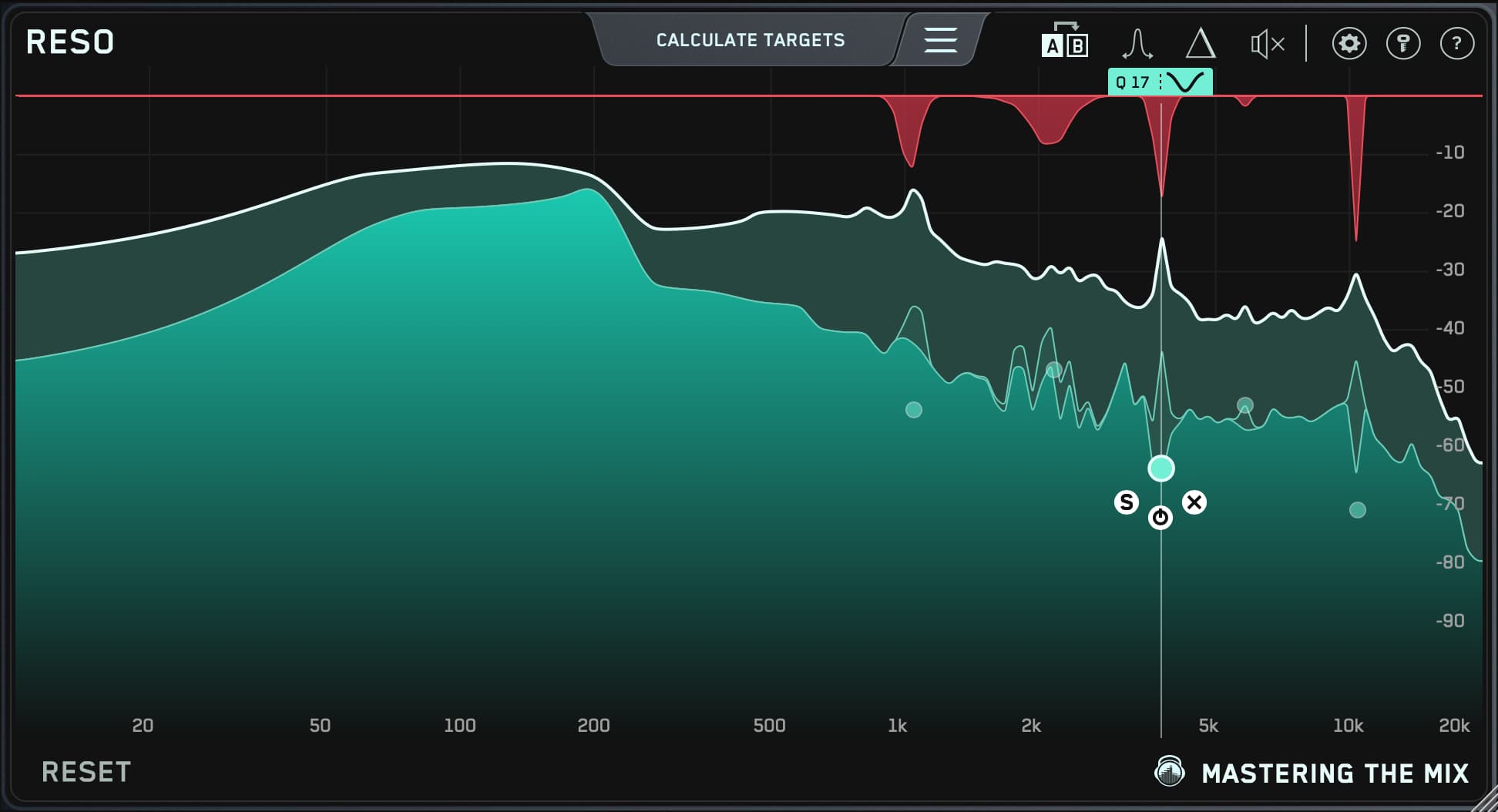
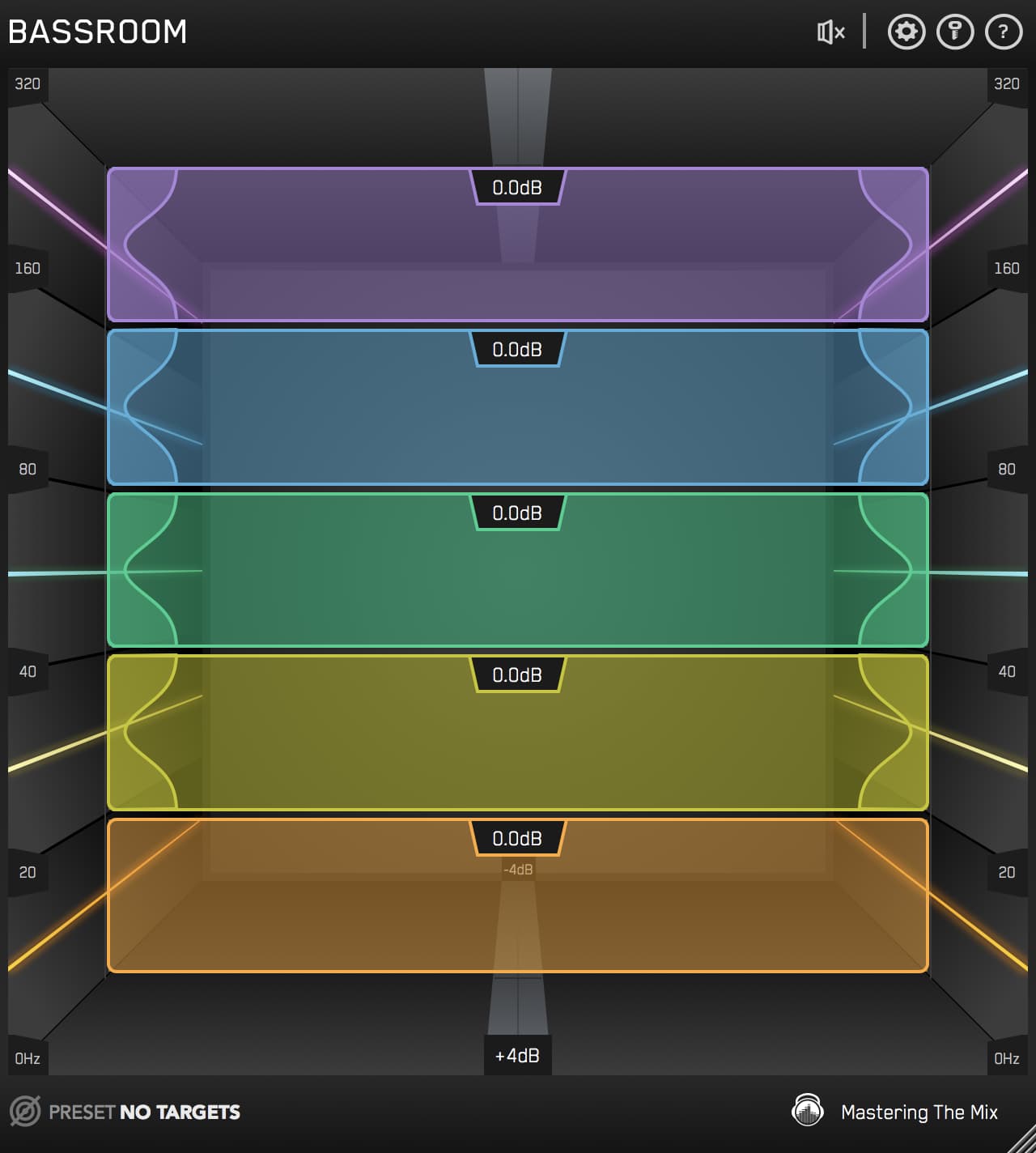
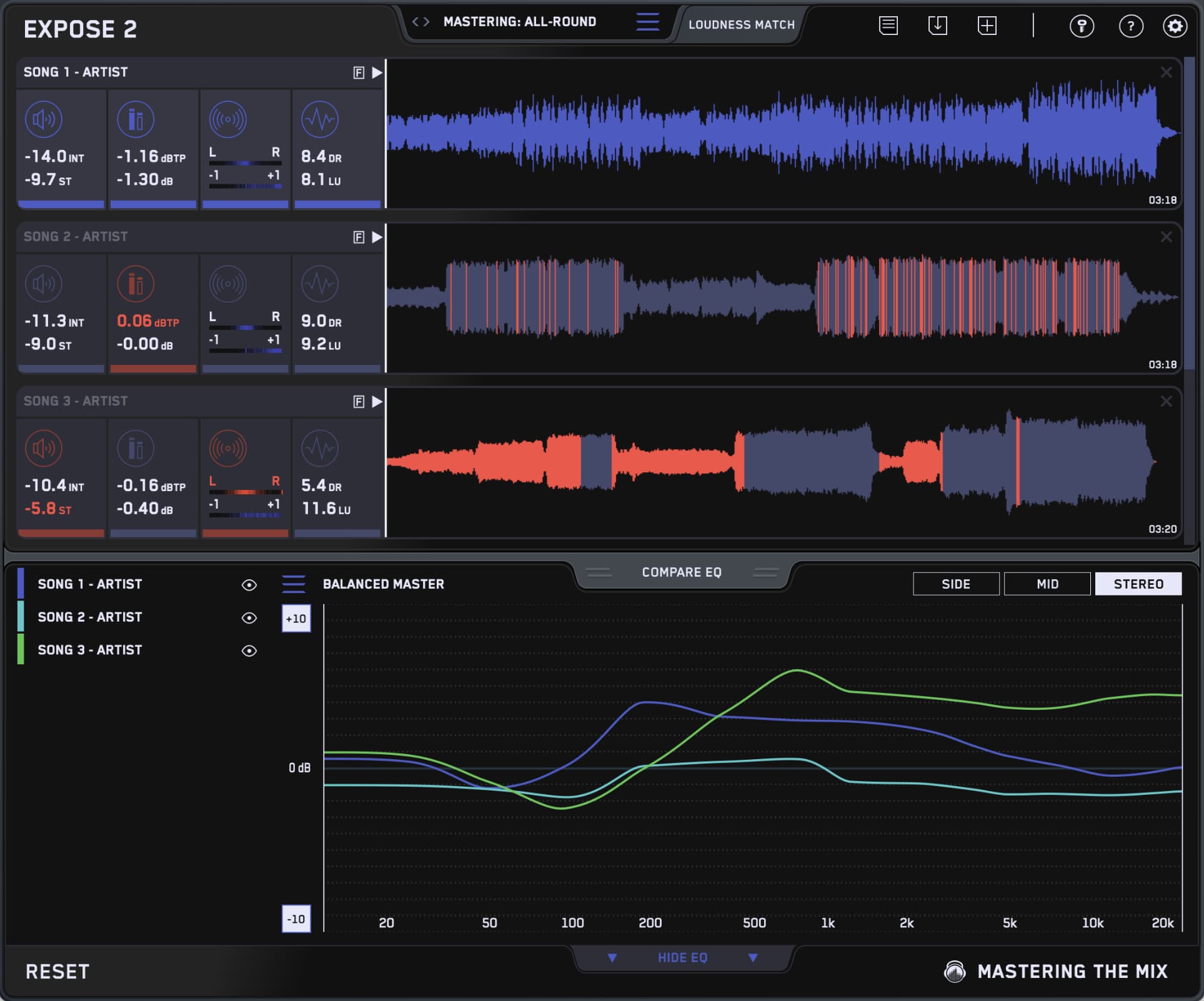
This bundle contains all 11 Mastering The Mix plugins. They analyze your audio and guide you to make the best decisions for your music. You’ll solve the hardest problems you face in the studio and create better-sounding music when you use our plugins

Mac System Requirements
OS X 10.15 or higher. 64-bit AU, VST 3 or AAX host.
Apple Silicon Native.
Windows System Requirements
Windows 10 or higher. 64-bit VST 3 or 64-bit AAX host.
Mac System Requirements
OS X 10.15 or higher. 64-bit AU, VST 3 or AAX host.
Apple Silicon Native.
Windows System Requirements
Windows 10 or higher. 64-bit VST 3 or 64-bit AAX host.