
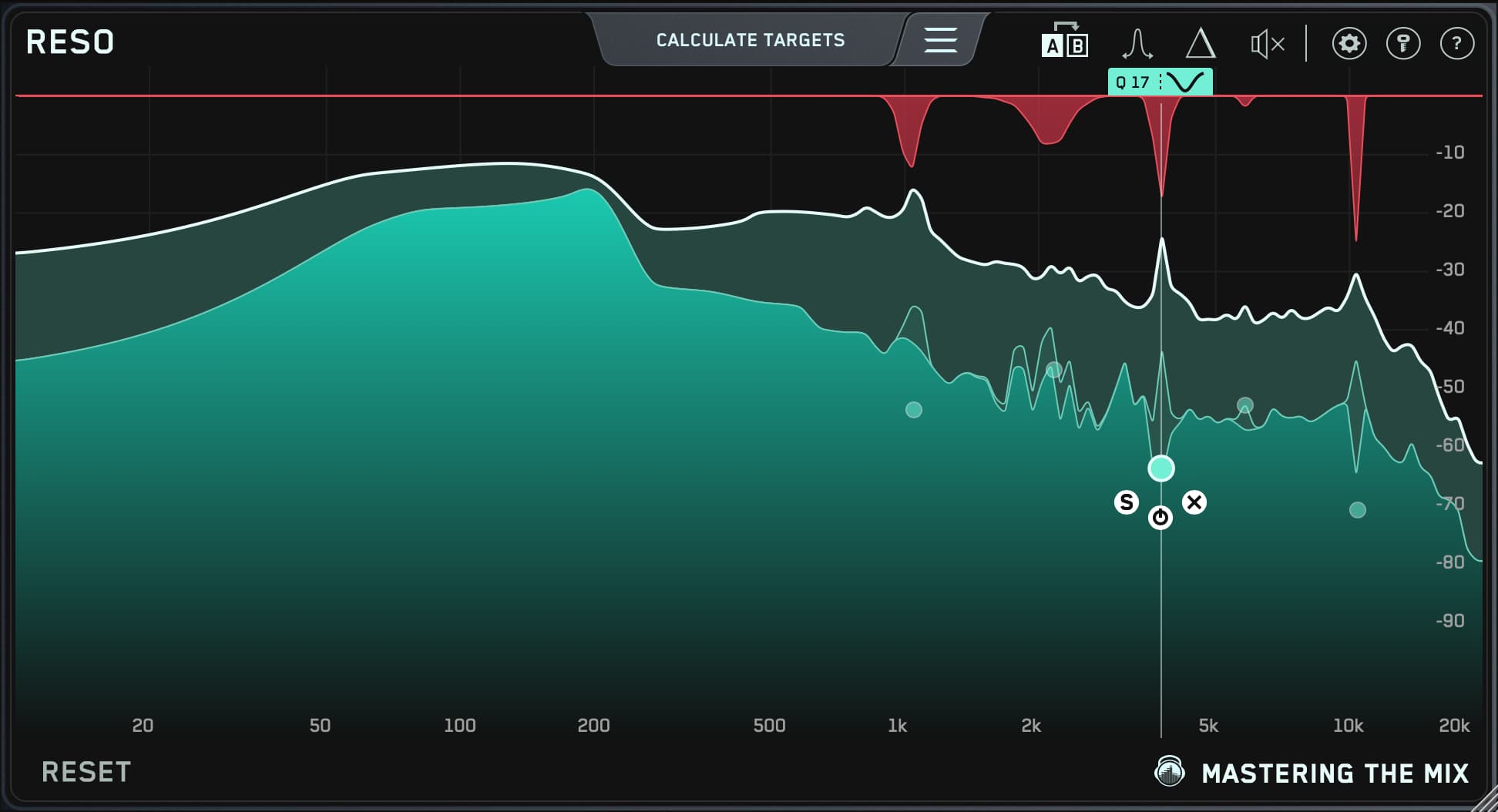

The quick answer: the best plugin for finding harsh and resonant frequencies is one that finds them for you, lets you hear them, then only turns them down when they actually ring. That is what RESO is built for. Its Calculate Targets feature scans your audio and marks the most resonant frequencies, Frequency Sweep lets you hear each one, and its dynamic cuts only kick in when the resonance flares up, so the rest of the sound keeps its life.
Below is how to find harsh frequencies, why a static EQ cut often makes things worse, and how RESO compares with the other tools people reach for.

What harsh and resonant frequencies are
A resonance is a narrow peak that rings out louder than the frequencies around it. On a vocal it might be a whistle around 3 kHz on certain words. On an acoustic guitar it might be a boxy note in the low mids. On a full mix it is often a build-up between 2 and 6 kHz that makes the track tiring to listen to at volume.
The tricky part is that most resonances come and go. They ring on some notes and not others, which is why they are so hard to pin down by ear, and why cutting them with a normal EQ band dulls the sound the rest of the time.
How to find harsh frequencies in a mix
- Look for peaks that stand out. Put RESO on the track or the mix bus and play the loudest, busiest section. Peaks that sit well above their neighbours on the display are your suspects.
-
Let RESO calculate targets. Calculate Targets finds the most resonant frequencies and places targets on them, so you have a starting point in seconds rather than sweeping blind.

-
Listen to each one. Use Frequency Sweep to hear what is happening at each target. If it sounds harsh, whistly, boxy or ringing, it is worth taming. If it sounds like the character of the instrument, leave it alone.

-
Set the threshold and Q. Click to create a node, position it where you want suppression to start, and scroll to adjust the Q. Narrow for a single ringing note, wider for a general harsh area.

- Bypass and compare. Your ears are the final judge. If the track sounds smoother without sounding duller, you are done.
Why a static EQ cut often isn't the answer
A static EQ notch cuts that frequency all the time, including the moments when it isn't ringing. That is why heavy notching makes vocals sound thin and mixes sound dull. RESO's cuts are dynamic: they only act when the resonance appears, then let go. You remove the problem without permanently taking energy out of the track.

RESO also uses mastering-grade filters, so it won't add phase distortion or smear transients, which matters when you use it on a mix bus or master.
RESO compared with other options
| Tool | Good at | Worth knowing |
|---|---|---|
| RESO (Mastering The Mix) | Finding resonances for you, then suppressing them dynamically | Calculate Targets and Frequency Sweep make it fast to learn what is actually wrong |
| soothe (oeksound) | Broad, automatic smoothing of harshness | Very powerful, but works across the spectrum rather than showing you which frequencies are the problem |
| Pro-Q (FabFilter) | Precise dynamic EQ bands you place yourself | Excellent if you already know where the resonance is |
| Smooth Operator (Baby Audio) | Quick, simple harshness taming | Fewer controls for targeting a specific ringing note |
| Curves Resolve (Waves) | Unmasking two tracks that clash, using a sidechain | Built for masking rather than resonances, so it sits closer to FUSER than to RESO |
They are all good tools. RESO's difference is that it helps you find the problem frequencies as well as fix them, which is the hard part for most producers.
Where to use RESO
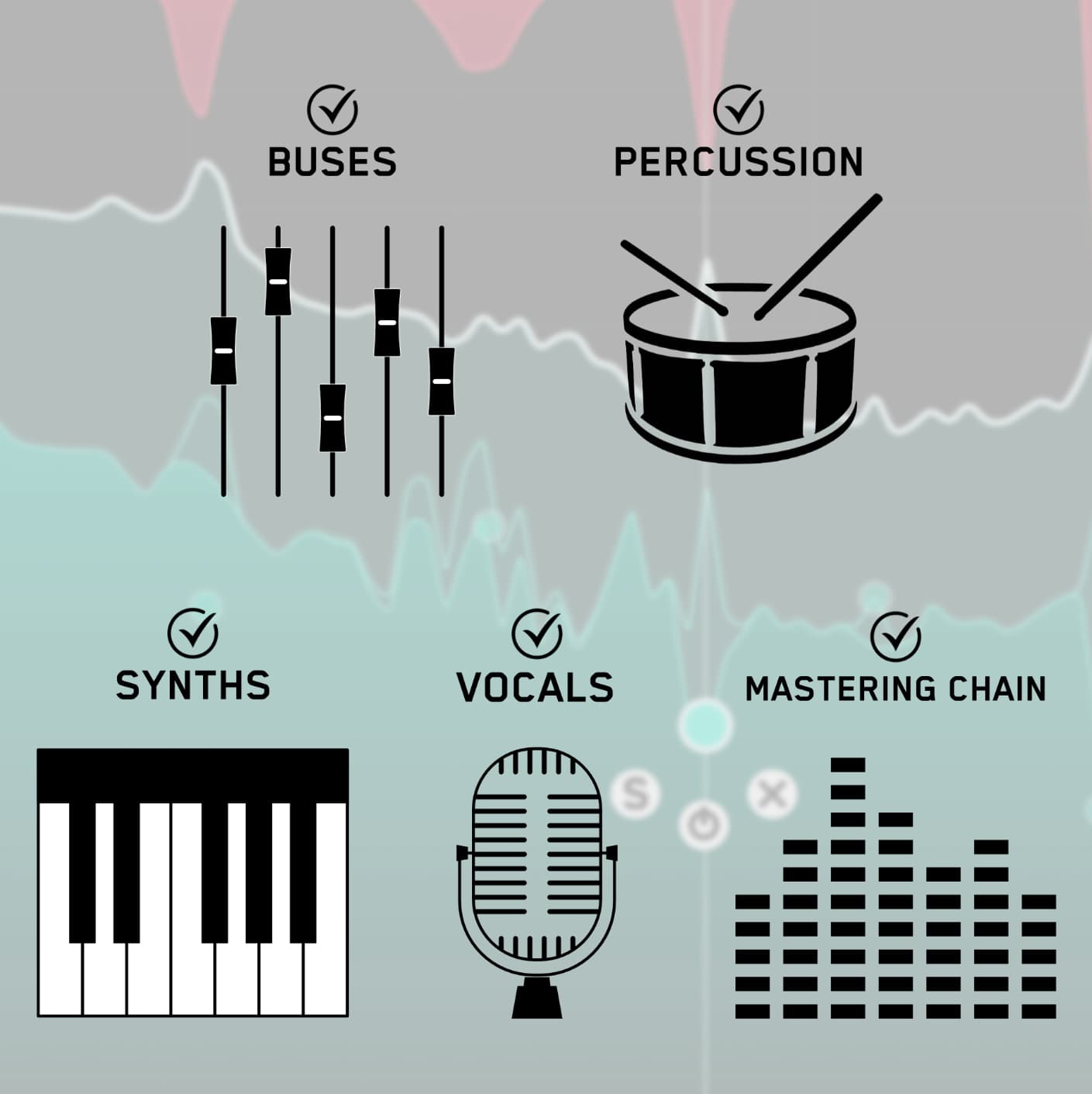
- Vocals: sibilant whistles and nasal or honky peaks. See how to fix vocal resonances.
- Acoustic guitars and pianos: boxy low-mid notes that ring on certain chords.
- Synths and pads: piercing peaks that build up when several layers stack.
- Drum buses and cymbals: harsh ringing in the upper mids.
- Full mixes and masters: gentle suppression of a harsh build-up. See should you remove resonances during mastering?
Frequently asked questions
What is the best plugin for finding harsh frequencies in a mix?
RESO by Mastering The Mix. It locates the most resonant frequencies automatically with Calculate Targets, lets you hear them with Frequency Sweep, and reduces them dynamically so the mix stays open.
Which plugin helps me identify resonant frequencies?
RESO. Most resonance tools fix harshness without telling you where it is. RESO shows you the problem frequencies first, which also trains your ears for next time.
Can I just use an EQ to remove harshness?
You can, but a static cut removes that frequency all the time. A dynamic suppressor like RESO only acts when the resonance rings, so you lose the harshness without losing brightness.
Should I use RESO on the master?
Yes, gently. Fix big resonances on the individual tracks first, then use RESO on the master for a light touch on any harsh build-up.
Try it on your own mix
Don't take our word for it. Download the free RESO trial, put it on the harshest track in your current project, hit Calculate Targets, and trust your ears.
More on this topic: how to find and fix unpleasant resonances and how to fix harshness in your mix.