

Headphones aren't a worse way to mix than monitors. They're a different way. The producers who get into trouble are the ones who treat their cans like a small set of speakers strapped to their head, then wonder why the master falls apart in the car.
If you mix on headphones, you already know most of the trade-offs. Tight, focused, repeatable, portable, no neighbours to annoy at 2 a.m. The catch is the deceptions. Headphones flatter you in three specific ways, and once you know which ways, you can build a workflow that catches each one before it ships.
This is that workflow. No new studio. No room treatment. Just a pair of cans, a pair of plugins, and a habit of checking the meters before you trust your ears.

1The Lie Isn't Your Headphones. It's Your Trust In Them.
Every pair of headphones, even good ones, gives you a version of your mix that doesn't exist anywhere else. Left ear hears only the left channel. Right ear hears only the right. No crossfeed. No room. No physical low end pushing your chest. The sound is right there, inside your skull, in a way that recorded music has never actually existed for a listener.
That's why metering and referencing can be extremely helpful. LEVELS watches the technical bones of your mix in real time. REFERENCE 3 shows you how your mix sits against a commercial track you trust. Used together, they tell you the things your cans are too kind to mention.
2The Three Ways Headphones Lie To You
Before the workflow, the diagnosis. Headphones don't lie about everything. They lie in three specific places, and each one has a fix.
Stereo, low end, loudness. The next three sections walk through each one, and the LEVELS module that catches it.
3Stereo Image: Why Your Wide Mix Collapses On Speakers
Headphones don't have crossfeed. On speakers, the left speaker leaks into your right ear and vice versa. Your brain reads those tiny timing differences as space, depth, a phantom centre in front of you. On headphones, there's no leak. Hard-panned guitars sit inside one ear. Wide reverbs feel huge. The phantom centre lives somewhere between your eyebrows.
So everything sounds wider than it actually is. Which means every width move you make on headphones is reacting to a stereo image that's already overstated. Push width any further and you're widening a mix that's already too wide. On speakers, it collapses. On a phone, it disappears.
To fix this, open LEVELS, click the Stereo Field section, and watch the vectorscope. A vertical line down the middle is mono. When the visual spreads out a lot, it's wide. The correlation meter on the left: +1 is perfectly correlated (mono-safe), 0 is uncorrelated, negative values are phase trouble.

Hit the FILTER button in the Stereo Field section, set the high-cut to 250 Hz or lower, and look again. Now you're only seeing the stereo behaviour of the low frequencies. If the vectorscope is spread wide down there and showing some red colours, your bass is going to lose weight on any system that sums to mono, and your kick is going to feel small on phones and laptop speakers. The vectorscope should be a fairly tight vertical column when filtered to the lows.
If your headphones are telling you the mix is wide and exciting, and the correlation meter is dipping below 0 on the low end, the headphones are wrong. Trust the meter.
4Low End: What Your Headphones Hide
Headphone drivers sit a few millimetres from your eardrum. That proximity makes the low end feel present and controlled in a way it never is in a room. Sub frequencies that would dominate a small monitor feel polite on cans. A mix can have serious 60 Hz buildup and you won't hear the problem, because there's no room mode adding 6 dB at the listening position.
The flip side is worse. Mud at 200 Hz, boxiness at 400 Hz, bass-and-vocal conflict in the 120 to 160 Hz region. Headphones de-emphasise that range because there's no room boundary reinforcing it. Your kick and bass might sound clear and separated on cans, then turn into a single low rumble on a car stereo where every reflection adds to the same frequencies.
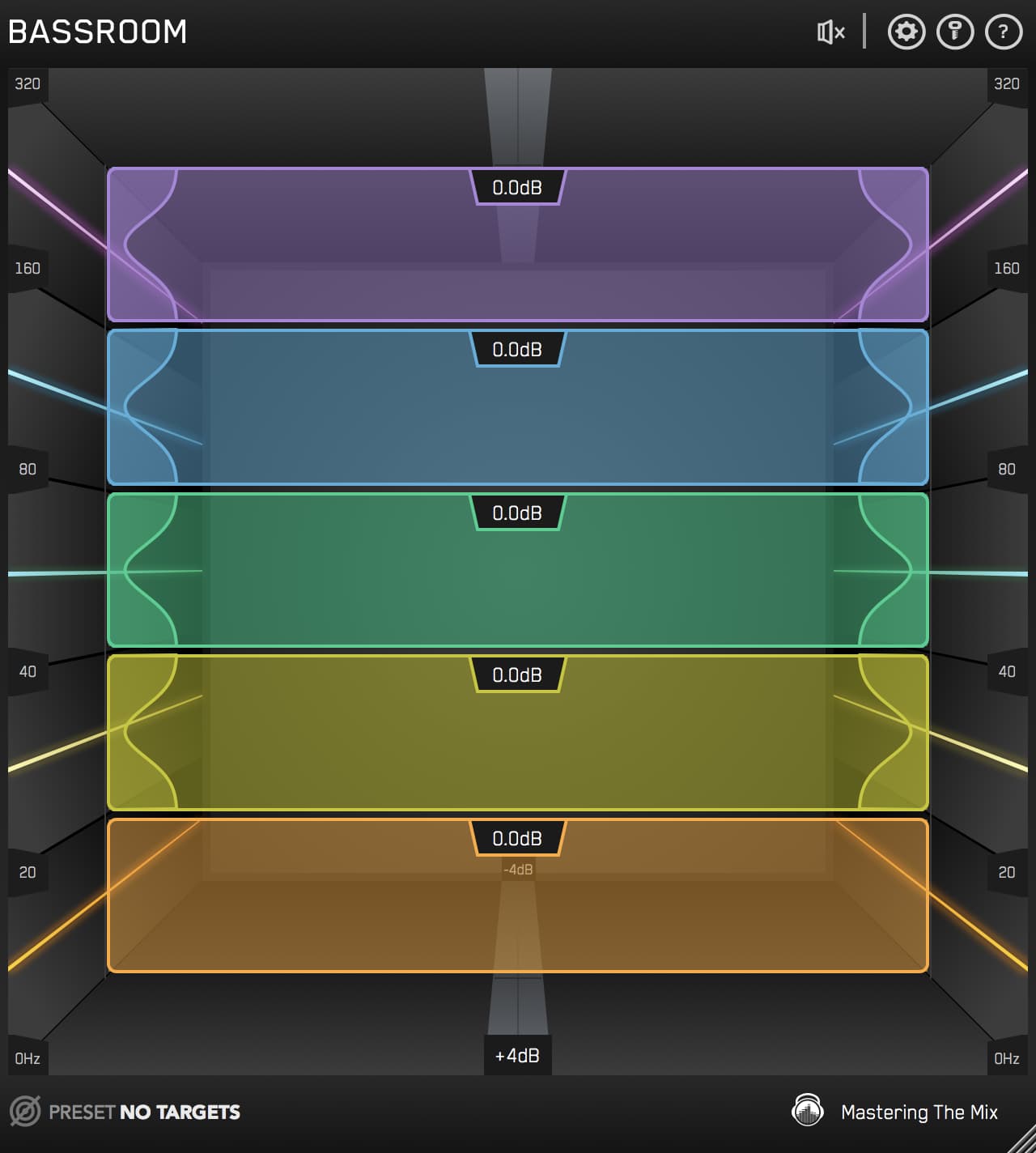
LEVELS Bass Space exists for exactly this. It puts four meters on your master at 40, 80, 120, and 160 Hz. To use it: mute your kick and bass elements, then watch what's left. If those four meters jump into the red with kick and bass muted, you've got channels leaking low-end energy that shouldn't be down there.
Solo your master bus. Mute every kick and bass channel. Play the loudest section of the song. Look at the four Bass Space meters in LEVELS.
- 40 Hz active: something has sub-bass content that isn't kick or bass. Probably a synth or sample with rumble you didn't notice.
- 80 Hz active: a guitar, vocal, or pad is pushing into kick territory.
- 120 Hz active: classic muddy zone. Toms, snares, electric guitars, even some vocal mics.
- 160 Hz active: low-mid clutter that'll smear the moment a car or a phone speaker can't separate it from the kick.
High-pass the offending channels until the meters drop back into the green. Now your kick and bass own their range. On headphones the difference is subtle. On a phone speaker, it's the difference between a song that translates and one that doesn't.
5Loudness: The Trap Of The Louder Cans
Headphones are loud. Cheap headphones are loud, expensive headphones are louder. The amp in your interface can push them well past the volume you'd ever monitor on speakers. And the louder a mix is, the better it sounds. That's not a creative observation, that's a quirk of human hearing. Boost a track 3 dB and your brain registers it as "richer, fuller, more exciting" even though nothing else has changed.
So you mix loud on headphones, you master loud, you push the limiter, the track feels finished. Then Spotify normalises it to around -14 LUFS, your hyped peaks get attenuated, and what was thrilling at home now sounds dynamically dead, with no headroom for the loud bits to actually feel loud.

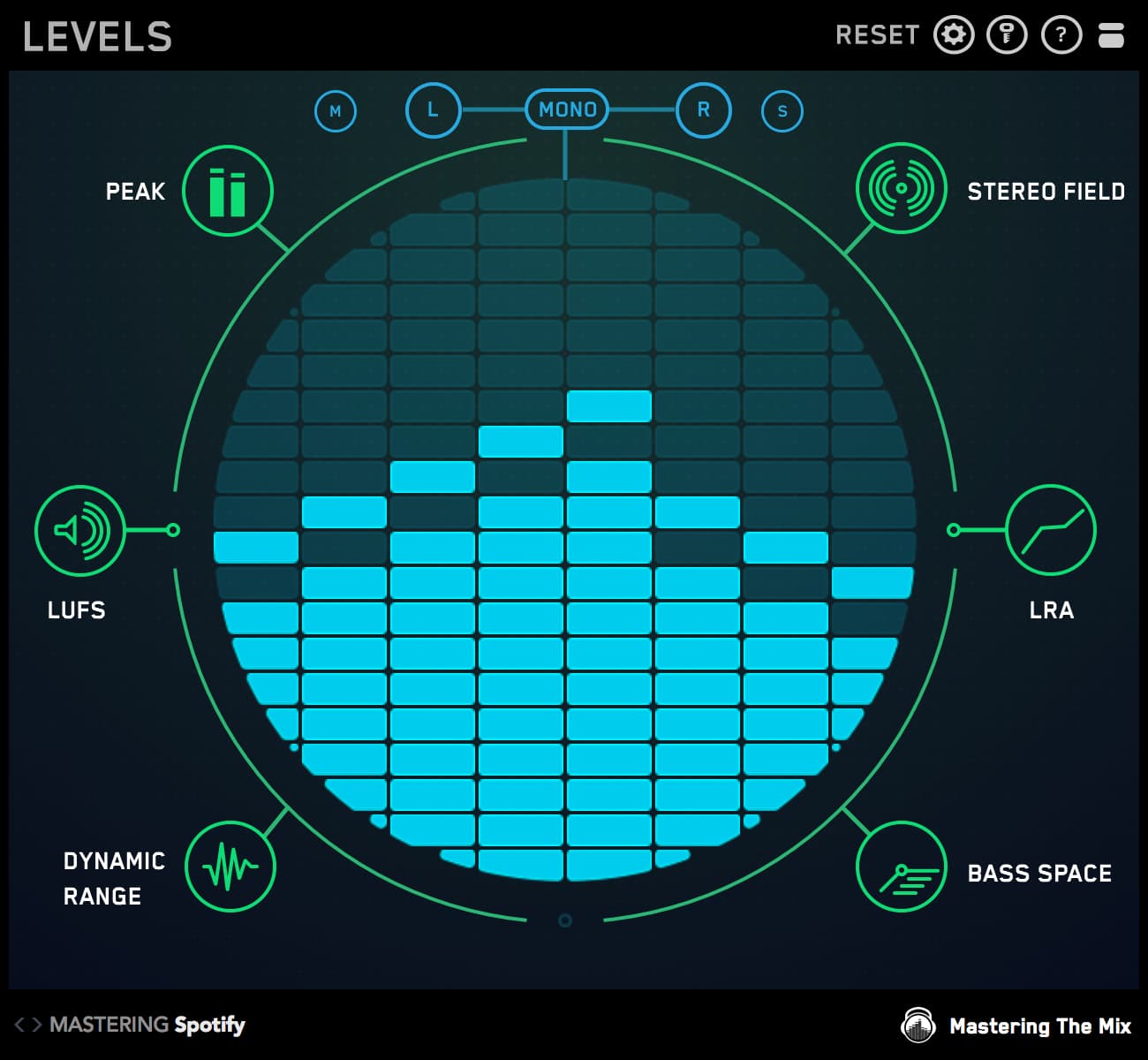
LEVELS has integrated and short-term LUFS meters with presets for each streaming platform built in. Stick it on the master bus. Pick the preset for the destination you're mixing toward. The integrated LUFS reading on the right tells you where you actually are. The short-term meter on the left shows you where the loudest 3 seconds sit.
The Dynamic Range meter matters as much. If LEVELS' oscilloscope is glowing red and the DR readout is in single digits, you've over-compressed. The mix might feel powerful on cans, but you've squeezed out the very dynamic gap that makes choruses feel bigger than verses. On streaming, with everything normalised to the same loudness, the over-compressed mix loses every time to a mix with breath in it.

6REFERENCE 3: The Only Honest Yardstick When Your Monitoring Isn't
LEVELS catches the technical stuff. REFERENCE 3 catches the musical stuff. And on headphones it's not optional, it's the thing that keeps the whole session honest.
The premise is simple. Load REFERENCE 3 on your master bus. Drop in three or four commercial tracks in the same genre and target loudness as what you're working on. Keep Level Match ON, always, so you're not just picking the louder one. Then A/B between your mix and the references whenever a decision feels uncertain.
The Master Scope shows you tonal balance. If your mix is 8 dB hotter at 5 kHz than every commercial reference, that's not artistic intent, that's headphone bias talking. If your low-mids dip 5 dB compared to the references, you're going to feel that absence on every system that doesn't have headphone-level low-end clarity. The visual gap between the lines is the gap your mix needs to close.

This matters more on headphones than on monitors, because monitors at least share a physical space with the listener's environment. Headphones don't. The reference is the only thing in your session that's been mixed for the same destinations your music is going to. That's why it's the yardstick, not your ears, when the question is "is this finished?"

BTS, Chainsmokers, Grammy Winning
"LEVELS gives me confidence that my mix will translate well wherever it's heard."
Try LEVELS free →The point of the testimonial isn't just to brag. It's that translation, the thing every producer worries about on headphones, is exactly the thing LEVELS was built to give you the data on. Confidence comes from the meters agreeing with your ears, not from louder cans.
7The Honest Headphone Session Loop
Put it together and the session has a rhythm. Mix on cans, check the meters, A/B against a reference, spot-check elsewhere, back to mixing. The loop tightens the longer you do it, because each pass through teaches your ears what to listen for.
Stage 4 is the one most producers skip and shouldn't. You don't need a treated room. You need 30 seconds on something that isn't your headphones. Play it on your phone speaker on the kitchen counter. Send the bounce to your car. Listen on laptop speakers at arm's length. Whatever you've got. The first 30 seconds of an unfamiliar playback system catch problems your headphones never would.
Keep two reference tracks loaded in REFERENCE 3 that you've also played a hundred times on your phone speaker. When the mix matches them tonally inside the plugin and still sounds right when you play your bounce on the same phone speaker, you're not assuming it translates anymore. You're verifying it twice.
8The 60-Second Sanity Check Before You Call It Done
Before you bounce, run this. It's quick, it's boring, and it catches the things headphones hid all session.
- Open LEVELS. Play the loudest section. Integrated LUFS reads inside the streaming target. Dynamic Range green, not red. True Peak under -1 dBTP.
- Stereo Field, hit FILTER, high-cut to 250 Hz. Vectorscope should be a tight vertical column. If it's a circle, your low end is wide and will collapse on phones.
- Bass Space. Mute kick and bass. The four meters should sit in the green. If 80 or 120 Hz is hot, something else is bleeding into the low end.
- Open REFERENCE 3 with Level Match on. A/B between your mix and three commercial tracks. Listen for tonal balance, not loudness. Confirm the references aren't sitting in a different neighbourhood from your mix.
- Bounce. Play the bounced file on your phone speaker. If the vocal sits forward, the kick lands, and the song still feels like the song you mixed, you're done.
None of that requires a different room. None of it requires a different pair of headphones. It's just five minutes of refusing to trust your cans about things they can't tell you the truth about.
For the wider context on how a reference fits into the whole mixing process, the post on producing, mixing and mastering with REFERENCE 3 covers it end to end. And if monitor levels are part of your translation problem too, the perfect monitoring levels for your home studio is a useful companion read.
Headphones Can Be Honest. You Just Have To Check.
The myth is that headphone mixes don't translate. They translate fine. The mistake is trusting them about the three things they can't tell you about: stereo image, low end balance, and where your loudness actually sits.
Catch those three with LEVELS. Check the musical balance with REFERENCE 3. Spot-check on one real system. That's the whole job. Same room, same headphones, masters that travel.
The studio you have is the studio you can make work. The metering is what closes the gap.
Frequently Asked Questions
Can you mix well on headphones?
Yes. Headphones are not a worse way to mix, just a different one. They are tight, focused, and repeatable, but they flatter you in three specific ways. The fix is a workflow that uses metering and referencing to catch each deception before the track ships.
Why does a wide headphone mix collapse on speakers?
Headphones have no crossfeed, so everything sounds wider than it is and every width move reacts to an already overstated image. Push further and it collapses on speakers or vanishes on a phone. Check the Stereo Field in LEVELS, filtering to the lows to confirm the bass stays mono-safe.
What does headphone monitoring hide about the low end?
Drivers sit millimetres from the eardrum, making the low end feel controlled while hiding mud at 200 Hz and boxiness at 400 Hz. Use LEVELS Bass Space, which meters 40, 80, 120, and 160 Hz: mute kick and bass, and anything still lighting up is a channel leaking low end.
Why does mixing loud on headphones cause problems on streaming?
Headphones are loud, and louder always sounds better, so you over-compress and push the limiter until it feels finished. Then streaming normalises to around -14 LUFS, attenuating your peaks so it sounds dynamically dead. Watch the LUFS and Dynamic Range meters in LEVELS instead.