

A master lives or dies on tonal balance. Get the broad shape right and the whole track sounds expensive; get it wrong and no amount of loudness saves it. This is how to nail that shape, fast, with MIXVAULT.
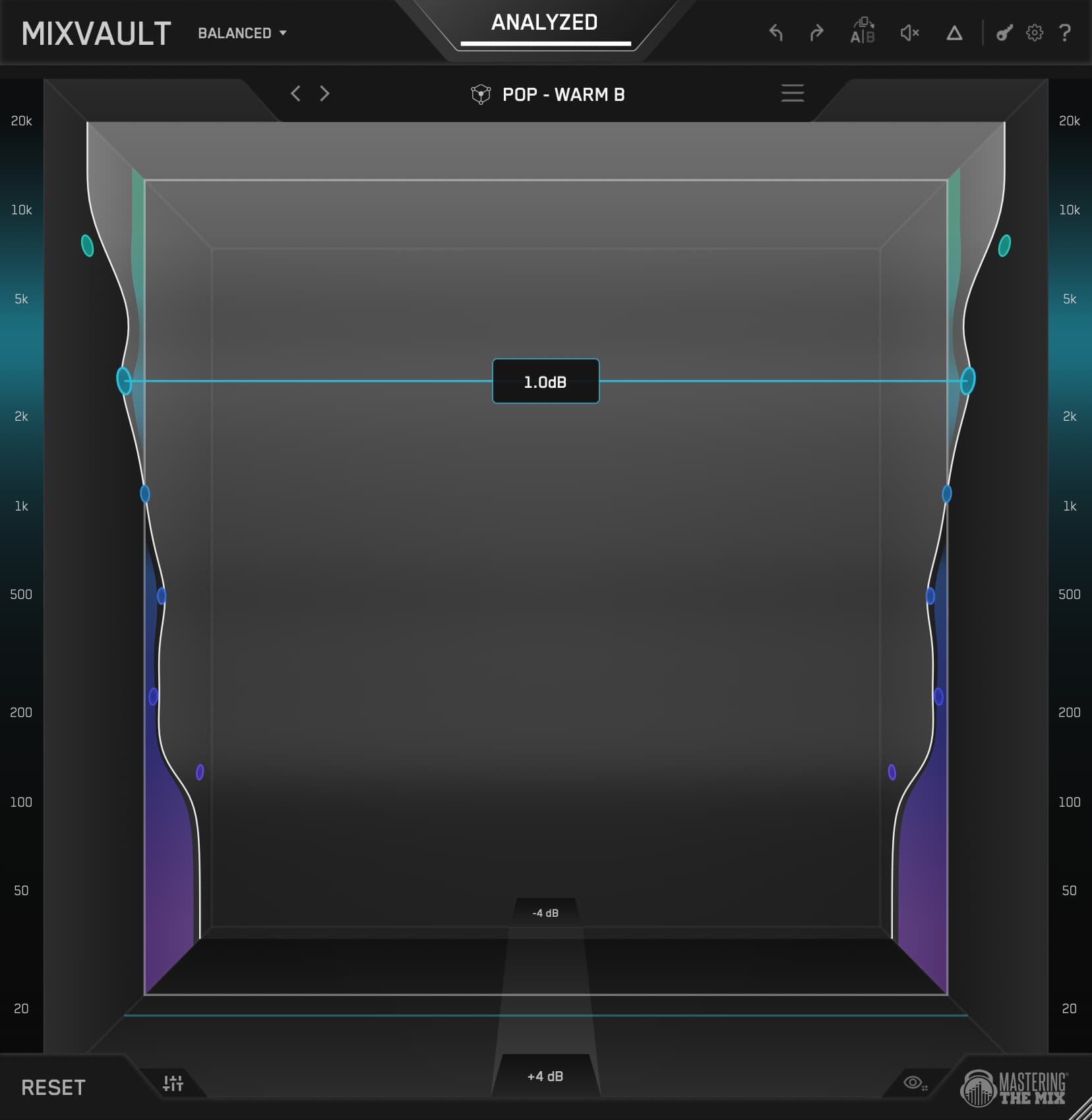
To master with MIXVAULT, load it on your master bus, run ANALYZE on the loudest section to get a genre-matched Smart Preset as your starting point, then shape the fixed bands by feel while checking against a reference at matched loudness. Because every band sits at a fixed frequency and the filters stay phase-clean, you shape tone with total confidence and never smear the master. The Q comes optimised, and you can scroll over a band to fine-tune its width whenever you want to.

I'm Tom Frampton. I run Mastering The Mix, and I master records professionally alongside building the tools. Over the years I've worked with artists including CamelPhat, Tiësto and Calvin Harris, alongside thousands of independent artists, and I have over 1,000 five-star reviews from real clients on my SoundBetter profile. This guide is exactly how I use MIXVAULT to shape tone on a master.
1What MIXVAULT actually does on a master
MIXVAULT is a fixed-band EQ built for speed. On a master, its whole job is one thing done perfectly: the broad tonal balance. Is the track too dark or too bright? Too thick in the low-mids? Missing air up top? Those are the questions that decide whether a master sounds like a record, and MIXVAULT answers them faster than anything else in the chain.

Here's the difference from a normal parametric EQ. In most EQs you spend your energy deciding where to work: what frequency, how wide, how much. MIXVAULT takes those first two decisions off the table. The bands are set and the Q comes optimised for you, so setting the gain is almost always all you need to do, and if you want to fine-tune a band's width you can scroll over it to adjust the Q. That isn't a dumbed-down EQ, it's a deliberate one: you're making broad moves, which is what 95% of mastering EQ is anyway, without an overload of controls that only give you the final 5%. You stop hunting for the frequency and start listening to the balance, which is the only thing that matters on a master.
2Why the fixed bands stay so clean
The reason this matters on a master specifically: the band frequencies stay fixed and phase-stable, so nothing smears (the EQ is MEGA transparent and clean). In a lot of EQs, dragging a band's frequency around introduces phase ringing that blurs transients and thickens the low-end, and on a master that's the last thing you want. MIXVAULT keeps the frequencies locked and the filters phase-stable, so a boost or cut is a transparent gain change exactly where you need it, with no ringing and no smearing, and scrolling a band to tighten or widen its Q stays just as clean.
That's what lets you master with total confidence. Push a band a few dB to open the top end and the transients stay sharp. Pull the low-mids down to clean up the thickness and the kick keeps its punch. You're shaping tone without paying the usual price for it.
MIXVAULT delivers the exact frequency response of a market-leading linear-phase EQ, at its maximum quality setting - with 36x less latency.

Make small moves. Because the bands are fixed and clean, gentle cuts and boosts of a couple of dB are usually all it takes to bring a master into focus. If you're reaching for 6 dB moves on the master bus, the problem is almost always in the mix, not the master.
3The preset-first workflow: ANALYZE and Smart Presets
The fastest way to master with MIXVAULT is to let it give you a starting point, then shape from there. That's what ANALYZE is for. It listens to your track and loads a Smart Preset tuned to your material, so instead of a flat EQ and a blank stare, you begin from a curve that already fits the genre.

Choose your source and genre
Set the source type to Mix for a full master, then pick the genre that best fits your track. This tells MIXVAULT what “right” looks like for your style.
Play the loudest section and ANALYZE
Loop the most representative part of the song, usually the final chorus or the drop, and hit ANALYZE. MIXVAULT reads the incoming audio against your genre choice and loads a matching Smart Preset.
Audition alternatives with the arrows
Step through the alternative suggestions with the preset arrows. Each is a different starting point, and because everything stays level-matched, you can flick between them quickly and keep whichever feels right, without louder ever fooling you.
Shape it to taste
The preset is the ballpark, not the finish line. Pull and push the fixed bands until the master sounds how you want it to sound, and if you want to hear one band in isolation, turn on Auto Gain in Settings so holding a band drops the level of the others by 50%. This is where your ears take over.
This is the honest part of MIXVAULT, and on a master it's everything. Humans hear louder as better, so any EQ move that nudges the level fools you into thinking you improved the sound. MIXVAULT level-matches every move in real time, so when you audition presets or bypass to compare, you're always hearing the true tonal change. Trust the balance you hear, not the volume.
4Choosing your resolution: how many bands you need
The dropdown at the top left sets how many bands MIXVAULT gives you. Fewer, wider bands for fast broad shaping, or more, tighter bands when you want finer control. Every option is equally clean, and switching between them keeps the rough shape you were already working on, so moving from Detailed to Broad carries your tonal intent across rather than starting over.

Wide Q, broad tonal shaping. The fastest way to balance a master with sweeping moves. Start here.
Balanced Q, general mastering. The all-round choice for most masters and the one I reach for most.
Tighter Q, surgical control. Best when you need to target a specific area a broad move would miss.
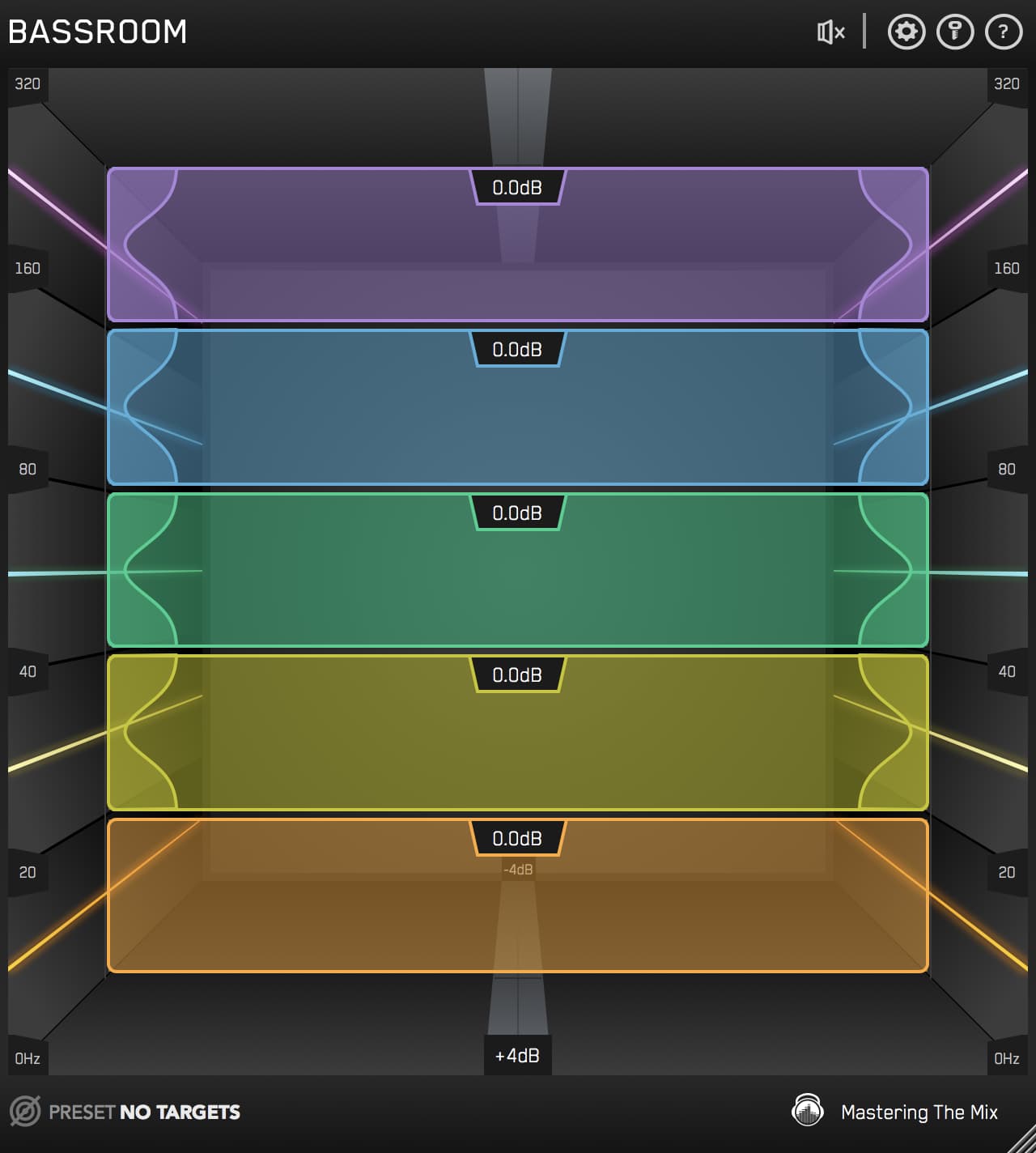
Focused low-end sculpting from 20 to 320 Hz. Dial in the sub and low-end with everything else out of the way.
On a master, my honest advice is to use Balanced. Six bands is enough to shape the whole spectrum without tempting you into over-processing. Drop to Broad when you just need to tilt the overall tone brighter or darker, and only reach for Detailed when there's a specific narrow area a broad move can't handle cleanly.
5Mastering a pop track
Pop lives or dies on the vocal and the top end. A pop master needs to feel bright, polished and immediate, with the vocal sitting proud and the high end open and glossy, but without tipping into harshness that fatigues the ear on a phone speaker. That's a tonal-balance problem, which is exactly MIXVAULT's home turf.
Set the source to Mix, pick the pop genre and ANALYZE the final chorus. The Smart Preset will usually already lean the balance toward a modern pop curve: controlled low-mids, a present upper-mid for the vocal, and lifted air up top. From there I make two or three small moves, gently open the top band for sheen, ease any build-up in the low-mids that's thickening the vocal, and check the sub sits solid rather than boomy. Small moves, level-matched, checked against a reference.
A pop master, before and after MIXVAULT.
Toggle Before and After MIXVAULT while it plays. Both are level-matched, so you're hearing the tonal shaping, not a louder file. The before is cloudy up top, like there's a blanket over the high end. Listen to that cloudiness lift so the track opens out and the vocal breathes.

6Mastering a modern rock track
Rock is a different balancing act. You want weight and body in the guitars and drums, a low-end that hits without turning to mud, and enough top-end presence to cut through, all while keeping the raw energy that makes rock feel alive. There are two usual dangers. The low-mids: layers of guitars, bass and toms pile up in the 200 to 500 Hz region and the whole thing turns boxy. And the top end: distorted guitars, cymbals and room mics stack up into a brittle, harsh edge that fatigues the ear within seconds.
ANALYZE with the source set to Mix and a rock genre, and the Smart Preset gives you a curve that already accounts for that. The move I make almost every time is a gentle dip in the low-mids to clear the boxiness, which instantly makes the master sound bigger and more open. The second is up top: if the highs are spiky and abrasive rather than detailed, easing that band down takes the edge off and the track suddenly sounds expensive instead of exhausting. Because the bands are phase-clean, the low-mid cut clears the mud without robbing the guitars of their body, and the top-end move calms the harshness without dulling the detail underneath it.
A rock master, before and after MIXVAULT.
Toggle Before and After MIXVAULT while it plays. Both are level-matched. The before is brittle and harsh in the top end, the kind of edge that makes you want to turn it down. Listen to MIXVAULT calm that back so the cymbals and guitars sound solid rather than spiky.

7Mastering a hip-hop track
Hip-hop is all about the low-end and the vocal. The sub and 808 have to hit hard and stay solid on everything from a phone to a club system, the vocal has to sit up front and intelligible, and the whole thing needs weight without turning muddy. This is where the Bass resolution works really well: five bands from 20 to 320 Hz let you dial the sub and low-end with everything else out of the way.
My routine: ANALYZE the beat in Mix mode with a hip-hop genre for the overall tonal starting point, then switch to Bass resolution to fine-tune the low-end on its own. A touch of control where the 808 is booming, a small lift where the sub needs weight, always checked in mono so the low-end stays solid. Then back to Balanced to make sure the vocal has enough presence to cut through the beat and the top end has enough detail to sound finished rather than flat.
A hip-hop master, before and after MIXVAULT.
Toggle Before and After MIXVAULT while it plays. Both are level-matched. The before has a loose, undefined low end and not much going on up top. Listen to the bottom tighten into something that actually hits, and the high end open out so the beat has clarity as well as weight.

8Using reference tracks with MIXVAULT
Your ears adjust to whatever you've been listening to, which is why a master can sound perfect after an hour and wrong the next morning. The fix is the same on every master: compare against a professional release in a similar style, at matched loudness, because the louder of two tracks almost always sounds better even when it isn't.

MIXVAULT lets you import a reference track directly, so you can shape your master's tonal balance to sit in the same pocket as a record you already trust. Import your reference tracks, ANALYZE your audio, then click the reference to select that as your profile. MIXVAULT will apply the necessary EQ changes to get your track sonically comparable to your reference track.
For the deeper method on choosing and using references, there's how to use reference tracks: the complete guide and how to choose the right reference track.
A fair comparison is a level-matched comparison. MIXVAULT keeps everything level-matched automatically, so when you A/B against your reference you're judging tone against tone, never volume against volume. That's the only way to trust the call you make.
9Where MIXVAULT sits in the mastering chain
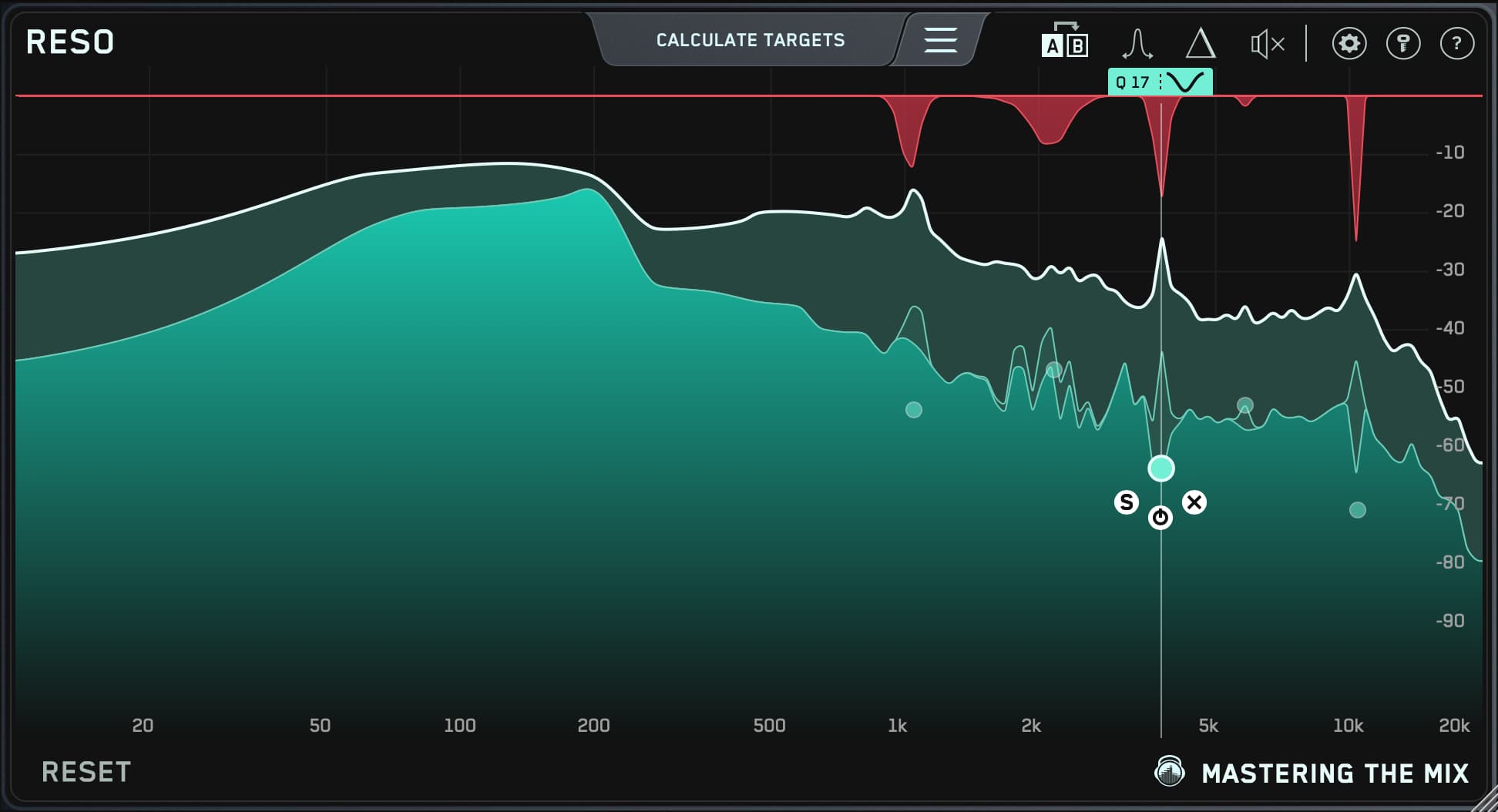
MIXVAULT is your tonal-shaping stage, and it comes early. Clean the resonances first with RESO, set the width with STEREOVAULT, then shape the broad tonal balance with MIXVAULT. Those three go first, in that order, because you want the track cleaned, imaged and tonally right before anything downstream starts working on it.

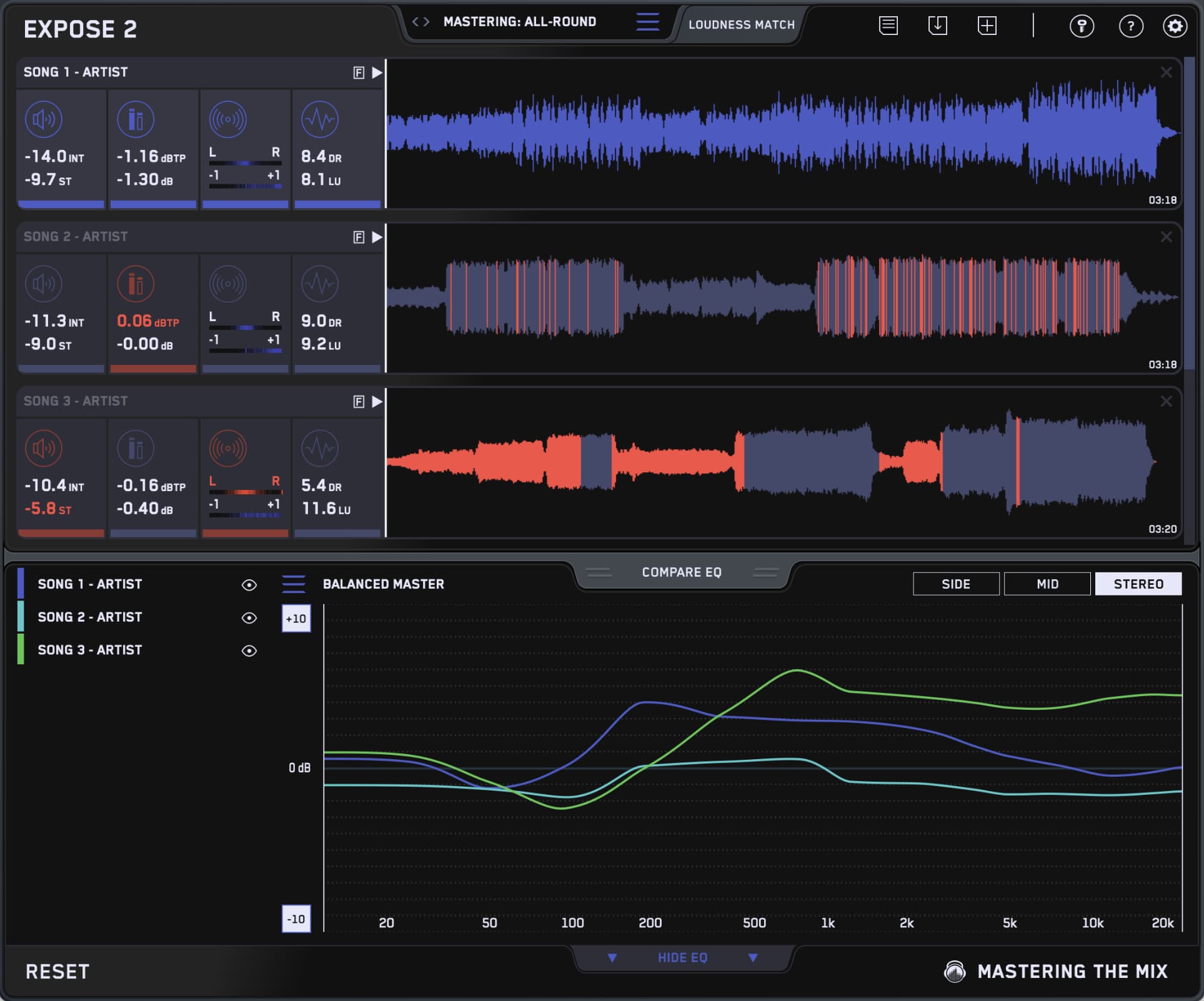
From there, run whatever you like. MIXVAULT lives before FASTER MASTER, giving you a more immersive, hands-on way to shape the master before FASTER MASTER handles the transients, compression, loudness and other finishing touches.If you're not using FASTER MASTER you'll obviously want a limiter at the end of the chain to set your level, but the middle is yours: once RESO, STEREOVAULT and MIXVAULT have done the groundwork, add whatever processing serves the song. Then check against a reference with REFERENCE 3 and QC the file with EXPOSE 2.
The full stage-by-stage method for the whole chain is in Audio Mastering: The Complete Guide, and the loudness side is covered in how loud should you master.
Master tone with confidence
A great master is mostly one thing done right: the tonal balance. MIXVAULT takes the two slowest decisions, which frequency and how wide, off the table, so you spend all your attention on the only question that matters, does this sound balanced? Run ANALYZE for a genre-matched start, make small level-matched moves, and check against a reference.
That's the same approach I use on records for artists you know and first singles from artists nobody's heard yet. Try MIXVAULT free and hear how fast a master comes together when the EQ stops fighting you.
?Mastering with MIXVAULT FAQ
Can I use MIXVAULT to master a whole track?
Yes. MIXVAULT is a fully phase-stable, fixed-band EQ, which makes it ideal for the master bus. Load it on your master, run ANALYZE on the loudest section with the source set to Mix, and shape the tonal balance from the Smart Preset it loads. It handles the broad EQ stage of mastering, then you compress and limit to loudness afterwards.
Why is a fixed-band EQ good for mastering?
Because the EQ frequency bands don't move, nothing smears. Fixed frequencies and a phase-clean filter design mean a boost or cut is a transparent gain change with no phase ringing, which is exactly what you want on a master where clarity and punch have to survive. The Q comes optimised, and you can scroll a band to fine-tune it without giving up that transparency. You also stop hunting for frequencies and focus entirely on the balance, which is the thing that actually decides how professional a master sounds.
What resolution should I use for mastering?
Balanced (6 bands) works best for most masters, it's enough to shape the whole spectrum without over-processing. Drop to Broad (4 bands) when you just want to tilt the overall tone brighter or darker, and use Detailed (9 bands) only when a specific narrow area needs attention. The Bass resolution is perfect for fine-tuning low-end on bass-heavy genres like hip-hop.
How does ANALYZE work when mastering?
Play the loudest section of y our track (this usually has the broadest range of frequencies) Click ANALYZE, then set the source type to Mix, pick the genre that fits your track. MIXVAULT reads that audio against your genre choice and loads a Smart Preset as your starting point. Use the arrows to audition alternatives, all perfectly level-matched, and keep whichever fits before shaping it to taste.
Can I match my master to a reference track?
Yes. MIXVAULT lets you import a reference track and A/B against it at matched loudness. Use the fixed bands to close the tonal gap between your master and a professional release you trust. Because everything stays level-matched, you're always judging tone against tone rather than being fooled by one being louder.