

Every producer has stared at an EQ and wondered where to start. This cheat sheet gives you the starting points: where each instrument's weight, mud, clarity and air sit, and where to look when something sounds wrong.
Most EQ moves land in a few predictable places. Weight lives below 100 Hz, mud between 200 and 500 Hz, boxiness between 300 Hz and 1 kHz, clarity and attack between 2 and 5 kHz, and air above 10 kHz. High-pass the parts that don't need low end, cut problems before you boost, and use the chart above to find each instrument's sweet spots.
Treat every number as a place to start sweeping, not a setting. At Mastering The Mix we make these moves with MIXVAULT: its Smart Presets analyze your vocals, bass, drums, music or full mix and suggest the moves, and every move is level matched, so a boost can't fool you just by being louder. Below you'll find the full spectrum, instrument-by-instrument tables, what to do about the problems you hear, and which type of EQ move fits each job.
1The frequency spectrum at a glance
Before you reach for a single instrument, it helps to know what each part of the spectrum does to a mix. The boundaries are approximate and every source draws them slightly differently, but these are the ones we use across our guides.
| Range | Frequencies | What it gives you | Too much sounds |
|---|---|---|---|
| Sub bass | 20 to 60 Hz | Weight you feel more than hear | Rumbly, eats your headroom |
| Bass | 60 to 200 Hz | Punch and warmth in the kick and bass | Boomy, bloated |
| Low mids | 200 to 500 Hz | Warmth and fullness | Muddy, cloudy |
| Mids | 500 Hz to 1 kHz | Body and weight in instruments | Boxy, honky |
| Upper mids | 1 to 2 kHz | Bite and attitude | Nasal, tinny |
| Presence | 2 to 5 kHz | Clarity and definition | Harsh, tiring |
| Brilliance | 5 to 10 kHz | Sparkle and detail | Sibilant, brittle |
| Air | 10 to 20 kHz | Openness and sheen | Hissy, thin |
Your ears are most sensitive between about 2 and 5 kHz, so small moves there make a big difference. For more on what each range sounds like, see our guides to the different frequency ranges and balancing the midrange.
2Drums EQ cheat sheet
| Drum | Weight and body | Often cut | Attack and clarity | Air |
|---|---|---|---|---|
| Kick | 50 to 100 Hz | 300 to 500 Hz (boxiness) | 2 to 5 kHz (beater click) | Rarely needed |
| Snare | 150 to 250 Hz | 400 to 900 Hz (ring and box) | 2 to 5 kHz (crack) | 8 to 12 kHz (sizzle) |
| Hi-hats and cymbals | None needed | Below about 250 Hz (high-pass) | Usually fine as recorded | 6 to 16 kHz (shimmer) |
Kick
Decide whether your kick's weight sits in the 50 to 100 Hz area or higher, then let the bass take the other spot. A small cut around 300 to 500 Hz often cleans up a cardboard-sounding kick, and a lift around 2 to 5 kHz helps it cut through on small speakers.
Snare
Most snare problems are a ring or a boxy tone somewhere between 400 and 900 Hz. Find it with a narrow sweep and cut a few dB. If the snare feels thin, add a little around 150 to 250 Hz rather than pushing the top end.
Hi-hats and cymbals
High-pass them to clear room for the kick, bass and vocal, but listen as you raise the filter. Go too high and the cymbals lose their body and start to sound like white noise.
3Bass and 808 EQ cheat sheet
| Source | Weight | Often cut | Definition |
|---|---|---|---|
| Bass guitar | 40 to 100 Hz | 200 to 300 Hz (mud) | 700 Hz to 1.5 kHz (growl and string noise) |
| 808 | 30 to 60 Hz (the fundamental) | Wherever it clashes with the kick | 100 to 250 Hz (harmonics that help it translate) |
Low end causes more problems than any other part of a mix, because most rooms and headphones misrepresent it. Two moves help most. Give the bass some upper harmonics so it still reads on phones and laptop speakers, and stop the kick and bass fighting over the same frequencies at the same moment.
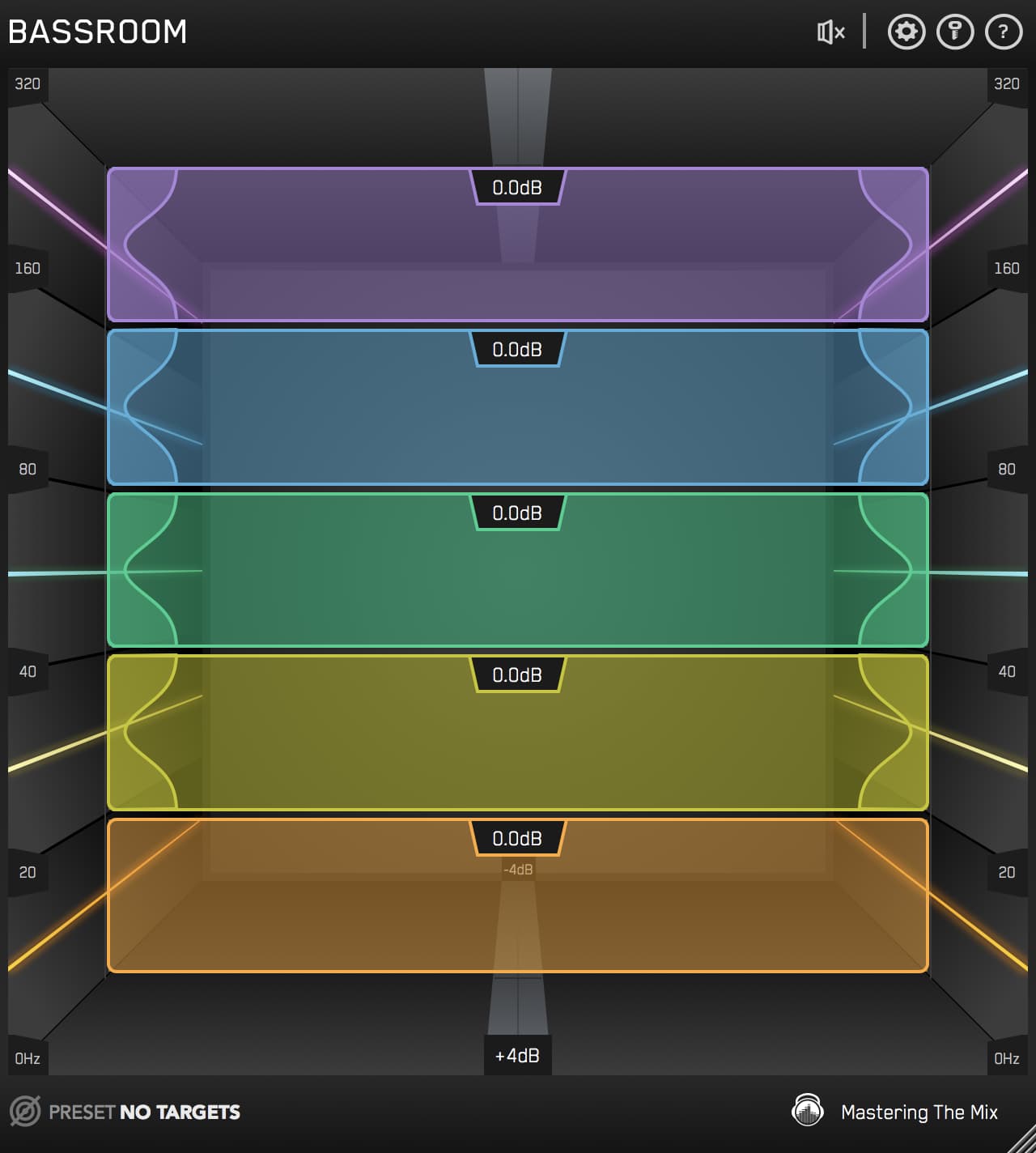
For the first, BASSROOM compares your low end with targets built from professional references in your genre, or your own reference track, and suggests the EQ moves. For the second, put FUSER on the bass, send the kick to its sidechain, and it dips only the frequencies where the two clash, only while the kick plays. Our guide to how to mix low end goes deeper.
4Vocals, guitars, keys and synths
| Source | High-pass around | Body | Often cut | Clarity | Air |
|---|---|---|---|---|---|
| Lead vocal | 80 to 100 Hz | 120 to 200 Hz | 250 to 400 Hz (mud), 5 to 8 kHz (sibilance) | 3 to 5 kHz | 10 kHz and up |
| Acoustic guitar | 80 Hz | 100 to 200 Hz | 300 to 600 Hz (boxiness) | 2 to 5 kHz | 8 to 12 kHz |
| Electric guitar | 90 Hz | 200 to 400 Hz | 6 to 9 kHz (fizz) | 1.5 to 4 kHz (bite) | Usually low-passed instead |
| Piano and keys | Depends on the arrangement | 100 to 250 Hz | 300 to 600 Hz (boxiness) | 3 to 5 kHz | 8 to 12 kHz |
| Synth pads | 200 Hz or higher | Leave it to the bass | 250 to 500 Hz (mud) | Rarely needed | 8 to 12 kHz |
Vocals
Set the high-pass by ear. A deep male vocal may need it lower than 80 Hz, and a light female vocal can often go higher. Treat sibilance between 5 and 8 kHz with a de-esser rather than a static cut, so the vocal keeps its brightness between the S's. For a full walkthrough, see how to EQ vocals to shine without sounding harsh.
Guitars, keys and pads
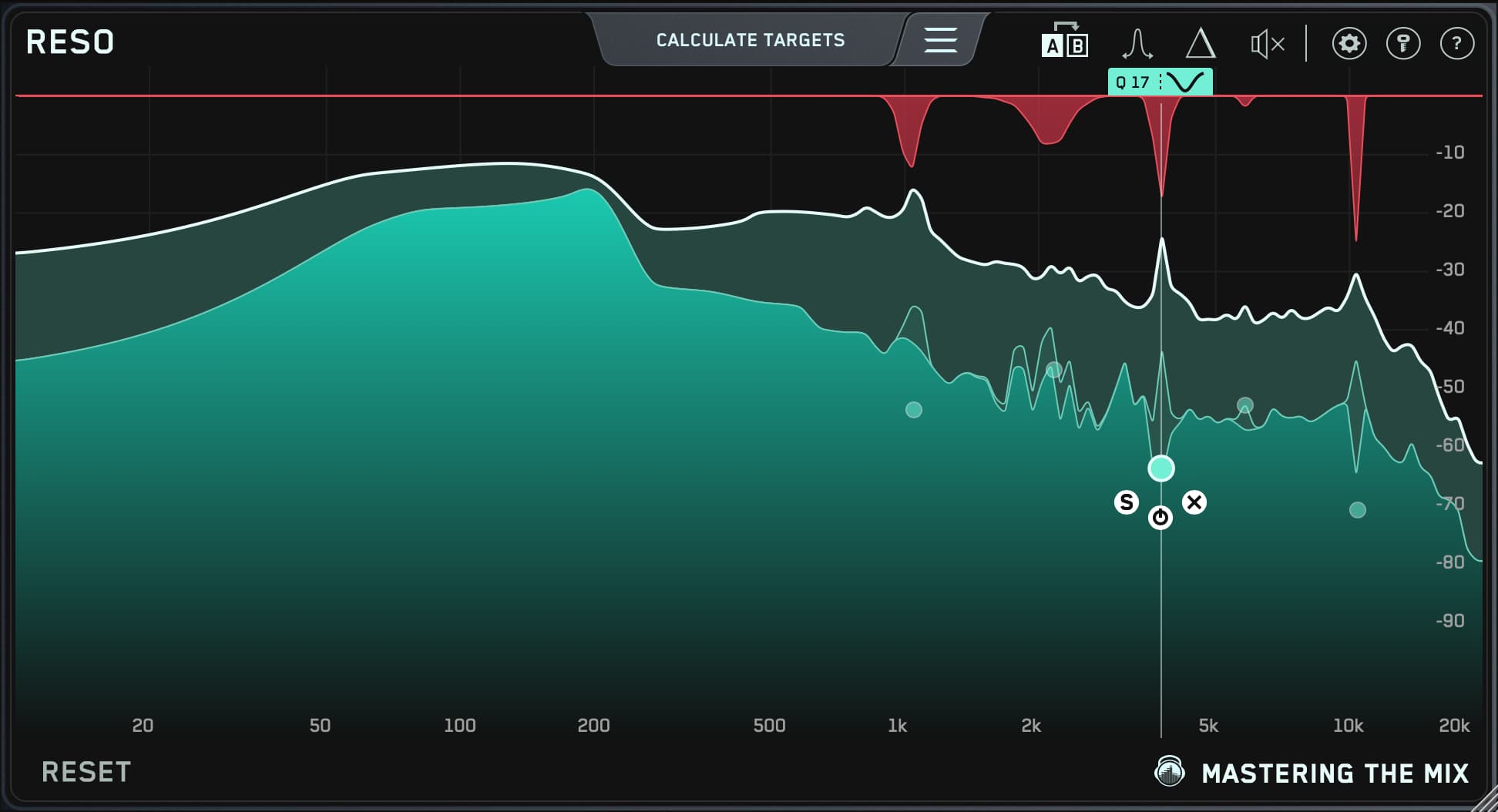
These parts share the midrange with the vocal, so they're usually where the space for the vocal comes from. If a guitar or synth rings on certain notes, a static cut takes the life out of every other note. RESO finds those ringing resonances and turns them down only when they become prominent. There's more in how to EQ guitar, keys, synths and leads.
5What you hear, and where to look
Most of the time you'll start from a problem, not an instrument. Here's where each one usually lives.
| You hear | Look around | Try |
|---|---|---|
| Muddy, cloudy | 200 to 400 Hz | A wide cut on the parts that aren't the bass or kick |
| Boomy | 80 to 200 Hz | A cut, or high-pass the parts that don't need low end |
| Boxy, cardboard | 300 to 800 Hz | A narrower cut, found with a sweep |
| Honky, nasal | 800 Hz to 1.5 kHz | A gentle cut |
| Harsh, tiring | 2 to 5 kHz | A gentle cut, or dynamic EQ if it only happens on loud notes |
| Sibilant | 5 to 8 kHz | A de-esser |
| Dull | 8 to 12 kHz | A gentle high shelf boost |
| Thin | 100 to 250 Hz | A gentle boost |
| Buried vocal | 3 to 5 kHz | A small boost on the vocal, or a dip in the same area on the parts competing with it |
6Choosing the right EQ move
| Move | What it does | Use it for |
|---|---|---|
| High-pass filter | Removes everything below a frequency | Parts that don't need low end: vocals, guitars, hats, pads, reverb returns |
| Low-pass filter | Removes everything above a frequency | Taming fizz on distorted guitars, darkening reverbs |
| Shelf | Raises or lowers everything above or below a point | Broad tone: more weight, more air |
| Wide bell | Boosts or cuts a broad range | Tone shaping and musical boosts |
| Narrow bell | Boosts or cuts a small range | Cutting rings and resonances |
| Dynamic EQ | Only acts when a frequency gets loud | Harshness or boom that comes and goes |
Two rules of thumb cover most of it: cut narrow, boost wide, and keep most moves to a few dB. If you need a 10 dB boost to make something work, the problem is usually the sound itself or another part covering it. Our list of EQ mistakes that can ruin your music covers the rest.
7How to use this cheat sheet without overdoing it
- Start with the problem, not the chart. Listen first, name what's wrong, then use the tables to know where to look.
- Sweep to find it. Boost a narrow band, sweep it through the range until the problem jumps out, then turn the boost into a cut. Turn your monitors down first, because sweep boosts get loud.
- Level match your before and after. A boost that's louder will almost always sound better, even when it isn't. MIXVAULT level matches every move for you. With other EQs, use the output gain so bypass and processed are equally loud.
- Check against a reference. Compare your mix with a professional track in your genre at the same loudness. REFERENCE 3 level matches the comparison, and MIXVAULT can load a reference and show the moves that bring your track closer to it.
- Look at the whole mix, not one track. A cut on the guitar can do more for the vocal than any boost on the vocal. CARBON Q balances EQ and volume across your vocals, music, drums and bass together, with every move level matched.
Train your ears
The cheat sheet gets you to the right area. Your ears do the rest, and they get faster with practice. EQ ACADEMY is our free ear-training game: 100 levels where you match your EQ to a target, and every level is randomly generated, so no two challenges are the same.
Use the numbers, then trust your ears
An EQ cheat sheet tells you where to look. What you do there depends on the sound, the song and everything else playing at the same time. Start with small moves, cut before you boost, level match every comparison, and check your mix against a reference.
Don't take my word for it. Download the free trials, load MIXVAULT on a vocal or bass, and compare its Smart Preset with your own moves. Every plugin also comes with a 30-day money back guarantee.
?EQ cheat sheet FAQ
What frequency should I cut to remove mud?
Mud usually sits between 200 and 400 Hz. Try a wide cut of a few dB there on the parts that aren't the bass or kick, such as guitars, keys, pads and vocals, and listen to the whole mix as you do it.
Where is the clarity in a vocal?
Most of a vocal's clarity and presence sits between 3 and 5 kHz, with air above 10 kHz. Often the best way to make a vocal clearer is to cut the same 3 to 5 kHz area slightly in the instruments competing with it.
Should I cut or boost with EQ?
Cut problems first, then boost to add character. Cuts are usually narrow and boosts wide. Both are fine, as long as you level match before you judge the result.
Should I high-pass every track?
No. The kick, bass and 808 need their low end, and some instruments lose their warmth if you filter too high. High-pass the parts that don't need low end, and set the filter by ear rather than by a fixed number.
Do these frequencies work for every song?
They're starting points. Every recording, key and arrangement is different, so use the ranges to know where to sweep and let your ears and a reference track decide the final settings.
What is the best EQ for beginners?
One that shows you clearly what each move does and stops louder from fooling you. Your DAW's stock parametric EQ is enough to learn on. MIXVAULT uses fixed bands, so you only decide how much to boost or cut, and it level matches every move.