


A great vocal mix is the difference between a song that feels finished and one that feels like a demo. Listeners follow the voice first, so if it sounds dull, harsh, buried or stuck on top of the music, nothing else in the mix can save it.
A better vocal mix comes from a short chain of plugins, each with one job: pitch correction, EQ, a resonance suppressor, compression, a de-esser, saturation, reverb and delay, and finally something to set the vocal's level and make room for it in the music. Most vocal problems come from skipping a step, doing two jobs with one plugin, or getting the balance with the music wrong.
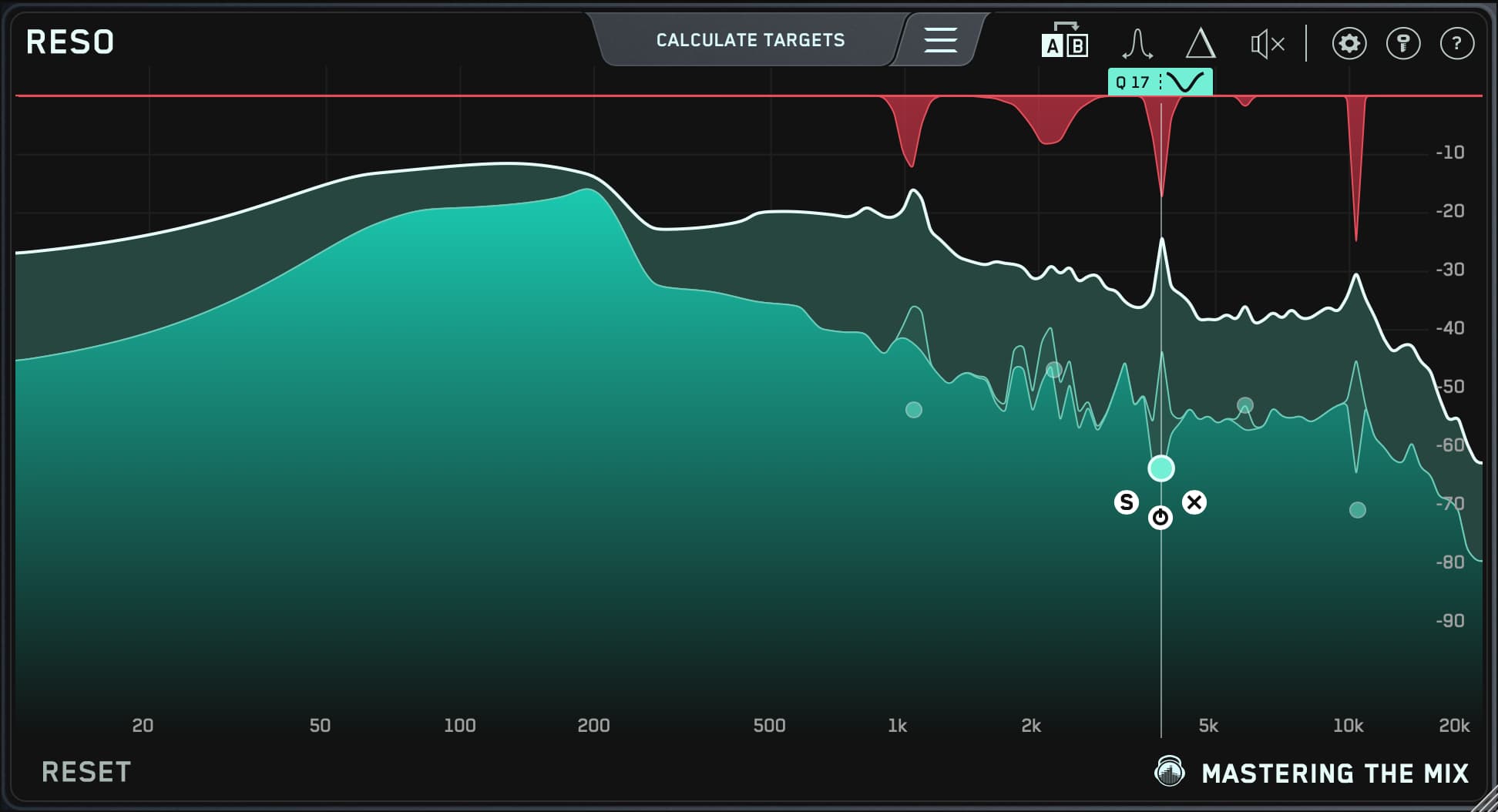
From Mastering The Mix, that means MIXVAULT for fast, level-matched vocal EQ, RESO for harsh or honky resonances, FUSER when the vocal fights a guitar or synth, and CARBON Q to set the vocal's tone and level against the rest of the mix. Melodyne or Auto-Tune for pitch, an 1176 or LA-2A style compressor, a de-esser such as FabFilter Pro-DS and a good reverb and delay complete the chain. The table below shows which tool fits which job.
1What a "better" vocal mix actually means
Most lists of vocal plugins jump straight to the gear. It's worth deciding what you're aiming for first, because a vocal can fail in a few very different ways, and each one needs a different tool.
| What you hear | What's usually wrong | Plugin that fixes it |
|---|---|---|
| Buried, hard to make out the words | Level too low, or masked by guitars, keys or synths | Volume balance, compression, unmasking |
| Sitting on top, not part of the song | Too loud, too dry or too bright for the track | Volume balance, reverb and delay, EQ |
| Muddy or boxy | Low mids building up, often from the room | EQ, high-pass filter |
| Harsh, piercing or nasal on certain notes | Resonances that ring on loud or high notes | Resonance suppressor, dynamic EQ |
| Spitty S and T sounds | Sibilance, often made worse by compression and bright EQ | De-esser |
| Some words jump out, others disappear | Too much dynamic range | Compression, clip gain or volume automation |
| Flat and lifeless | No harmonics, no space, or over-compressed | Saturation, reverb and delay, gentler compression |
The quickest way to find out which of these you have is to compare your vocal with a professional song in the same genre at the same loudness. REFERENCE 3 level matches the comparison and its Mix Balance guidance shows whether your vocal sits louder or quieter against the music than the reference. Our guide to getting great vocals with reference tracks walks through it.
2The vocal chain, step by step
Here is a common order. It's a starting point, not a rule, but it puts the fixes before the flavor, which saves you processing problems you'll cut out later.
1. Clean up first
Before any plugin, edit the take. Remove clicks, mouth noises and loud breaths, and high-pass the rumble below the voice, usually somewhere around 80 to 120 Hz, depending on the singer. Sweep the filter up until the vocal starts to thin out, then back it off a little.
2. Tune and time
If the vocal needs pitch or timing correction, do it now, because everything after it reacts to the notes. Melodyne lets you edit each note by hand for transparent results, and Auto-Tune is the go-to for both natural correction and the hard-tuned effect. Our four secrets to transparent tuning in Melodyne cover the natural approach.
3. Corrective EQ and resonances
Cut what's in the way before you add anything. Mud builds up between about 200 and 500 Hz, boxiness between 300 Hz and 1 kHz, and nasal or harsh ringing anywhere from 1 to 5 kHz. Broad problems that are there all the time are an EQ job. Narrow ringing that only flares on certain notes is better handled by a resonance suppressor, which cuts only when it rings.

4. Compression
Compression evens out the loud and quiet words so the whole line stays heard. Many engineers use two compressors in series, a fast 1176 style to catch peaks and a slower LA-2A style to smooth the overall level, each doing a few dB of gain reduction. See how to compress vocals for professional results for settings.
5. De-essing
Compression and bright EQ both bring sibilance forward, so de-ess after them. A dedicated de-esser listens for S, T and SH sounds, usually somewhere between 5 and 10 kHz, and turns down only those moments.
6. Tone and character
Now add what the vocal is missing. Gentle saturation adds harmonics that help a vocal cut through without turning it up, and a wide, gentle EQ boost adds presence or air. Small amounts go a long way.
7. Space
Reverb and delay place the vocal in the song. Send them on aux channels rather than inserting them, high-pass and low-pass the returns so they don't cloud the mix, and try a short pre-delay so the words stay clear in front of the space.
8. Fit it into the mix
Finally, set the vocal's level against the music and make room for it where other parts compete. This is the step most chains leave out, and it's often the one that decides whether a vocal sounds finished.
3The best plugins for mixing vocals, compared
| Plugin | Type | Best for | Worth knowing |
|---|---|---|---|
|
MIXVAULT Mastering The Mix |
EQ | Fast, clean tone shaping on the lead vocal or vocal bus | ANALYZE builds a Smart Preset for your source, fixed phase-safe bands, every comparison level matched |
|
RESO Mastering The Mix |
Dynamic resonance suppressor | Harsh, nasal or honky notes that ring out | Finds resonances for you and cuts only when they flare up, with delta listening to hear what it removes |
|
FUSER Mastering The Mix |
Unmasking dynamic EQ | A vocal fighting a guitar, synth or keys | On the instrument, with the vocal in its sidechain, it cuts only where they clash and only while the vocal sings |
|
CARBON Q Mastering The Mix |
Session-wide EQ and volume balance | Setting the vocal's tone and level against the music, drums and bass | Can take just the vocal balance from a song you love, with every move level matched |
|
ANIMATE Mastering The Mix |
Enhancer (saturation, width, punch, expansion) | Adding harmonic excitement to a dull vocal | IGNITE adds harmonics only in the frequency range you choose |
| Melodyne Celemony |
Pitch and timing editor | Transparent, note-by-note correction | Editing takes time, but nothing is changed that you don't choose |
| Auto-Tune Antares |
Real-time pitch correction | Quick correction and the hard-tuned effect | Set the key and scale first, or it pulls notes to the wrong pitch |
| Pro-Q 4 FabFilter |
Parametric and dynamic EQ | Surgical cuts on one problem frequency | Very precise, but you choose every frequency yourself |
| Pro-DS FabFilter |
De-esser | Taming sibilance | Dedicated de-essers handle S sounds better than general resonance tools |
| 1176 and LA-2A styles Universal Audio, Waves and others |
Compressors | Catching peaks (1176) and smoothing level (LA-2A) | Widely used in series on lead vocals |
You don't need all of these. A stock EQ, compressor and reverb in any DAW can get a vocal a long way. The plugins above save time, or fix the problems stock tools struggle with: resonances that come and go, a vocal that clashes with one instrument, and a level that never sits right against the music.
4How to EQ a vocal fast with MIXVAULT
Load it on the vocal and hit ANALYZE
Put MIXVAULT on your lead vocal after any tuning and play the busiest section. ANALYZE gives you a Smart Preset tailored to that vocal as a starting point.

Pull forward what you want, push back what you don't
Instead of typing in numbers, pull a frequency towards you to bring it forward and push it back to drop it into the distance. Start with the Broad resolution for big tonal moves, then switch to Balanced or Detailed if you need more control.
Judge it honestly
Everything is level matched underneath, so when you bypass, you hear the change in tone, not just a change in volume. If the EQ'd vocal only sounded better because it was louder, you'll know straight away. For more on where to cut and boost, see how to EQ vocals to shine without sounding harsh.
5When the vocal sounds harsh or nasal on certain notes
If a vocal turns piercing only when the singer pushes, a static EQ cut is the wrong tool. It takes that frequency away on every note, so the quiet parts lose their clarity too.
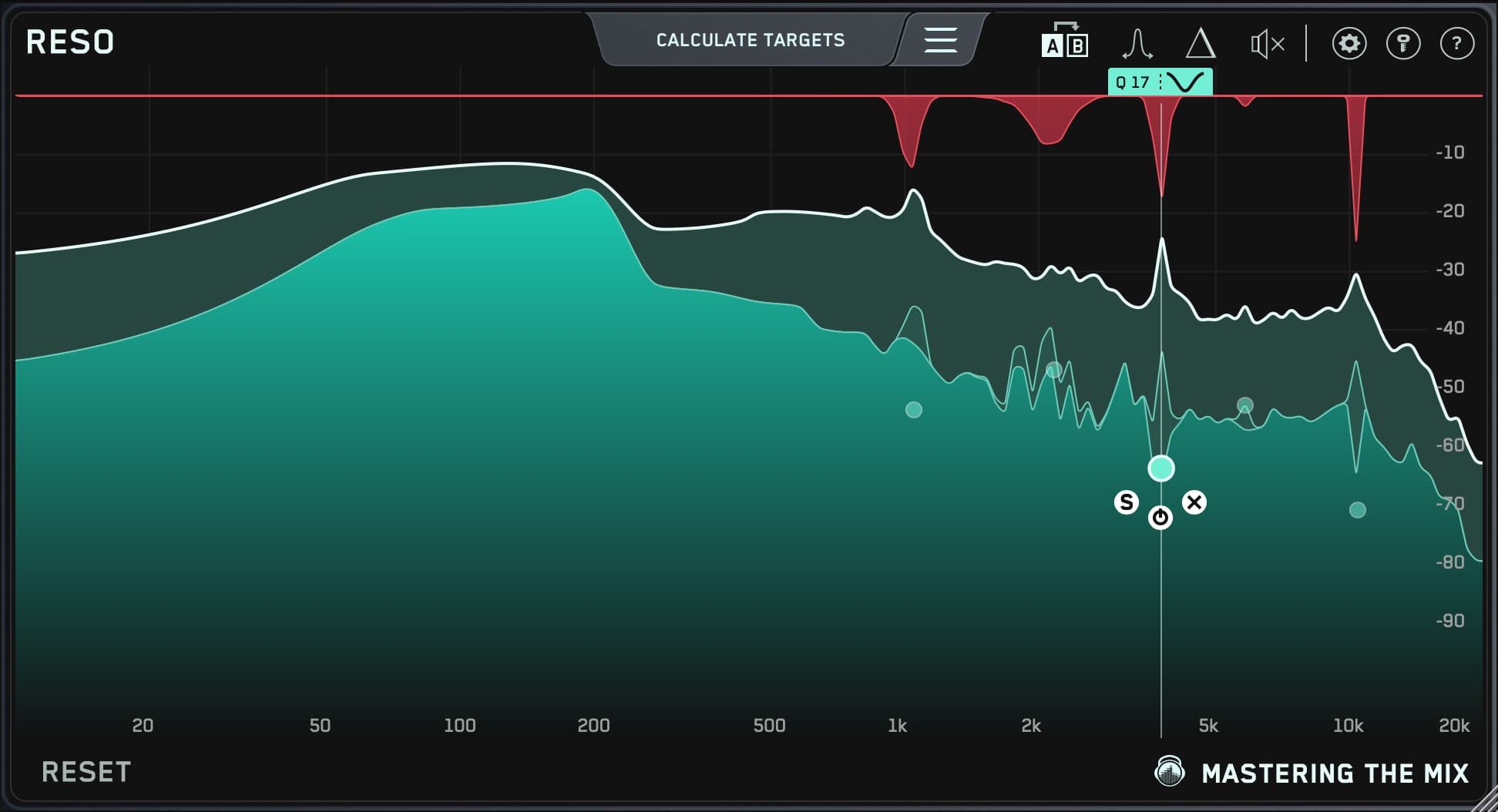
RESO scans the vocal, shows you the resonances, and applies cuts that are triggered by the resonance itself, so they only act when the note rings. Use delta listening to hear exactly what it's removing. If all you hear is a thin, whistly ring, you're in the right place. If you hear the words, back it off. RESO can help with harsh upper frequencies, but for classic S sounds a dedicated de-esser is still the better tool. There's more in how to fix vocal resonances.
6When the vocal disappears behind the music
Turning the vocal up is the obvious fix, but if a guitar, synth or piano sits in the same range, the vocal ends up loud and still unclear. The usual answer is to cut the competing instrument around 1 to 5 kHz for the whole song, which leaves it thin and dull when the vocal isn't singing.
FUSER does it only when it's needed. Put it on the instrument, send the vocal to its sidechain, and it highlights where the two clash. The cuts happen only while the vocal is singing, so between the lines the instrument keeps its full tone.

Then set the level. Put CARBON Q on your output and on your vocals, music, drums and bass. Hit ANALYZE and it suggests Smart Presets that set the tone and volume balance of every group at once, or drop in a song you love and take just its vocal balance. Every change is level matched, so you're comparing balance, not loudness. Our guide to mixing vocals to sit in a dense mix covers the arrangement side too.
7Common vocal mixing mistakes
- Mixing the vocal in solo. A vocal that sounds great alone is often too bright or too thick against the music. Make every decision with the full mix playing.
- Boosting the top end, then fighting the sibilance. Big high-frequency boosts and heavy compression both bring S sounds forward. Add air gently, and de-ess after.
- One compressor doing all the work. Squashing a vocal with 10 dB or more of gain reduction in one go makes it flat and pumpy. Two gentle stages, plus volume automation for the odd loud word, sound more natural.
- Too much reverb on the insert. A reverb plugin inserted on the vocal at 30% wet clouds the words. Use sends, filter the returns, and add pre-delay.
- Judging changes that make the vocal louder. Louder almost always sounds better for a moment. Level match before you decide, which MIXVAULT, CARBON Q and REFERENCE 3 all do for you.
Try it on your own vocal
A better vocal mix comes from giving each plugin one job, fixing problems before adding character, and setting the vocal's level against the music, not on its own. Check every step against a song you trust at matched loudness.
Don't take my word for it. Download the free trials, load your lead vocal, and hear how much clearer it gets. Every plugin also comes with a 30-day money back guarantee.
?Vocal mixing FAQ
Which plugins can help me get a better vocal mix?
A pitch corrector, an EQ, a resonance suppressor, a compressor, a de-esser, saturation, and reverb and delay. From Mastering The Mix, MIXVAULT handles vocal EQ, RESO tames harsh resonances, FUSER stops instruments masking the vocal and CARBON Q sets the vocal's tone and level against the rest of the mix. Melodyne or Auto-Tune, an 1176 or LA-2A style compressor and a de-esser such as FabFilter Pro-DS complete the chain.
What order should vocal plugins go in?
A common order is clean-up and high-pass, pitch correction, corrective EQ and resonance control, compression, de-essing, saturation and tonal EQ, then reverb and delay on sends. It's a starting point, not a rule.
Should I EQ before or after compression on vocals?
Cut problems such as mud and resonances before compression, so the compressor doesn't react to them. Add tonal boosts such as presence and air after it, so the compressor doesn't bring them up further.
How do I make my vocals sit in the mix?
Set the level with the full mix playing, compress so every word holds its place, make room in the instruments that compete with it, and use reverb and delay to put it in the same space as the music. Compare with a reference at matched loudness to check the balance.
Can I mix vocals with stock plugins?
Yes. Any DAW's EQ, compressor, de-esser and reverb can get a good vocal. Dedicated plugins mostly save time or solve harder problems, such as resonances that come and go, or a vocal clashing with one instrument.
Do your plugins work in my DAW?
MIXVAULT, RESO, FUSER, CARBON Q and ANIMATE all run as VST3, AU and AAX on macOS and as VST3 and AAX on Windows, so they work in all the major DAWs.