

Where Every Mastering Plugin Sits In The Chain
Where do BASSROOM, MIXROOM, RESO, FASTER MASTER, REFERENCE 3 and EXPOSE 2 belong in your mastering chain? The full-control five-stage order, three genre templates, and exactly what changes when you...
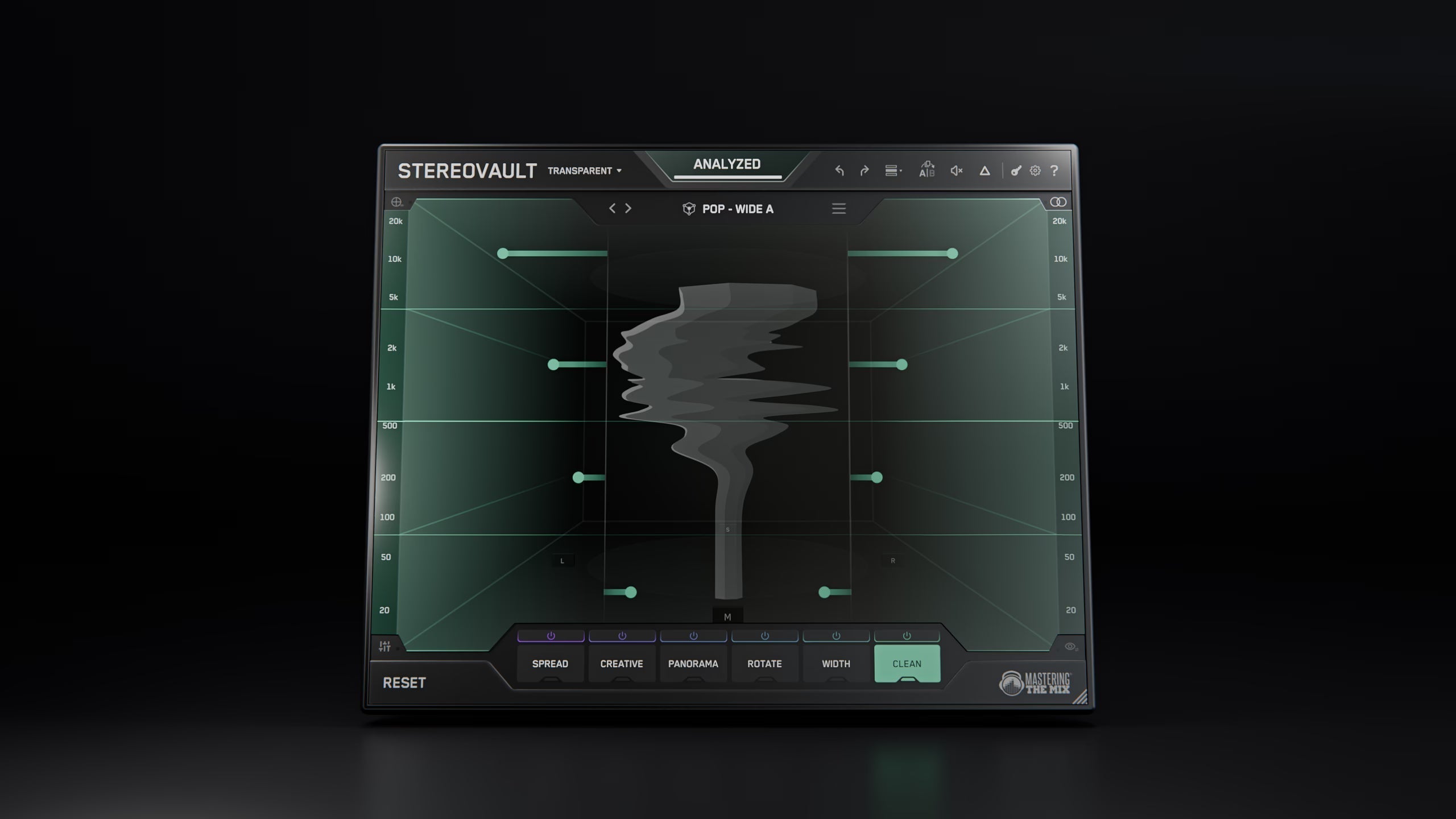
How To Add Width To Bass Without Losing Mono Compatibility
For years, producers have been told one golden rule: keep everything below 100Hz mono. That advice came from a good place. It protects your low-end from collapsing, disappearing, or sounding wea...
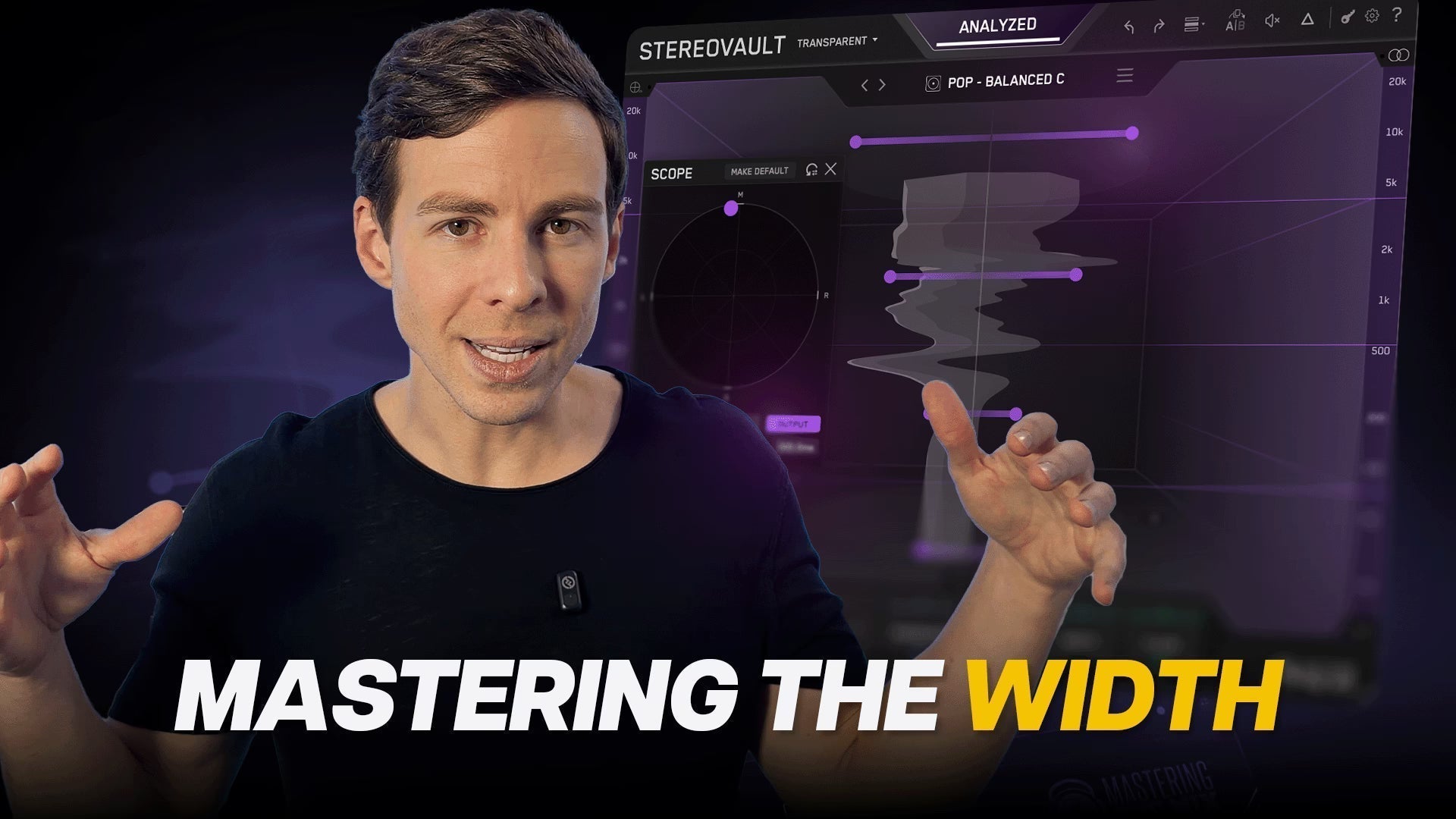
How To Get The Right Stereo Width On Your Master With STEREOVAULT
Perfecting stereo width in mastering is difficult because the moves are usually small, but the consequences are huge. Push too far and the low end can weaken, the centre can lose focus, and the who...
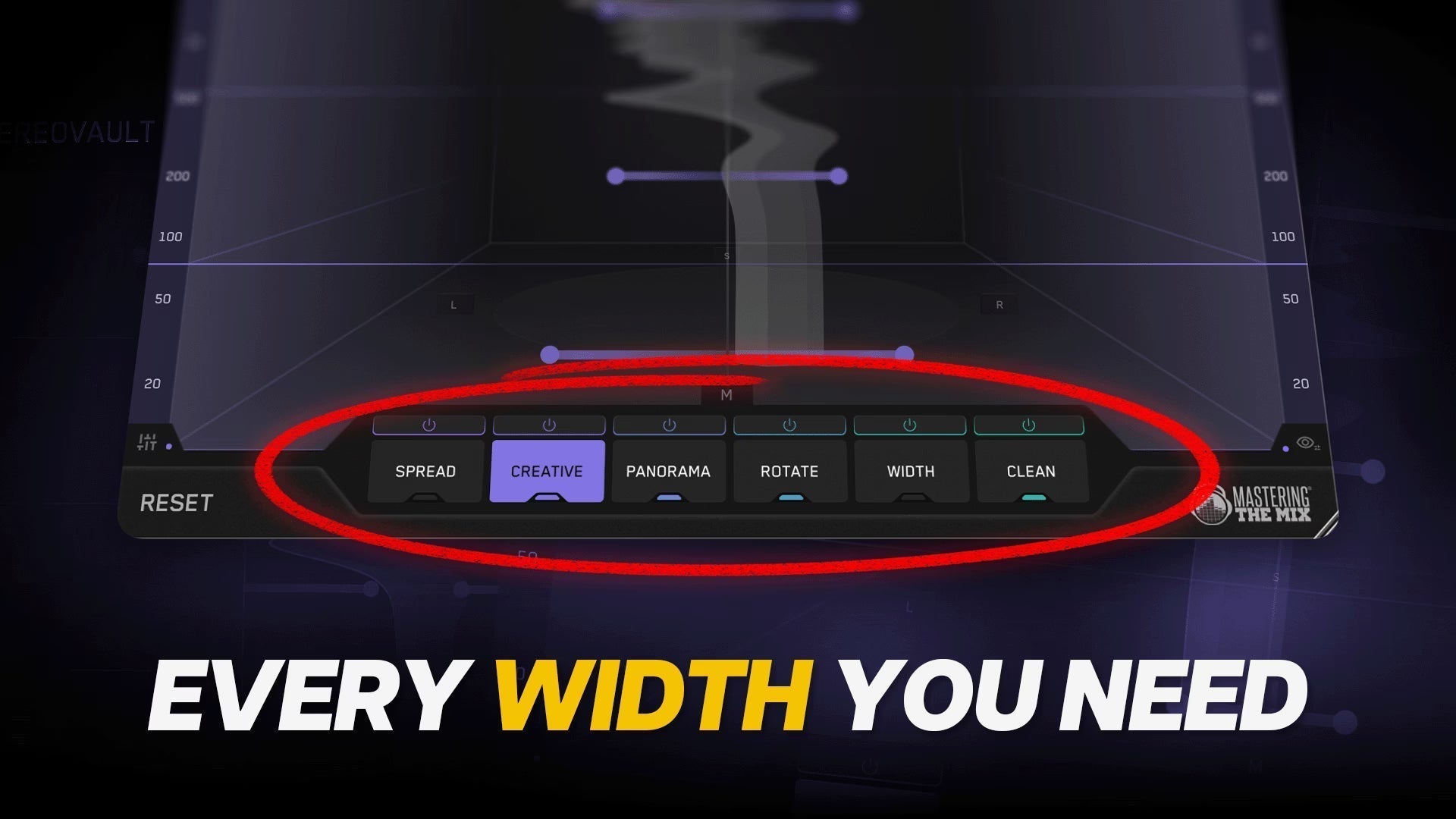
How To Mix With STEREOVAULT And Nail The Width Across Your Whole Track
Stereo can make a mix feel bigger, deeper, wider, and more emotional. But it can also wreck a good track faster than most producers realise. A few bad stereo moves can weaken the low end, blur the ...

How To Choose The Right Reference Track For Your Mix
You can use reference tracks and still not get a better mix. That usually happens when the track you're comparing against doesn't actually suit the song you're working on. It might sound amazing o...

How To Know If Your Mix Is Actually Done
You think your mix is done. Then you play a professional track after it, and suddenly yours sounds smaller, flatter, and less expensive. REFERENCE 3 solves this. It lets you compare your mix again...
