

Looking at the frequency spectrum of a song is easy. Plenty of free plugins draw the curve. Knowing what that curve means for your mix is the hard part, and it is where most "best spectrum analyser" lists stop.
If you just want to see a song's spectrum, a free analyser like Voxengo SPAN does the job well. If you want to know what the spectrum is telling you, the best plugin is REFERENCE 3 by Mastering The Mix. It puts your mix next to professional reference tracks at matched loudness, and its Masterscope shows the EQ and stereo width changes needed to get closer to the sound you are after.
The comparison below shows which tool fits which job, followed by how to read a spectrum without being misled by it.
1What a spectrum analyser shows you
A spectrum analyser draws how much energy a sound has at each frequency, from the sub bass on the left to the air on the right. On a finished song the curve usually slopes down as it moves right, because low frequencies carry more energy than high ones. That slope is normal. What matters is where your curve bulges or dips compared with songs you trust.
- A bump around 200 to 500 Hz often sounds muddy or boxy.
- Too much energy around 2 to 5 kHz can sound harsh at volume.
- A steep drop above 10 kHz can sound dull next to commercial releases.
- A big build-up below 60 Hz can sound boomy in a car and disappear on a phone.
2The best plugins for seeing a song's frequency spectrum, compared
| Plugin | Type | Best for | Worth knowing |
|---|---|---|---|
|
REFERENCE 3 Mastering The Mix |
Reference comparison and analysis | Knowing what to change after you look at the spectrum | Level-matched A/B with your references, Masterscope for EQ and stereo width, Match % and written Mix Instructor steps. £59 |
| SPAN Voxengo |
Spectrum analyser | A clear, free real-time view of the spectrum | Free, accurate and popular. It shows the curve, but doesn't compare it with a reference or suggest what to change |
| FreqAnalyst Blue Cat Audio |
Spectrum analyser | A simple display, with a free version | The paid Multi version can overlay several tracks at once |
| Insight 2 iZotope |
Metering suite | Detailed analysis: spectrum, spectrogram, loudness and stereo | Very thorough, with more on screen than many mix decisions need |
| Pro-Q 4 FabFilter |
EQ with analyser | Seeing the spectrum of one track while you EQ it | The analyser is part of the EQ, so it is ideal on a channel and less suited to comparing whole songs |
| Your DAW's analyser | Built in | A quick look without installing anything | Ableton Live's Spectrum device and Logic Pro's Channel EQ analyser both work. Fine for a glance, limited for comparisons |
These are all good tools, and the free ones are genuinely useful. The difference with REFERENCE 3 is that it answers the question that comes straight after looking at a spectrum: how does this compare with the records I want to sound like, and what should I change?
3Why a spectrum on its own can mislead you
Every genre has its own shape. A hip hop track and an acoustic ballad look very different on an analyser, and both can be perfectly balanced. Without something to compare against, it is easy to EQ towards a curve that looks tidy but sounds wrong for the style.
Loudness fools you too. If your reference is louder than your mix, it will sound better, and you will chase changes you don't need. That is why REFERENCE 3 level matches playback, so you compare balance and not volume.
And a fast display jumps around with every note. The overall tonal balance only shows up when you look at an average over the busiest section of the song.
4How to read the spectrum of a song
- Put the analyser last. Place it on your master bus after everything else, so you see what the listener hears.
- Loop the busiest section. The chorus or the drop gives the most useful picture. Quiet intros make everything look thin.
- Slow the display down. A slower average shows the overall balance, which is what you want for mix decisions.
- Compare, don't stare. Load a professional track in the same genre and look at both curves. A spectrum only means something next to a reference.
- Listen before you EQ. If the curves differ but the mix sounds right, leave it. The display is a guide, not a target to hit exactly.
5How to compare your spectrum with a reference in REFERENCE 3
Load REFERENCE 3 last on your master
Put it at the end of your master bus, after your limiter, so you are comparing exactly what you would export.
Drop in two or three reference tracks
Choose songs in your genre that sound the way you want yours to. REFERENCE 3's Smart Reference Tracks suggests the best matches from your library, and it loops the loudest section of each one automatically.
Switch at matched loudness
Flip between your mix and a reference. Because the levels are matched, the differences you hear are tone, width and dynamics, not just volume.
Read the Masterscope
Masterscope shows the EQ and stereo width changes needed to get closer to the reference, and flags phase issues and over-compression along the way.
Follow the Mix Instructor
Mix Instructor turns the differences into written steps, and Match % shows how close your tonal balance, stereo width, dynamics and loudness are as you work.
6What producers say about REFERENCE
"Reference 3 is a must-have for comparing your tracks with pro masters and getting your loudness and balance spot on."
"REFERENCE is my go-to plugin to A/B between reference tracks and get my mix & master where I want it to be!"
"REFERENCE gives me a reliable objective perspective, helping me make better mix decisions."
7Other ways to see your frequencies with Mastering The Mix
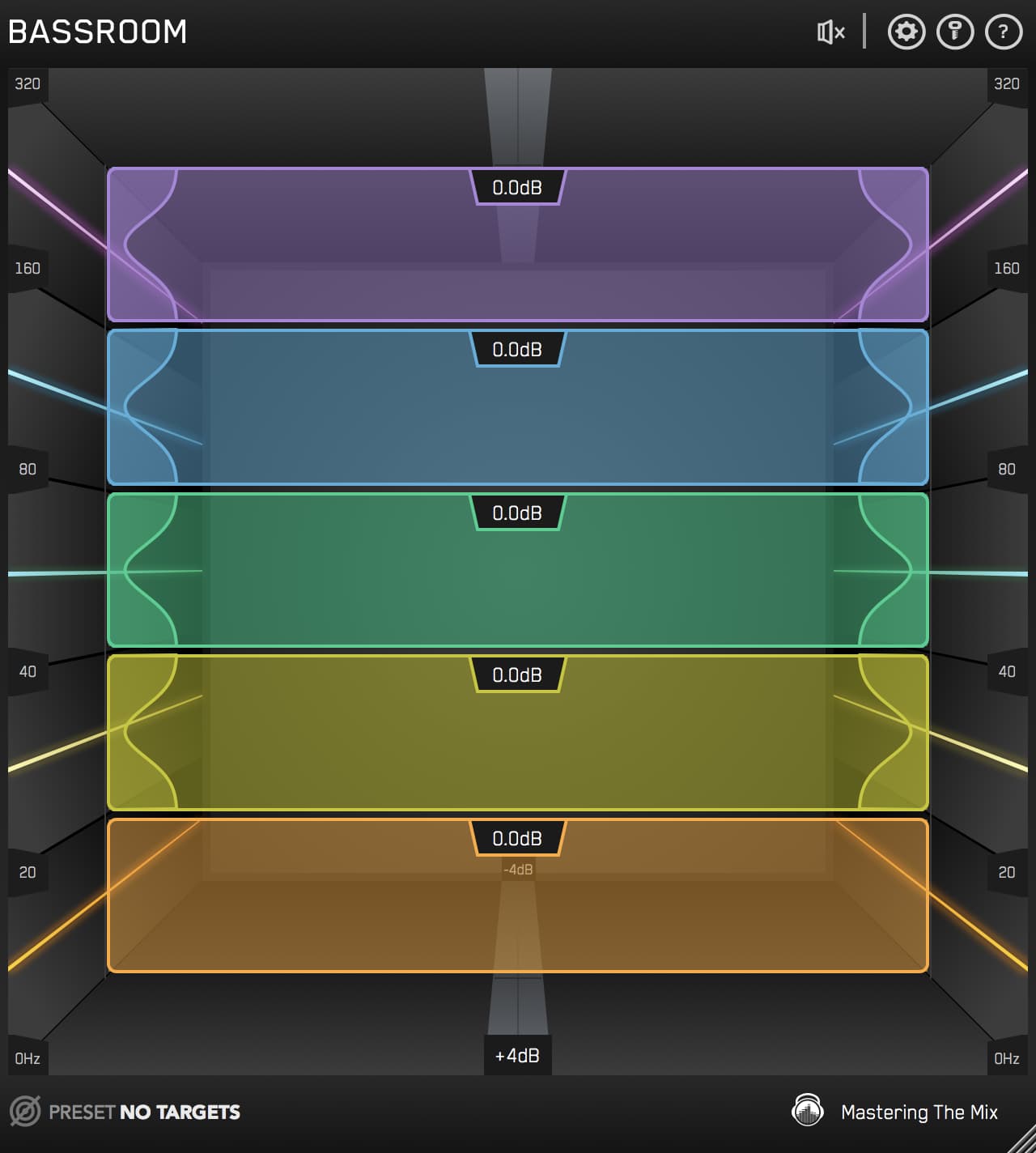
- Your low end: BASSROOM shows your low end against targets built from professional releases and suggests the EQ moves to get there.
- While you EQ: MIXVAULT lets you load a reference track and shows the EQ moves that bring your track closer to its tonal balance.
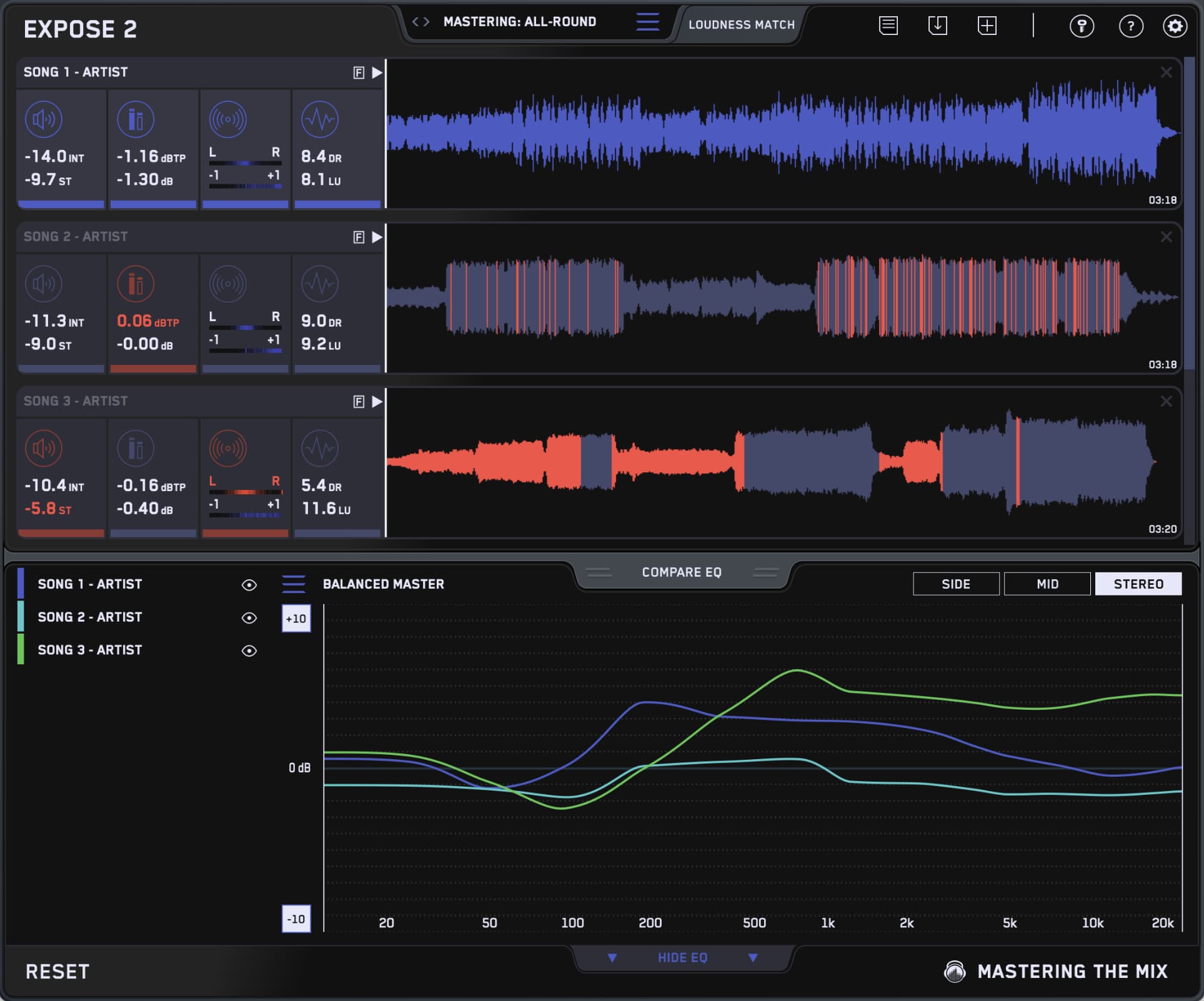
- Before you release: EXPOSE 2 checks a finished file and flags tonal balance problems, such as a master that is too dark, too bright, harsh or muddy.
Try it on your own mix
A spectrum analyser shows you where the energy in a song sits. The useful part is knowing what to do about it, and that comes from comparing your mix with records you trust, at the same loudness.
Don't take my word for it. Download the free REFERENCE 3 trial, drop in a song you love from your genre, and see how your mix compares. Every plugin also comes with a 30-day money back guarantee.
?Frequency spectrum FAQ
What is the best plugin for visualising the frequency spectrum of a song?
For a free, simple display, Voxengo SPAN. For understanding what the spectrum means for your mix, REFERENCE 3 by Mastering The Mix, because it compares your track with professional reference tracks at matched loudness and shows the EQ and stereo width changes needed to get closer.
Is a free spectrum analyser good enough?
For seeing the spectrum, yes. The limit is interpretation. A free analyser shows you the curve but not whether it is right for your genre, which is where comparing with a reference helps.
What should a good mix look like on a spectrum analyser?
There is no single correct curve. Most finished songs slope down from the low end to the highs, but the exact shape depends on the genre. Compare with a well-mixed song in the same style rather than aiming for a flat line.
Should I mix while watching the analyser?
Use it to check, not to steer. Make decisions by ear, then use the analyser and a reference to confirm what you are hearing, especially in an untreated room or on headphones.
Where should I put a spectrum analyser in my session?
On the master bus, last in the chain, to see the whole song. Put one on a single track when you want to find that track's key frequencies before you EQ it.
Does REFERENCE 3 work in my DAW?
REFERENCE 3 runs as VST3, AU and AAX on macOS (Apple Silicon native) and as VST3 and AAX on Windows, so it works in all the major DAWs.